Access, sync, and share without leaving your Mac. Upload files, mount cloud drives, monitor services, track changes, and manage remote storage right from your menu bar.
Show me the free apps only
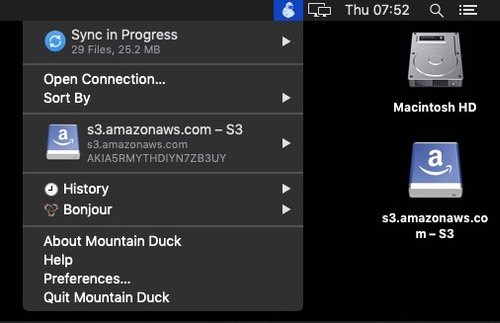
This menu bar app lets you access remote servers, WebDAV servers, Dropbox, Google, OneDrive, S3 servers and more via a drop-down interface. It’s also a cross-platform solution that provides the same tools for Windows users.
Visit
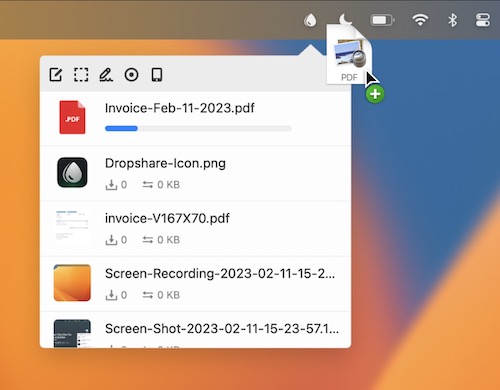
Upload screen shots, screen recordings, files, literally anything to your favorite storage provider or to your own server and share them with just a link.
Visit Watch
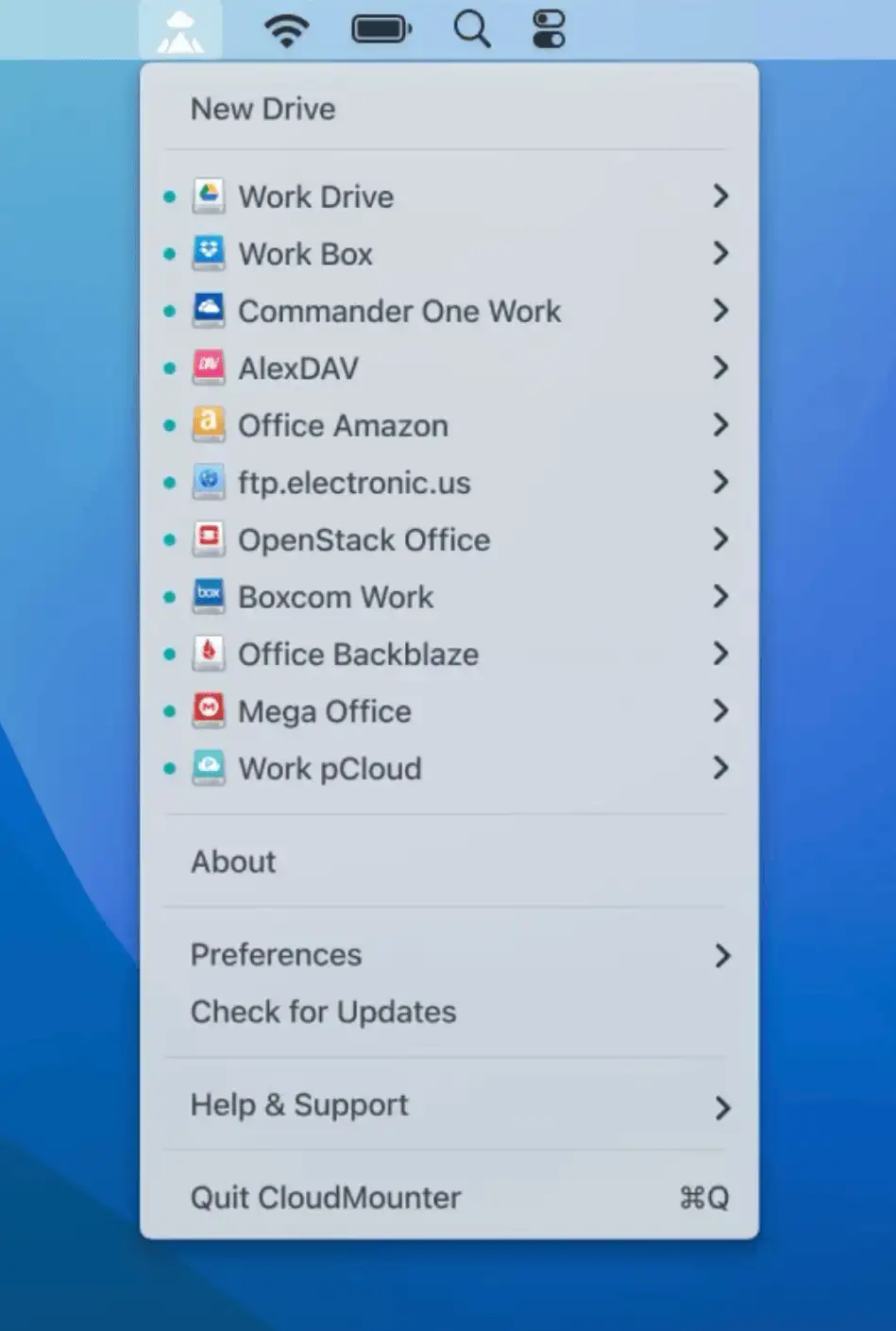
Mount your different cloud storages and web servers to your Mac as local drives. Now you can open cloud storage (Google Drive, Microsoft OneDrive, Dropbox, FTP/FTPS, WebDAV, Amazon s3, and SFTP) as if it were an external drive.
Visit Watch
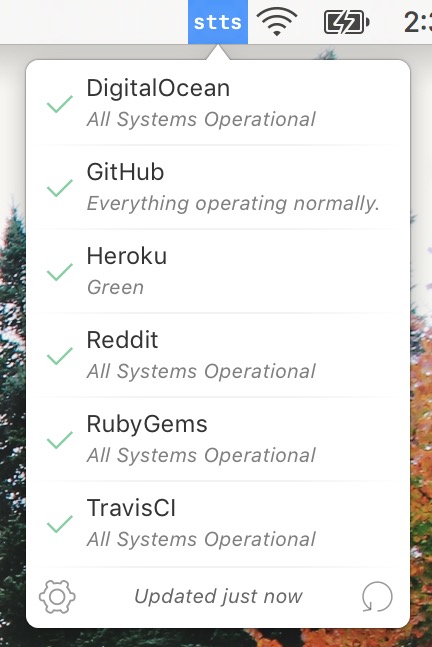
With stts, you can keep an eye on your favorite cloud services and lets you check their status with a single click. It stays out of the way, sending timely notifications only when something goes down or comes back online.
Visit
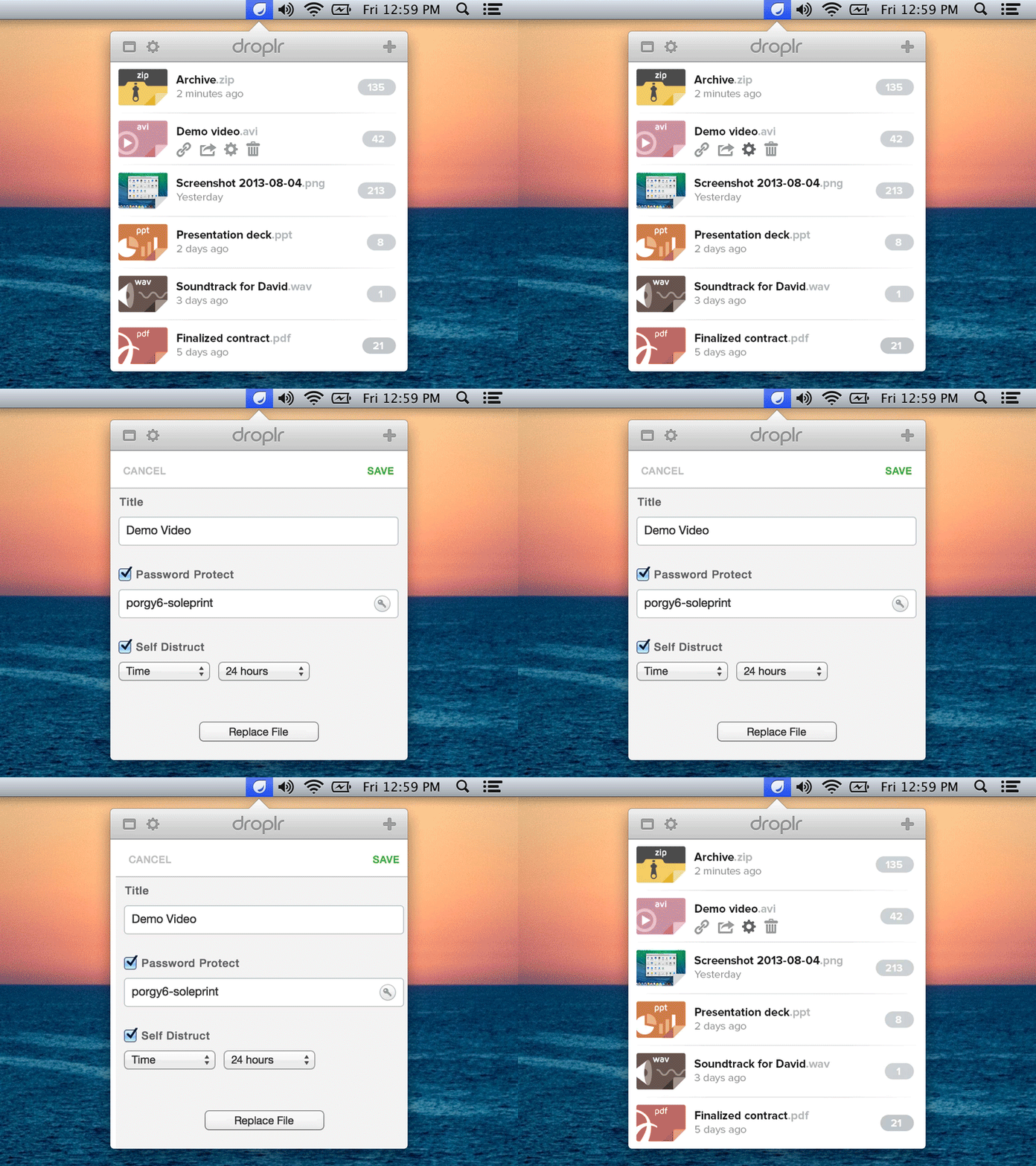
Drag and drop your files to the Droplr icon in the menubar. They will be uploaded to your Droplr storage. You will get the link to the files that you can share with your friends. Free users (4 GB Cloud Storage) can keep the files in the cloud storage for 24 hours.
Visit
End of content
End of content