
Collection:
Code Apps
Fast, focused developer tools that live one click away. Convert, format, preview, launch, search and automate without leaving your flow. From JSON formatting and JWT decoding to terminal history, emulators, SF Symbols and script runners, everything stays lightweight, local and instantly accessible.
Collection:
Code Apps
ForgedBrew

ForgedBrew brings Homebrew to a native Mac interface, making it easier to discover, install, update, and manage packages without relying on Terminal commands.
Collection:
Code Apps | Note Taking Apps
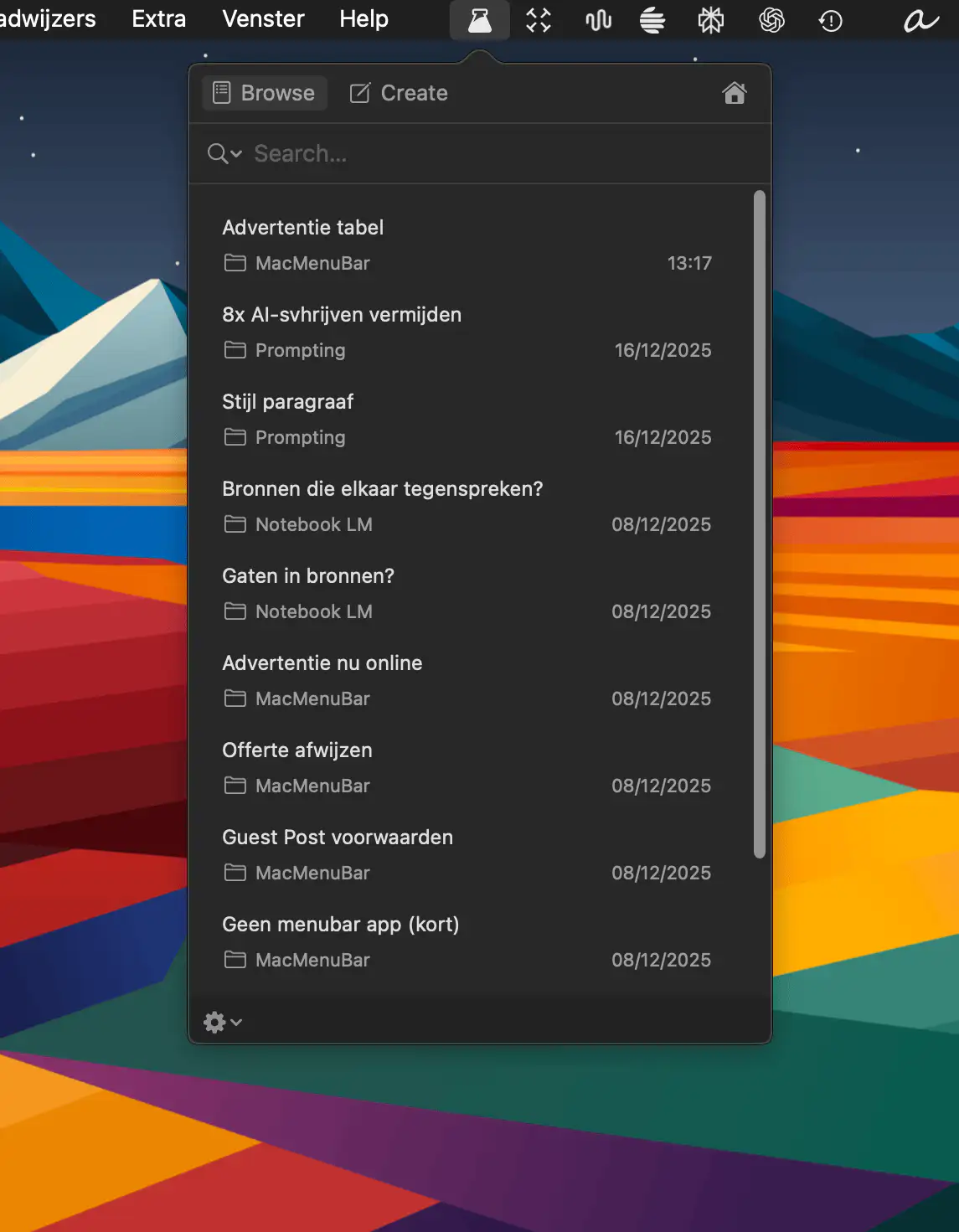
SnippetsLab
Collection:
Code Apps
CodeSwissKnife
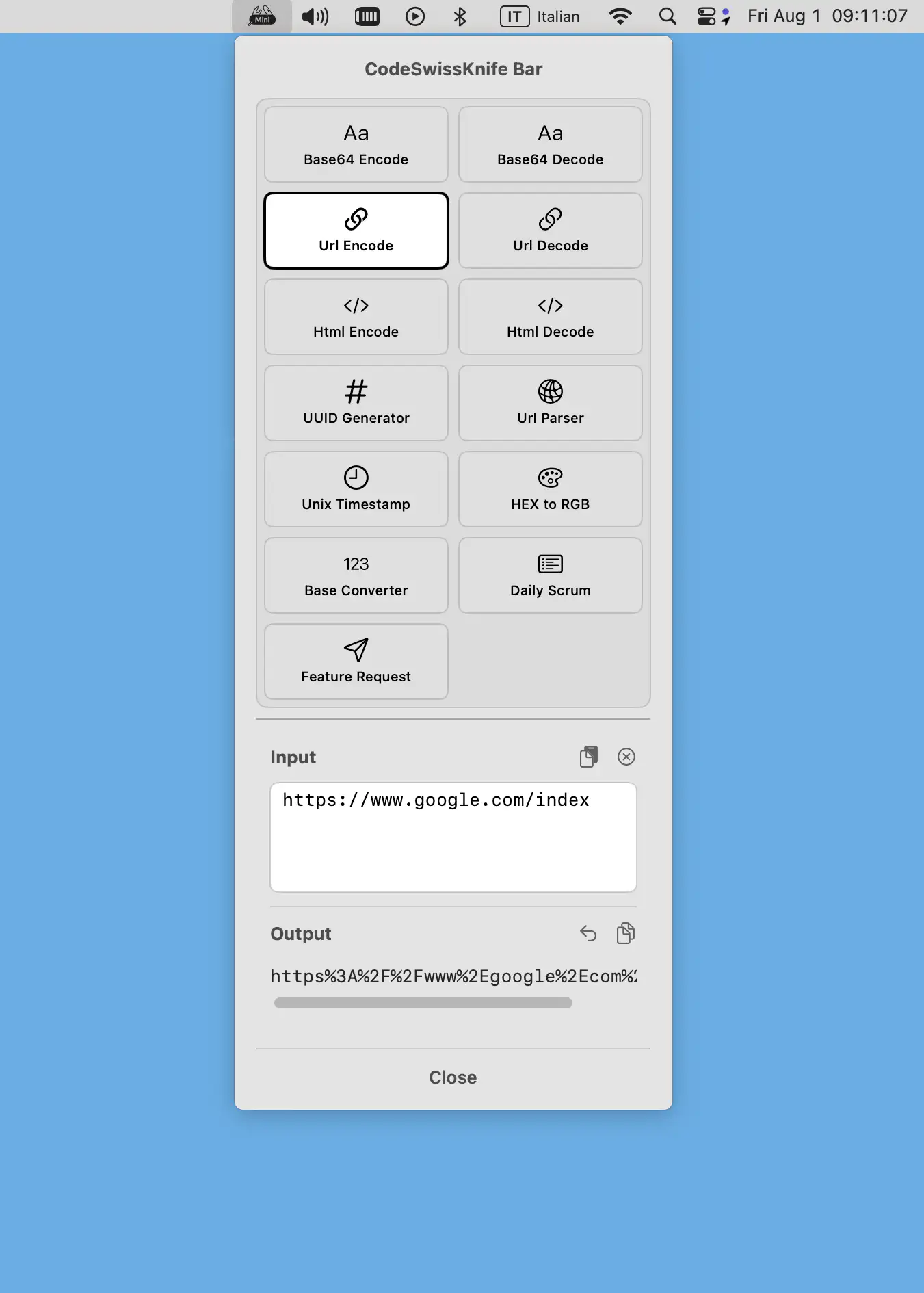
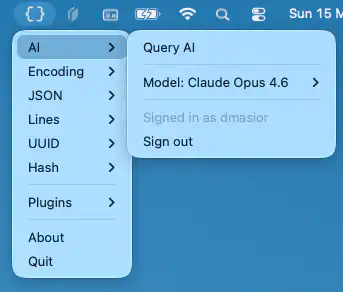
CodeSwissKnife Bar slots essential offline dev tools into your macOS menu bar—instant Base64, UUID, color, and timestamp magic with zero clutter or tracking, keeping your focus razor-sharp.
Collection:
Code Apps
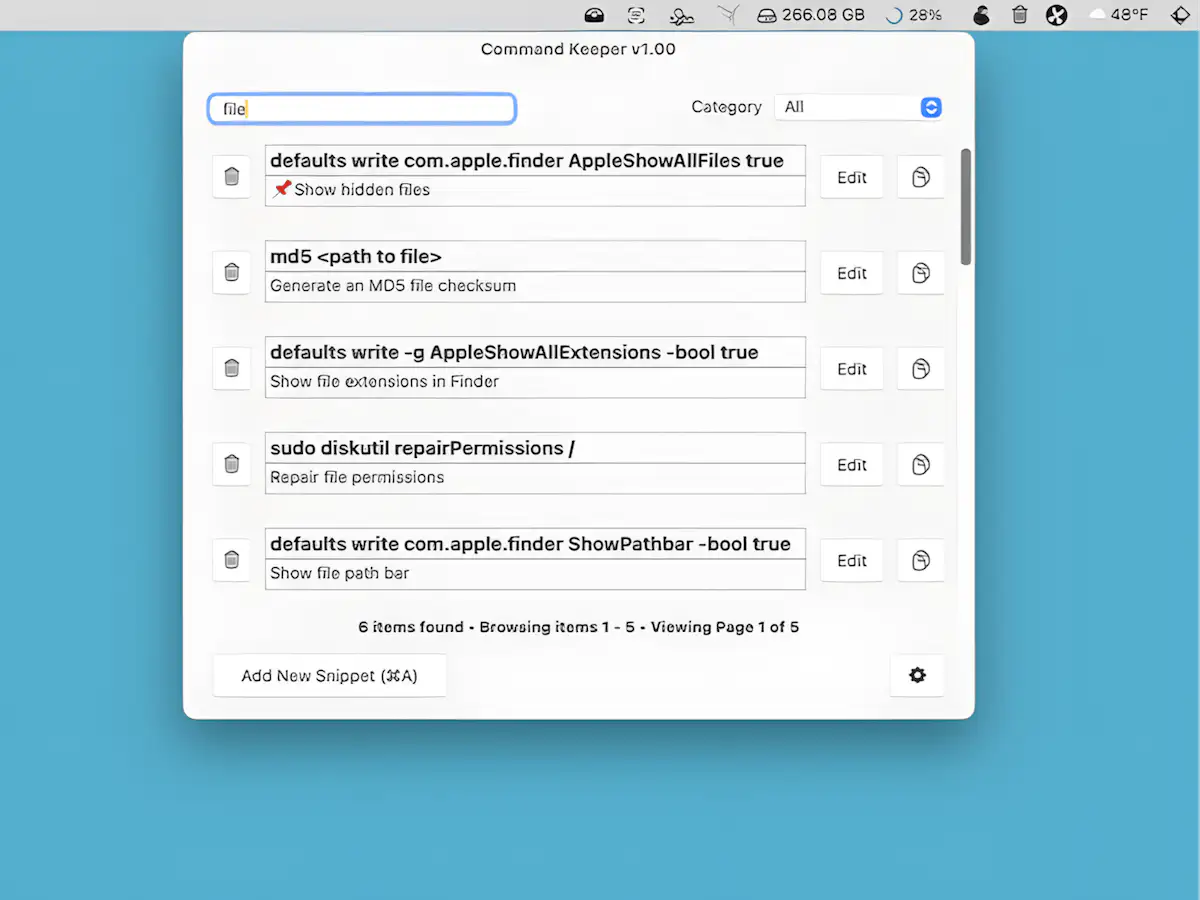
Command Keeper
Collection:
Code Apps
Semantic SF
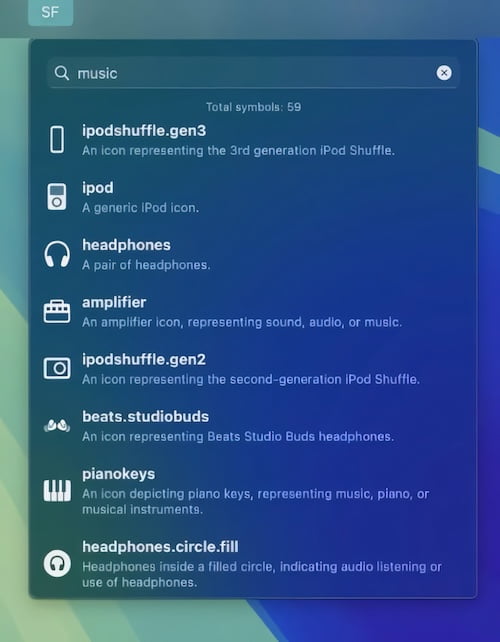
This menu bar app lets you use natural language to search through SF Symbols. This comprehensive tool helps you stay organized and efficient throughout your workday without distractions or complications.
Collection:
Code Apps
Automation Clipper

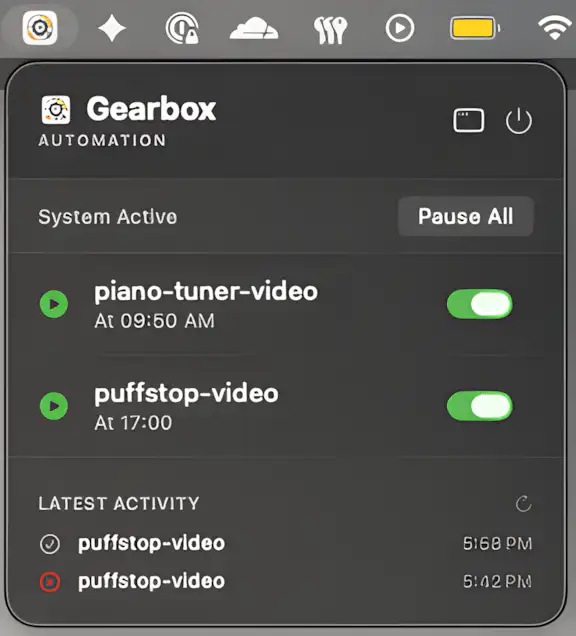
Easily launch Python programs and scripts directly from your menu bar with a boost of inspirational motivation powering your entire automation workflow and overall productivity needs very effectively.