
Collection:
Design Apps
Design faster without breaking your flow. Pick colors, extract fonts, measure pixels, generate placeholder text, remove backgrounds, browse images or GIFs, and fine-tune visual details directly from your menu bar.
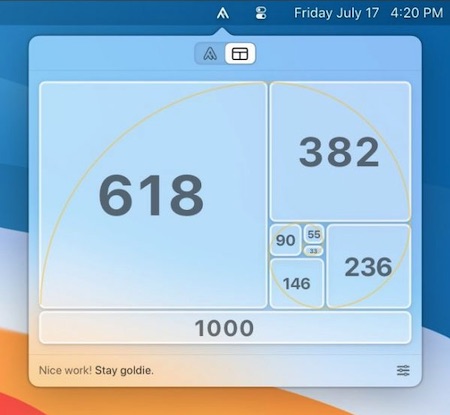
Collection:
Design Apps
Pika
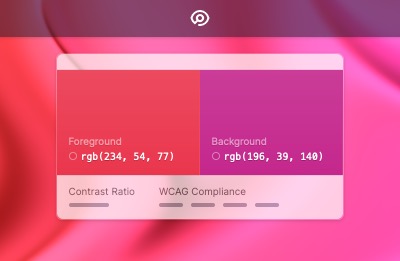
Tucked in your menu bar, Pika makes it simple to quickly find colours onscreen, in the format you need.
Choose from popular colour formats like hex, RGB, HSB, or HSL.
Collection:
Design Apps
AnyIpsum
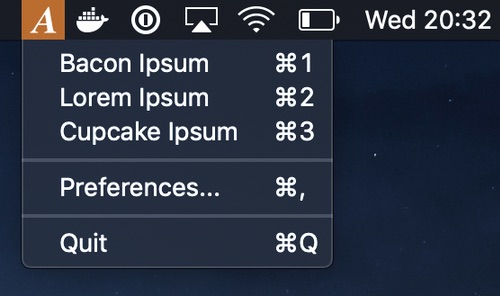
AnyIpsum puts lorem ipsum in your menu bar. Pick a variation, set how many sentences and words you want, and the paragraph lands on your clipboard. Open it with a keyboard shortcut, or import your own word lists to replace the classic Latin.
Collection:
Design Apps
Tiny Ipsum
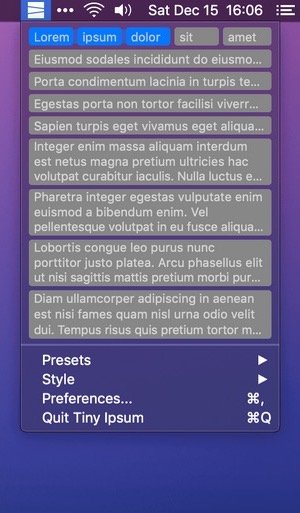
This menu bar app gives you quick access to a large array of placeholder text, also known as Lorem Ipsum – or simply Lipsum. Quickly copy a set of words, sentences, or paragraphs in a ready-to-paste format. You can choose from a variety of built-in Lipsum presets, or create your own.
Collection:
Design Apps
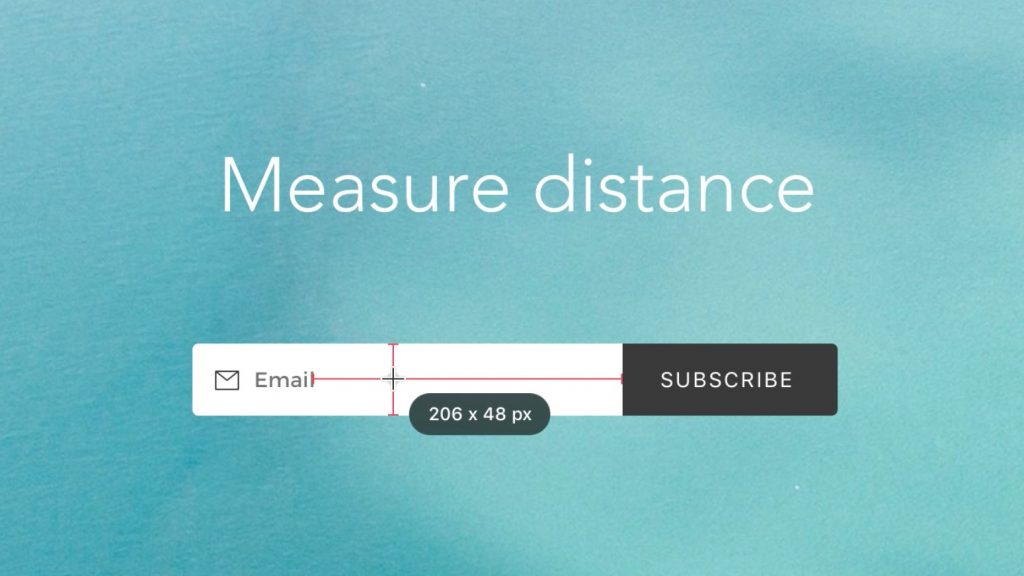
PixelSnap
Collection:
Design Apps
ColorSnapper
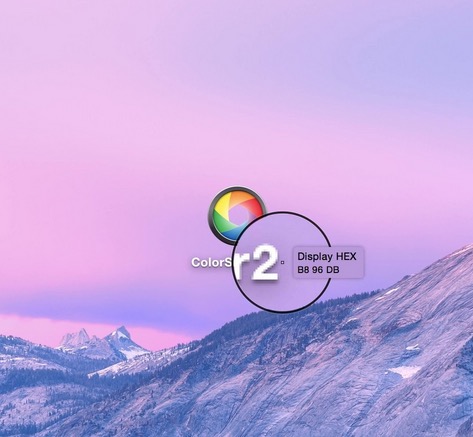
ColorSnapper is the missing color picker for macOS. Click the menu bar icon and use pixel-level magnification to explore colors. See RGB and HEX values of anything on screen.