Build, ship, and monitor without leaving your flow. Track deployments, pull requests, builds, ports, API usage, repositories, and local services directly from your menu bar so you spend less time refreshing dashboards and more time writing code.
Show me the free apps only
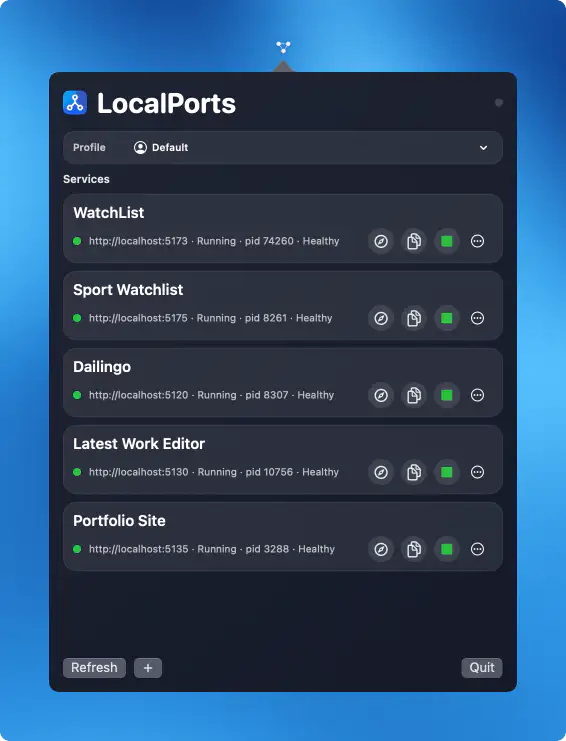
LocalPorts keeps your localhost projects organized by letting you monitor running services, start or restart them, open local URLs instantly, and save commands for quick reuse, all in a lightweight, native macOS interface that stays fully local and distraction-free.
Visit
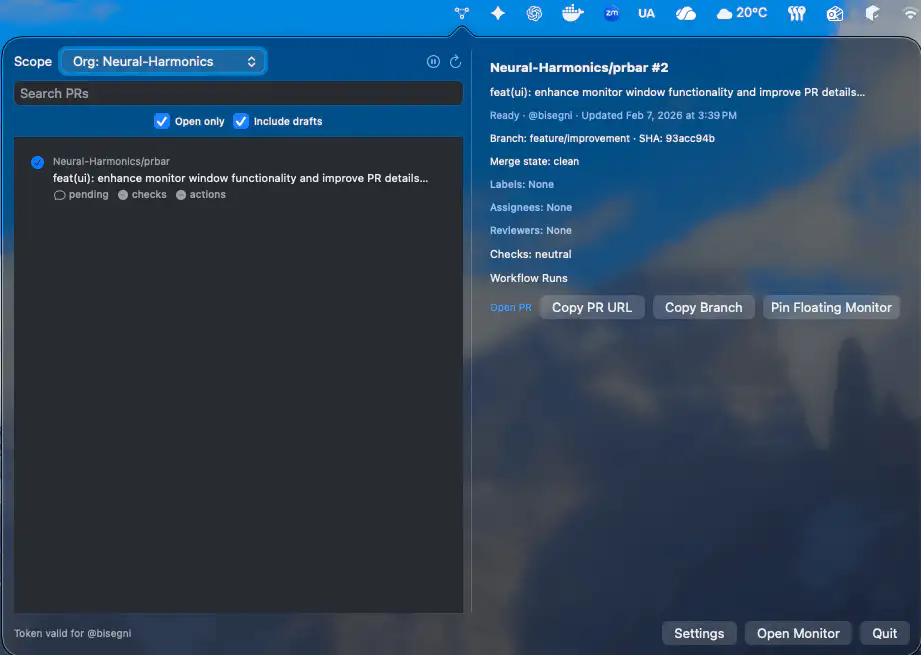
PRBar keeps your GitHub pull requests and workflow checks within reach, so you can follow reviews, builds, and updates at a glance without living in a browser tab. It supports macOS 13+, uses the GitHub API, and stores your token securely in the Keychain for straightforward, private access to everything that matters.
Visit
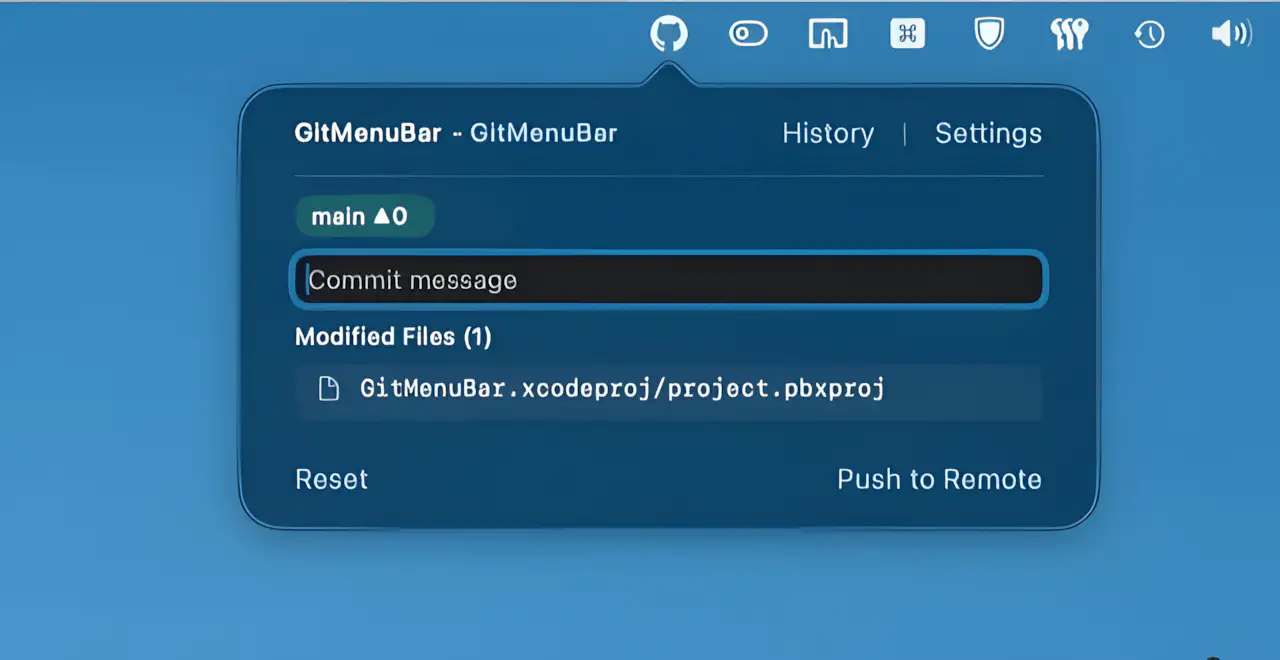
GitMenuBar keeps everyday GitHub work close at hand, letting you create repos, commit changes, and manage branches straight from your menu bar without breaking focus or opening bulky clients.
Visit
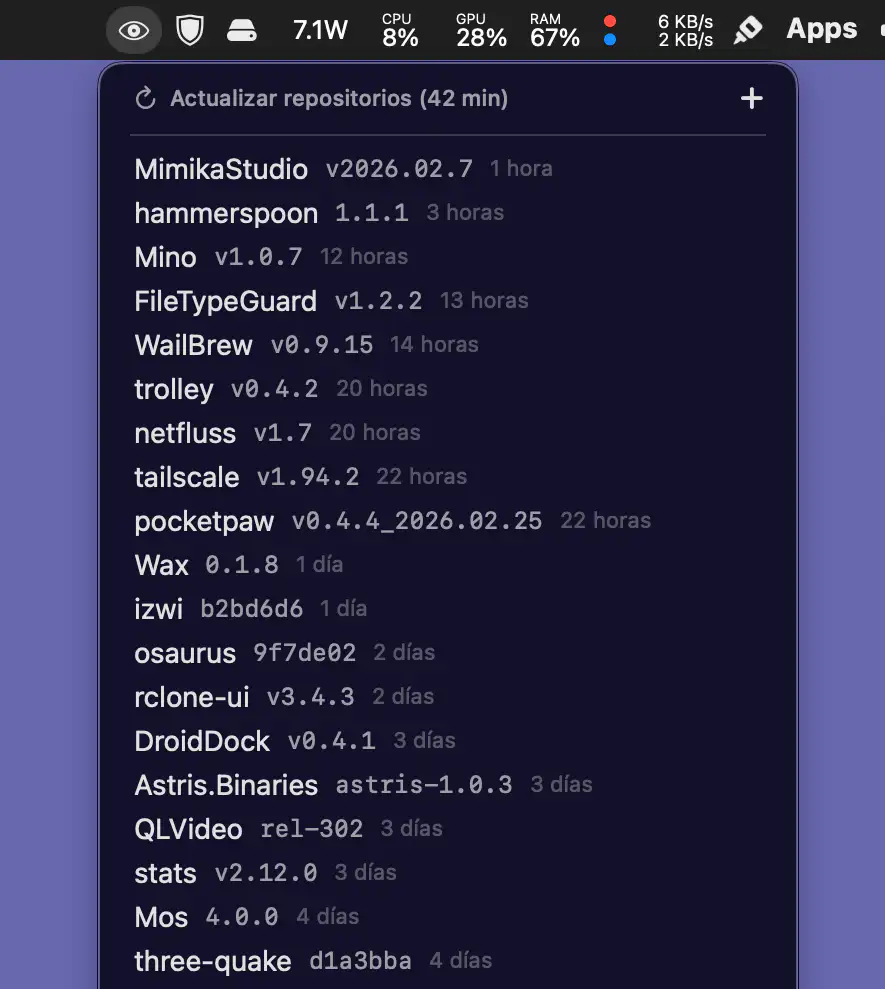
Mino is a lightweight, fully native macOS app that keeps track of GitHub releases with quiet precision. Add repositories in seconds, monitor updates at a glance, install via Homebrew when available, and store tokens securely in the Keychain, all wrapped in a clean, dependency-free design.
Visit
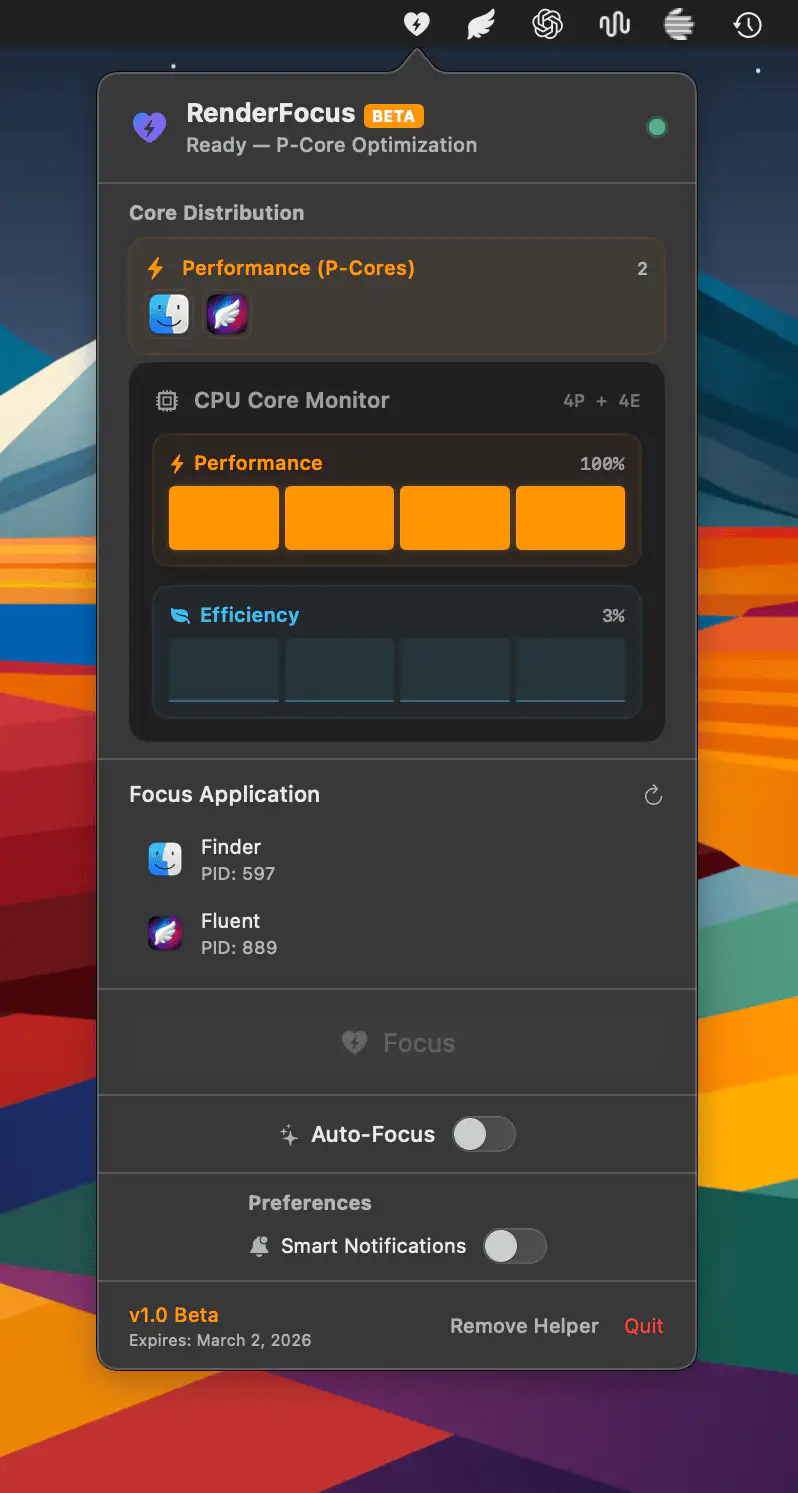
RenderFocus gives you hands-on control over Apple Silicon by steering background apps to Efficiency cores and reserving full Performance power for the task that matters. With a single click, your Mac prioritizes builds, renders, and exports without distractions or data collection.
Visit
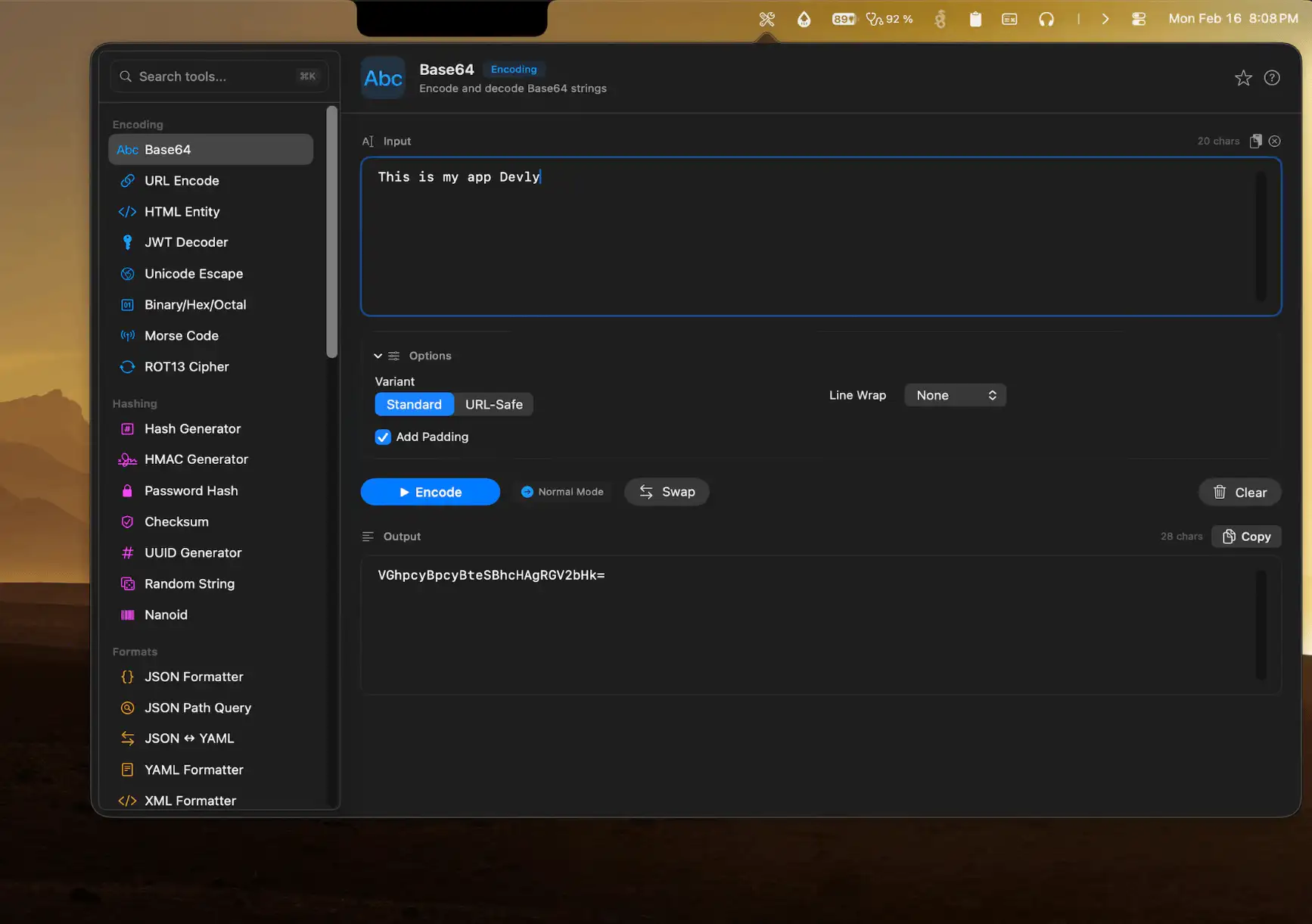
Devly brings more than fifty essential developer tools together in one lightweight macOS companion, keeping encoding, hashing, formatting, and text processing close at hand so you can move faster without breaking focus or opening another tab.
Visit
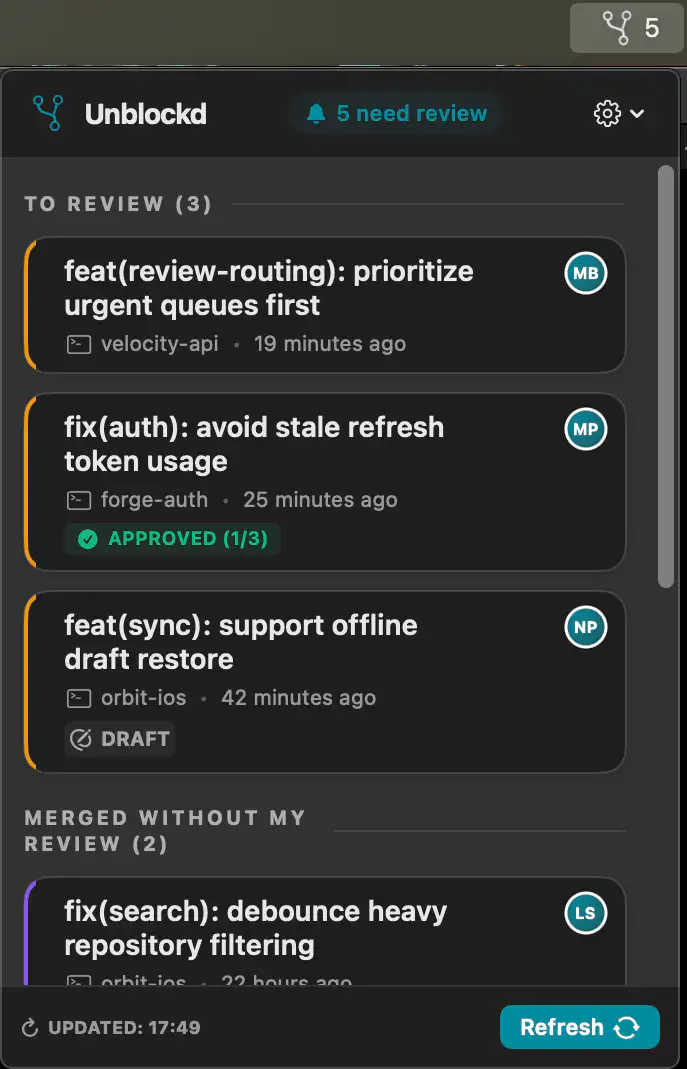
Unblockd monitors your pull requests across Bitbucket, GitHub, and GitLab. Instead of noisy notifications, it surfaces only what needs attention, so you can review on your own schedule.
Visit
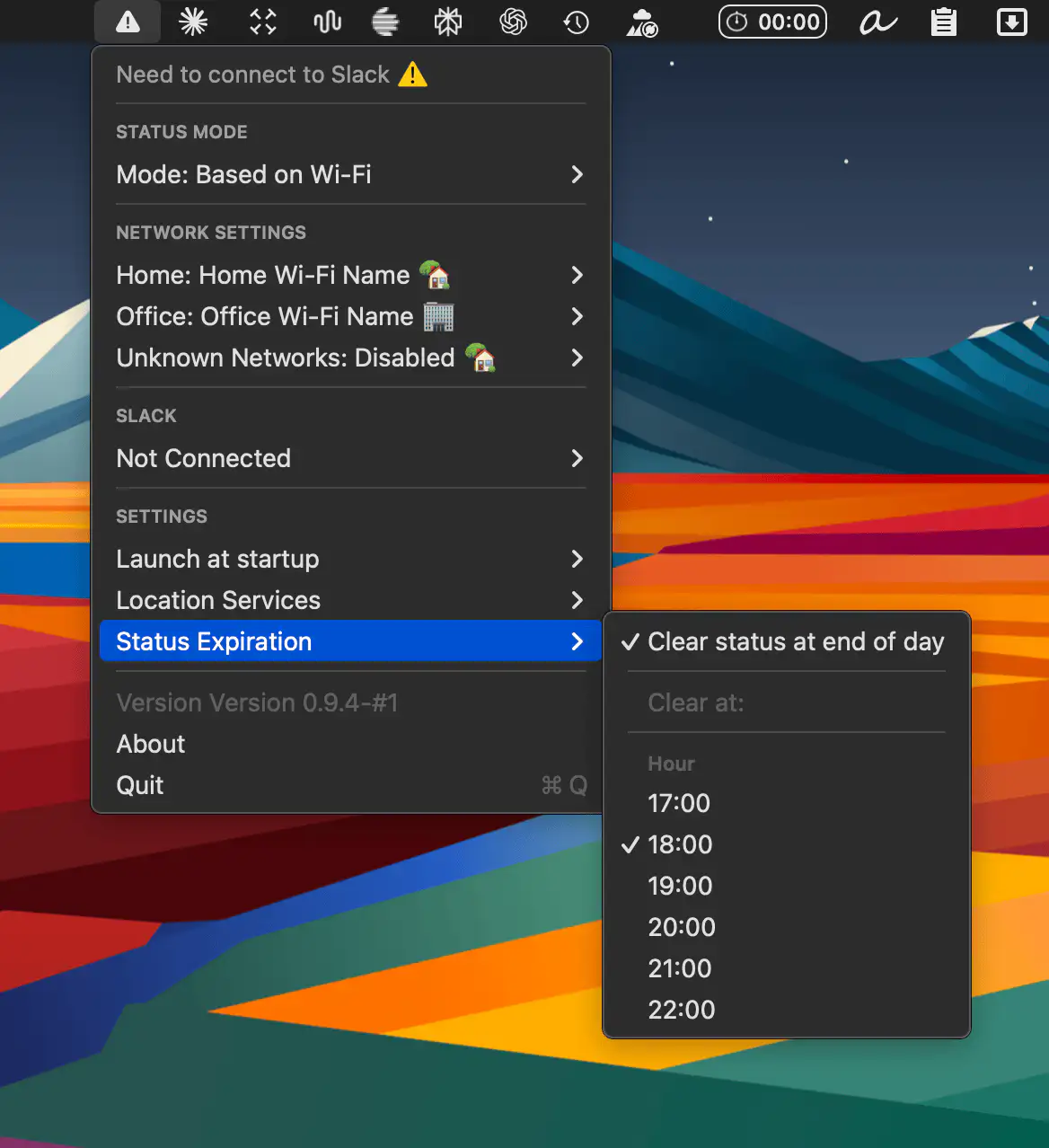
Presently keeps your Slack status in sync with your location by switching emojis automatically based on your Wi-Fi network, so your team knows whether you’re home, at the office, or away without lifting a finger.
Visit Watch
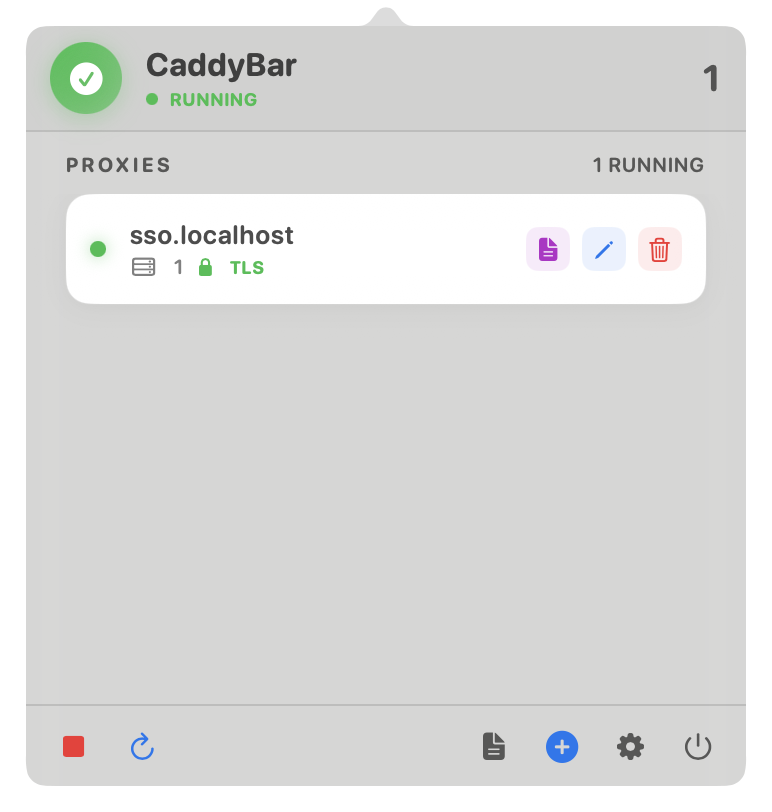
CaddyBar brings Caddy Server to your macOS menu bar, making local development smoother with automatic HTTPS, reverse proxies, and effortless control over sites and domains.
Visit
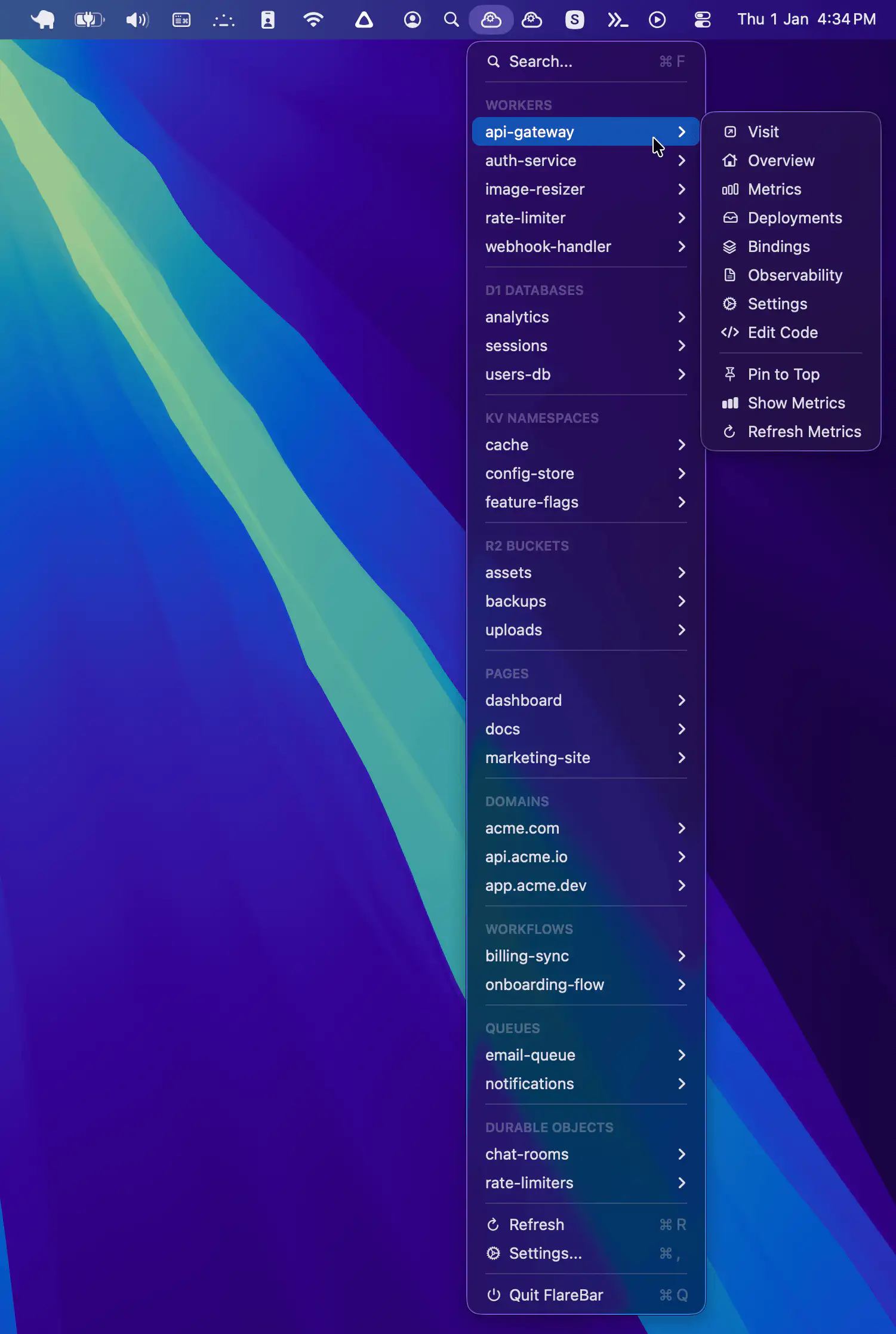
FlareBar brings Cloudflare to your Mac menu bar, letting developers search resources, jump to dashboards instantly, and monitor live metrics without breaking focus or opening endless browser tabs.
Visit
