Collection:
Display Apps
DockAnchor
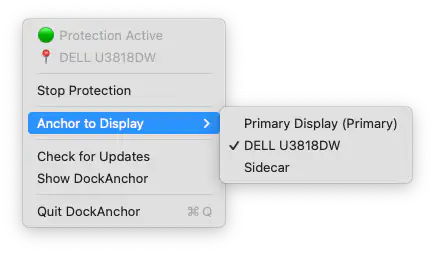
DockAnchor keeps your macOS Dock fixed to the display you choose, preventing it from jumping to other monitors when your cursor hits the screen edge.
The next time a site asks for a code, you’ll just tap it in. iPhone · iPad · Mac

Take full control of how your Mac looks and behaves. Adjust brightness, contrast, resolution, and color, manage multiple monitors, lock docks in place, blur distractions, fine-tune window focus, and switch display profiles instantly from your menu bar.
Take full control of how your Mac looks and behaves. Adjust brightness, contrast, resolution, and color, manage multiple monitors, lock docks in place, blur distractions, fine-tune window focus, and switch display profiles instantly from your menu bar.
DockAnchor keeps your macOS Dock fixed to the display you choose, preventing it from jumping to other monitors when your cursor hits the screen edge.
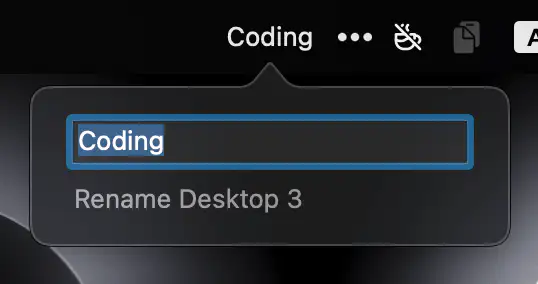
DesktopRenamer shows your custom desktop names in the menu bar and Mission Control, keeping you organized without disabling SIP.
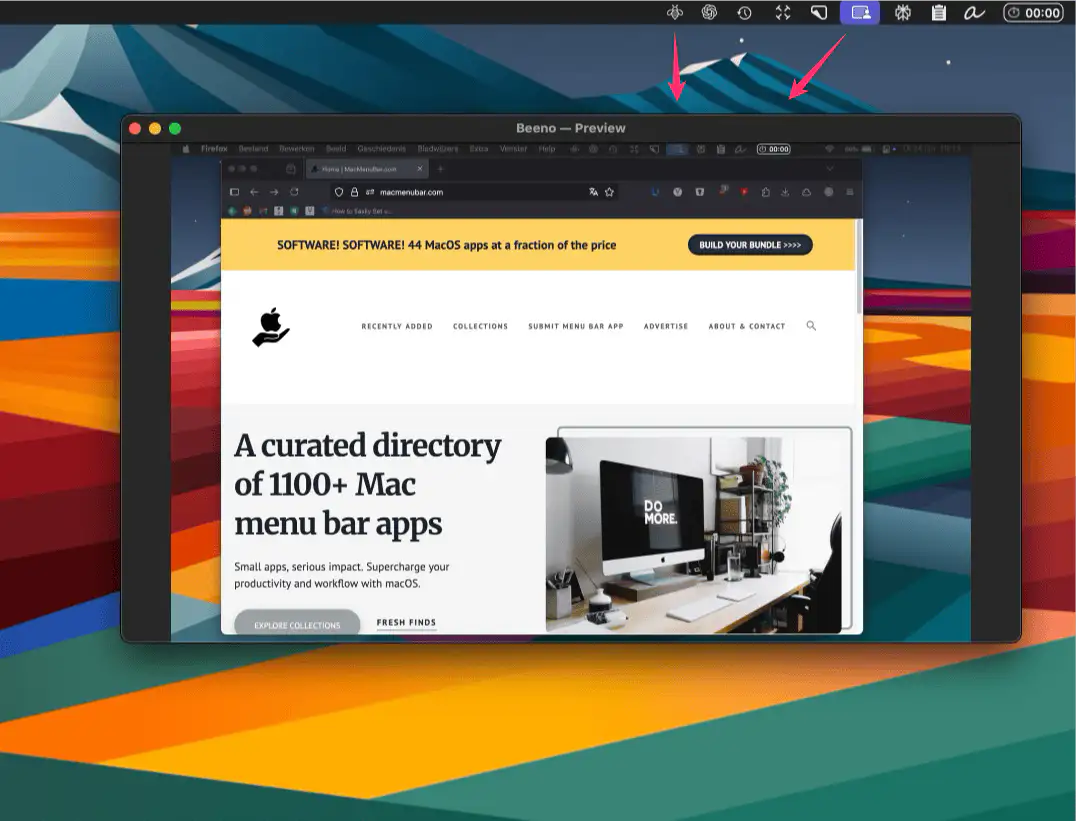
Beeno mirrors any external screen onto your main display — perfect for creative shoots, presentations, or sharing detailed views with clients in real time.

A lightweight macOS menu bar utility that automatically hides or reveals the Dock based on your display size—simple, seamless, and open source.
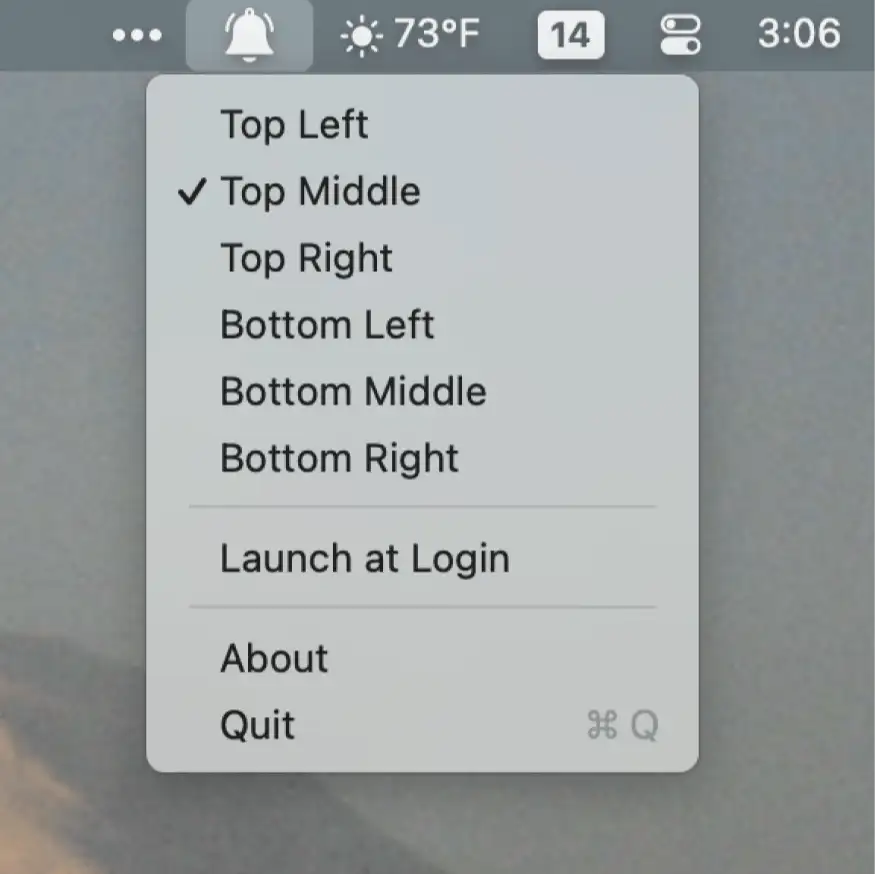
PingPlace lets you move notifications to more noticeable spots on your screen—ideal for large displays and focused workflows.
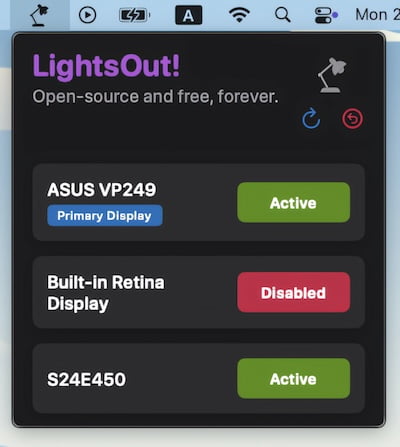
This menu bar app allows for disabling monitors with a simple button click – no more cable fidgeting.

Add custom text to your menu bar and keep important information, reminders, or personal notes always visible and easily accessible on your screen at all times.
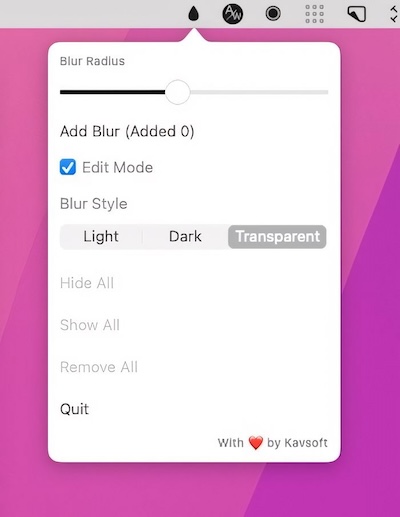
This menu bar app allows you to blur out sensitive information. You can resize each blurred part of your screen to meet your preferences.
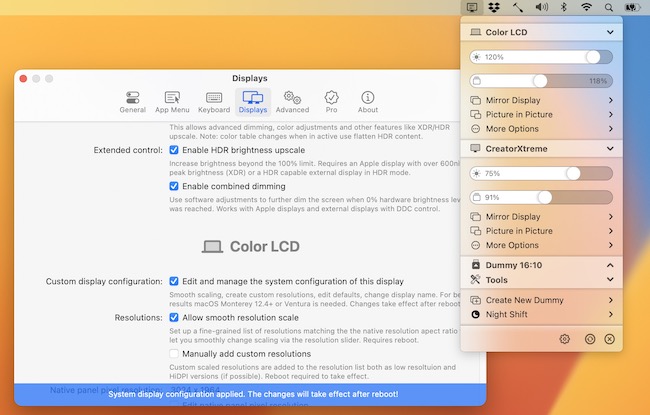
BetterDisplay let’s you convert your displays to fully scalable screens, and gives you a host of other features to manage your display’s settings easily from your menu bar.
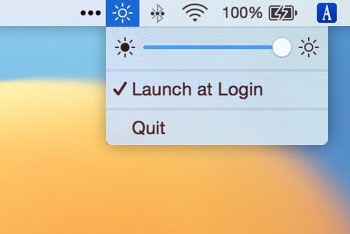
QuickShade allows you to quickly decrease or increase the level of brightness on your Mac. You can dim the screen below the standard minimum brightness.