Collection:
Display Apps
Candela
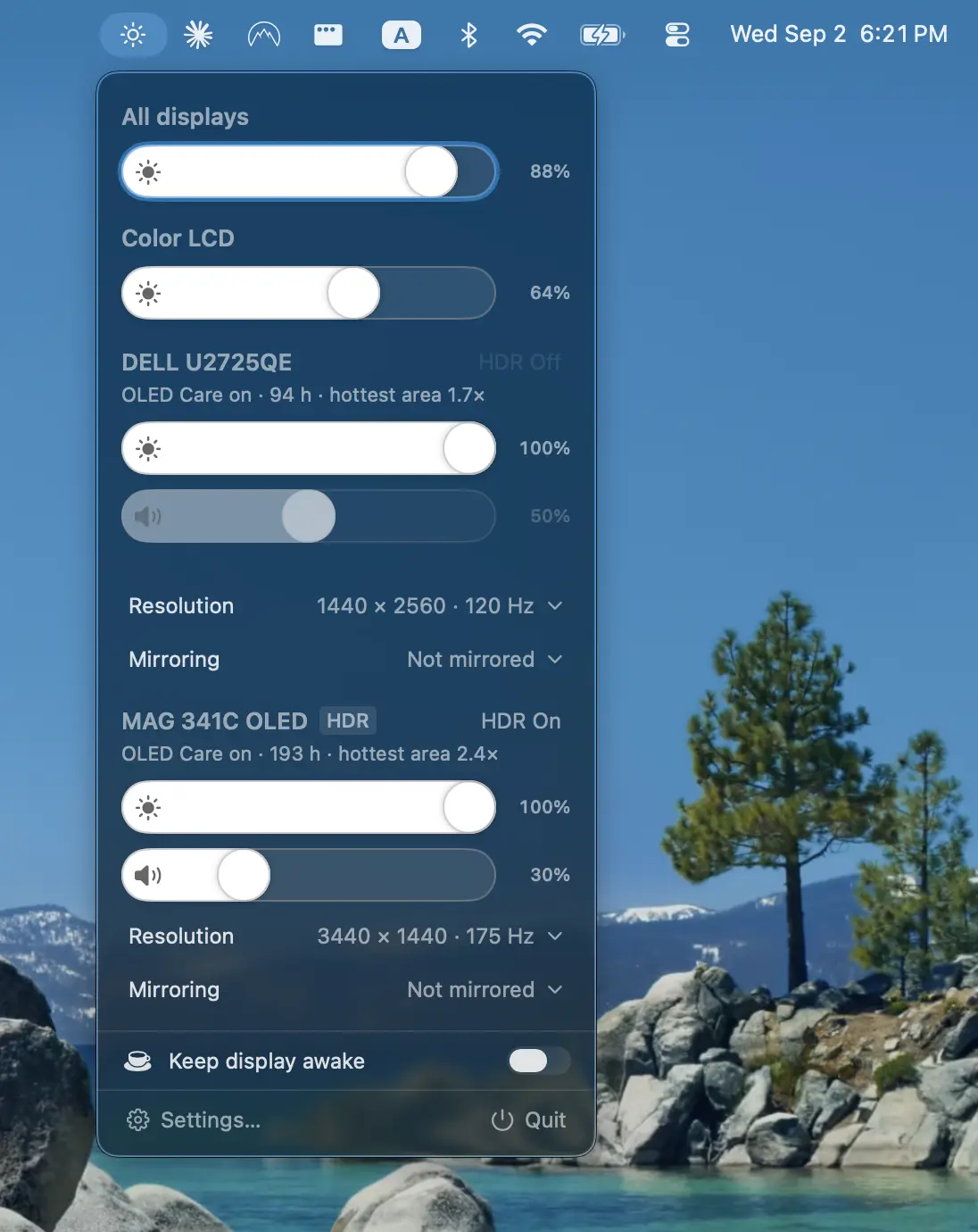
Protect your displays with adaptive burn-in prevention, panel health tracking, diagnostics, and advanced controls for brightness, volume, contrast, HDR, HiDPI scaling, resolution, and more.
The next time a site asks for a code, you’ll just tap it in. iPhone · iPad · Mac

Take full control of how your Mac looks and behaves. Adjust brightness, contrast, resolution, and color, manage multiple monitors, lock docks in place, blur distractions, fine-tune window focus, and switch display profiles instantly from your menu bar.
Take full control of how your Mac looks and behaves. Adjust brightness, contrast, resolution, and color, manage multiple monitors, lock docks in place, blur distractions, fine-tune window focus, and switch display profiles instantly from your menu bar.
Protect your displays with adaptive burn-in prevention, panel health tracking, diagnostics, and advanced controls for brightness, volume, contrast, HDR, HiDPI scaling, resolution, and more.
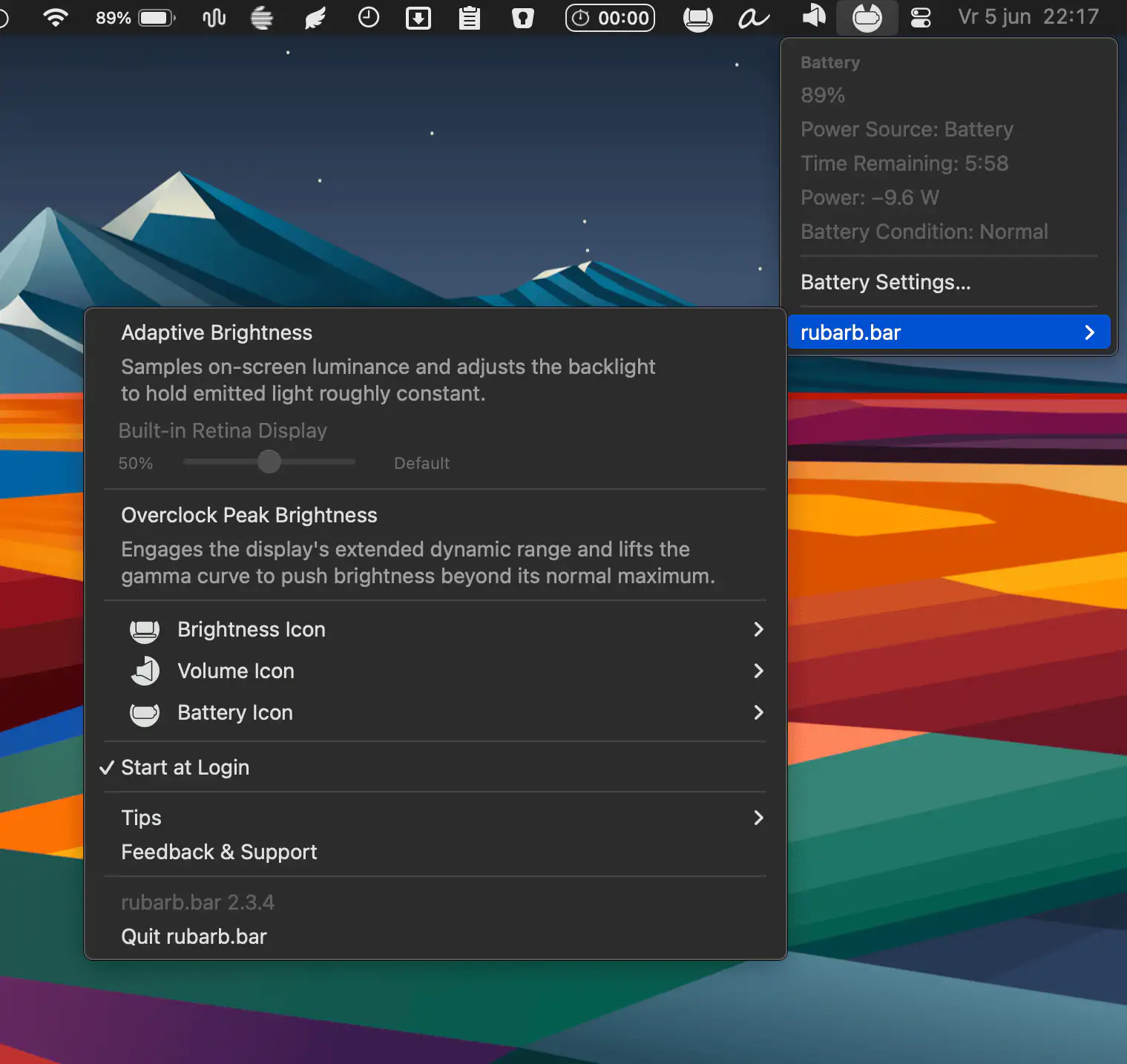
This menu bar app brings a smarter approach to screen brightness by adapting to what’s actually on your display, keeping light levels comfortable whether you’re reading a bright document or working in a dark editor.
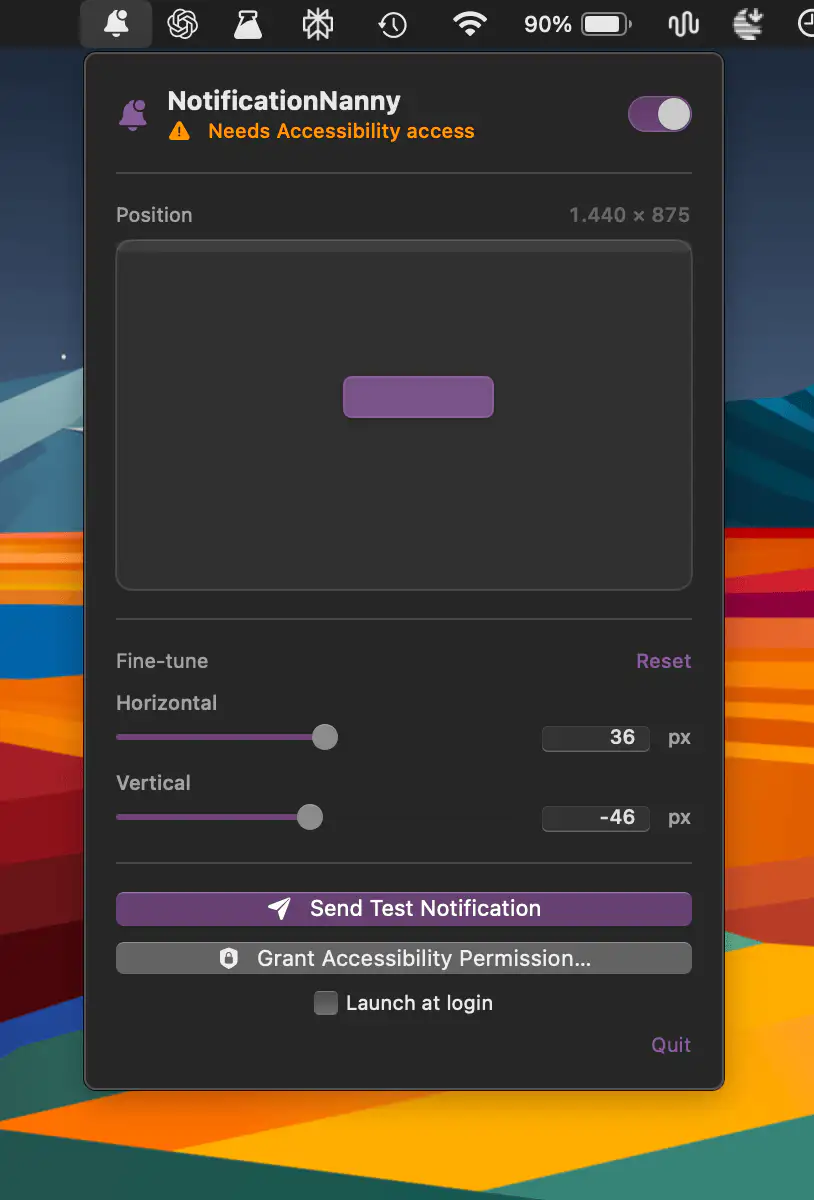
NotificationNanny lets you place macOS notification banners anywhere on your displays, with drag-and-drop positioning, precise sliders, test alerts, and per-screen preferences so every screen behaves exactly the way you want.
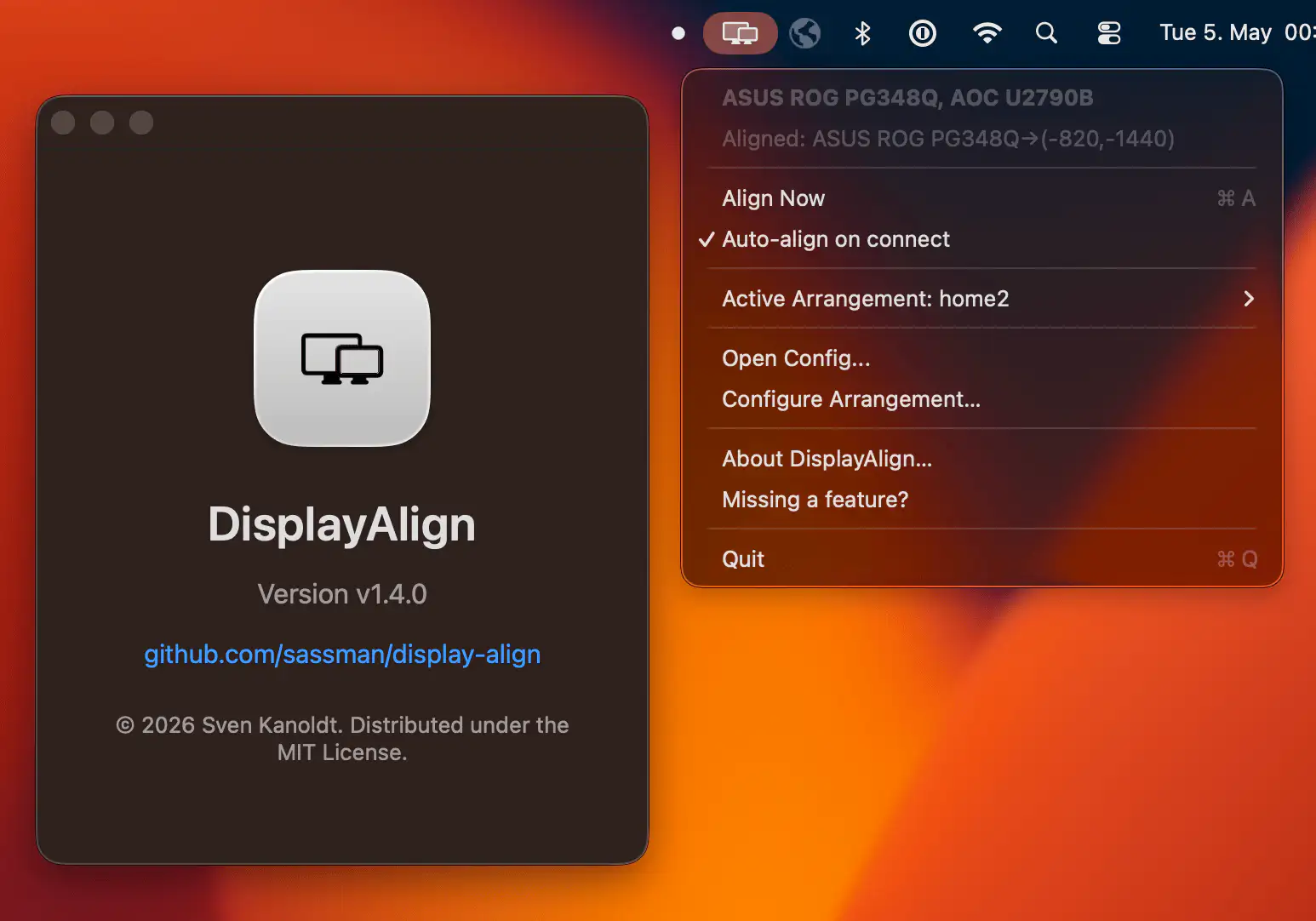
DisplayAlign brings some much-needed sanity to multi-monitor setups on macOS, letting you position displays with pixel-level precision, save custom layouts for different workspaces, and automatically restore everything the moment your screens reconnect.
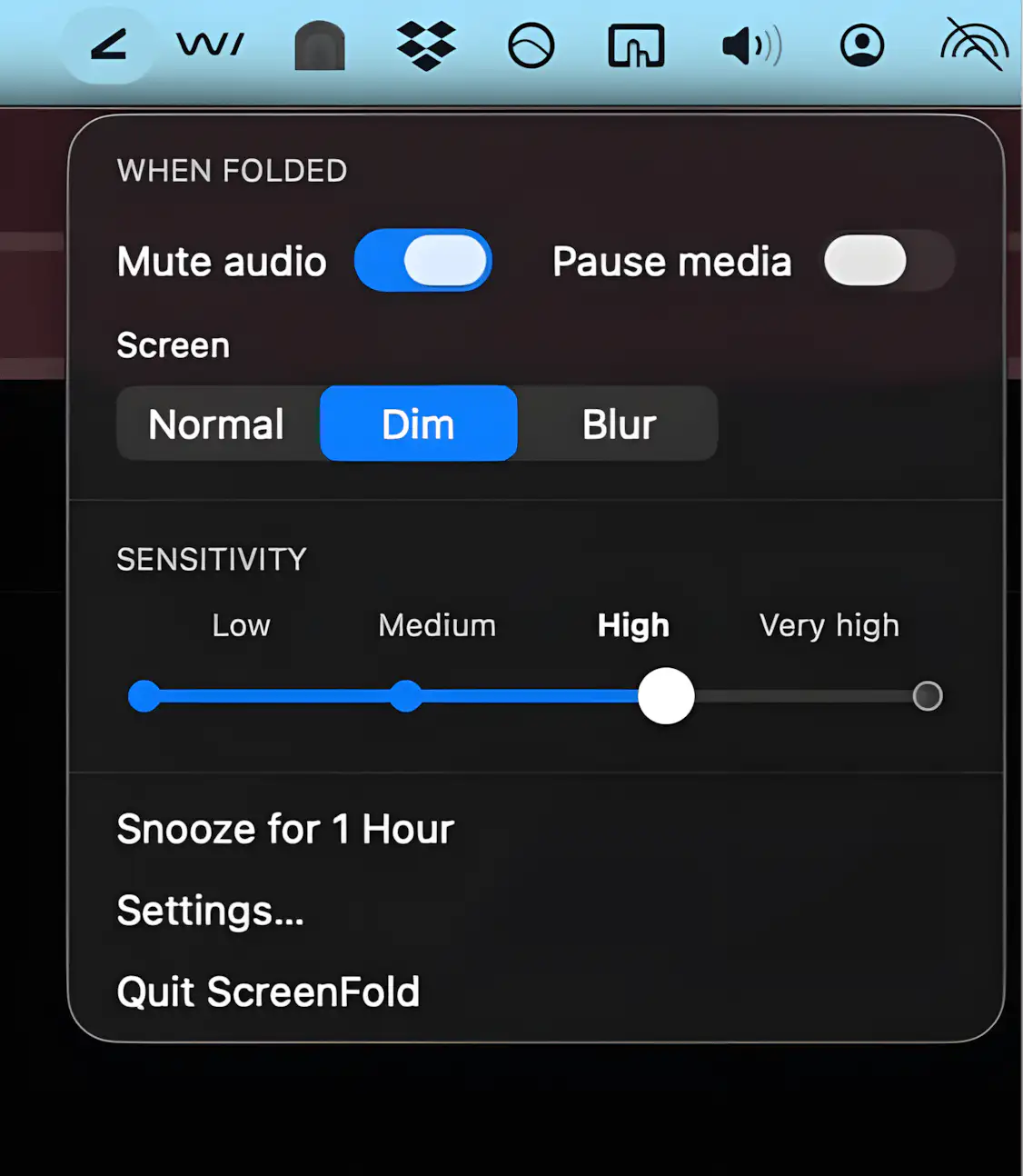
ScreenFold turns a subtle screen tilt into instant privacy by dimming your display and muting audio.
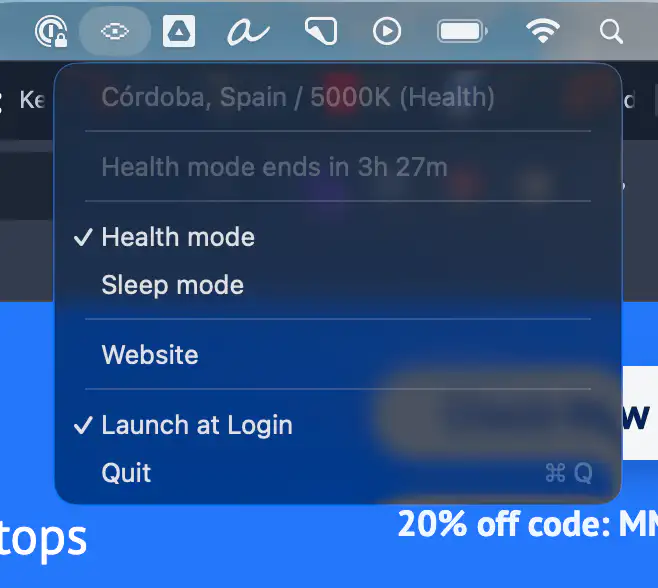
Lumiv intelligently adjusts your screen’s color temperature throughout the day, reducing eye strain during long work sessions and supporting better sleep at night. It adapts to your location and routine, so your eyes can finally relax.
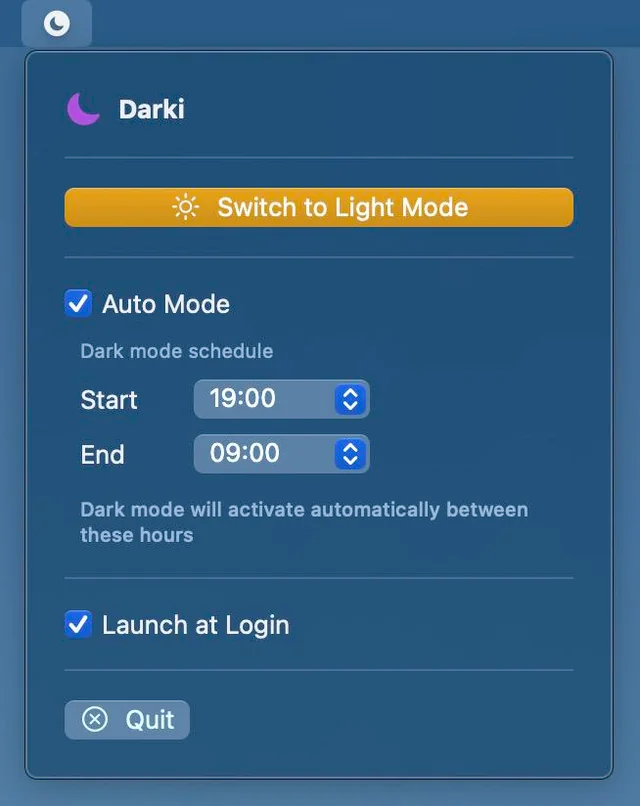
Darki switches between Light and Dark mode on your schedule, offers instant one-click control, and quietly runs at login so your Mac always matches the moment.
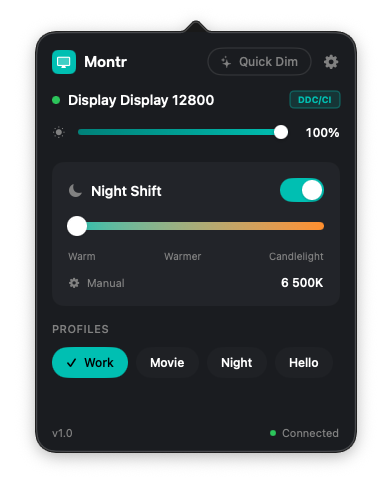
Montr gives precise hardware-level control over brightness, contrast, and color across all monitors, with smart profiles that switch automatically based on displays, time, or power state.
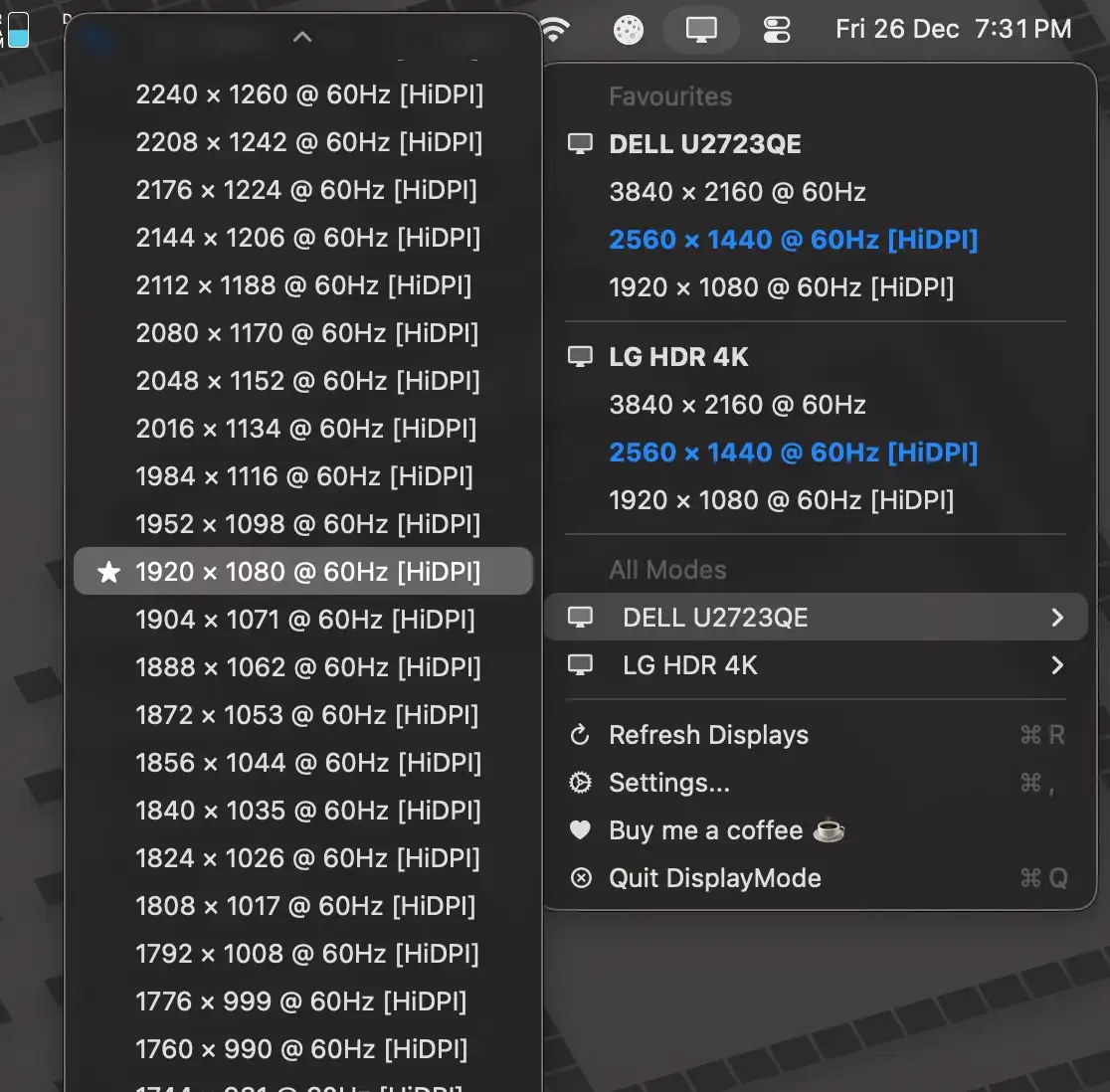
Switch display resolutions from the menu bar with ease. Save favorites, manage each display separately, and trigger changes via Shortcuts without digging through macOS settings.