Collection:
Display Apps
Lunar
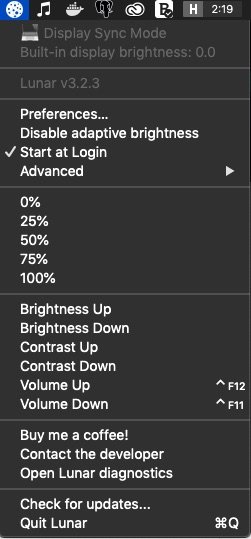
With Lunar you can control the brightness of you external monitors, directly from your menu bar.

Take full control of how your Mac looks and behaves. Adjust brightness, contrast, resolution, and color, manage multiple monitors, lock docks in place, blur distractions, fine-tune window focus, and switch display profiles instantly from your menu bar.
Take full control of how your Mac looks and behaves. Adjust brightness, contrast, resolution, and color, manage multiple monitors, lock docks in place, blur distractions, fine-tune window focus, and switch display profiles instantly from your menu bar.
With Lunar you can control the brightness of you external monitors, directly from your menu bar.
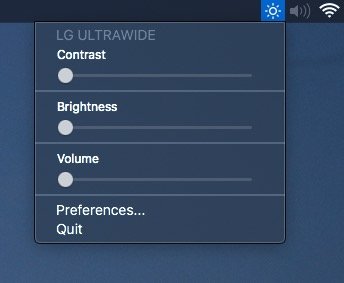
Adjust external monitor settings including brightness, contrast, and volume from your menu bar.
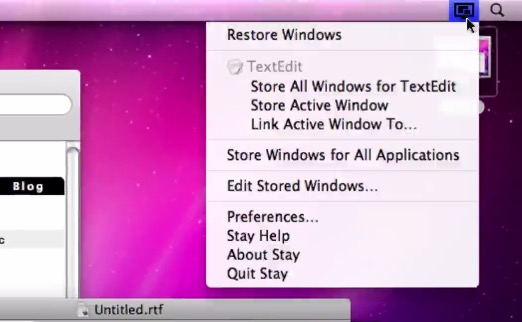
Stay remembers exactly where you placed every window and restores them instantly, even when you connect or disconnect external displays, so your setup always feels intentional rather than accidental.
End of content
End of content