Switch contexts without rebuilding your workspace. Launch apps, files, websites, scripts, shortcuts, and full project setups directly from your menu bar, restore complete workspaces in seconds, and automate context switches so focus returns instantly.
Show me the free apps only
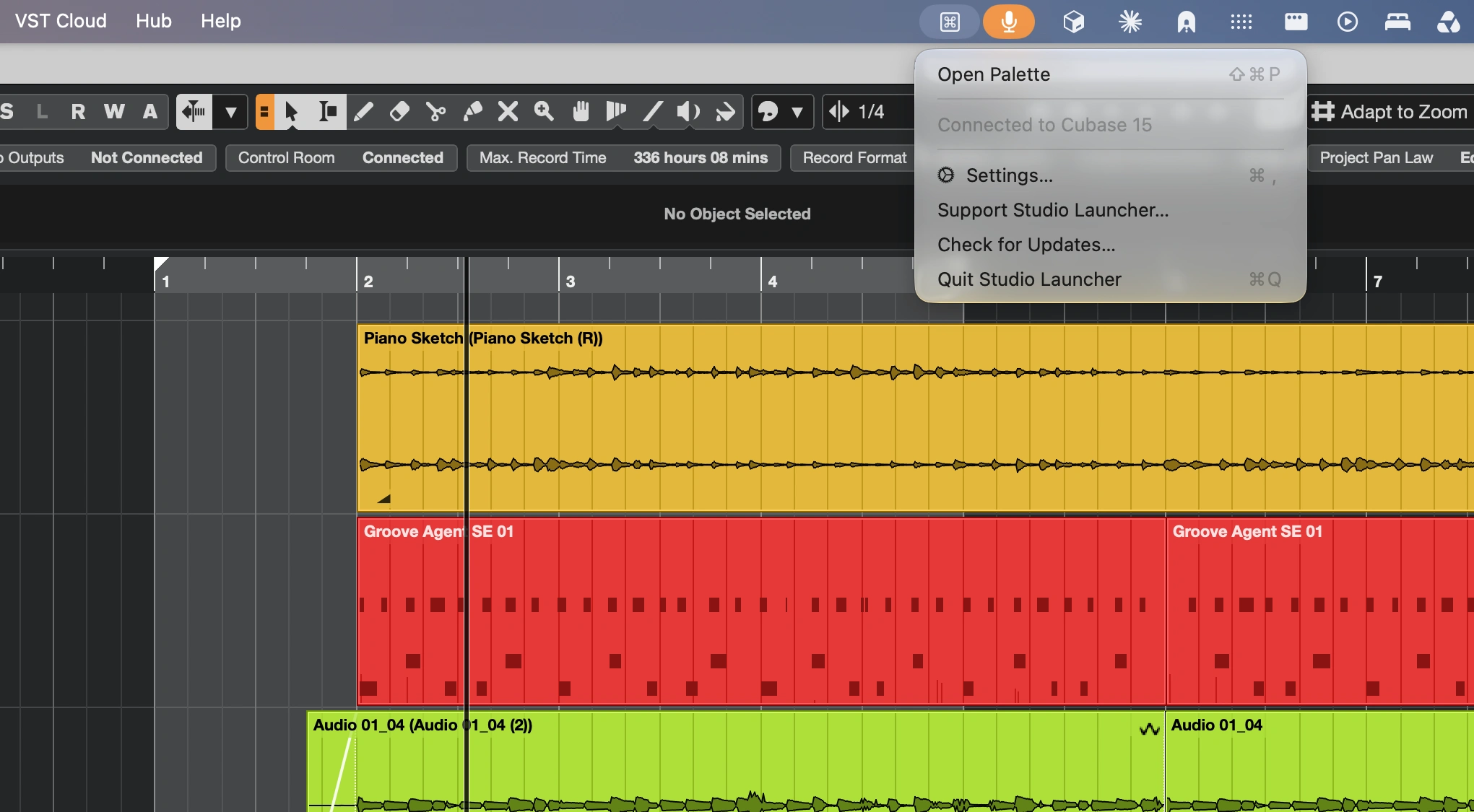
Launch Cubase commands, macros, plug-ins and FX chains instantly with a context-aware command palette. Customize shortcuts, automate workflows and enjoy personalized results, all without leaving Cubase.
Visit
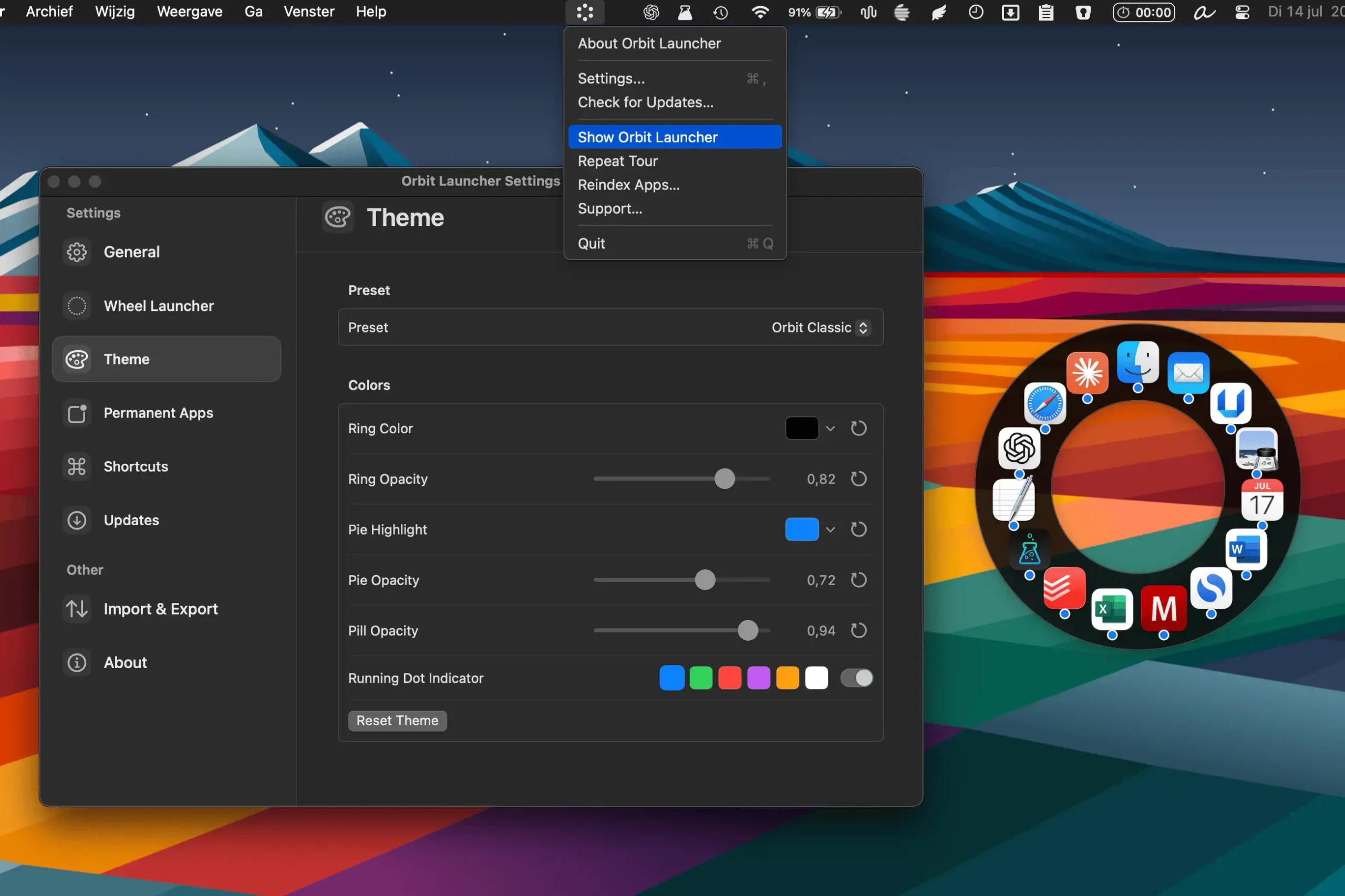
Orbit Launcher provides a fast, visual way to launch apps from anywhere on your Mac. Open a customizable radial launcher, pin favorites, search instantly, and switch between tools without breaking your workflow.
Visit
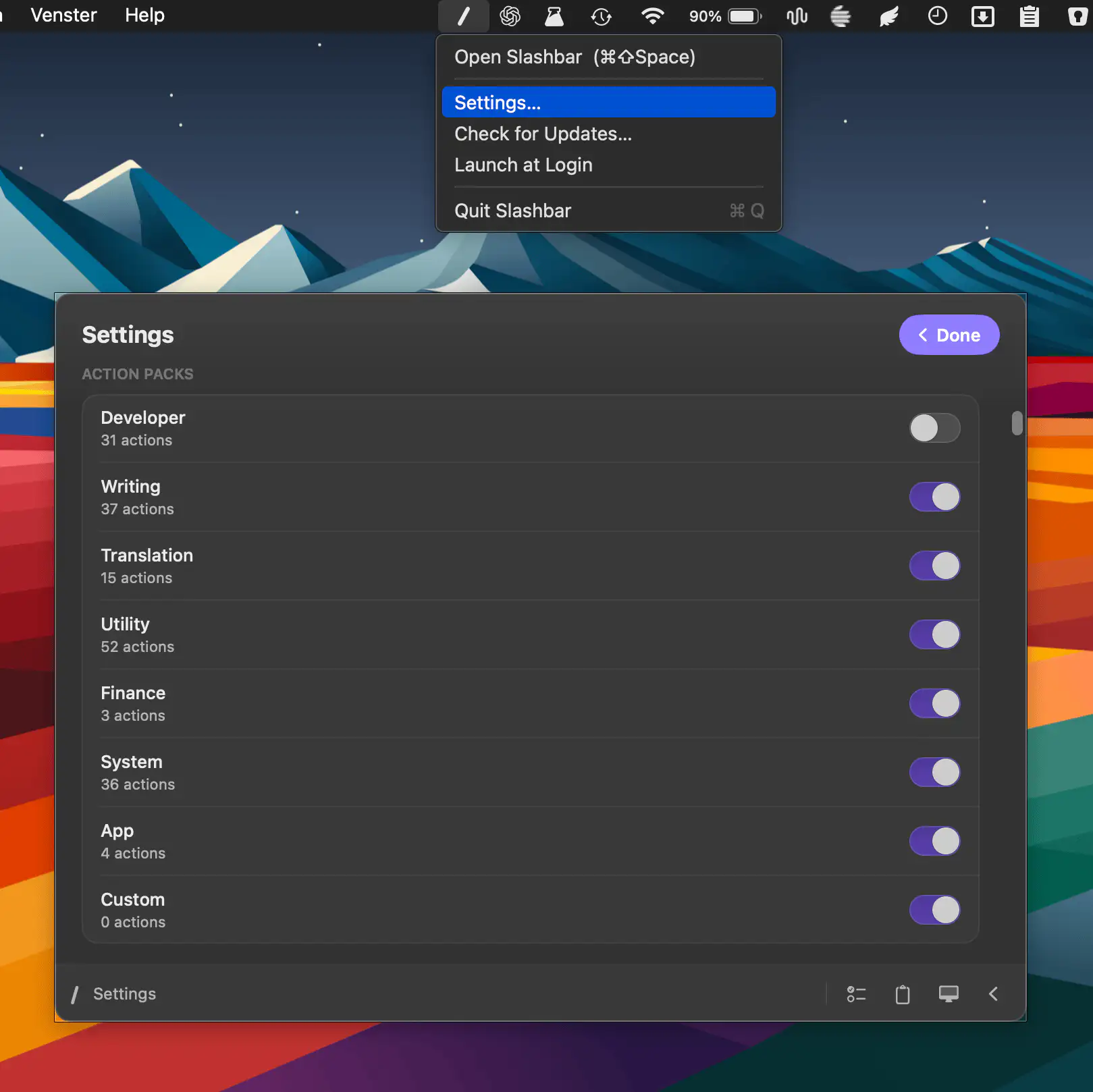
Slashbar brings 185+ actions into a fast command bar, letting you format text, manage files, control windows, search, use AI tools, and automate everyday tasks through one customizable shortcut.
Visit
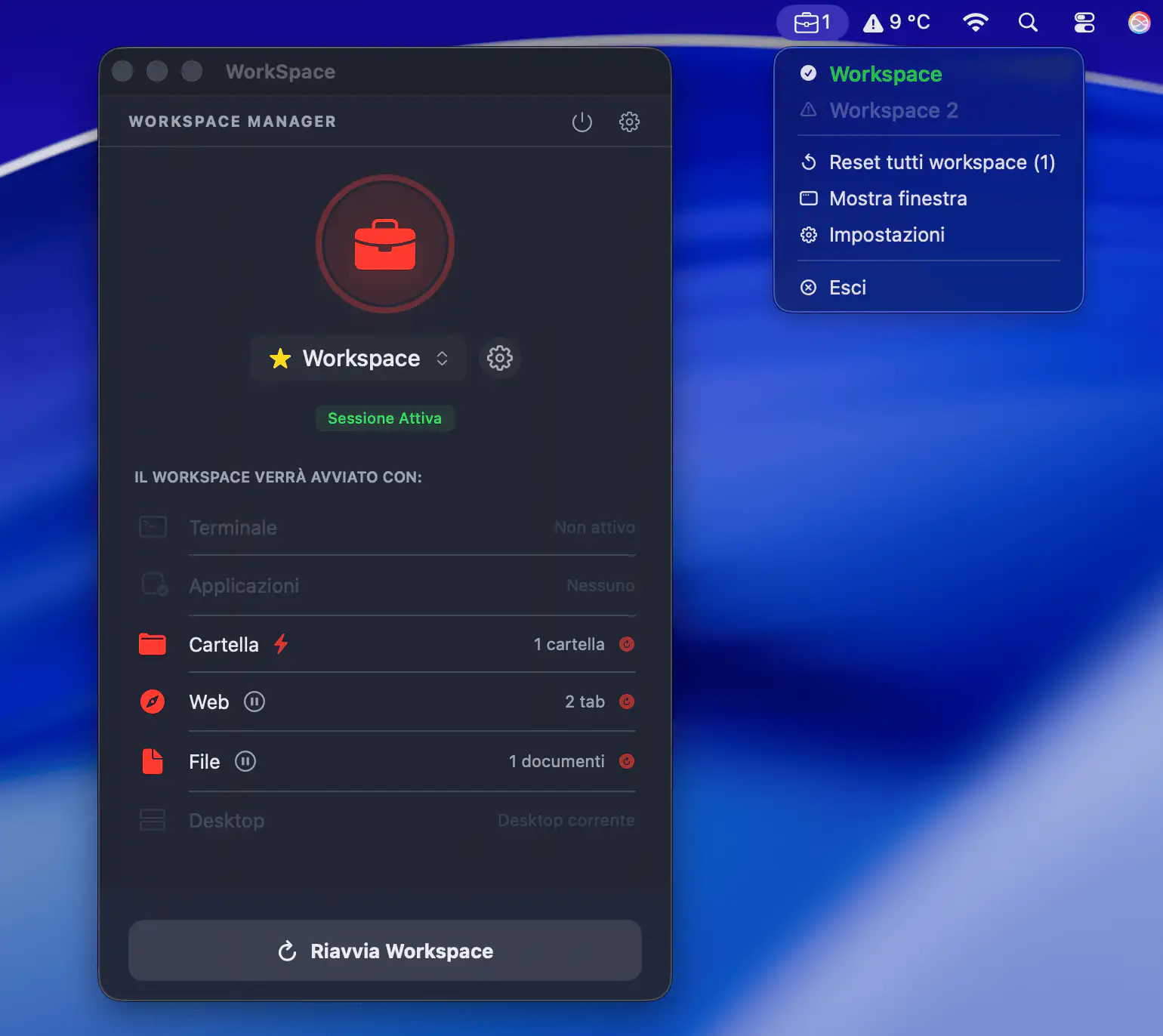
Switch projects without rebuilding your setup every time. From the menu bar, WorkSpace Manager opens terminals, apps, folders, and websites in one click, turning context switches into instant focus.
Visit
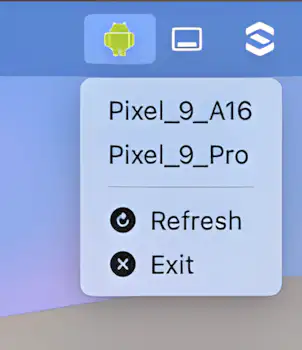
Launch your Android Emulator instantly from the macOS menu bar. No need for Android Studio or the command line. AVD-Launcher makes quick testing as easy as a single click.
Visit

Ever closed an app by accident and instantly regretted it? AppBeBack brings it right back — no sweat.
Visit
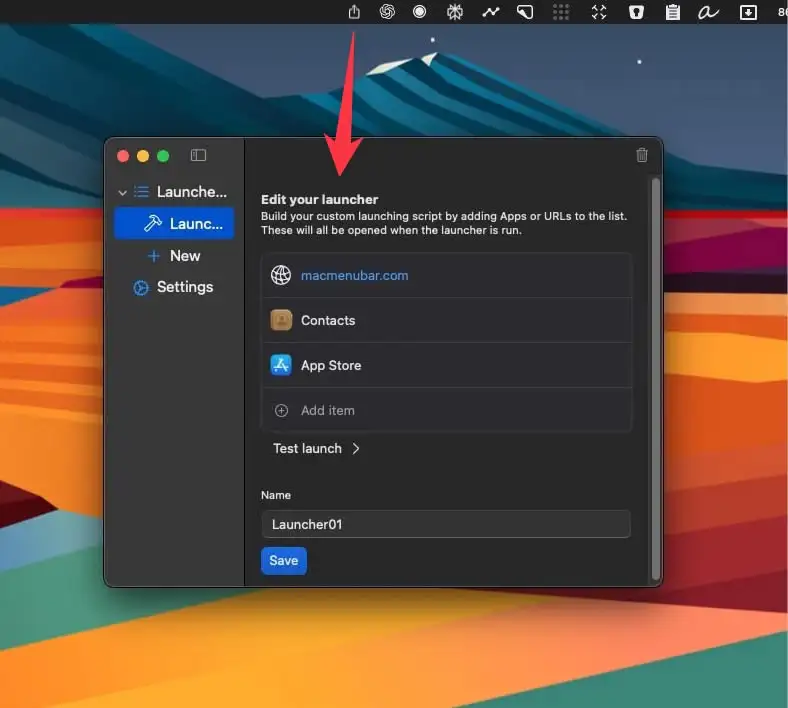
SomLauncher lets you group apps into launchers and open a whole set at once with a single click from your menu bar.
Visit
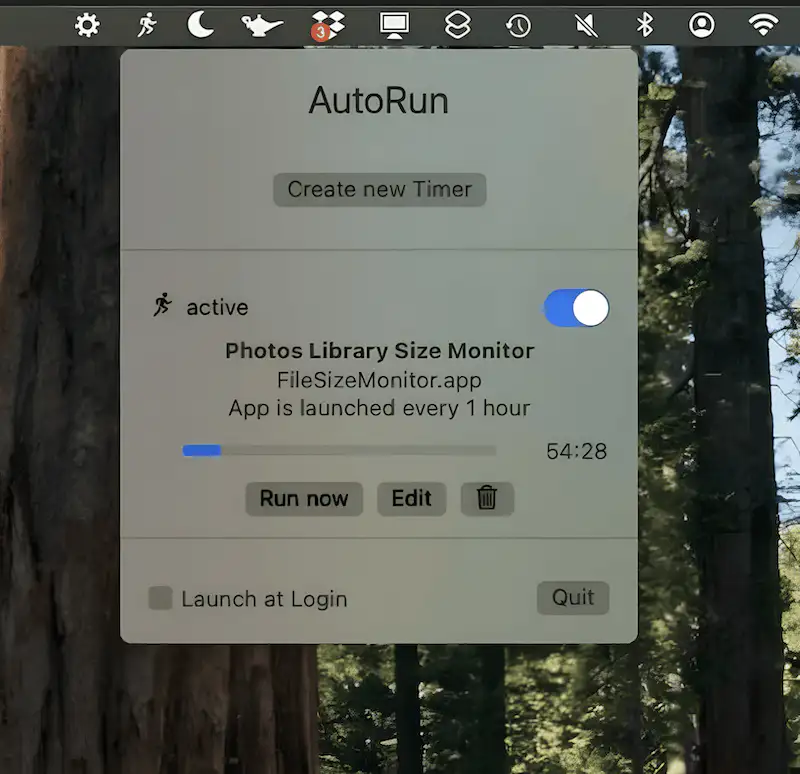
AutoRun launches apps and runs shell scripts on a schedule you set, from once a day to every few seconds.
Visit
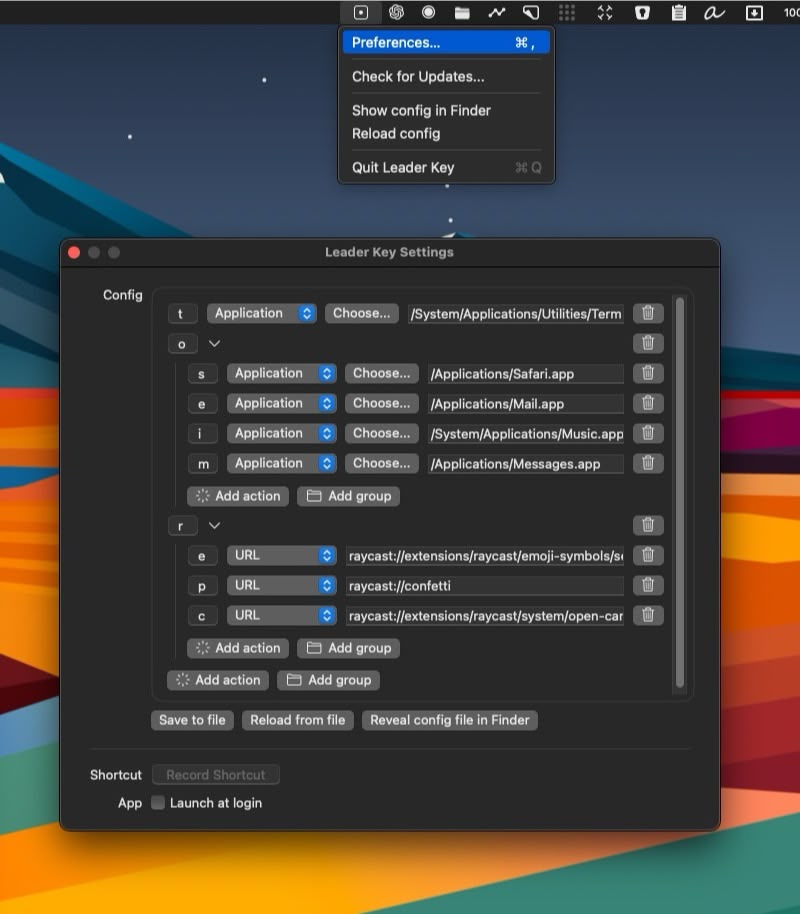
This menu bar app boosts your keyboard productivity by enabling custom shortcuts with a single ‘leader’ key. You can set up key combos to open apps, run commands, or even spray confetti.
Visit Watch
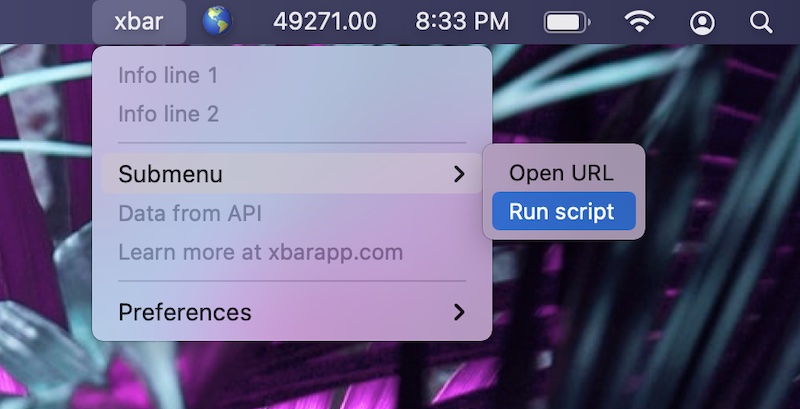
With xbar you can put anything in your menu bar. The app comes with hundreds of pre-built plugins to choose from. You can also write your own plugins.
Visit Watch