Keep your menu bar calm and under control. Hide, reveal, group, space, recolor, restyle, or reorganize menu bar icons, tame the notch, add custom text or badges, and build a cleaner, more intentional top bar that fits how you work.
Show me the free apps only
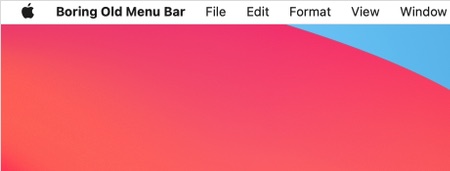
Boring Old Menu Bar gives your menu bar a solid color again: black, white, the classic Catalina grey or any color you pick, with separate settings for light and dark mode. Menu titles stay legible on any wallpaper, and the black style makes the MacBook notch disappear.
Visit
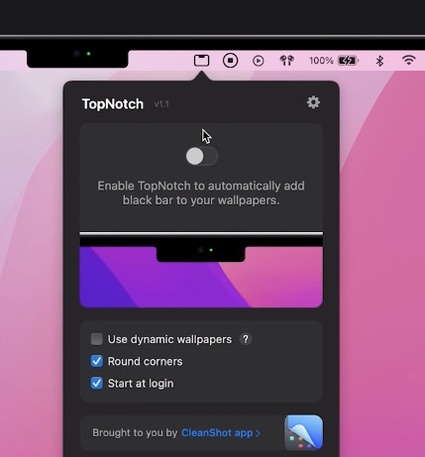
TopNotch hides the notch by making your menu bar black. It’s only cosmetic and doesn’t take away any screen real estate. The app can also be used on any non-notch Mac to make the menu bar black.
Visit
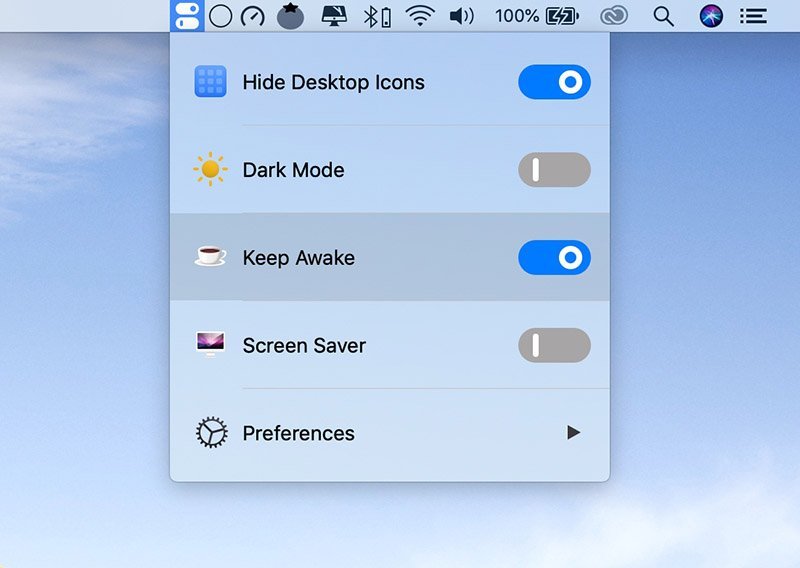
This menu bar app keeps all your powerful switches in one place: Hide Desktop Icons, Dark Mode, Keep Awake, Screen Saver, AirPods Connect, DND and Night Shift.
Visit
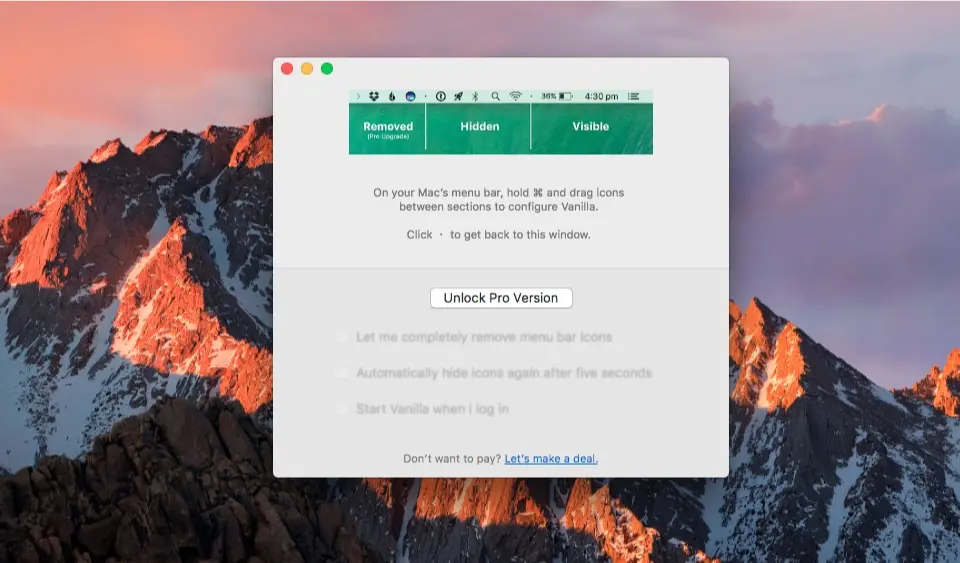
Vanilla is a free Mac app that lets you hide menu bar icons, keeping your menu bar clean and clutter-free while maintaining quick access when needed.
Visit Watch