
Collection:
Menu Bar Managers
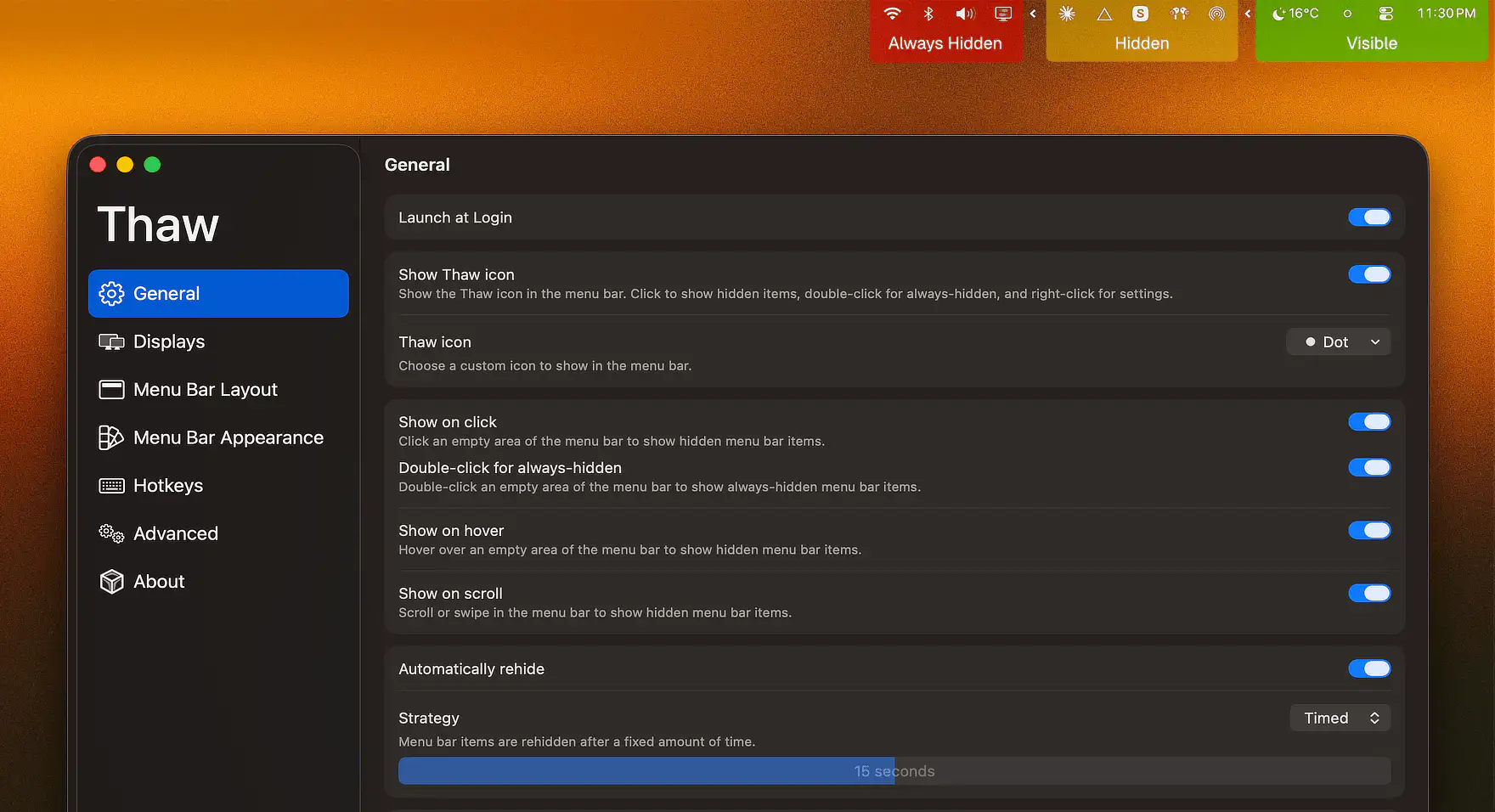
Keep your menu bar calm and under control. Hide, reveal, group, space, recolor, restyle, or reorganize menu bar icons, tame the notch, add custom text or badges, and build a cleaner, more intentional top bar that fits how you work.
Collection:
Menu Bar Managers
TighterMenubar
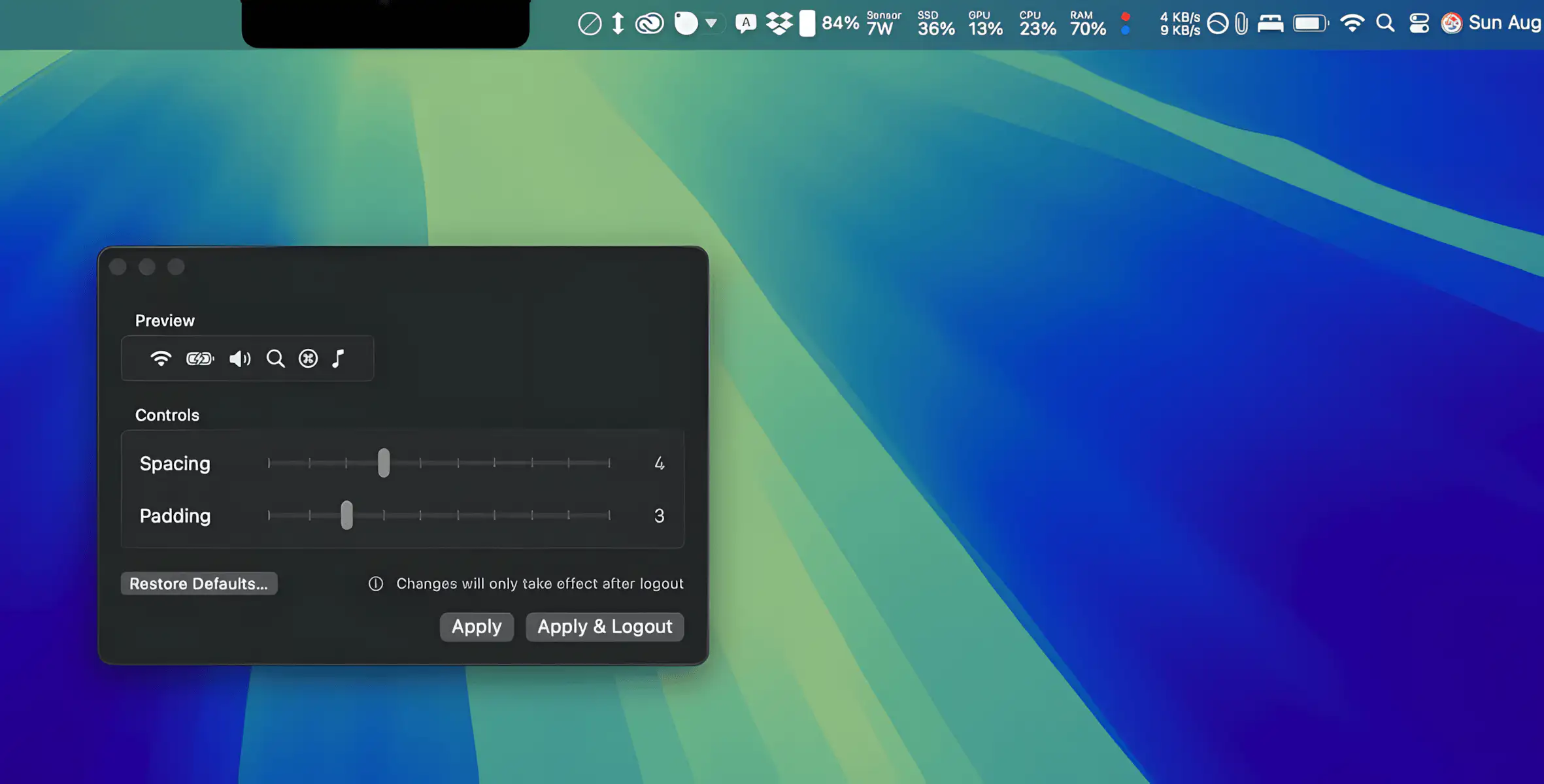
TighterMenubar lets you fine-tune menu bar spacing for a cleaner, more compact layout, so all your items stay visible without slipping behind the notch.
Collection:
Menu Bar Managers
SaneBar
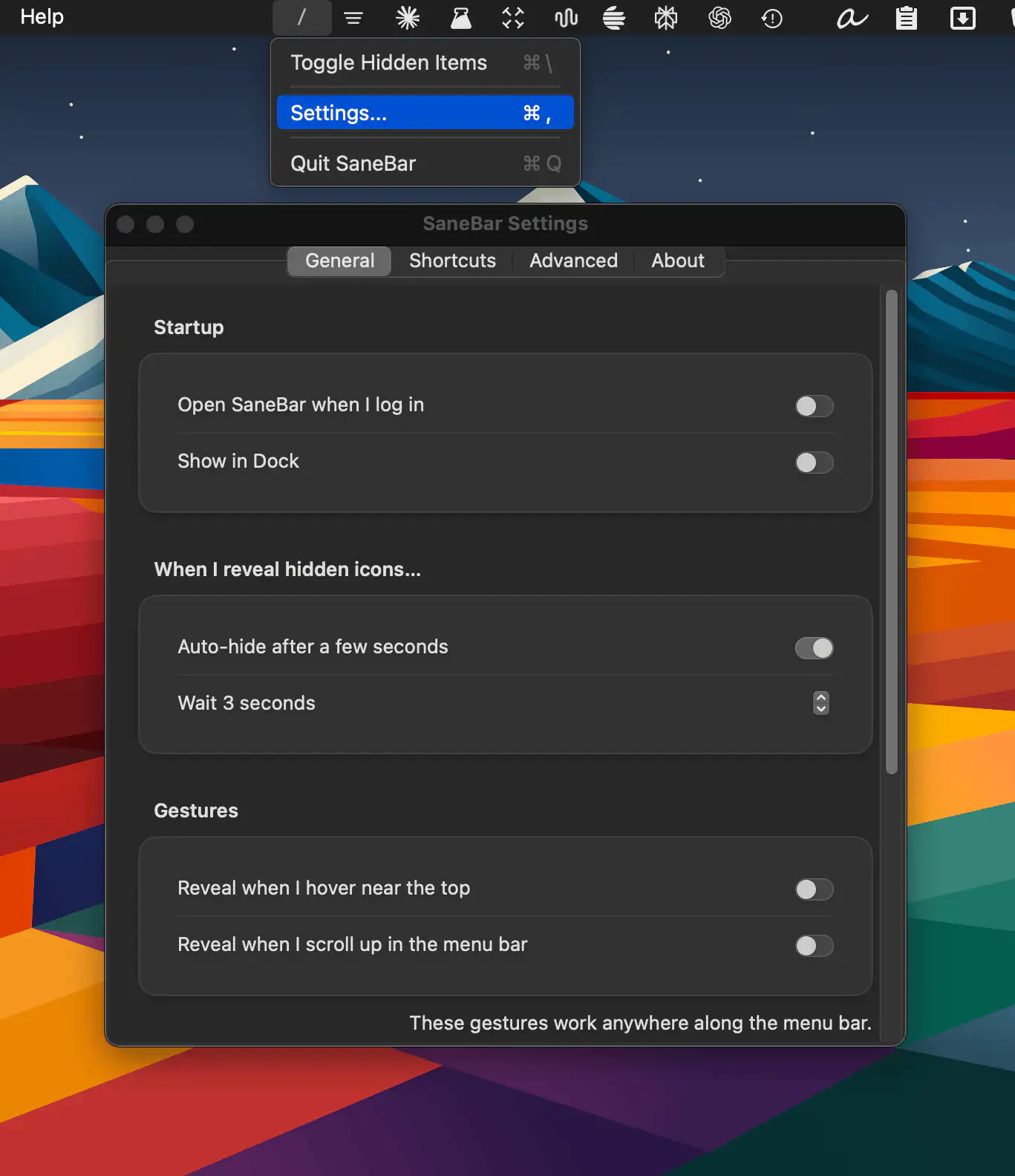
SaneBar is a privacy-first macOS menu bar manager that hides clutter, protects sensitive icons with Touch ID, and helps you find any app instantly, even behind the notch.
Collection:
Menu Bar Managers
ExtraBar
Collection:
Menu Bar Managers
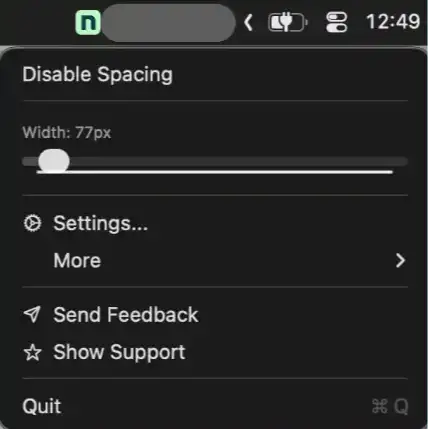
Spacer
Collection:
Menu Bar Managers
BuhoBarX
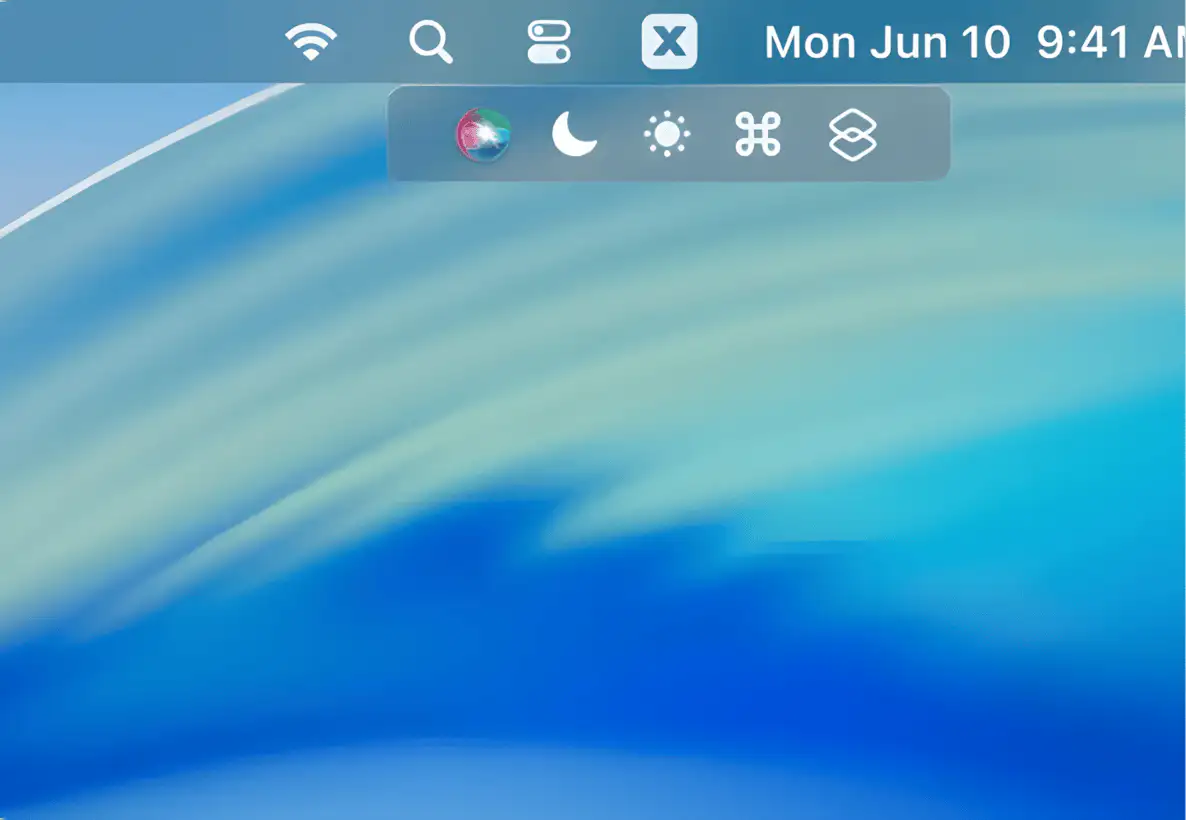
A lightweight Mac menu bar manager that hides cluttered icons, fixes notch cut-offs, and lets you reorder and space items just the way you like, with quick shortcuts built in.
Collection:
Menu Bar Managers
Lickable

Lickable brings back the classic menu bars from previous macOS versions, offering a nostalgic and (for some) visually appealing interface.
Collection:
Menu Bar Managers
Menu Bar Tint

Collection:
Menu Bar Managers
Menu Bar Spacing

Collection:
Launcher Apps | Menu Bar Managers
Badgeify

Badgeify lets you add menu bar icons for apps like iMessage and Email (message counts). It can also serve as a quick launcher for your applications right from the menu bar.