Collection:
Misc & Others
Pi Stats
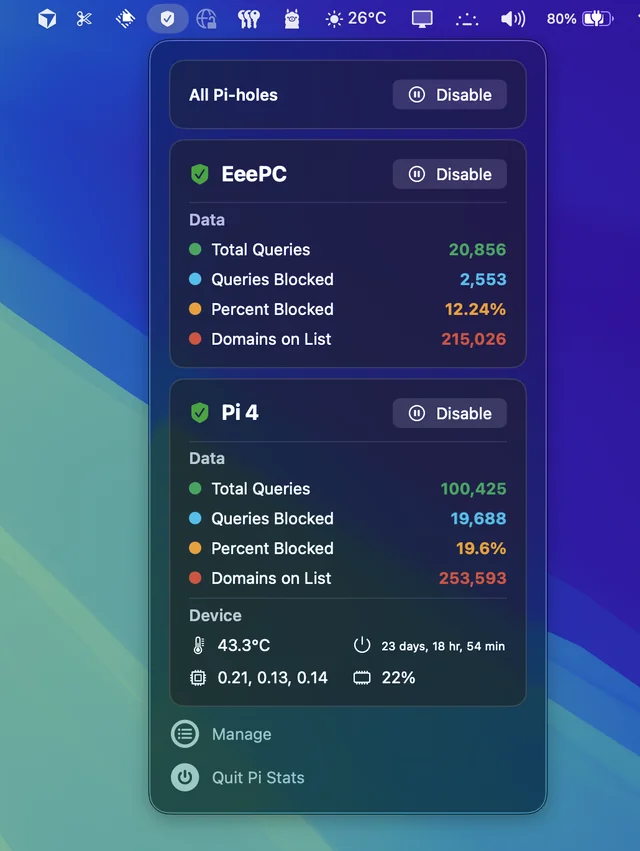
Follow up and manage the status of your Pi-hole(s). Comes in handy when you’re annoyed by having to open up the web interface every time you want to disable pihole.

Not everything fits neatly into a box — but it’s still worth having in your menu bar.
Not everything fits neatly into a box — but it’s still worth having in your menu bar.
Follow up and manage the status of your Pi-hole(s). Comes in handy when you’re annoyed by having to open up the web interface every time you want to disable pihole.
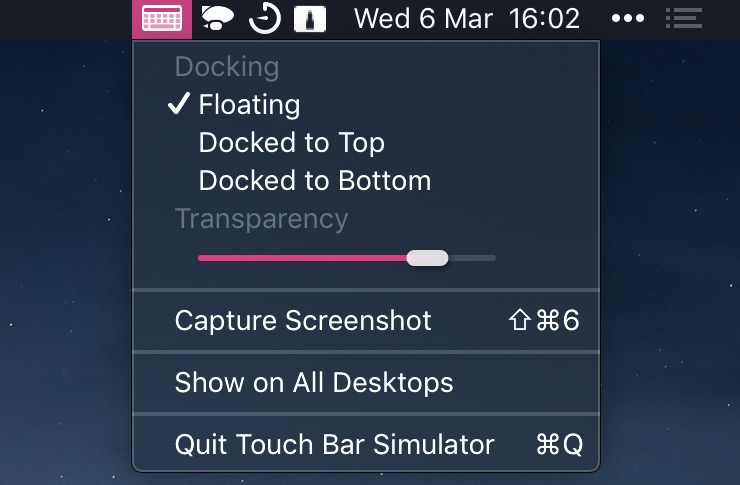
This virtual touch bar simulates the MacBook Pro’s Touch Bar. Clicking the menu bar icon toggles the Touch Bar window. Now you can use the Touch Bar on any Mac!
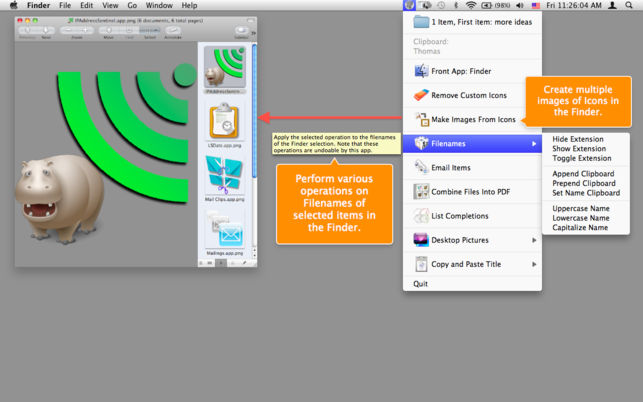
Amelita adds a smart context menu to your menu bar to grant you quick access to functions, like the ability to quickly change desktop backgrounds, copy images to your clipboard, add multiple senders to your address book with one click and so much more. It takes all these complex tasks and puts them in the menu bar, ready to go when you need them.
End of content
End of content