
Collection:
Audio Apps
Fresh finds for your menu bar. Most recently added apps on top – last updated: October 13, 2026
Collection:
Clipboard Managers
Maccy
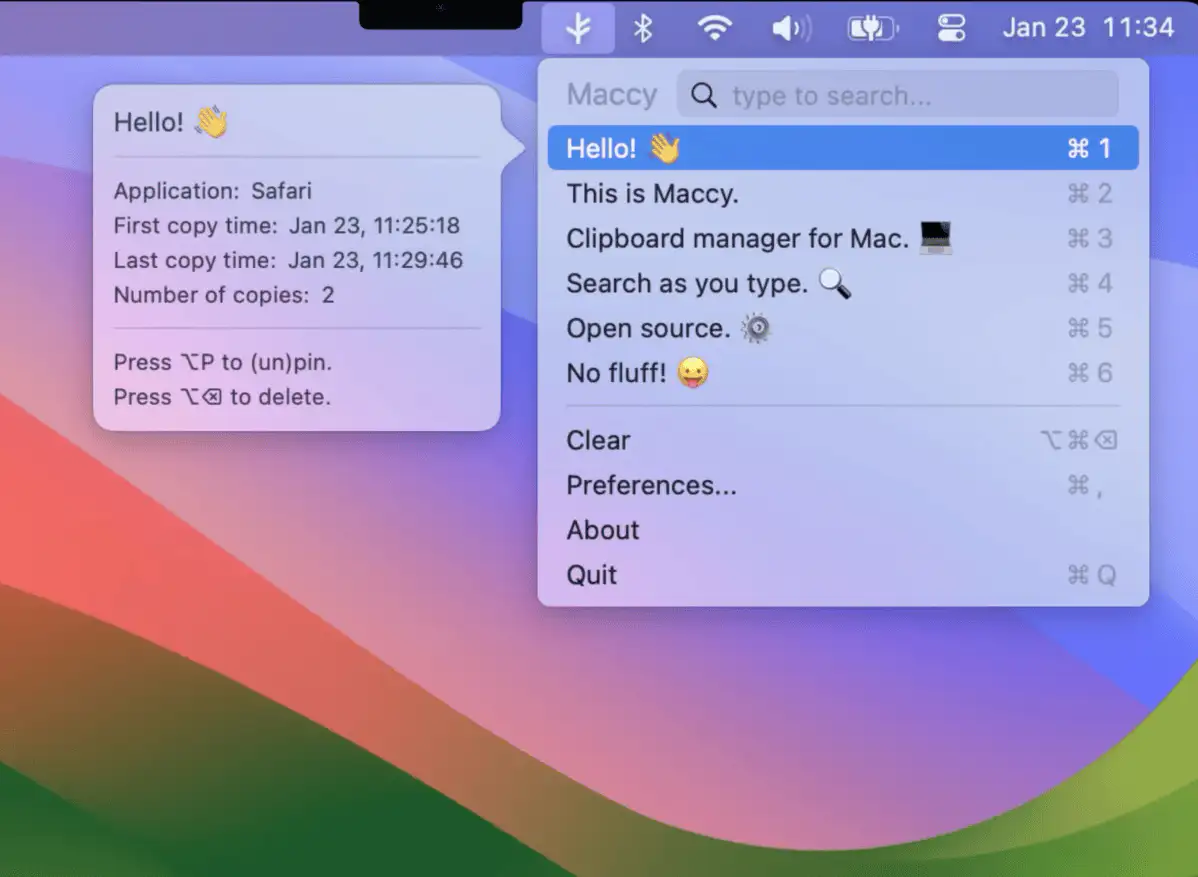
This lightweight open-source clipboard manager does one job: keeping your copy history at hand.
Collection:
Personal Apps
Halo

This menu bar app is a little bot that tries to take care of you on your Mac. It tells you cute, self care things, and tries not to stress you out.
Collection:
Wallpaper Apps
Clarity
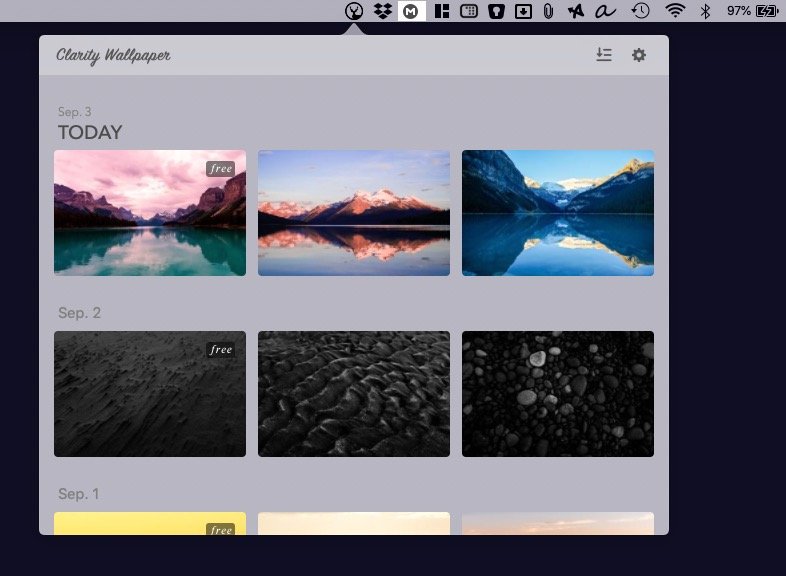
Clarity brings minimal Mac wallpapers right to your menu bar, letting you customize your desktop aesthetic with curated, beautiful designs.
Collection:
Time Tracking Apps
Harvest
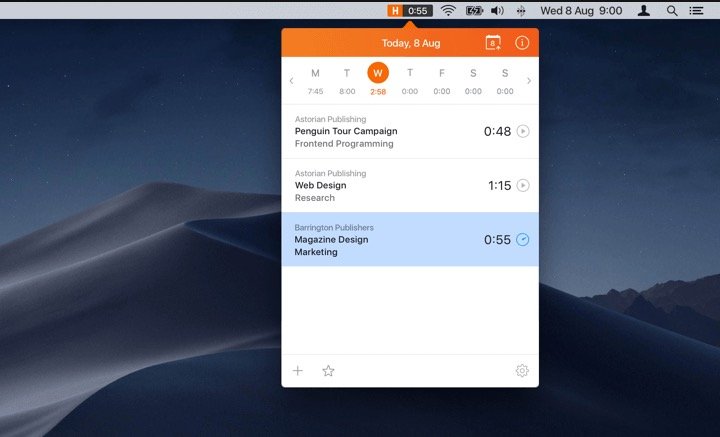
Harvest brings time tracking directly into your workflow, letting you log hours and review weekly totals without switching apps. It syncs with popular project tools, keeping billing and reporting accurate and effortless.
Collection:
Display Apps
Hummingbird
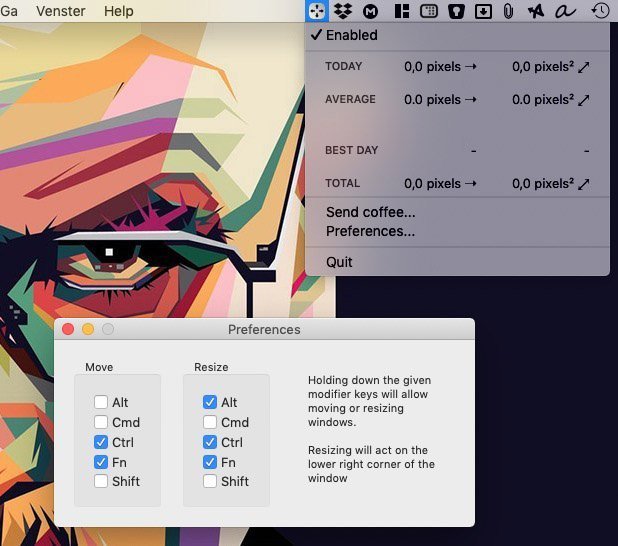
Hummingbird is a menu bar app that allows easy moving and resizing of windows by holding modifier keys and dragging your mouse to move and resize windows.
Collection:
Network Apps
PingBar
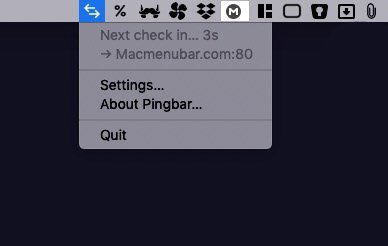
PingBar keeps an eye on your server. It will ping your server periodically, and show you the delay in the menubar.
Collection:
Time Apps
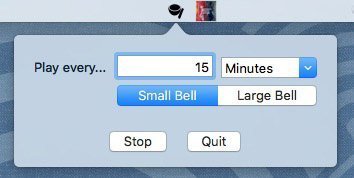
Mindfulness Bell
Collection:
System Tools
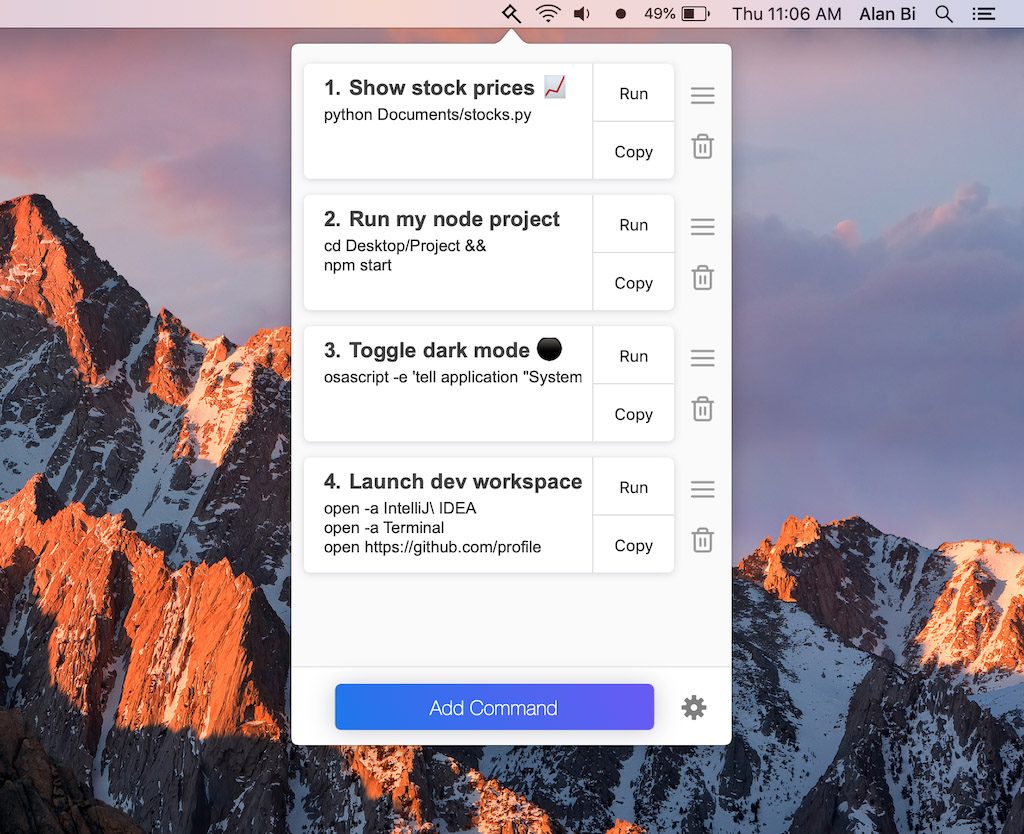
Bidbar
Collection:
Time Zone Apps
Dato
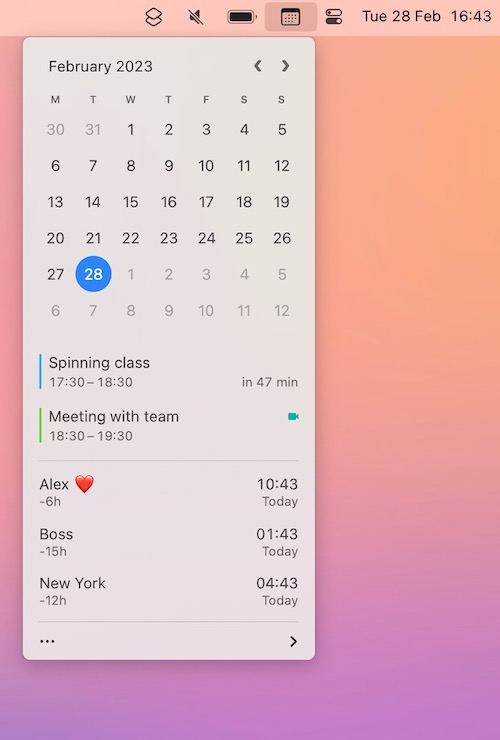
Dato is a replacement for the system menu bar clock. You get a small calendar, calendar events for the selected day, the current time in various time zones (even with custom names), week number, and more.