Collection:
Audio Apps
Menu Bar Controller for Sonos
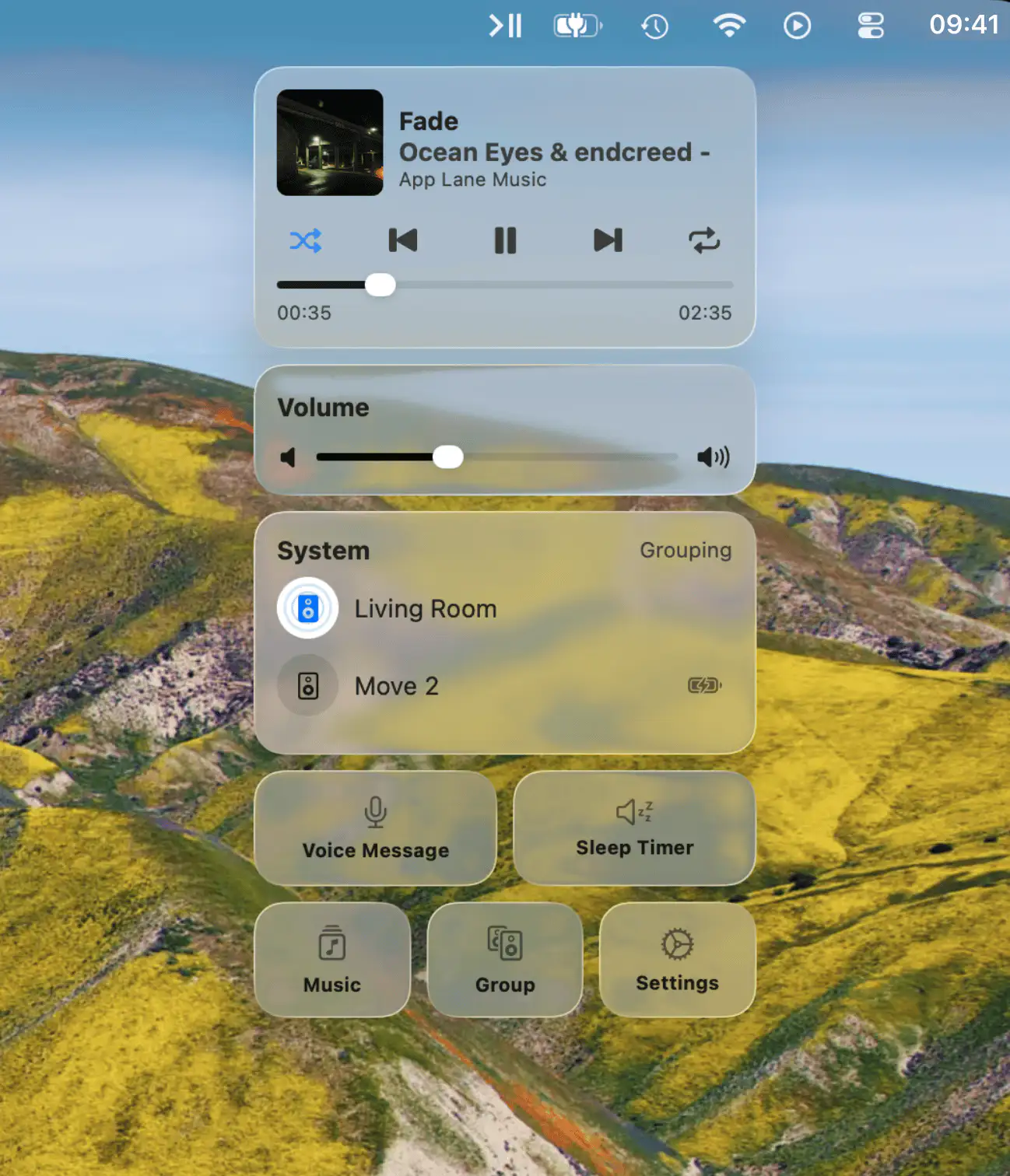
Seamlessly control your Sonos system from the macOS menu bar with quick access to playback, volume, and more, all in a sleek, unobtrusive companion that enhances your listening experience.

Seamlessly control your Sonos system from the macOS menu bar with quick access to playback, volume, and more, all in a sleek, unobtrusive companion that enhances your listening experience.
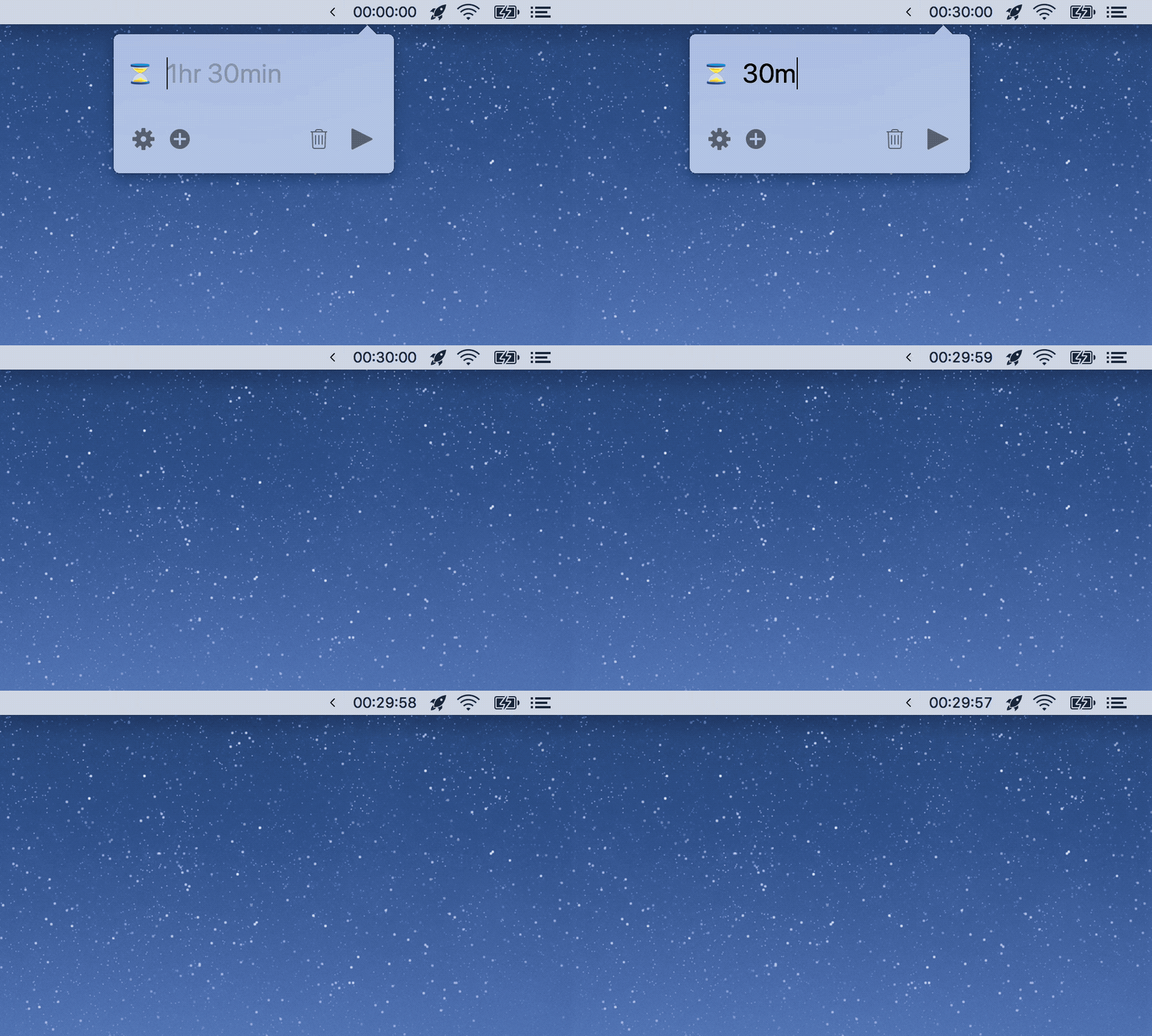
Horo is a free timer that uses a simple and speedy natural language interface. Type the time, hit return, and go.
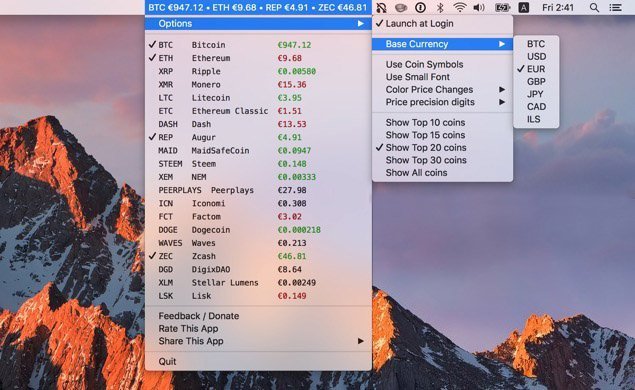
Coin Tick lets you view prices of your selected cryptocurrency coins directly in your Mac menu bar with real-time updates and multiple currencies.
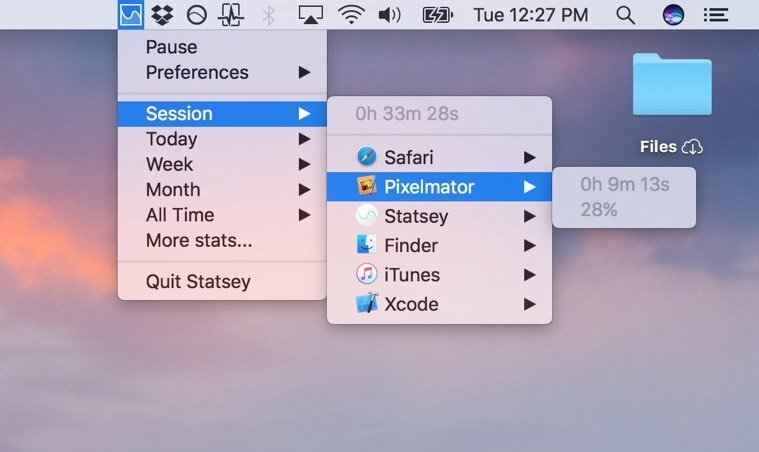
This menu bar app lets you analyze your app-usage habits, and find out how much they are impacting your productivity.
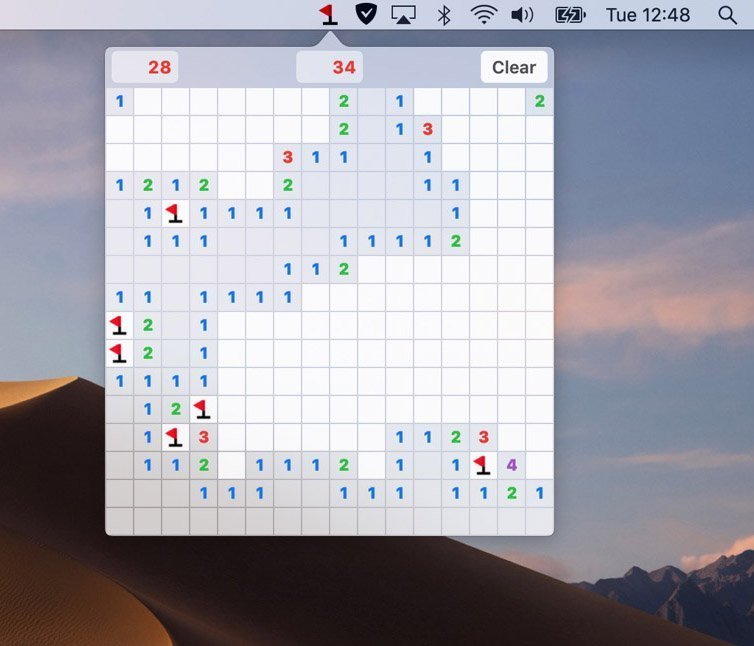
The classic minesweeper game is just one click away in your menu bar, bringing retro gaming fun to your everyday Mac experience and breaks.
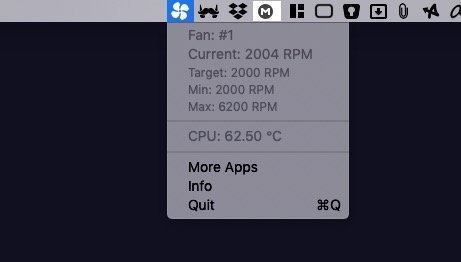
Fanny is a free menu bar app that monitors your Mac’s fan stats, keeping you informed about cooling performance and thermal conditions.
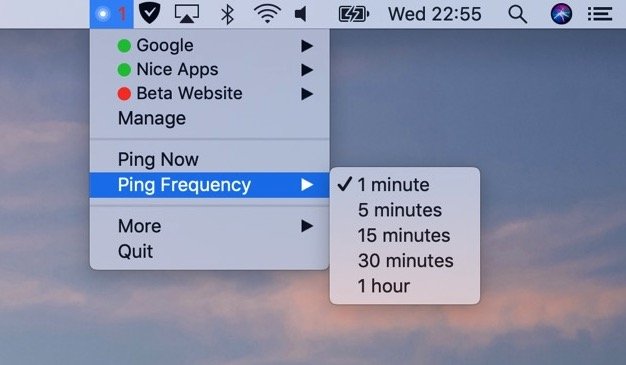
Pingey sits in the menu bar. Click on the icon to see the status of all your websites. Or add separate menu bar items for your most important sites.
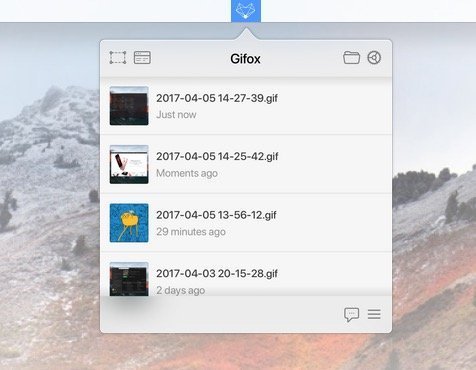
Gifox is a menu bar app that records your screen into animated GIFs. You can also share your captured GIFs with Dropbox, Google Drive and Imgur.
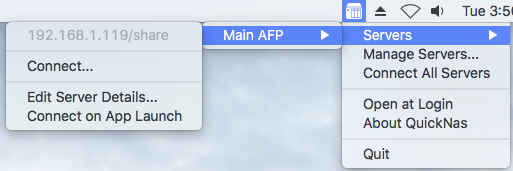
QuickNas is a menu bar app that connects you quick and easy to your network attached storage volumes.
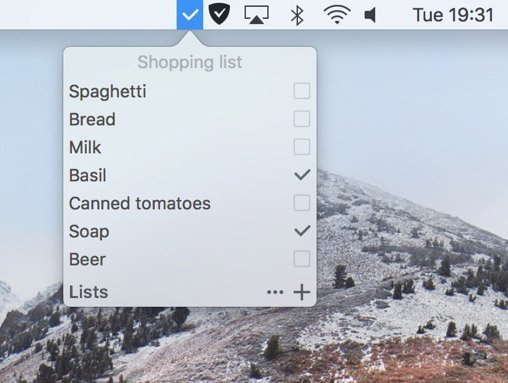
A fast and simple way to remember things. Todoey syncs with iCloud and has both a dark and a light theme.