Collection:
Developer Apps
Ballast
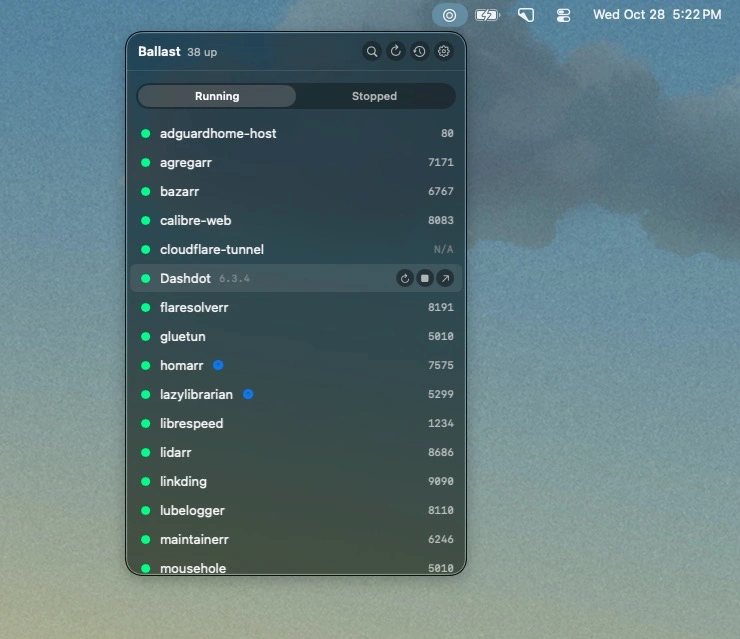
Monitor Docker containers on your Synology NAS, manage services with a click, and track crashes, restarts, and image updates. SSH access keeps things secure without exposing Docker.

Monitor Docker containers on your Synology NAS, manage services with a click, and track crashes, restarts, and image updates. SSH access keeps things secure without exposing Docker.
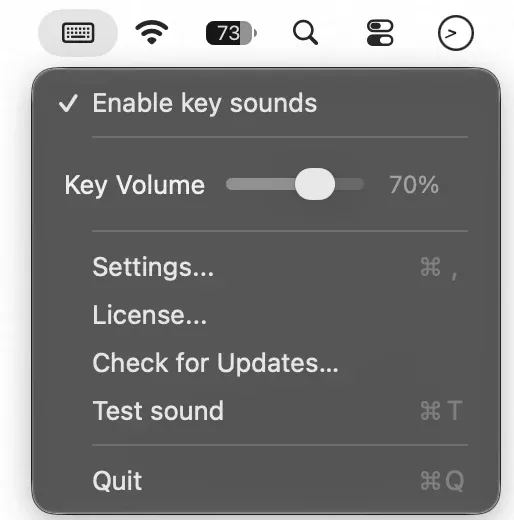
Add sound to every keystroke with musical presets like Marimba and Kalimba, or classic clicks and mechanical keyboard effects. Adjust the volume, change presets, and save your preferences from the menu bar.
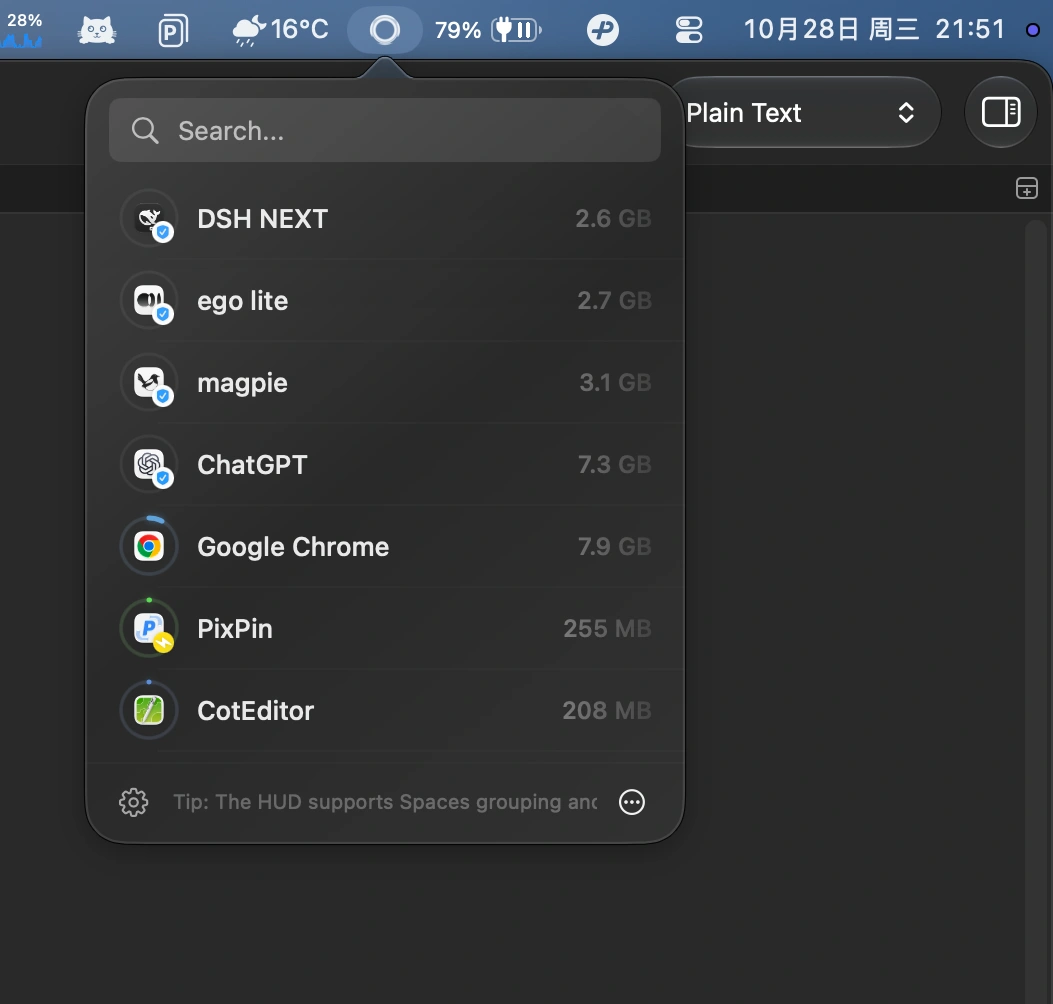
Aion automatically closes idle Mac apps without interrupting downloads, media playback, meetings, or automation. Customize app-specific rules and focus modes while keeping activity checks local.
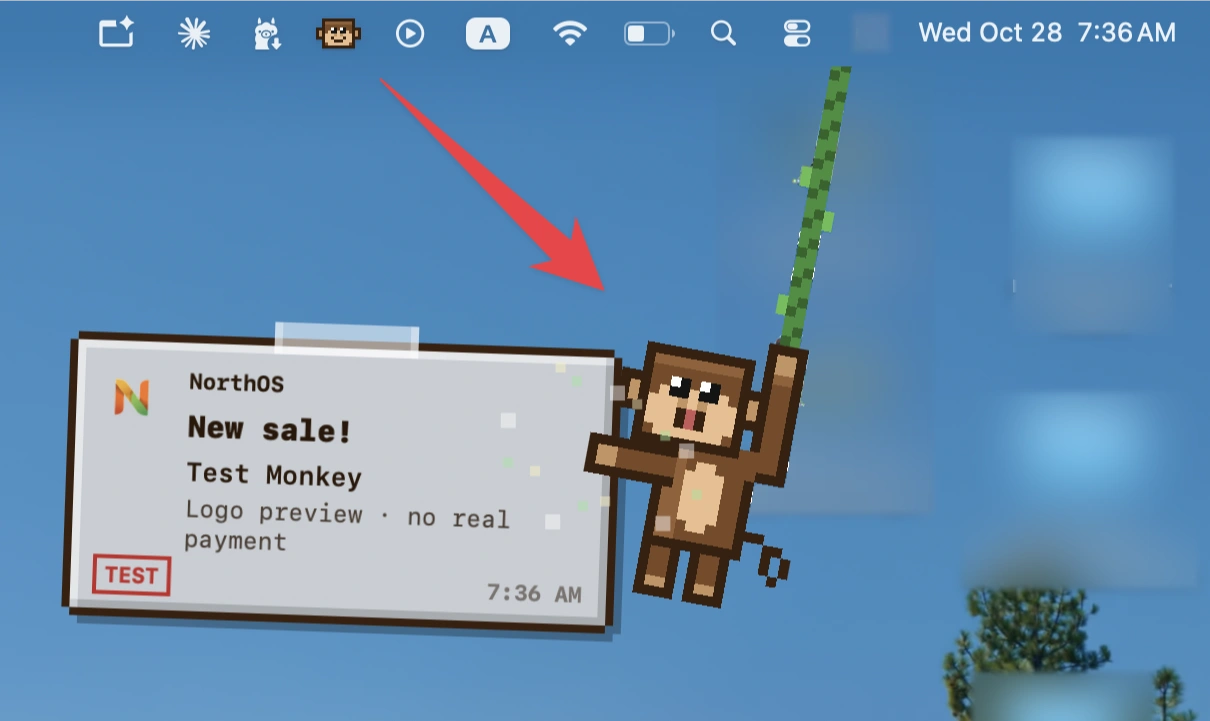
Celebrate every sale with playful pixel-monkey notifications, revenue milestones and shareable win cards. Connect Stripe, Paddle, RevenueCat and other platforms to track sales right from your Mac.
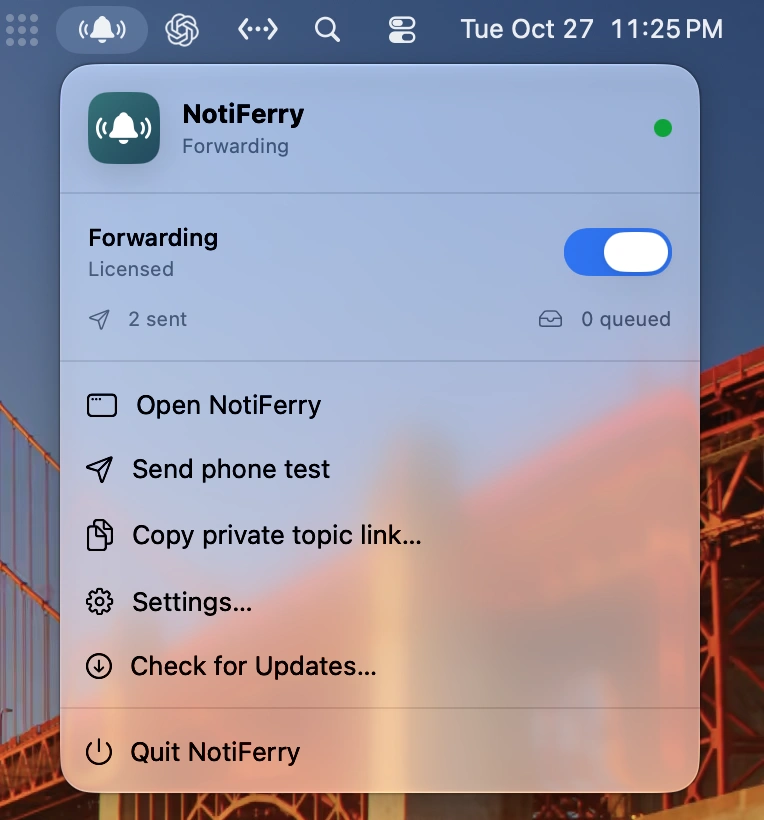
Forward Mac notifications to your iPhone and Apple Watch, including alerts from AI coding agents, completed builds, and backups. Choose how much notification content to share, with read-only access and no separate account required.
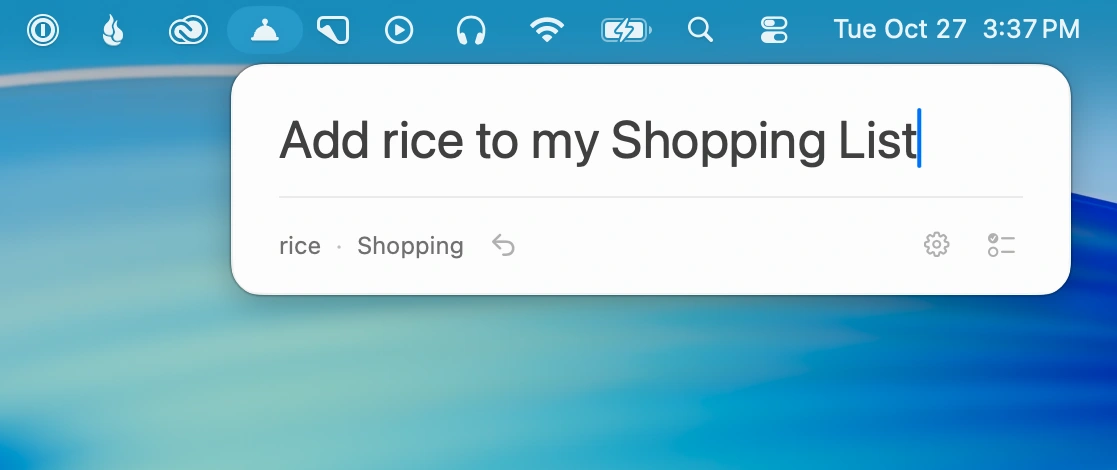
Add tasks to Apple Reminders by typing natural-language sentences. Set dates, recurring reminders, priorities and lists in seconds, with on-device Apple Intelligence.
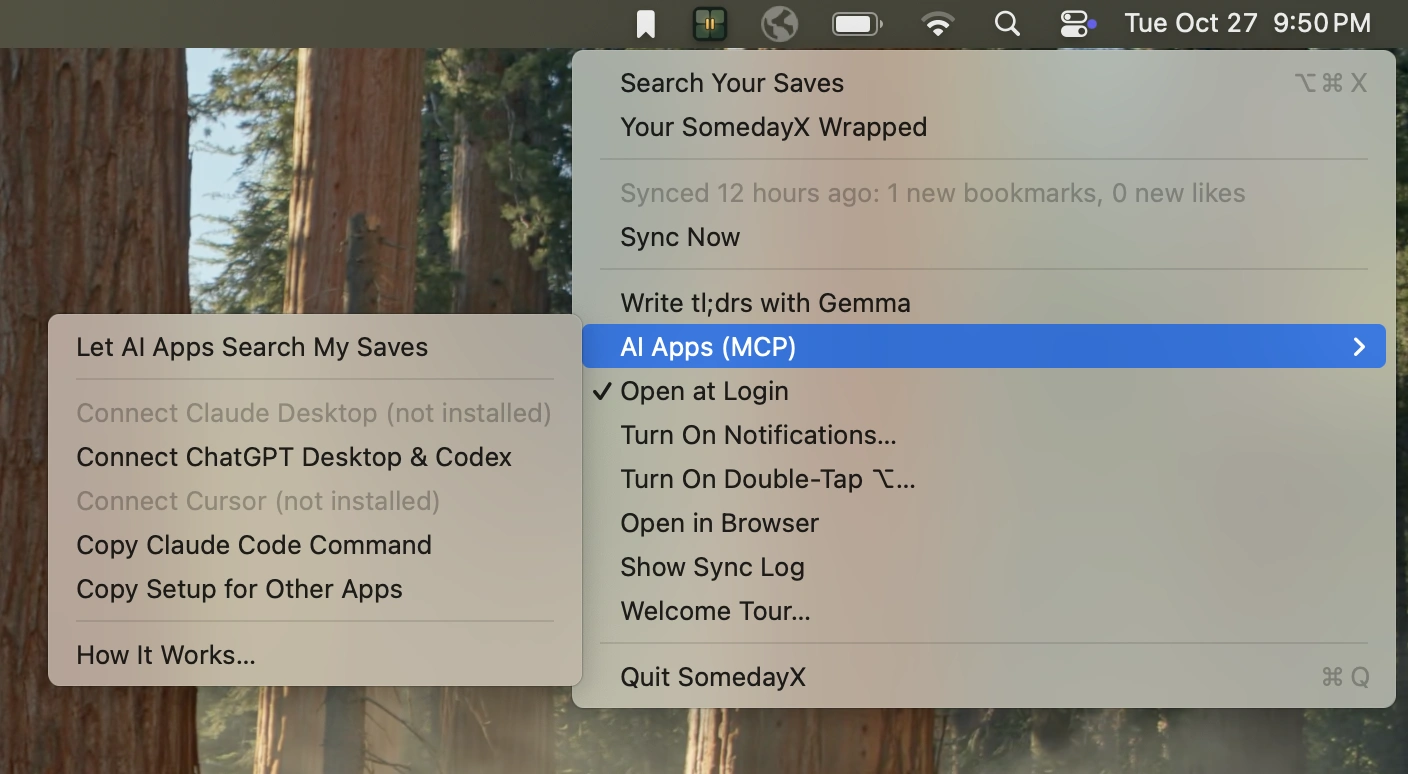
Find saved X posts by meaning, including text within images and full articles. Search runs locally for privacy, with optional AI integrations for Claude, ChatGPT, Codex and Cursor.