Collection:
Sports Apps
MenuFC
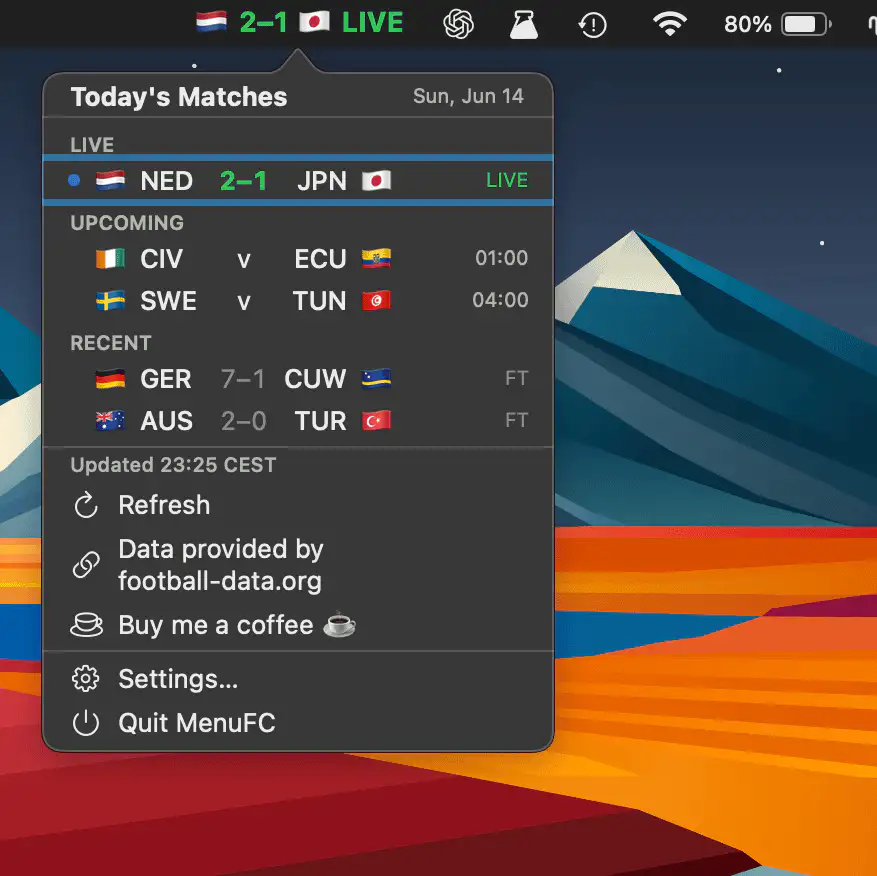
MenuFC keeps live football scores just a glance away, displaying match updates in real time and offering quick access to the full day’s fixtures.

Good apps don’t always come with a price tag. These menu bar gems are free — and worth your space.
Good apps don’t always come with a price tag. These menu bar gems are free — and worth your space.
MenuFC keeps live football scores just a glance away, displaying match updates in real time and offering quick access to the full day’s fixtures.
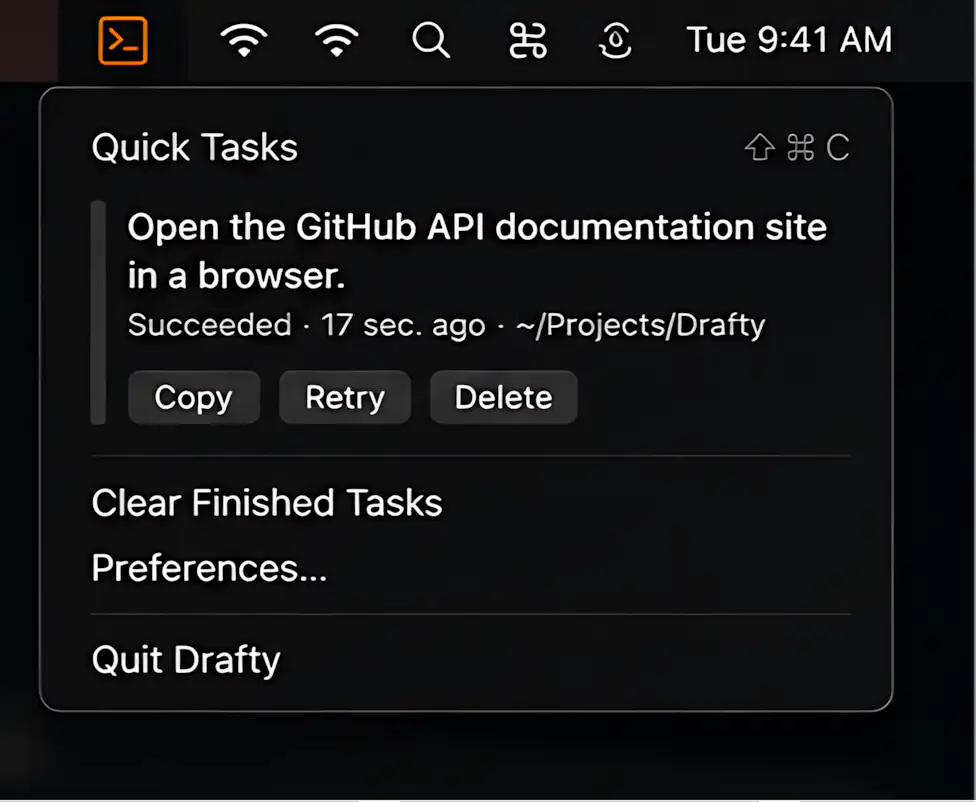
Drafty keeps lightweight Codex tasks close at hand, making it easy to launch quick prompts, attach files, hand off to terminal editors, or dictate drafts locally without interrupting your command-line workflow.
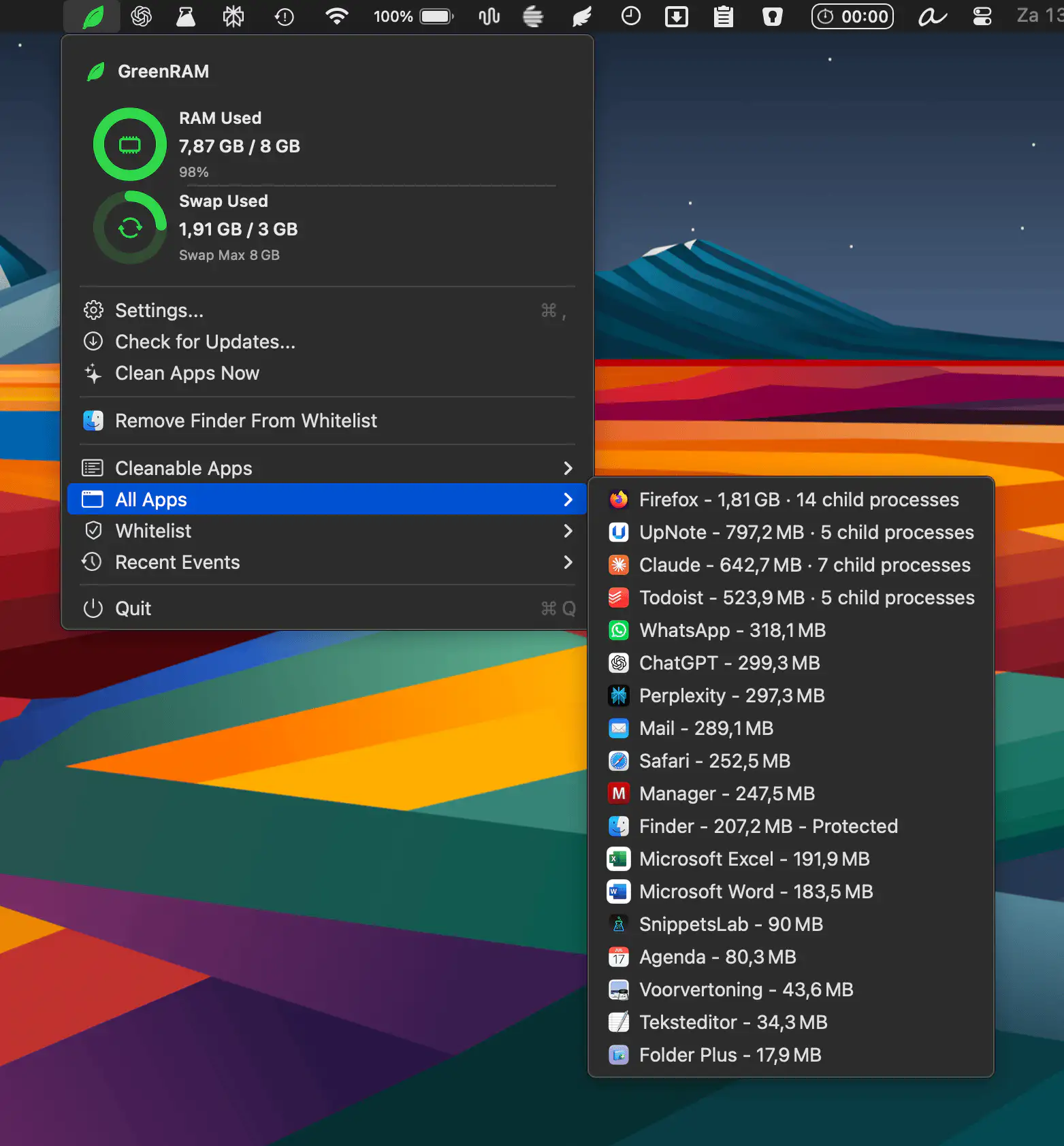
GreenRAM helps keep your Mac responsive by monitoring memory usage and automatically closing long-idle background apps. With customizable rules, smart app handling, and whitelist support, it reduces memory pressure without interfering with the app you’re actively using.
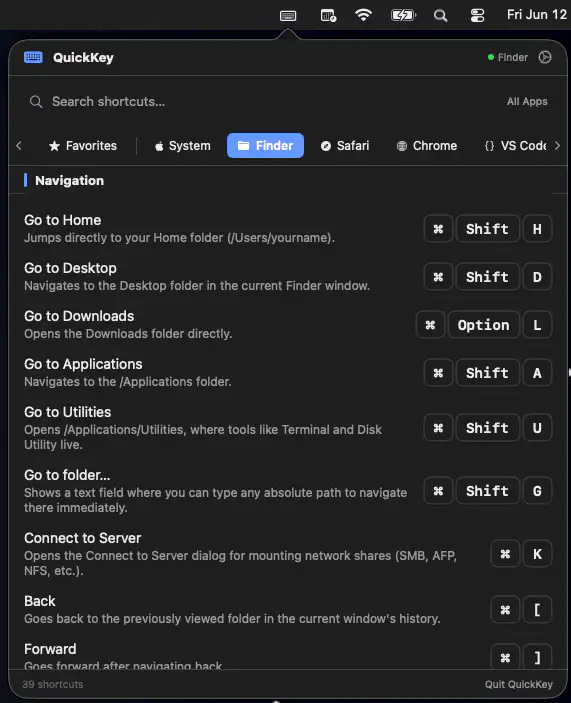
QuickKey keeps keyboard shortcuts close at hand by automatically showing commands for the app you’re using. Search, save favorites, and even trigger shortcuts instantly.
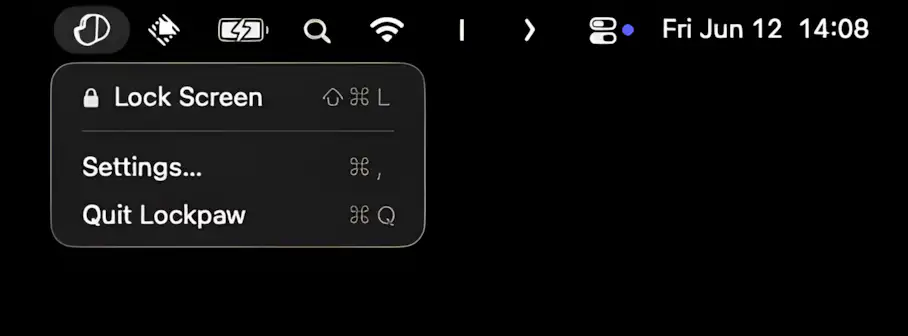
Lockpaw lets you cover your screen instantly while keeping AI agents, builds, downloads, and SSH sessions running uninterrupted. It even alerts you when your agent needs attention.
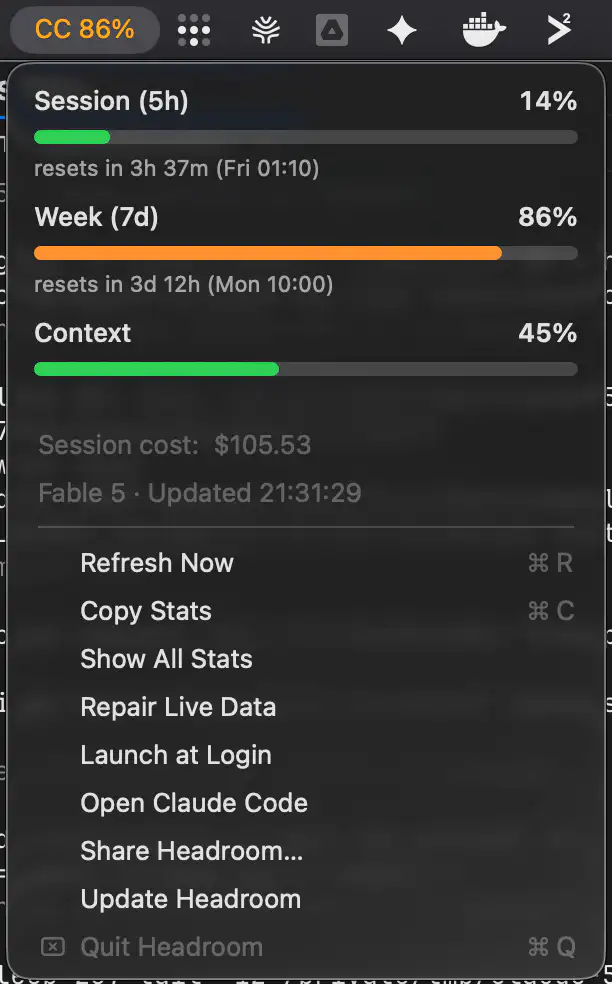
Headroom keeps your Claude Code usage visible at a glance, showing live 5-hour and 7-day limits directly in the menu bar before they catch you in the middle of a task. It reads the usage data Claude Code already stores locally, requires no setup, API key, or login, and never makes a network connection.
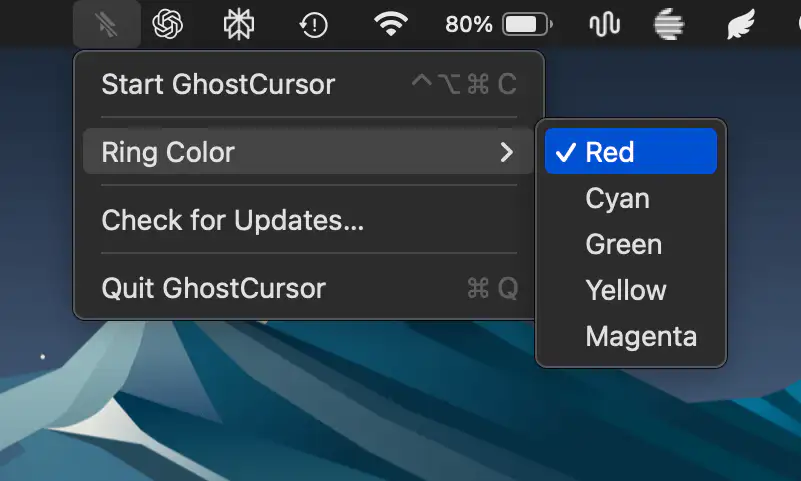
GhostCursor replaces your Mac’s pointer with a subtle highlight ring that remains visible to you while staying completely absent from screen recordings and screen sharing, making demos, tutorials, and presentations look cleaner.
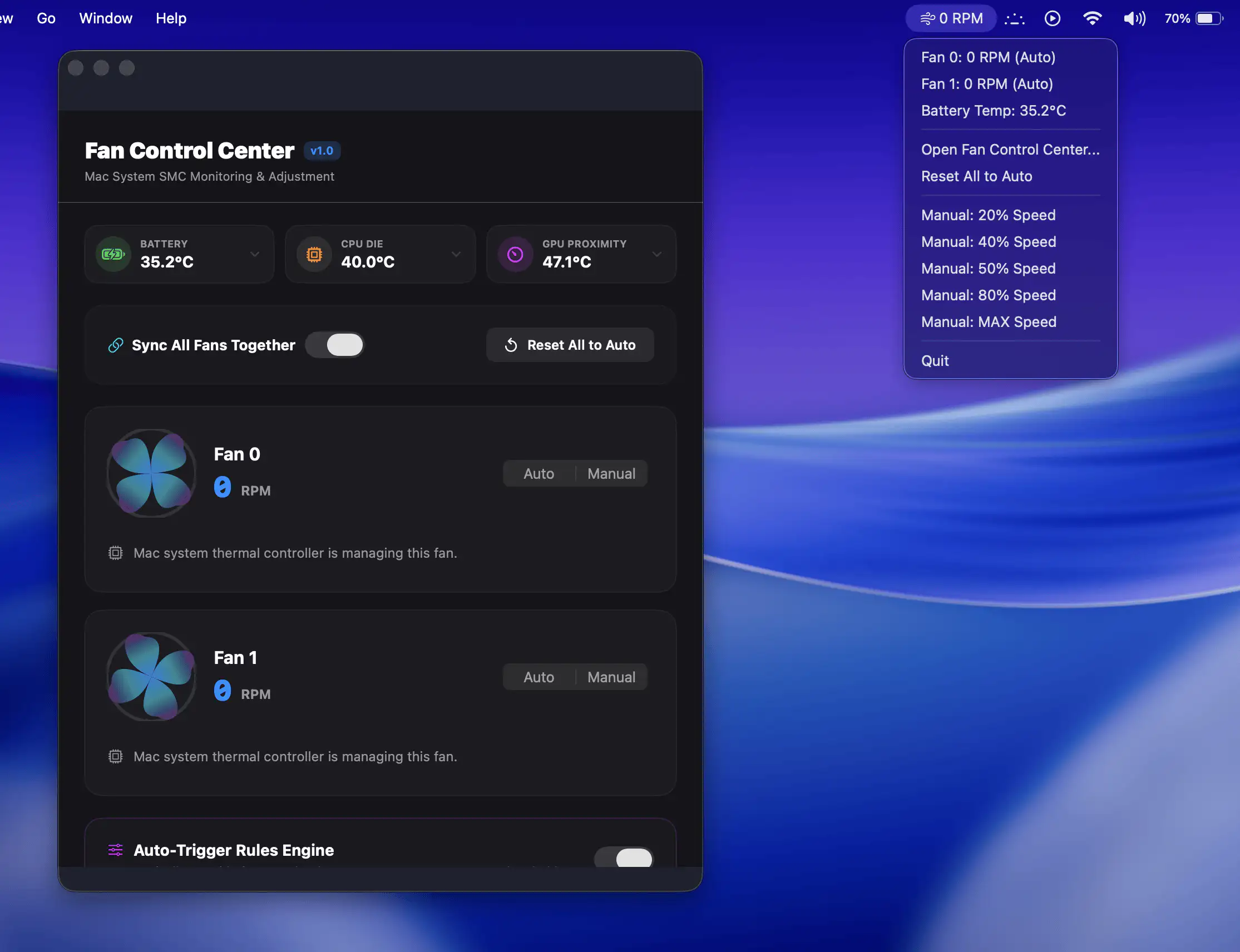
Fan Control Center gives Mac users direct control over cooling performance with manual fan adjustments, real-time temperature monitoring, and customizable automation rules.
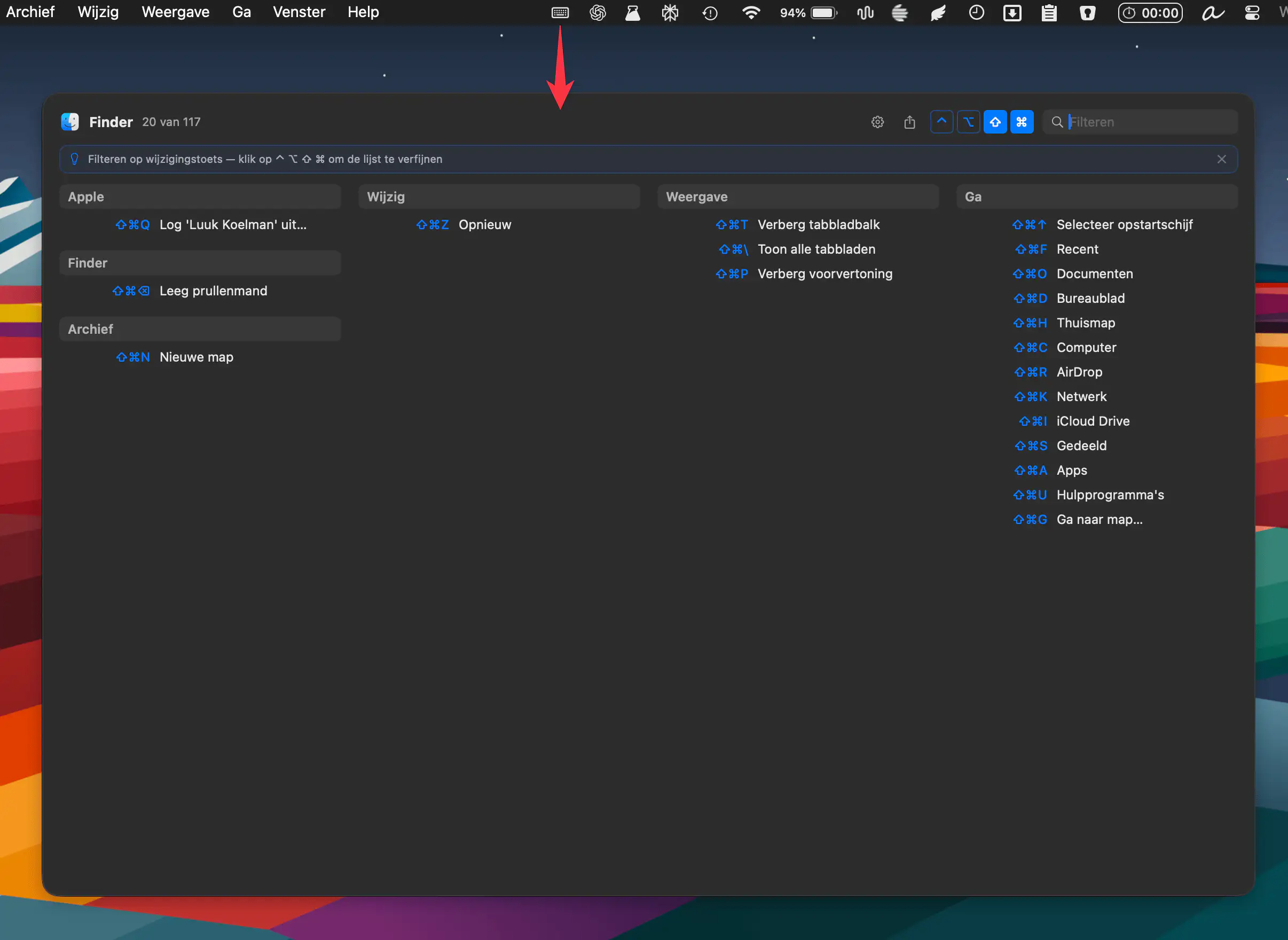
KeyMinder instantly reveals keyboard shortcuts for your active macOS app, grouped by menu. Triggered by a hotkey, it keeps workflows smooth. Free, open source, and always up to date.