Collection:
Screen Capturing Apps
GifJot
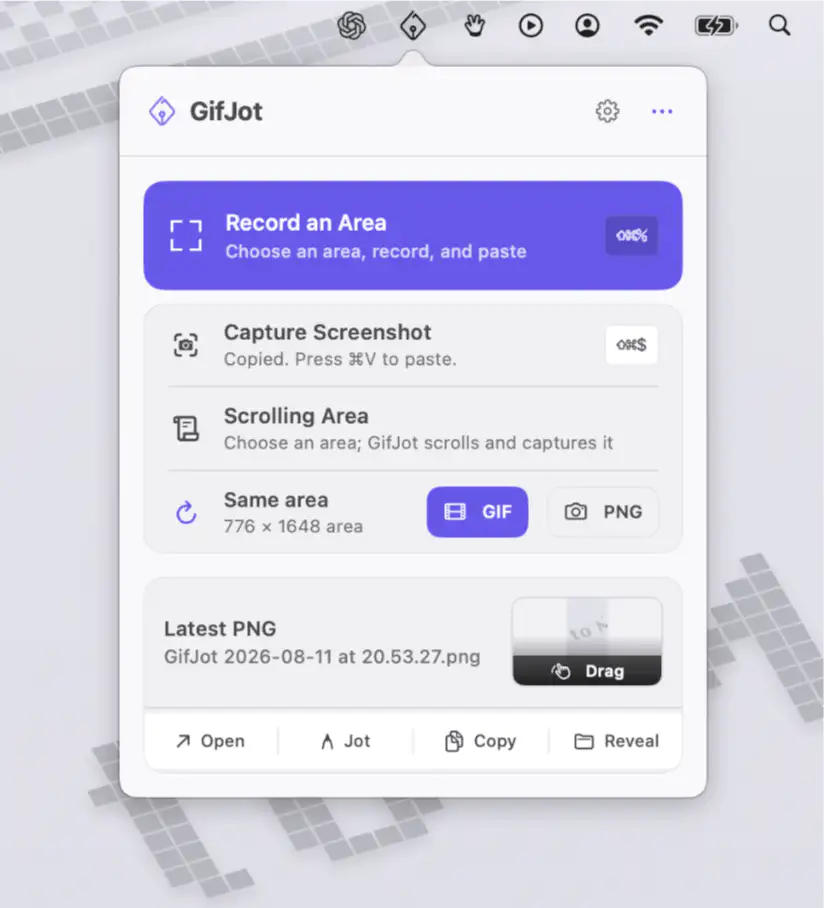
Capture any part of your screen as a GIF or PNG, then paste it instantly. GifJot keeps captures local, remembers previous capture areas, and includes simple markup for quick visual explanations.

Capture, record and share what’s on your screen instantly. Take screenshots, record video or audio, annotate visuals, recognize text, generate shareable links, or automatically organize and optimize your captures directly from your menu bar.
Capture, record and share what’s on your screen instantly. Take screenshots, record video or audio, annotate visuals, recognize text, generate shareable links, or automatically organize and optimize your captures directly from your menu bar.
Capture any part of your screen as a GIF or PNG, then paste it instantly. GifJot keeps captures local, remembers previous capture areas, and includes simple markup for quick visual explanations.
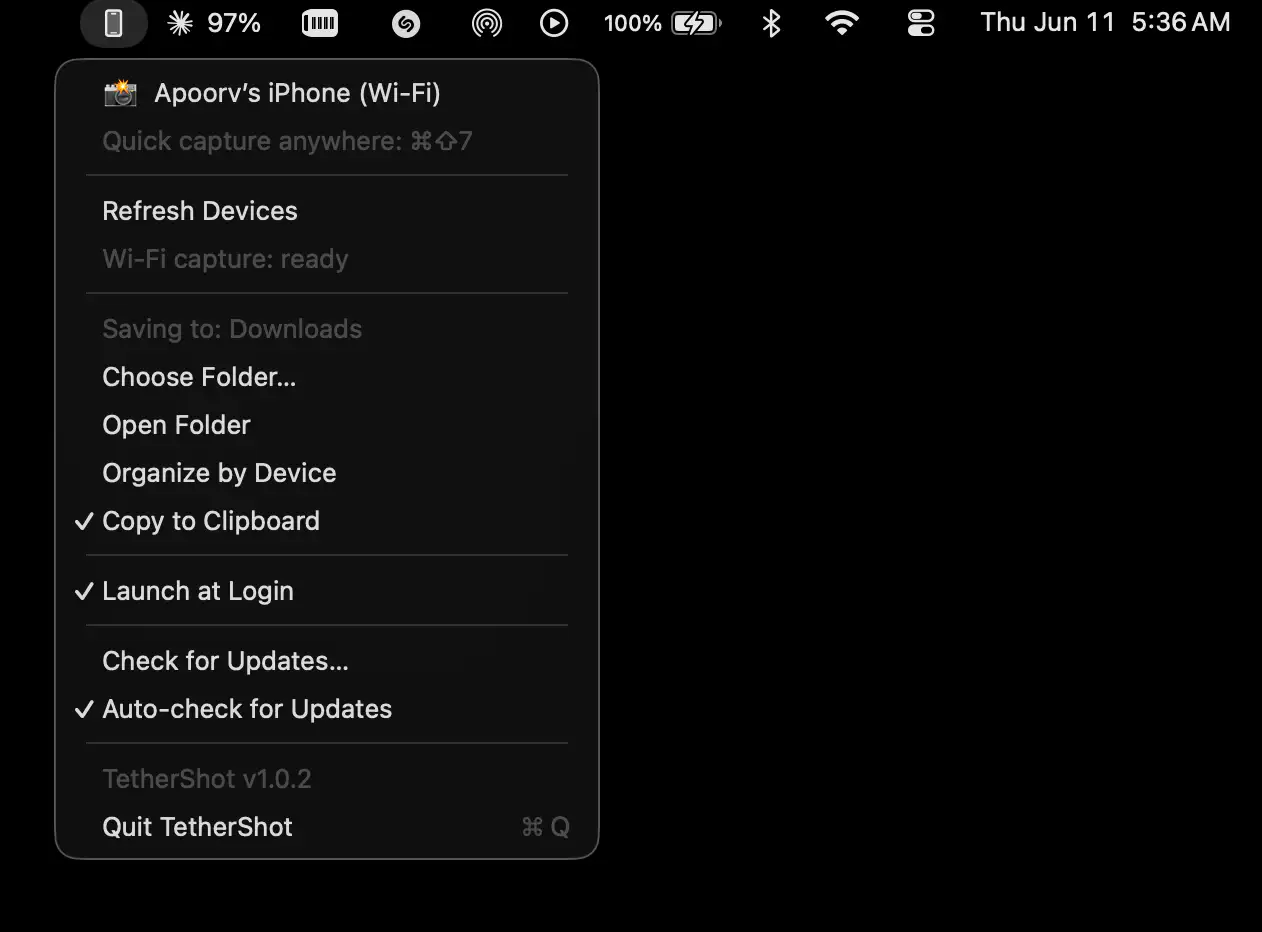
TetherShot makes capturing iPhone screenshots effortless by bringing USB and Wi-Fi capture directly to your Mac. Captures save directly to a chosen folder and your clipboard.
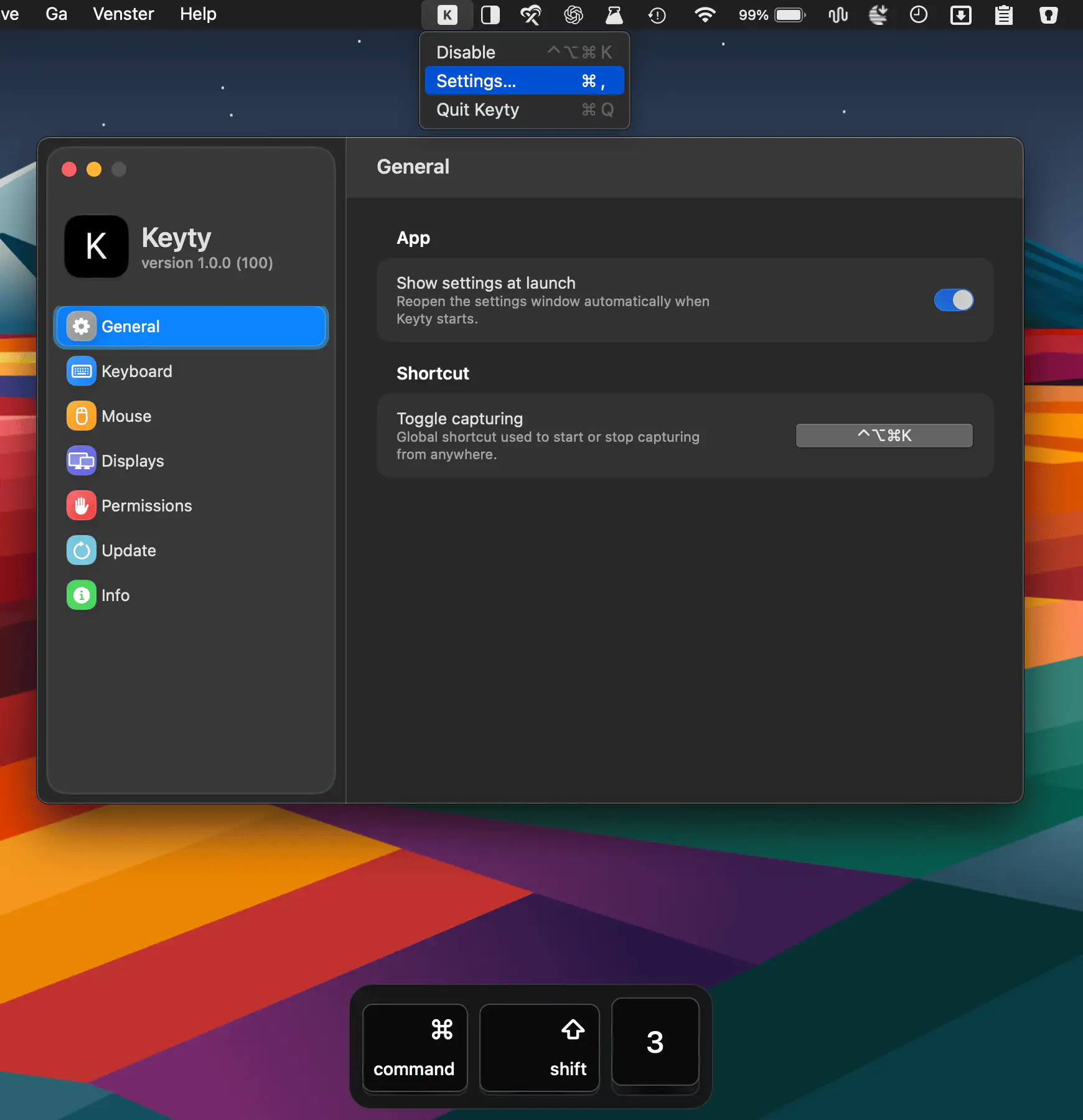
Keyty visualizes keyboard shortcuts, keystrokes, mouse clicks, and scrolling in real time, making screen recordings, demos, presentations, tutorials, and livestreams easier to follow.
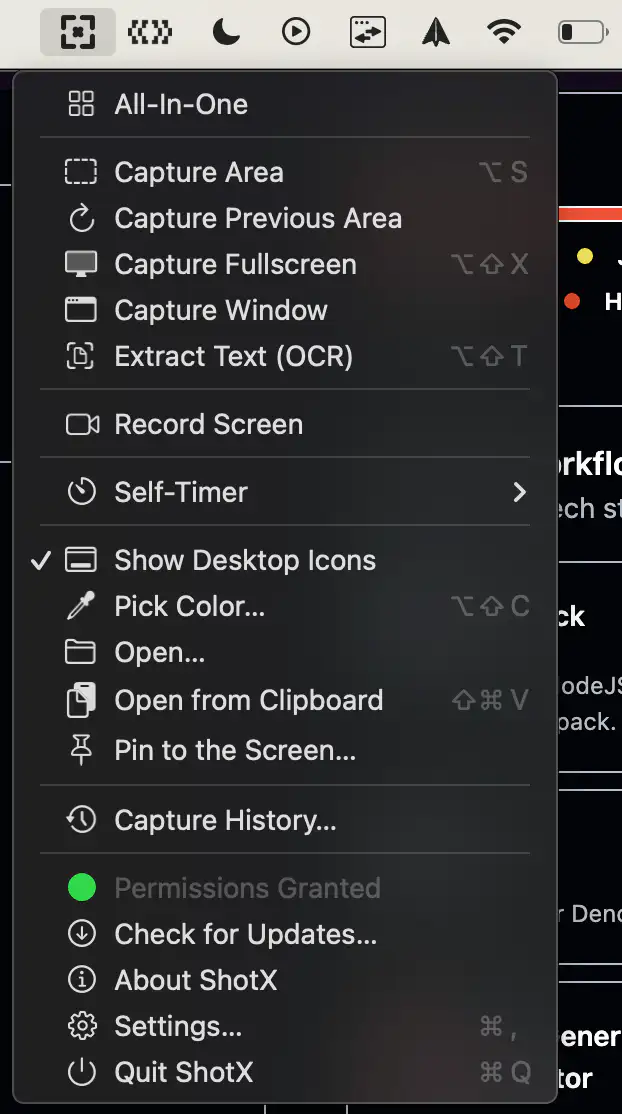
ShotX is a lightweight screen capture tool for macOS inspired by CleanShot X. It offers screenshots, screen recording, annotations, GIF export, and capture history in a fast, privacy-friendly experience that runs entirely offline.
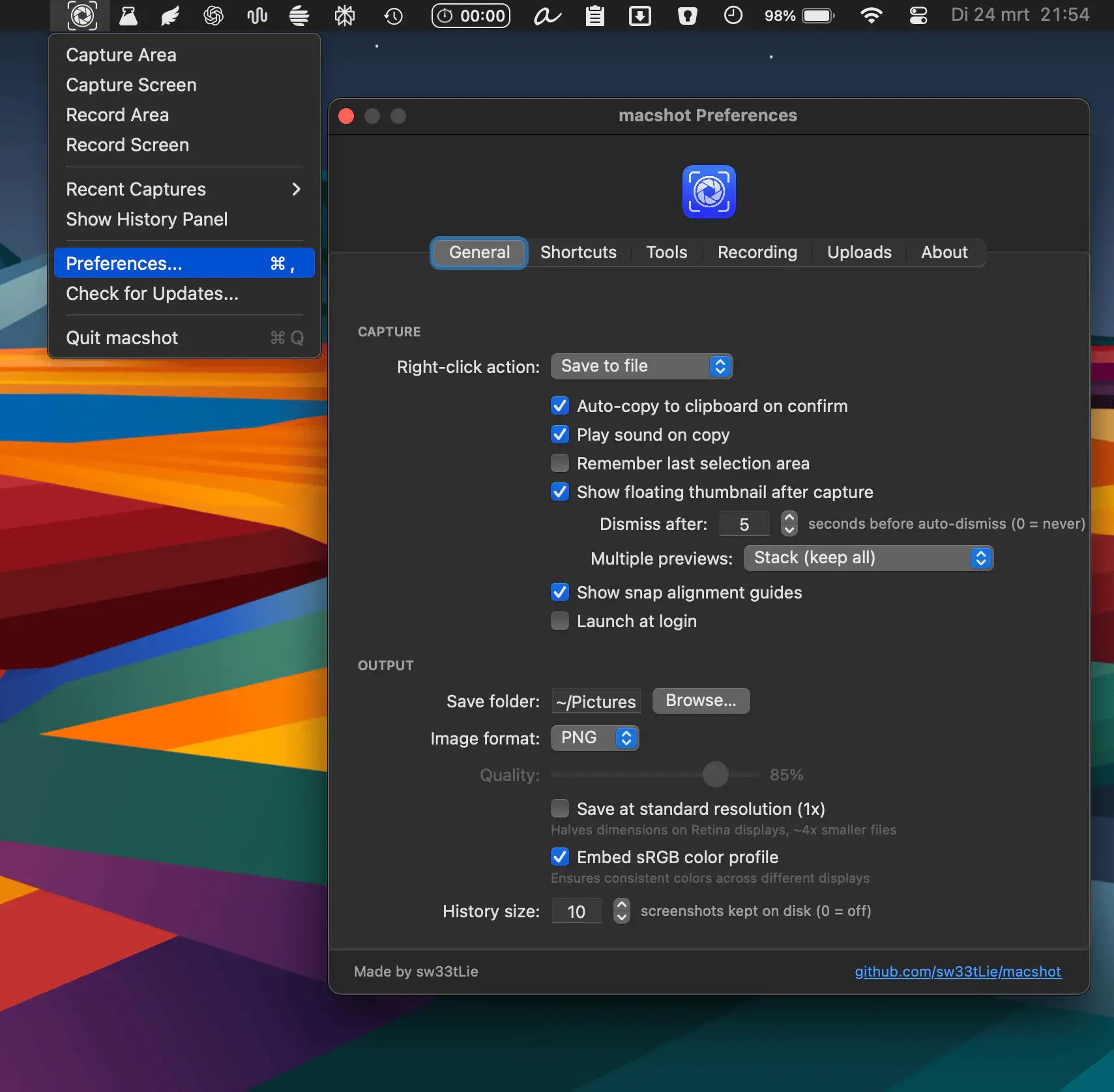
Macshot keeps screenshots fast and frictionless, combining capture, annotation, auto-redaction, scrolling shots, OCR, and quick sharing in one smooth, lightweight native experience without subscriptions or bloated overhead.
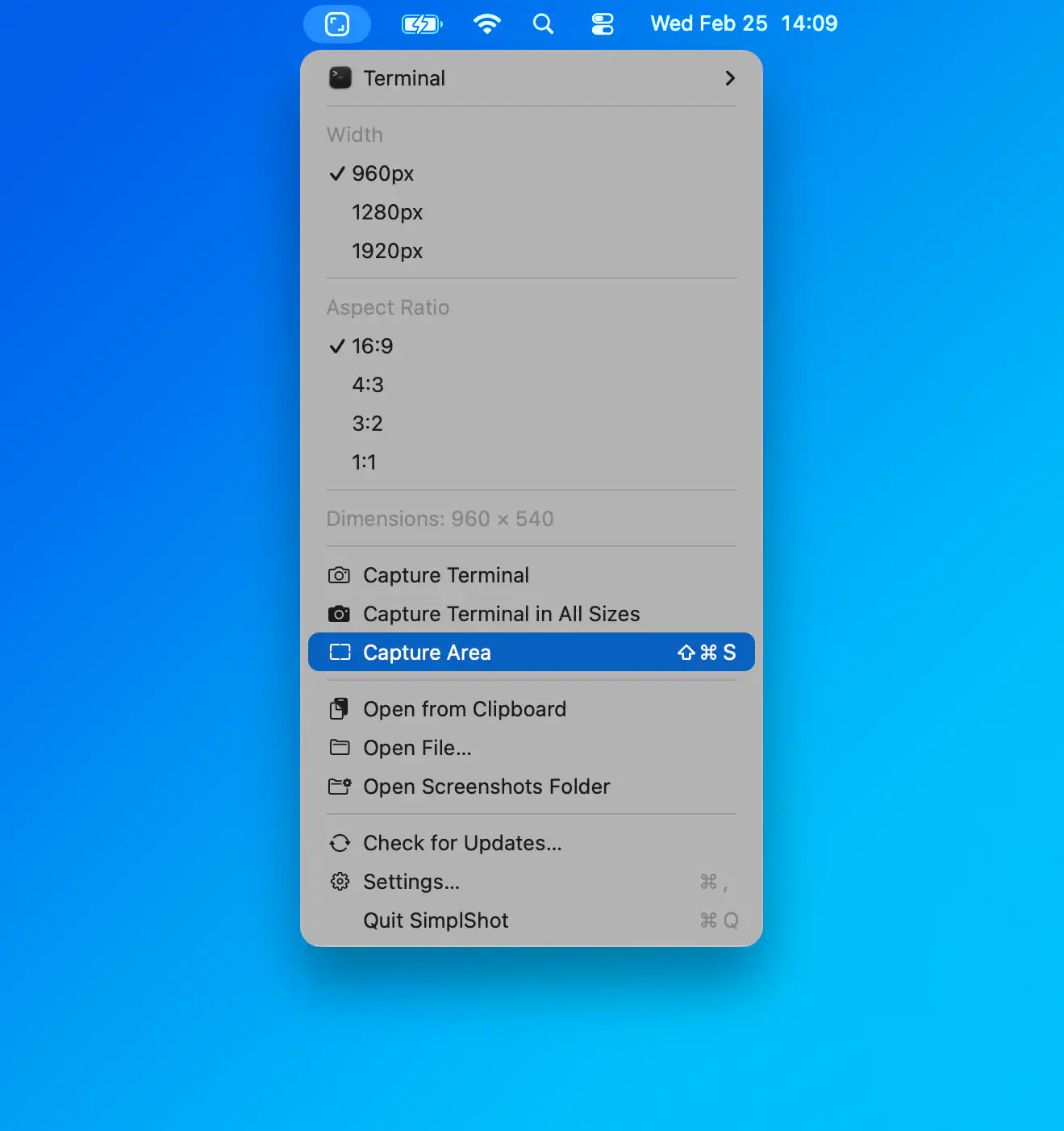
SimplShot makes screenshots feel less like admin and more like momentum. Capture once, then instantly export every format you need, from social squares to custom pixel-perfect sizes, without repeating the same tedious steps. It is fast, focused and refreshingly simple.
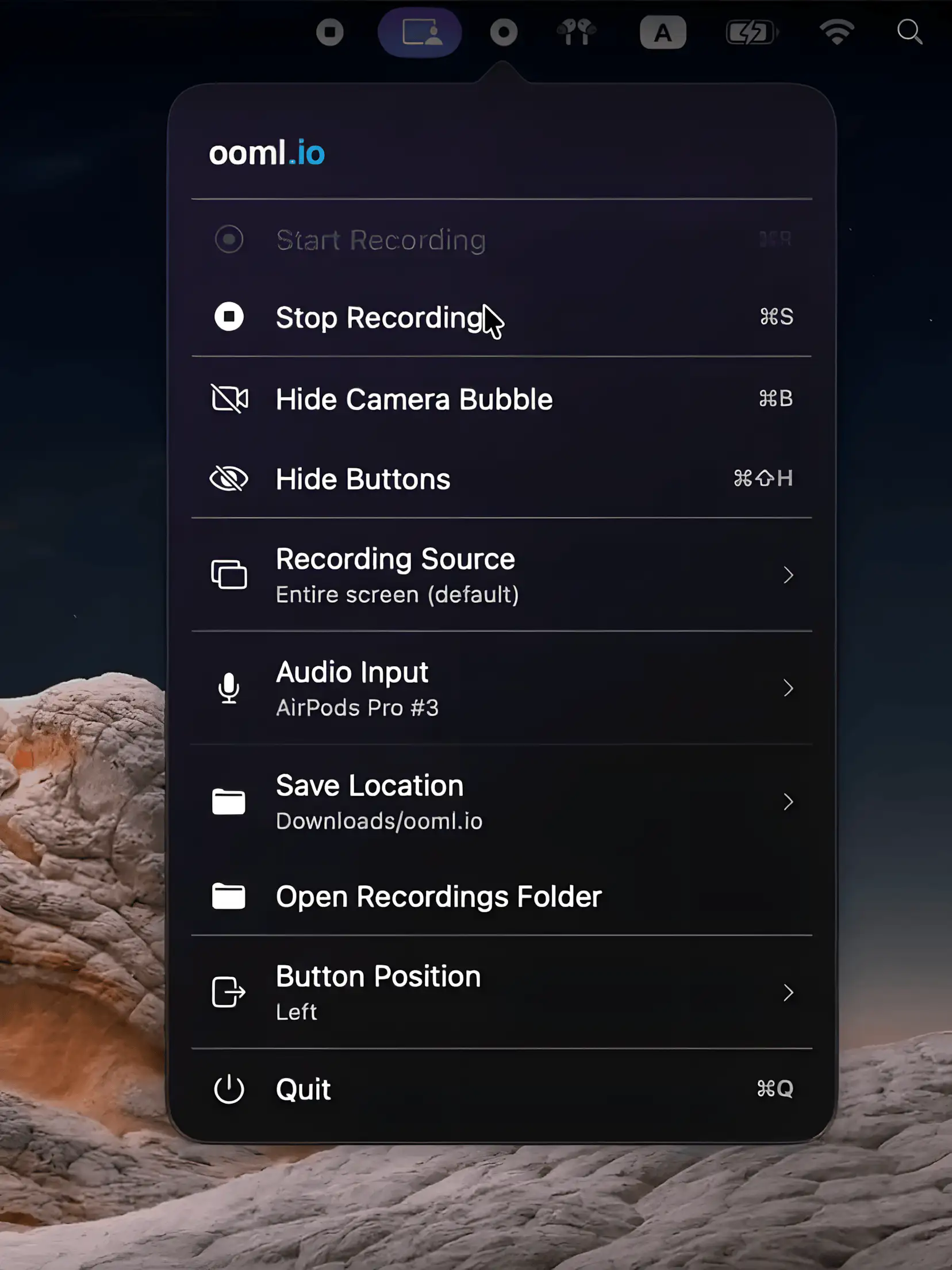
A lightweight macOS menu bar app for recording screen and face video messages offline, running quietly in the background while keeping everything local, private, and refreshingly simple.
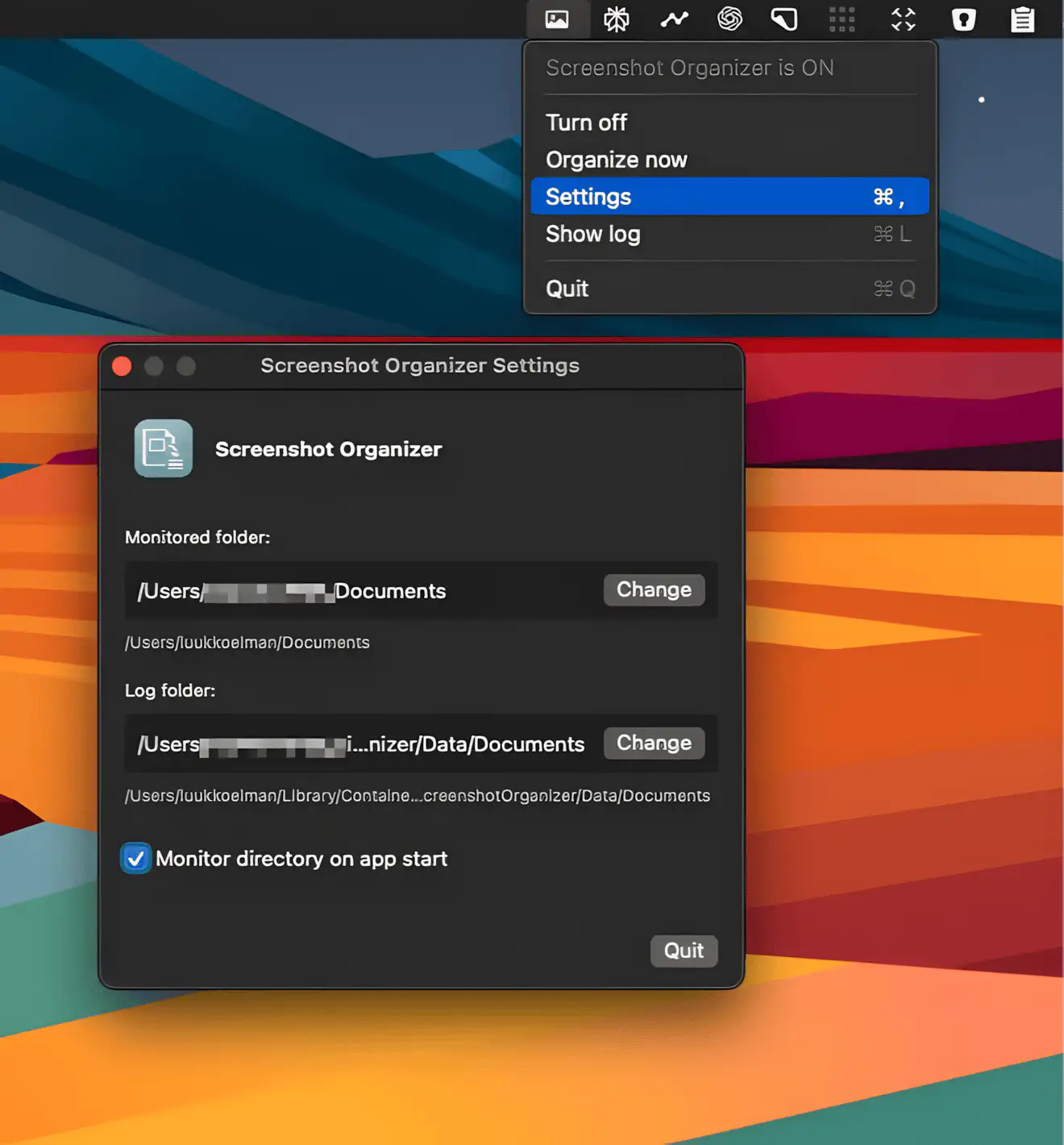
Screenshot Organizer is a menubar app that quietly keeps your screenshots and recordings neatly sorted into date-based folders, so your desktop stays clean and organized.