Capture, record and share what’s on your screen instantly. Take screenshots, record video or audio, annotate visuals, recognize text, generate shareable links, or automatically organize and optimize your captures directly from your menu bar.
Show me the free apps only
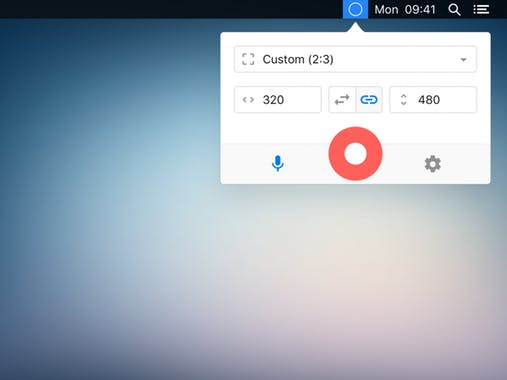
Kap makes it refreshingly simple to capture your screen and export clean recordings as GIF, MP4, WebM, or APNG. With optional audio, click highlights, and easy trimming, it keeps things polished without unnecessary fuss.
Visit
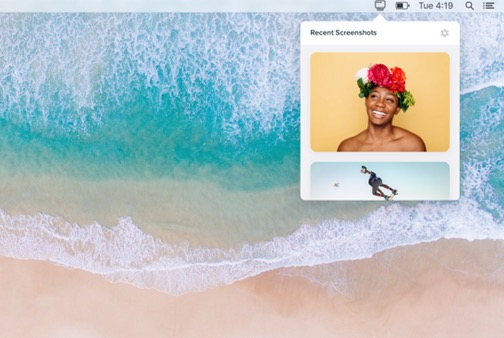
Shotty keeps your latest screenshots right at hand, so you can drag, drop, and annotate them in seconds. It even supports screen recordings, all wrapped in a clean, thoughtful design that makes Finder digging feel like ancient history.
Visit
