
Collection:
Screen Capturing Apps
Capture, record and share what’s on your screen instantly. Take screenshots, record video or audio, annotate visuals, recognize text, generate shareable links, or automatically organize and optimize your captures directly from your menu bar.

Collection:
Screen Capturing Apps
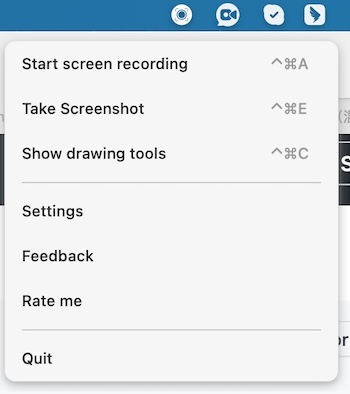
1001 Record
Collection:
Screen Capturing Apps
ScreenshotMagic
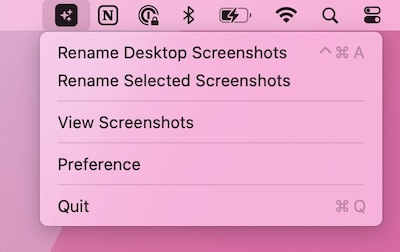
This menu bar app utilizes AI to automatically provide descriptive names for your images. It makes it easy to rename large batches of images in just 1 click.
Collection:
AI Apps | Screen Capturing Apps
ShotSolve
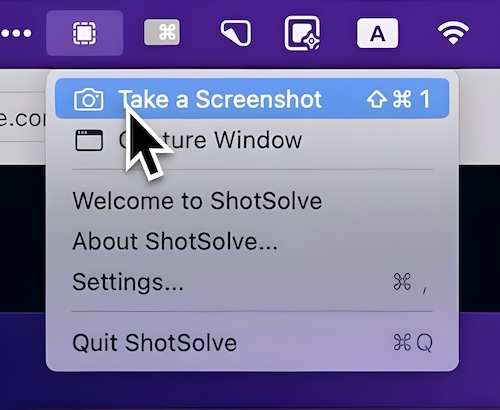
ShotSolve lets you capture any part of your screen and instantly run a pre-configured GPT-4o prompt on it. From generating code out of Figma designs to UI feedback and contextual help, it turns screenshots into practical answers within seconds, all inside a fast, native interface that respects your privacy and keeps your API key securely stored in the Apple Keychain.
Collection:
Screen Capturing Apps
Presentation Helper
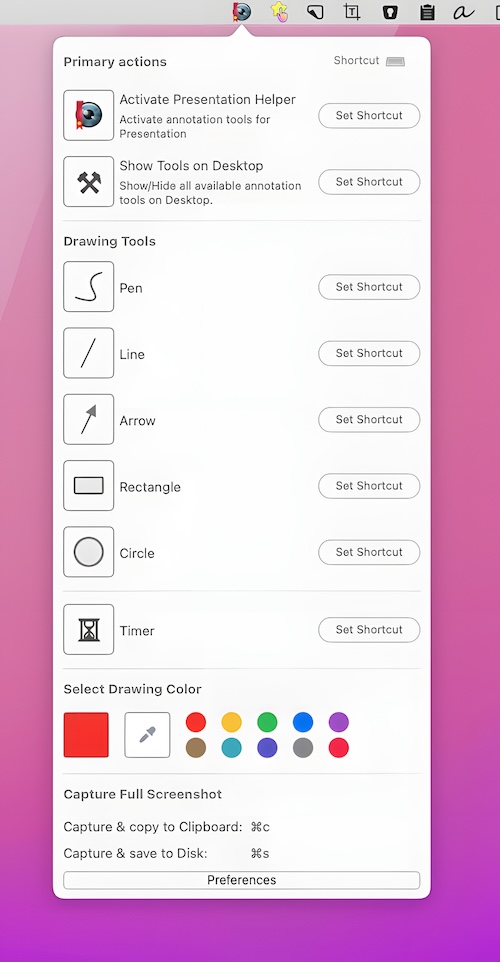
Present anything from your desktop. Annotate and draw circles, rectangles and lines anywhere on your screen. You can save a screenshot of the entire screen with all drawn annotations.
Collection:
Screen Capturing Apps
Gerry
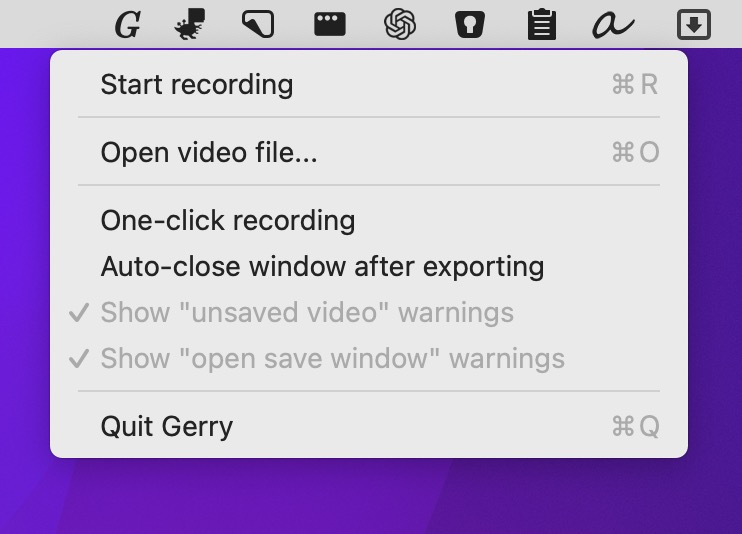
This menu bar app is a super simple screen recorder. Crop, trim, and scale your video before exporting as .gif or .mp4 at up to 60 fps.
Collection:
Screen Capturing Apps
Capster
Collection:
Screen Capturing Apps
Lapse
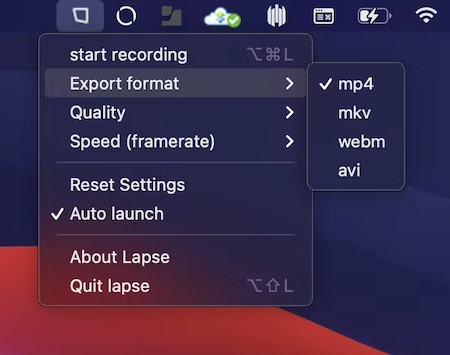
Lapse records your screen as a time-lapse while you work, straight from the menu bar. Pick a full screen or a single window, set the capture interval, and export to MP4, WebM or GIF without any re-rendering.
Collection:
OCR Apps | Screen Capturing Apps
Shottr
Collection:
Screen Capturing Apps
Menu Snappr
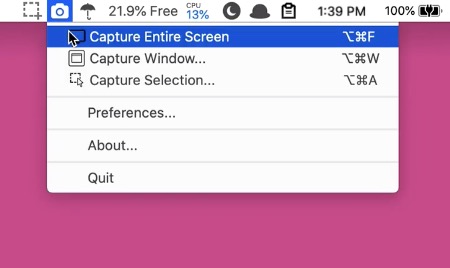
Menu Snappr II makes screen capturing feel effortless, whether you’re grabbing a full display, a single window, or a custom area across multiple monitors. With flexible formats, smart file naming, configurable shortcuts, and instant Preview access, it keeps screenshots fast, organized, and quietly out of your way.