
Collection:
Security Apps
Protect your Mac, your data and your privacy in real time. Monitor network activity, control outgoing connections, manage VPNs and DNS, secure apps with locks and 2FA, detect surveillance, prevent theft, automate backups and guard against malware directly from your menu bar.
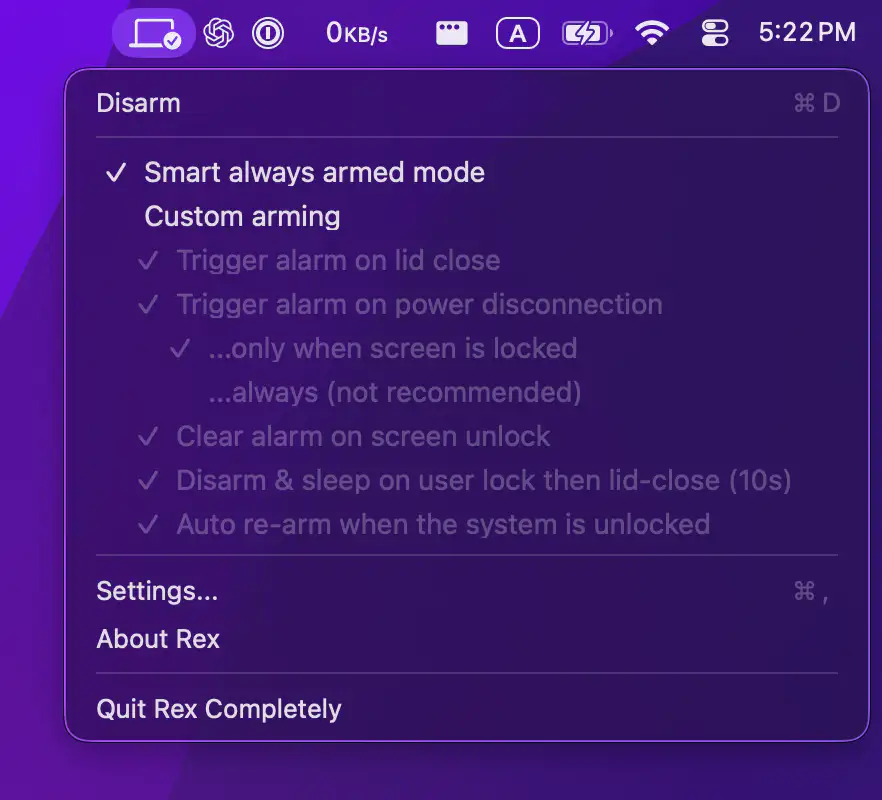
Collection:
Security Apps
FireWally
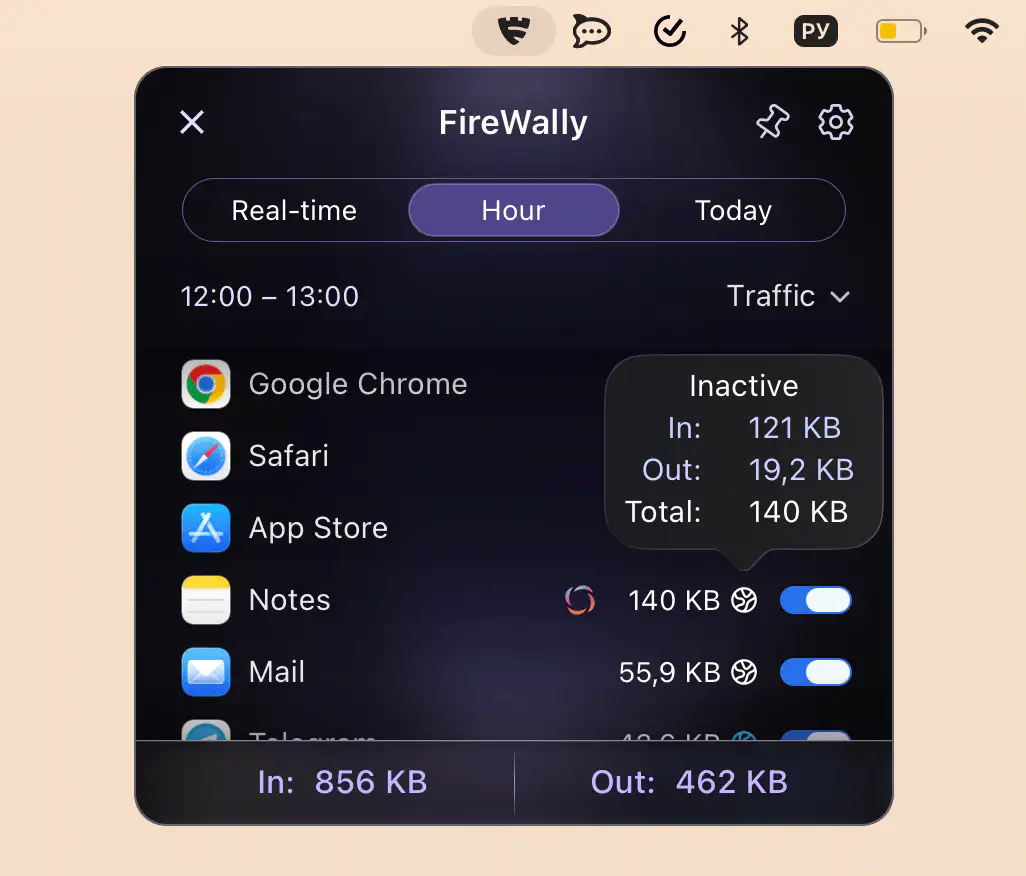
This menu bar app lets you monitor and control which apps connect to the internet in real time, clearly explains their activity, and allows you to block unwanted connections to protect privacy and data usage.
Collection:
Security Apps
Lookout
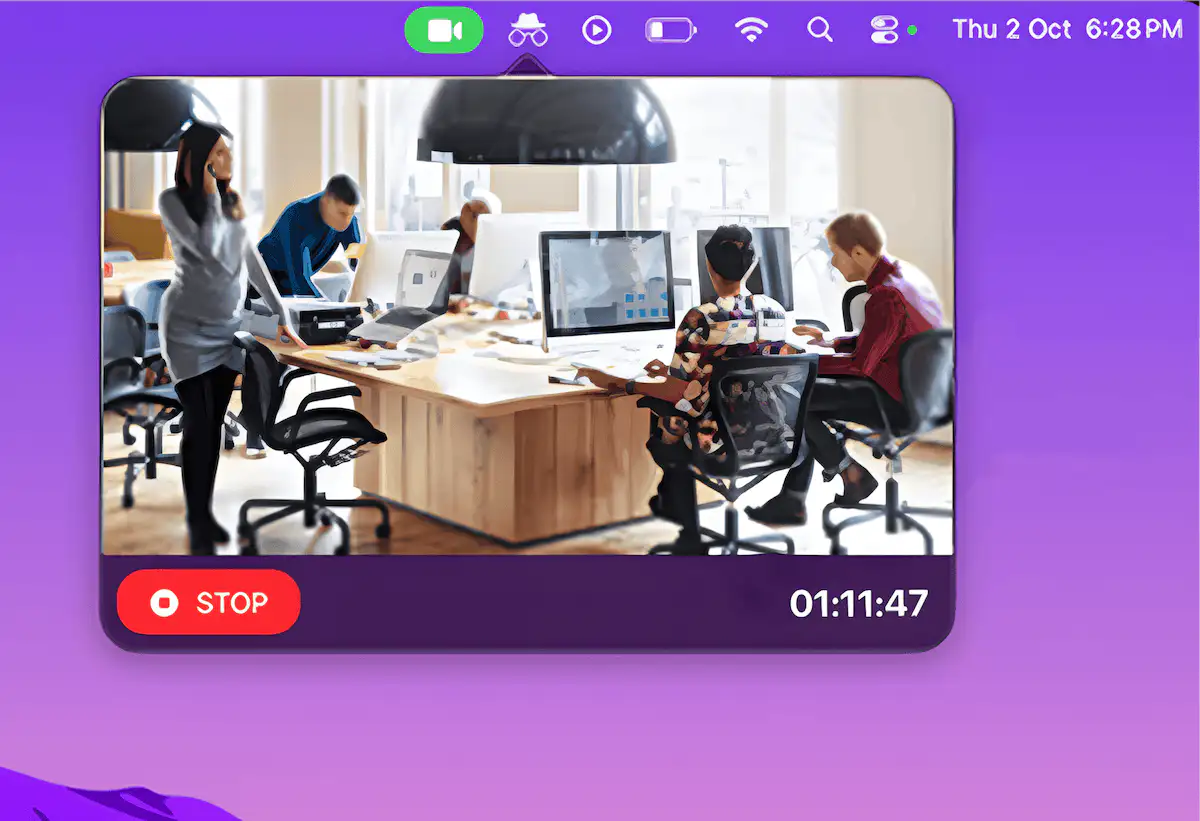
Lookout turns your Mac and iPhone into a surveillance setup, combining wireless Continuity Camera support with local, privacy-focused recording. It captures high-quality footage from multiple angles without extra hardware.
Collection:
Security Apps
AdShield
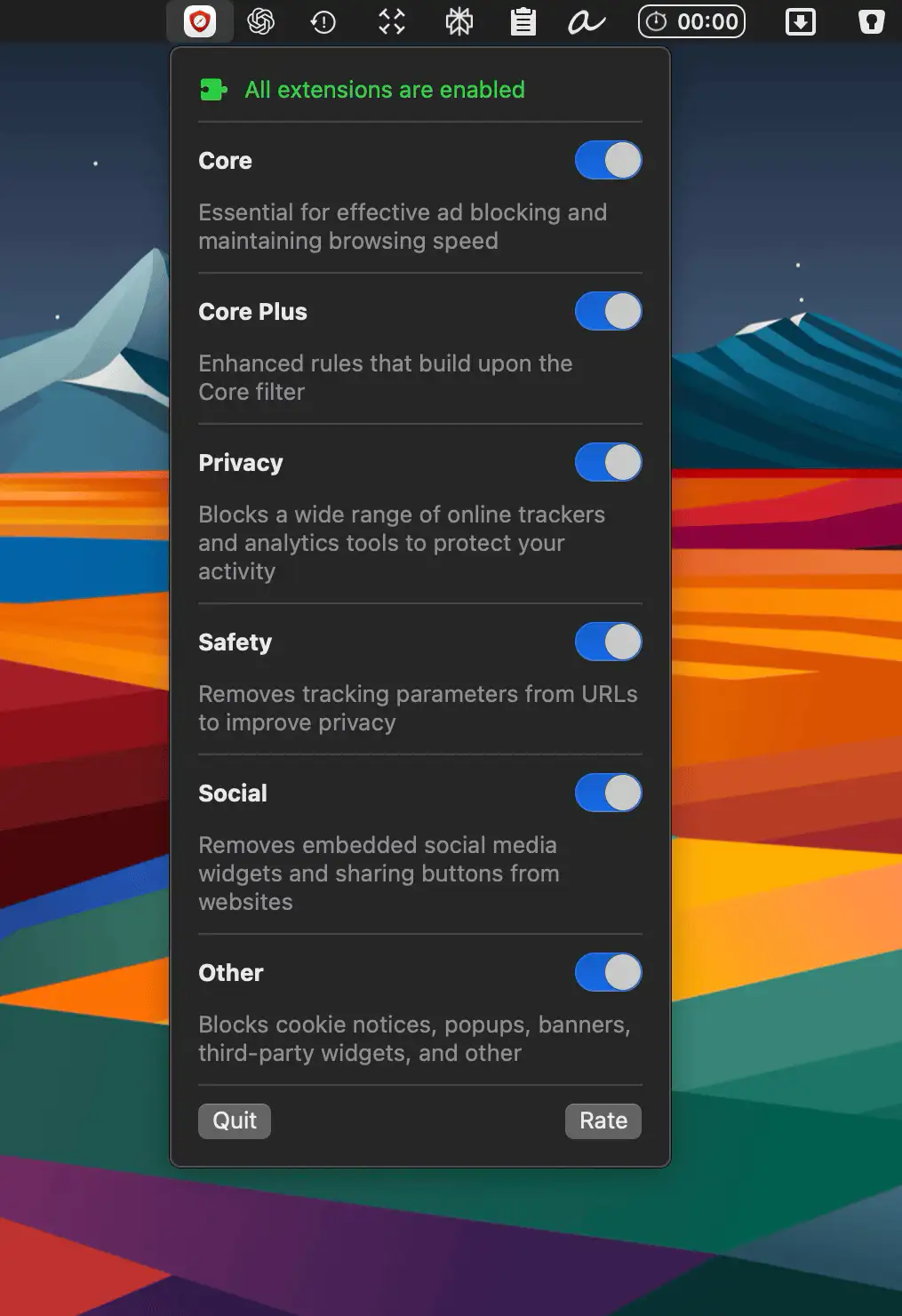
AdShield keeps Safari fast, clean, and private by blocking ads, trackers, and clutter. Enjoy smoother browsing and complete control over what you see online. No subscriptions, just peace and speed.
Collection:
Security Apps
ProximityLock
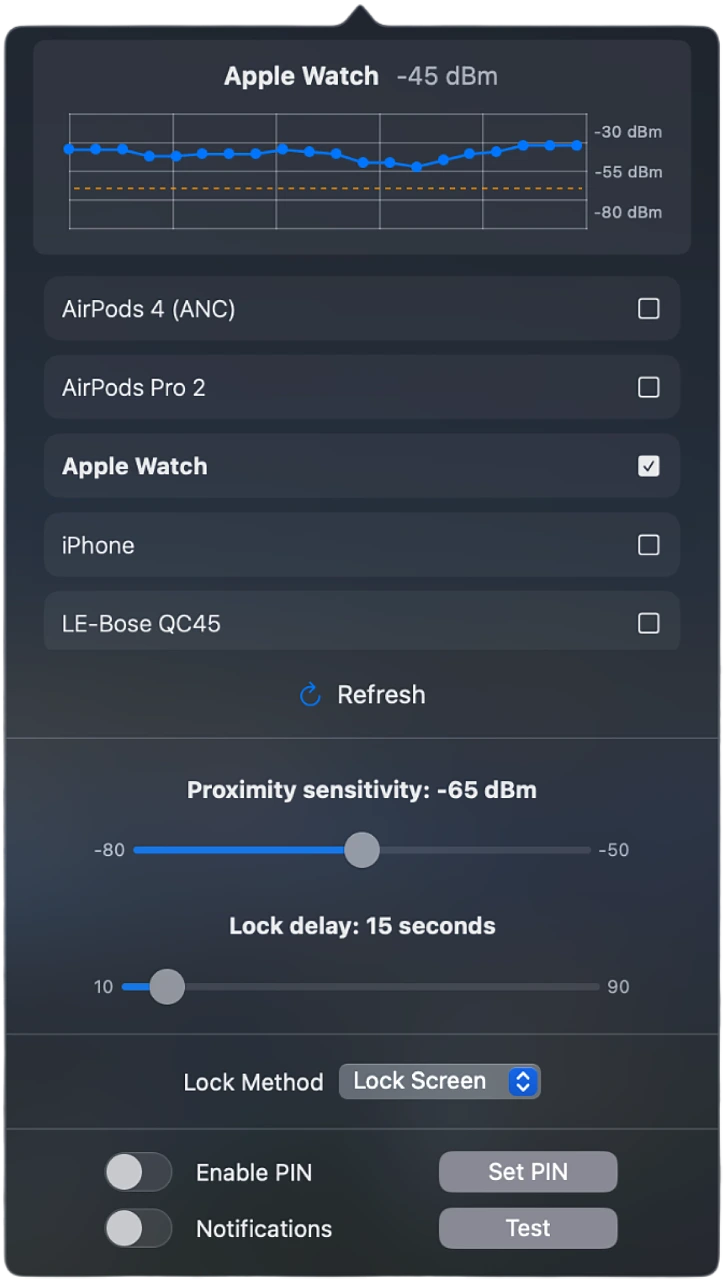
ProximityLock keeps your Mac secure by automatically locking it when you walk away, using Bluetooth detection with your iPhone or Apple Watch for a seamless and reliable security experience.
Collection:
Files & Folders | Security Apps
Watchtower
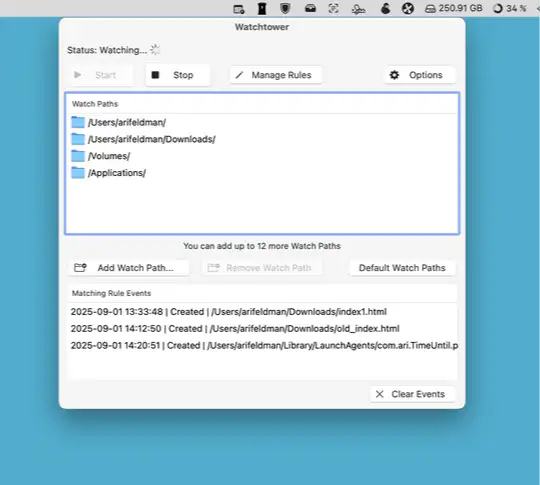
Watchtower monitors your Mac’s folders in real time for file changes and suspicious activity, using smart rules and local processing to keep you informed without slowing down your system.
Collection:
Security Apps
Parachute Backup
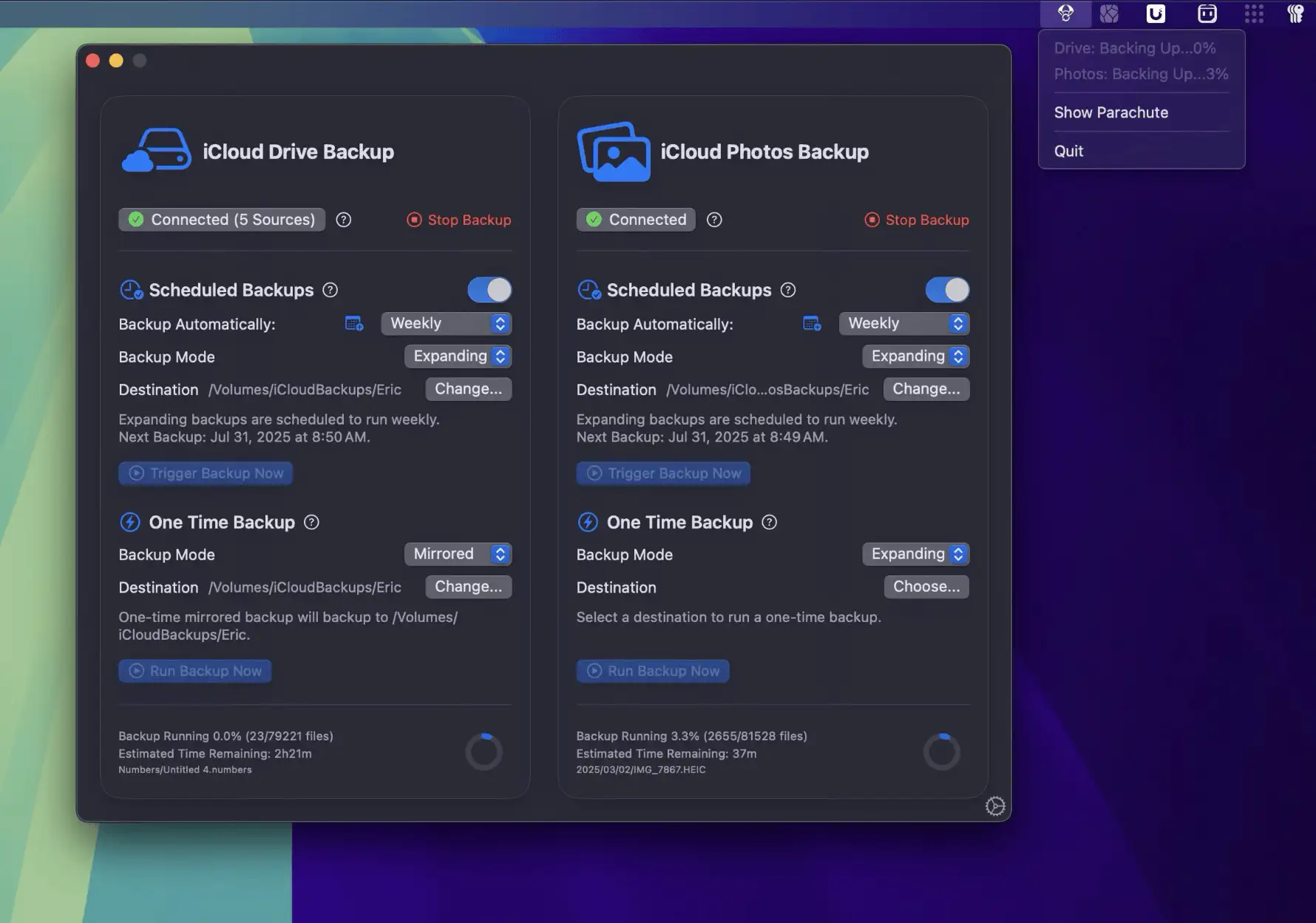
Parachute is a set-and-forget Mac menu bar app that backs up your iCloud Photos and Drive to your own storage, giving you peace of mind, total control, and zero subscription hassle.
Collection:
Security Apps
AppLockr
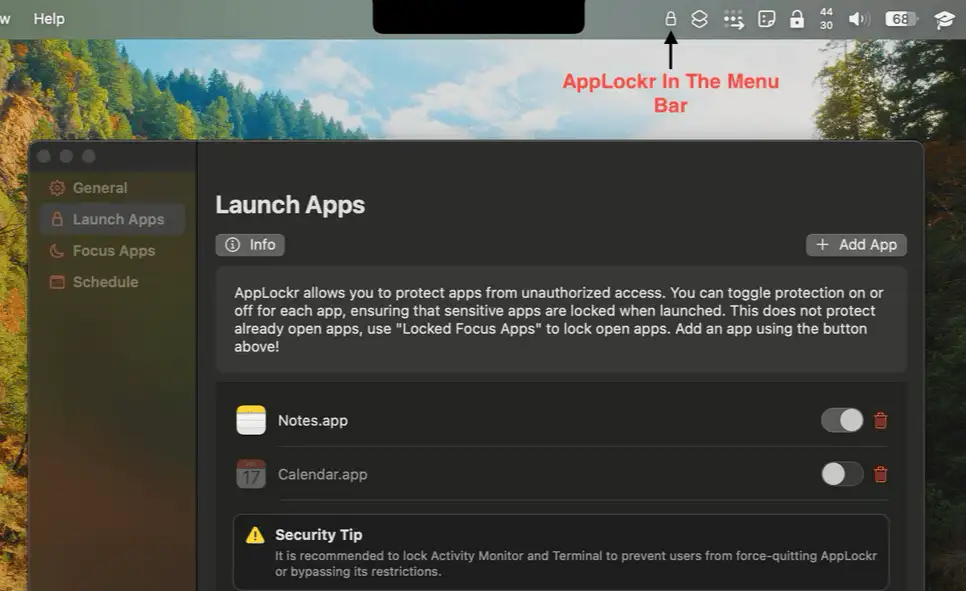
AppLockr adds a quick, secure layer of protection to any Mac app—no settings to tweak, no accounts needed, just seamless privacy right from your menu bar.
Collection:
Security Apps
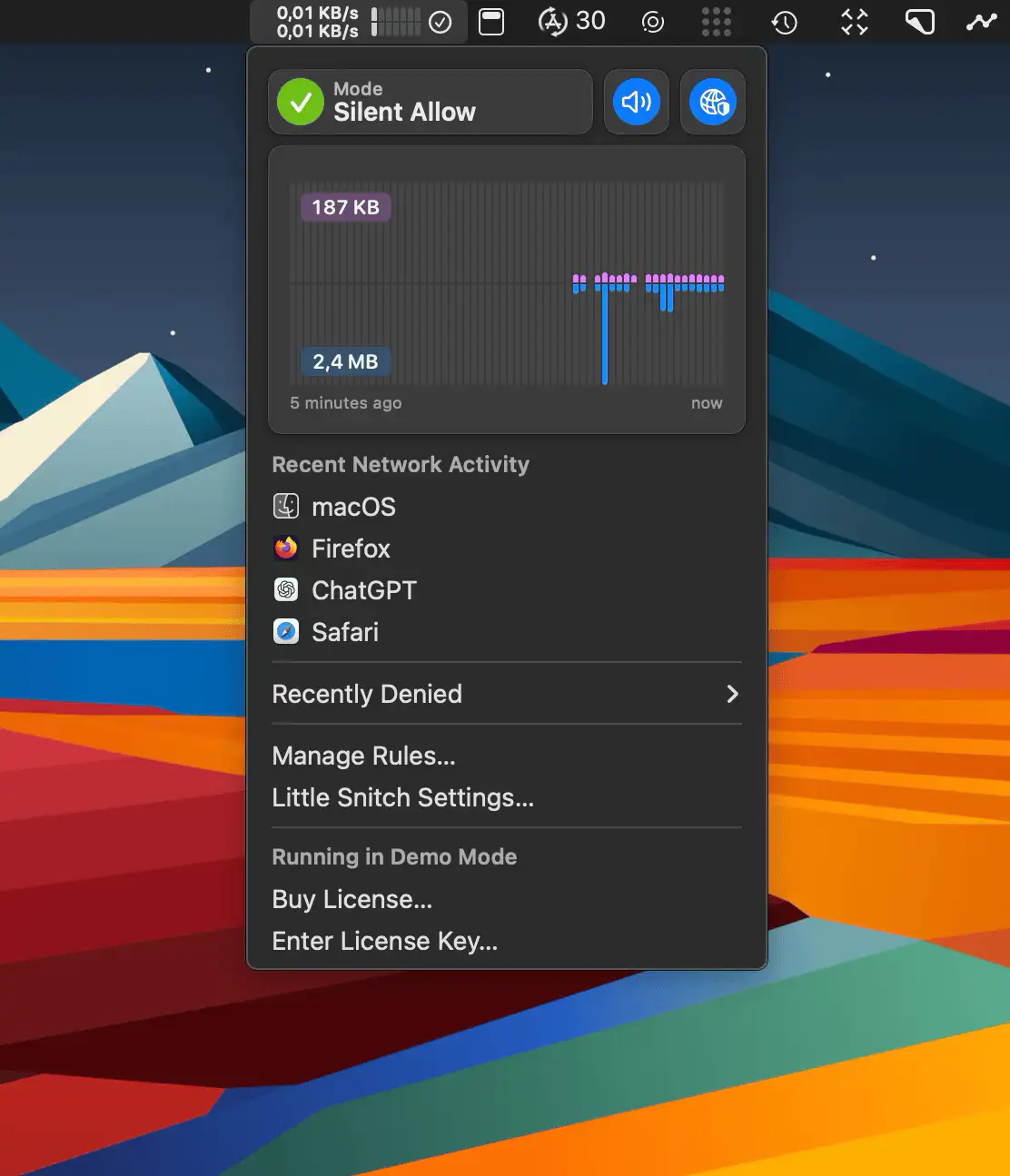
Little Snitch
Collection:
Security Apps
BlackEyes
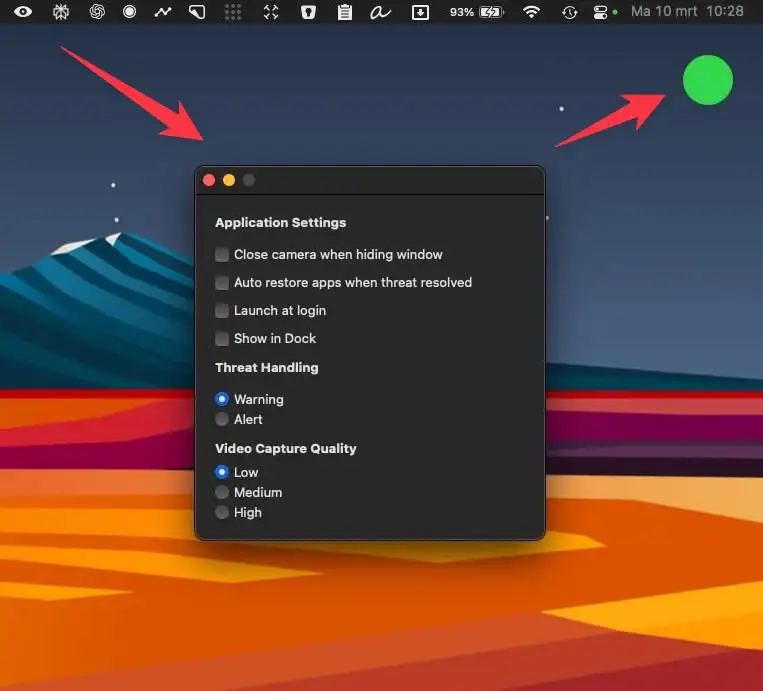
BackEyes uses the front camera to detect faces in real time and prevent screen peeping. The app works offline, using an AI model to recognize faces without requiring an internet connection. It does not store or process any facial data of you or others.