Collection:
Sleep Control Apps
Sleepr
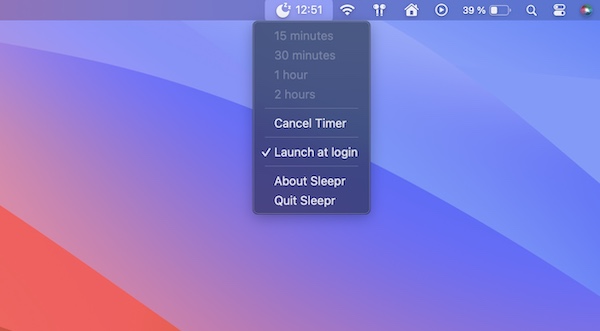
This simple menu bar app brings back the option to set a timer at the end of which your Mac goes into sleep mode (removed from macOS Ventura and Sonoma).

Take full control over when your Mac sleeps or stays awake. Schedule sleep, prevent idle timeouts, disable clamshell restrictions, simulate activity, manage power behavior or automate WiFi and Bluetooth actions when your Mac sleeps or wakes, all directly from your menu bar.
Take full control over when your Mac sleeps or stays awake. Schedule sleep, prevent idle timeouts, disable clamshell restrictions, simulate activity, manage power behavior or automate WiFi and Bluetooth actions when your Mac sleeps or wakes, all directly from your menu bar.
This simple menu bar app brings back the option to set a timer at the end of which your Mac goes into sleep mode (removed from macOS Ventura and Sonoma).
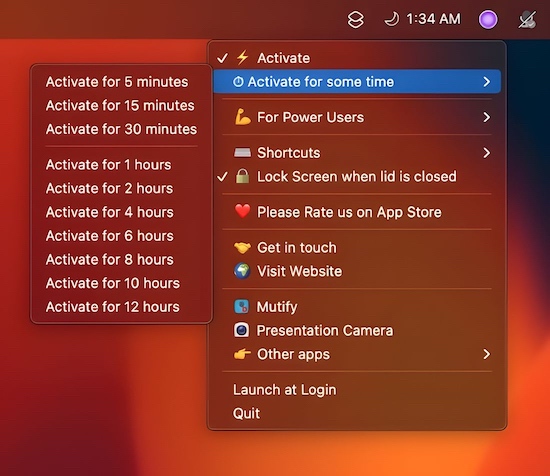
This menu bar app prevents your Mac from falling asleep at all costs. It allows you to use “clam-shell” mode without hooking up a power source.
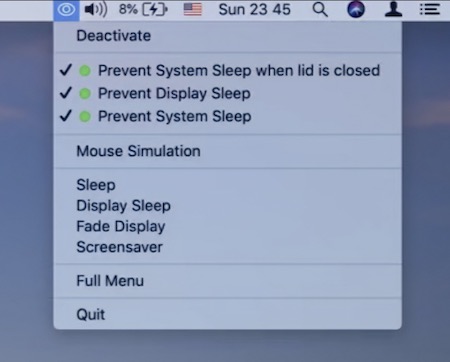
This menu bar app prevents your Mac from entering Sleep mode. You can control your system in terms of display, sleep, and power saving
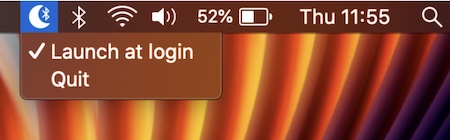
With this menu bar app the Bluetooth connection is switched off when your Mac sleeps, and switched on when your Mac wakes.
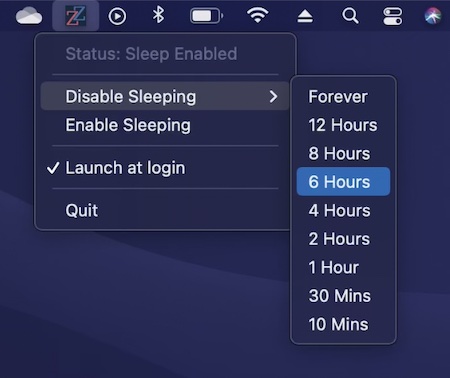
This menu bar app disables sleep forever or just for a selected time period. It also prevents sleeping/hibernation when your MacBook lid/screen is closed. Comes in handy when you’ve got time consuming operations to complete.

When the CoffeeBar is off the app will allow your Mac to go to sleep. When it’s on the app will keep your Mac awake indefintly.
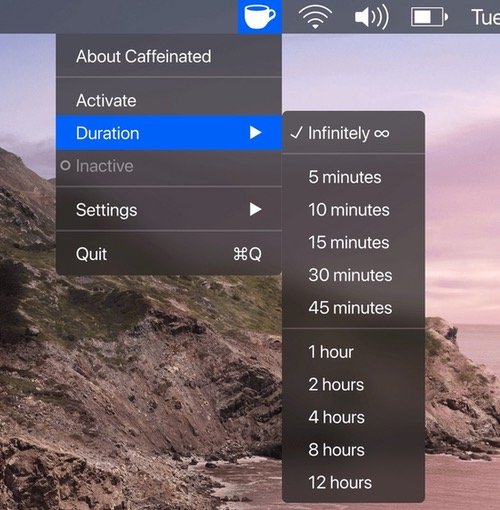
Caffeinated prevents your Mac from going to sleep, dimming your screen or starting the screensaver. The app is optimized for Retina Displays and Dark Mode.
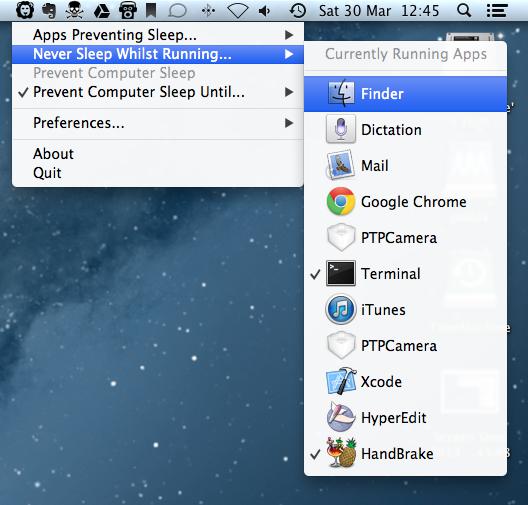
With Wimoweh you have better control over how your Mac sleeps. The app comes in handy when you’re waiting for a lengthy job to finish and want your Mac to sleep afterwards.
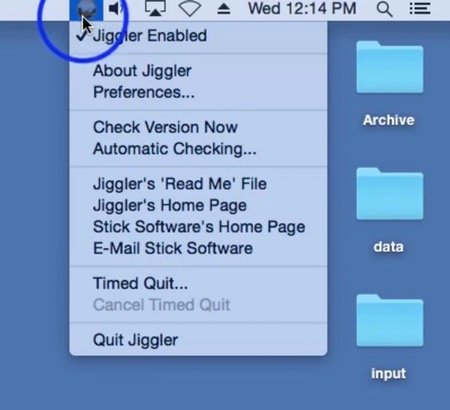
When you have some lengthy task for your computer to do, it’s annoying to have to turn off your screensaver and turn off the sleep timer, only to have to turn it all back on again when you’re done. Jiggler is a freeware menu bar app that keeps your Mac awake. It’s a little helper that bumps your mouse every once in a while to keep your machine alert.