

Collection:
Sleep Control Apps
Take full control over when your Mac sleeps or stays awake. Schedule sleep, prevent idle timeouts, disable clamshell restrictions, simulate activity, manage power behavior or automate WiFi and Bluetooth actions when your Mac sleeps or wakes, all directly from your menu bar.
Collection:
Sleep Control Apps
Amphetamine
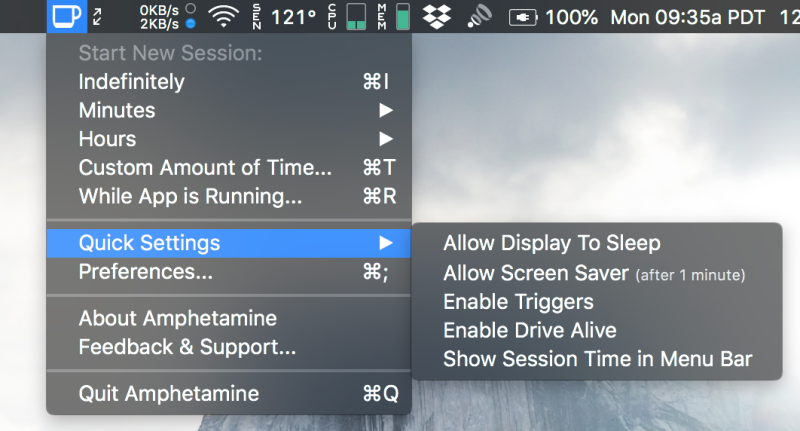
With Amphetamine, you can effortlessly override your energy saving settings and keep your Mac awake. You just have to tap on a single icon on your macOS Menu Ba. Once activated, your system will stop going to sleep. You can also set it up so that Amphetamine only kicks on when it notices that a particular app is running.
End of content
End of content