
Collection:
System Stats
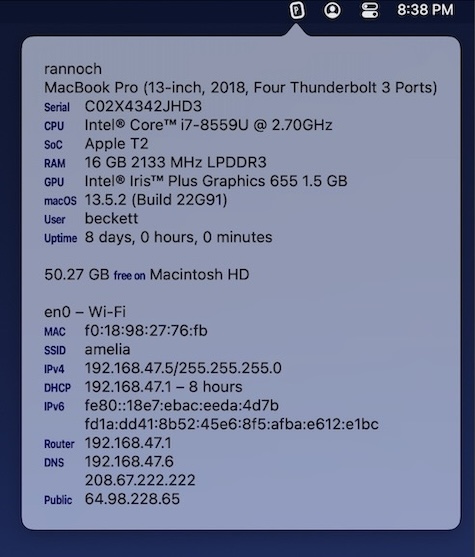
Understand what your Mac is really doing. Monitor CPU, GPU, memory, disk activity, temperatures, fans, battery health, network performance and per-process usage in real time, directly from your menu bar with clear visuals and detailed diagnostics.
Collection:
System Stats
Simple Stat Speed
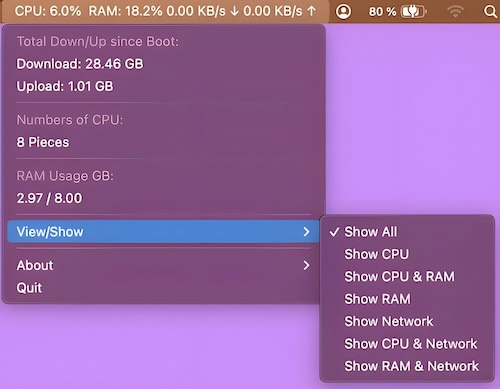
This menu bar app shows the currently used CPU in percent, the used RAM in percent and the download/upload speed.
OneMenu
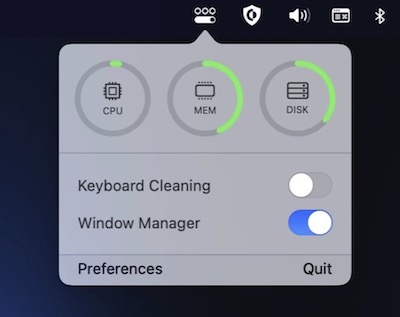
OneMenu is a menubar app featuring system monitoring, a window manager and a keyboard cleaning mode.
Collection:
System Stats
Vitals
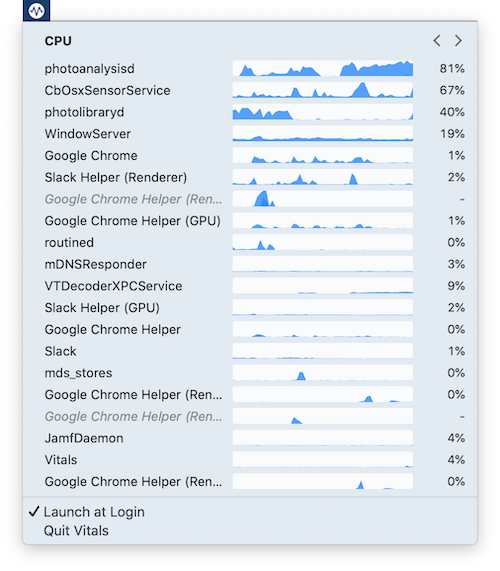
Vitals is a tiny process monitor that keeps track of resource usage. The app shows a per-process CPU graph covering the last 60 seconds. This makes it easier to track down apps that misbehave sporadically.
Collection:
System Stats
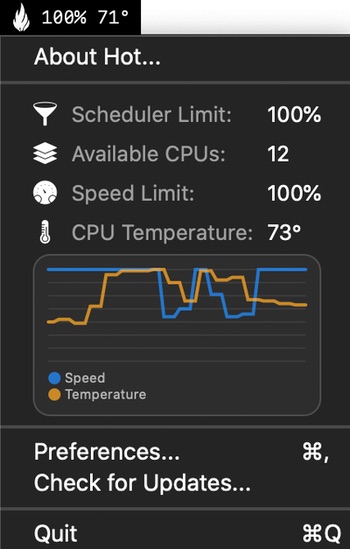
Hot
Collection:
System Stats
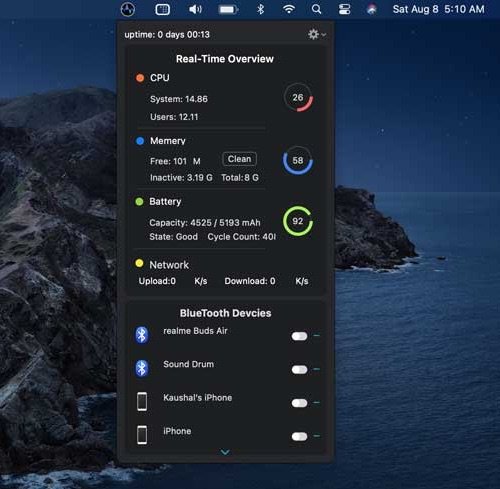
Better Menu Bar
Collection:
Network Apps | System Stats
Pi Stats
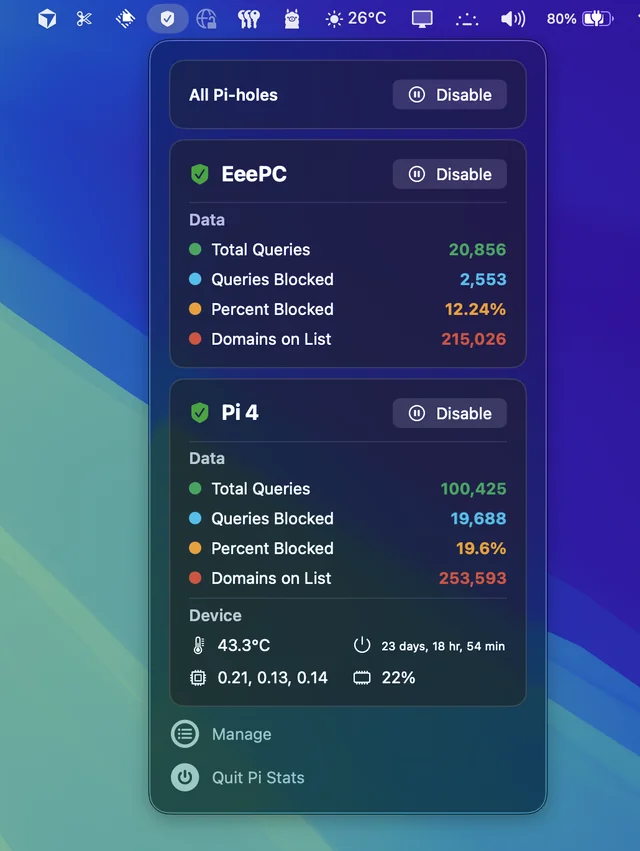
Follow up and manage the status of your Pi-hole(s). Comes in handy when you’re annoyed by having to open up the web interface every time you want to disable pihole.
Collection:
System Stats
Stats
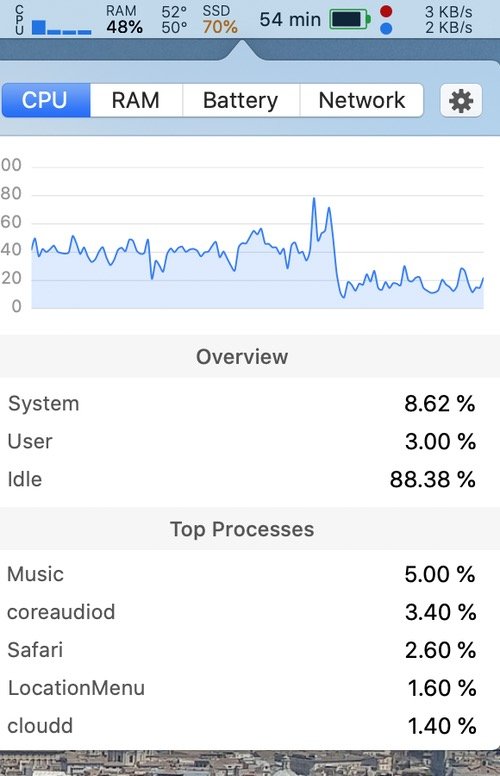
A simple macOS system monitor in your menu bar: CPU, netwerk and memory usage, disk utilization, sensors information (temperature, voltage and power) and battery level.
Collection:
System Stats
MiniUsage
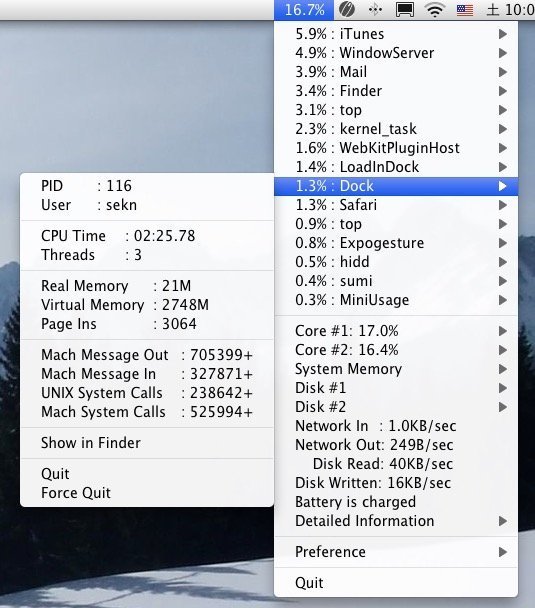
MiniUsage is a menu bar app that displays various data like CPU usage, amount of network flow, battery status and process names which uses much CPU time.
Collection:
System Stats
Fanny
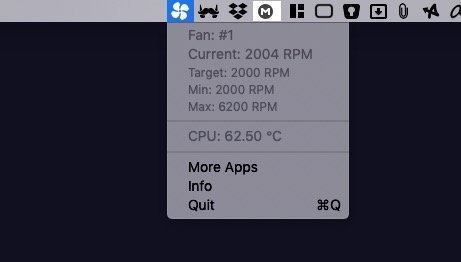
Fanny is a free menu bar app that monitors your Mac’s fan stats, keeping you informed about cooling performance and thermal conditions.