Collection:
System Stats
MacMonitor
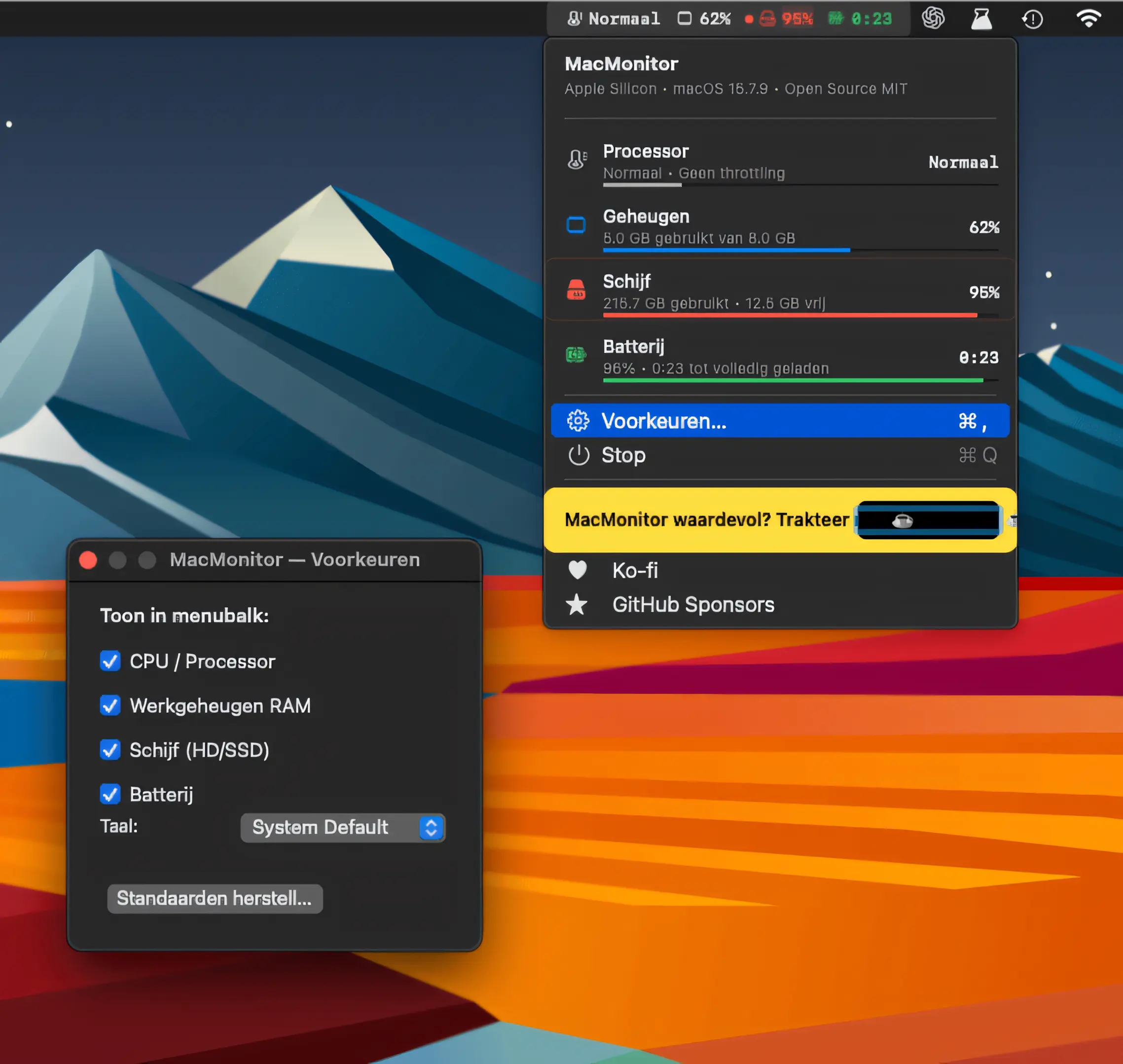
MacMonitor keeps CPU thermal state, RAM, disk space, and battery status visible at a glance. Lightweight and open source, it runs natively in Swift with no telemetry or bloat.
The next time a site asks for a code, you’ll just tap it in. iPhone · iPad · Mac

Understand what your Mac is really doing. Monitor CPU, GPU, memory, disk activity, temperatures, fans, battery health, network performance and per-process usage in real time, directly from your menu bar with clear visuals and detailed diagnostics.
Understand what your Mac is really doing. Monitor CPU, GPU, memory, disk activity, temperatures, fans, battery health, network performance and per-process usage in real time, directly from your menu bar with clear visuals and detailed diagnostics.
MacMonitor keeps CPU thermal state, RAM, disk space, and battery status visible at a glance. Lightweight and open source, it runs natively in Swift with no telemetry or bloat.
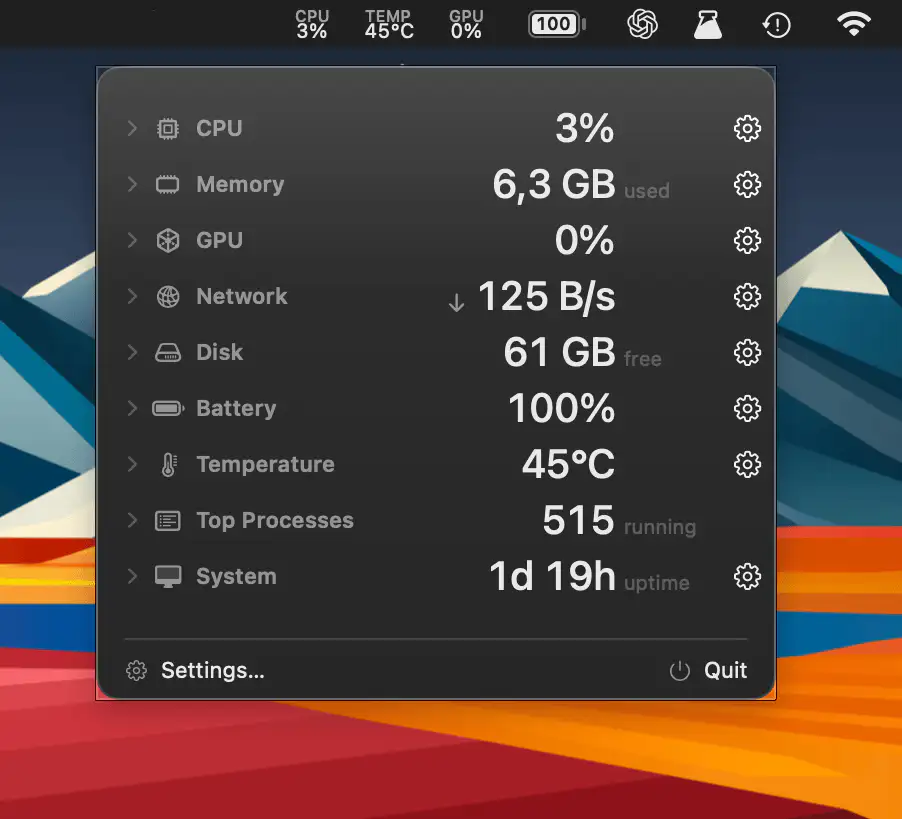
AirStats is a lightweight system monitor that shows CPU, memory, GPU, network, disk, battery, temperature, and process activity, with a customizable menu bar panel and optional desktop overlay.
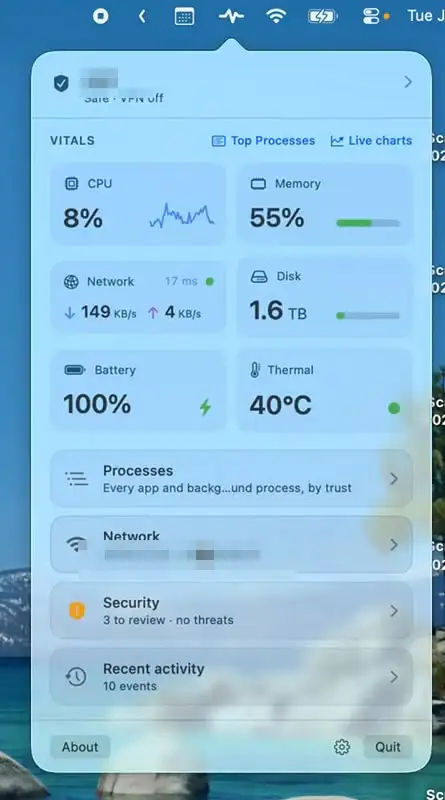
Mojo Pulse monitors your Mac’s performance, security, network activity, battery health, and hardware status, with clear alerts when something needs attention. A quiet companion that helps keep your Mac running smoothly.
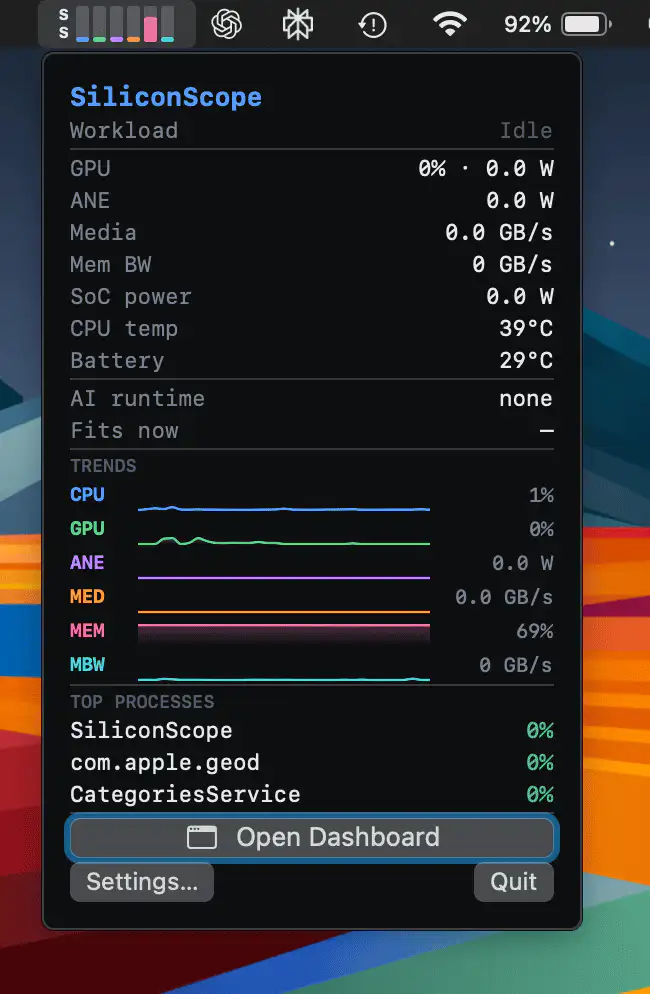
SiliconScope offers a detailed look inside Apple Silicon, tracking CPU, GPU, Neural Engine, Media Engine, memory bandwidth, and thermal behavior in real time, making demanding AI and media workloads far easier to understand.
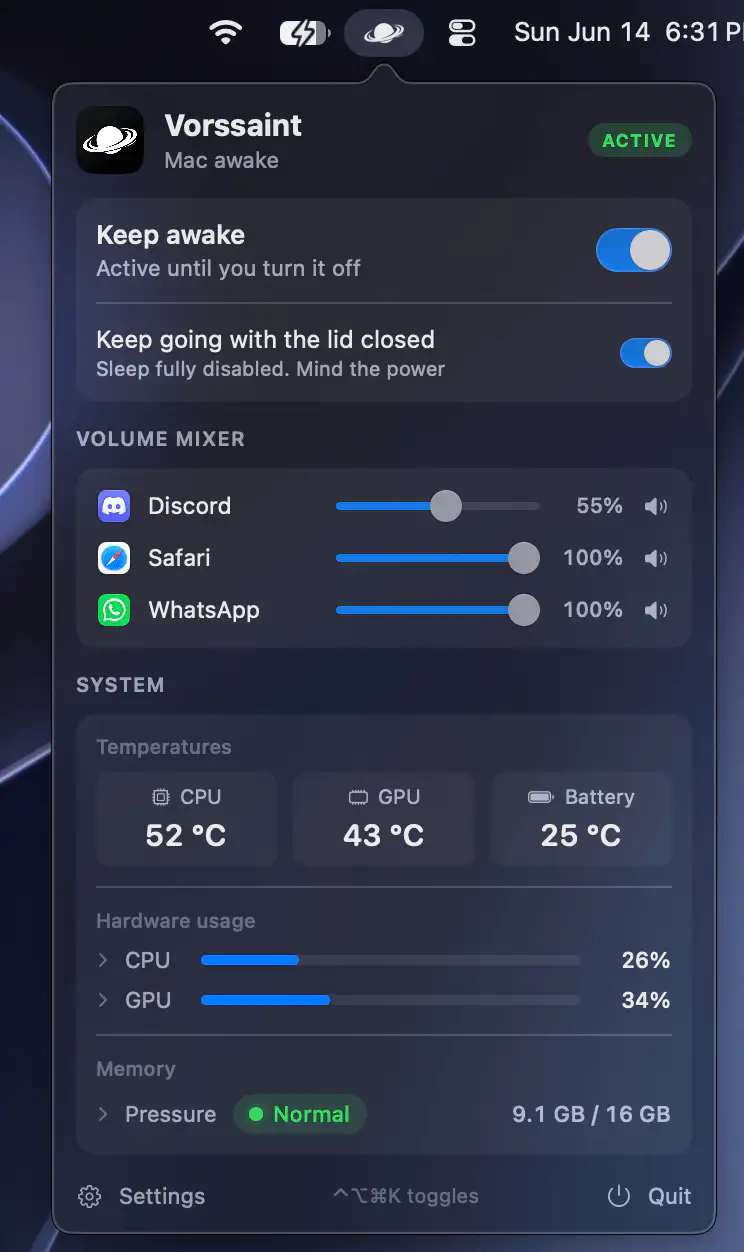
This menu bar app brings together a range of everyday Mac utilities in one place, from system monitoring and app management to audio controls, window switching, file handling, and productivity tools.

Better Resource Monitor keeps an eye on your Mac’s CPU, memory, GPU, and network activity with minimal system impact, offering a clean, privacy-friendly approach that stays fully sandboxed and never asks for elevated permissions.
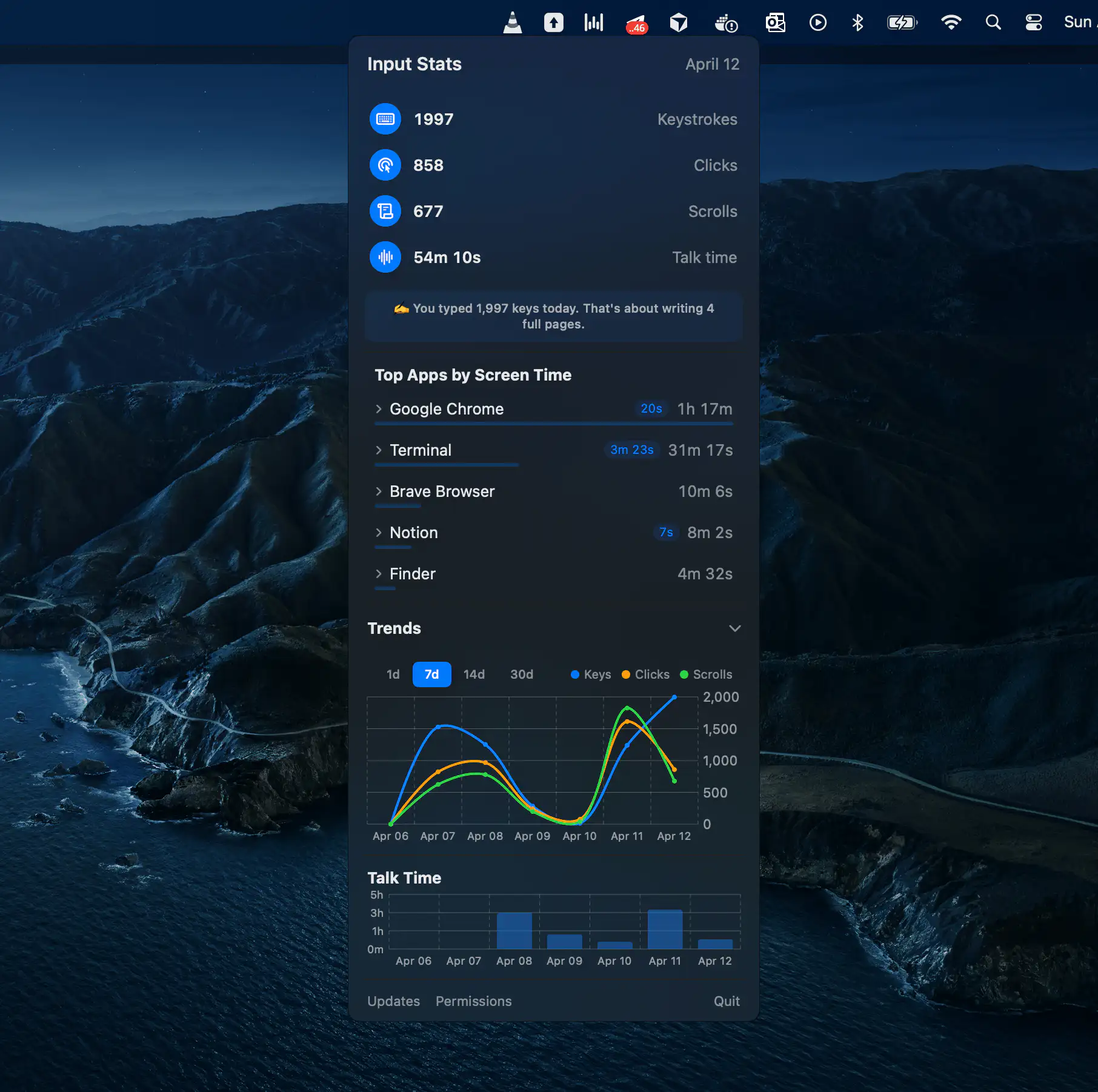
Activity Bar tracks your daily keyboard, mouse, voice, and app activity alongside AI coding assistants like Claude Code, Cursor, and Codex. All statistics stay on your Mac, giving you productivity insights without compromising privacy.
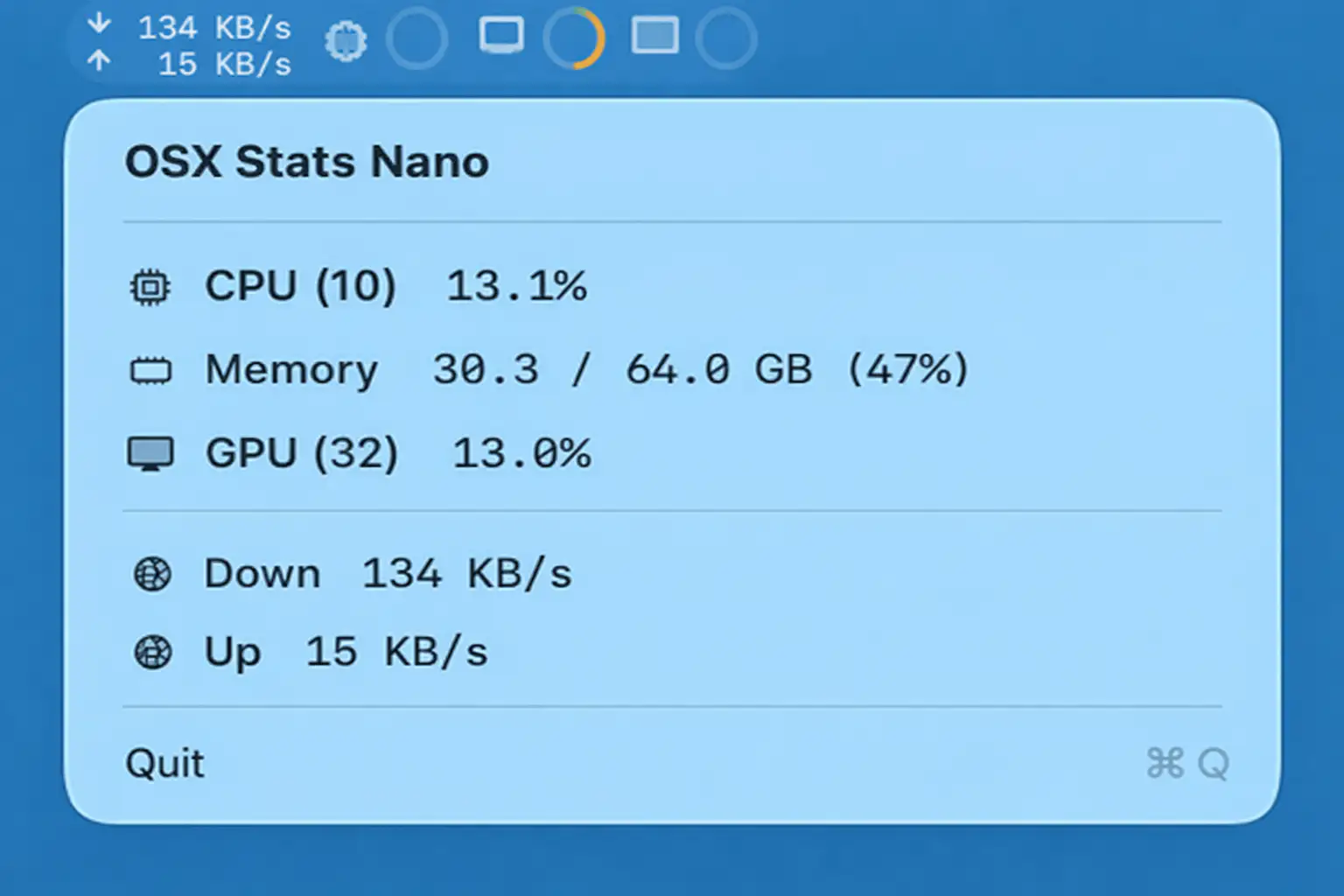
OSX Stats Nano keeps an eye on your Mac with live CPU, memory, GPU, and network stats, offering clear visuals and detailed breakdowns in a remarkably small, efficient footprint.
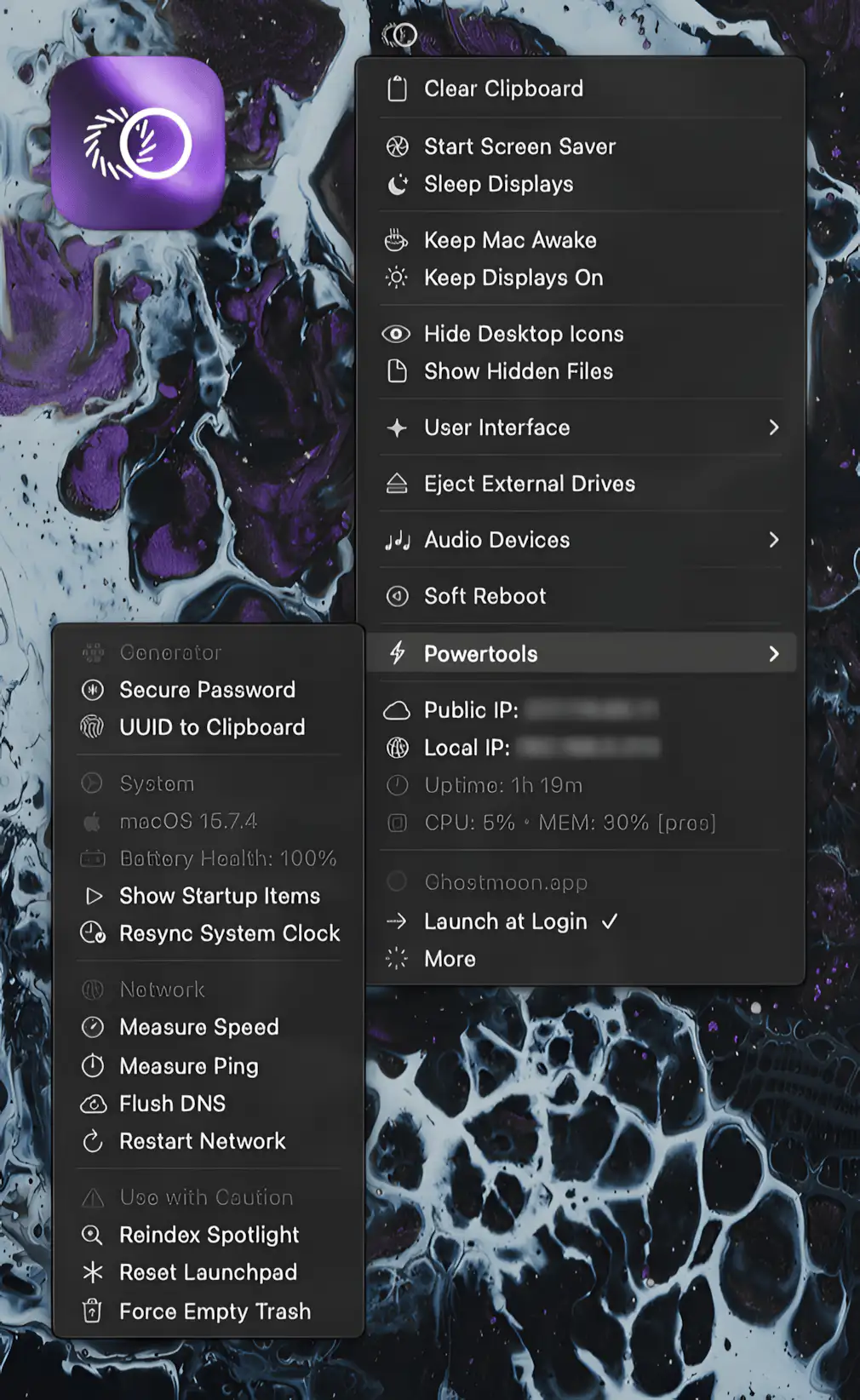
Every feature you keep digging for in macOS is suddenly within reach. Keep Mac awake, manage drives, switch audio, reset networks, and generate secure passwords.
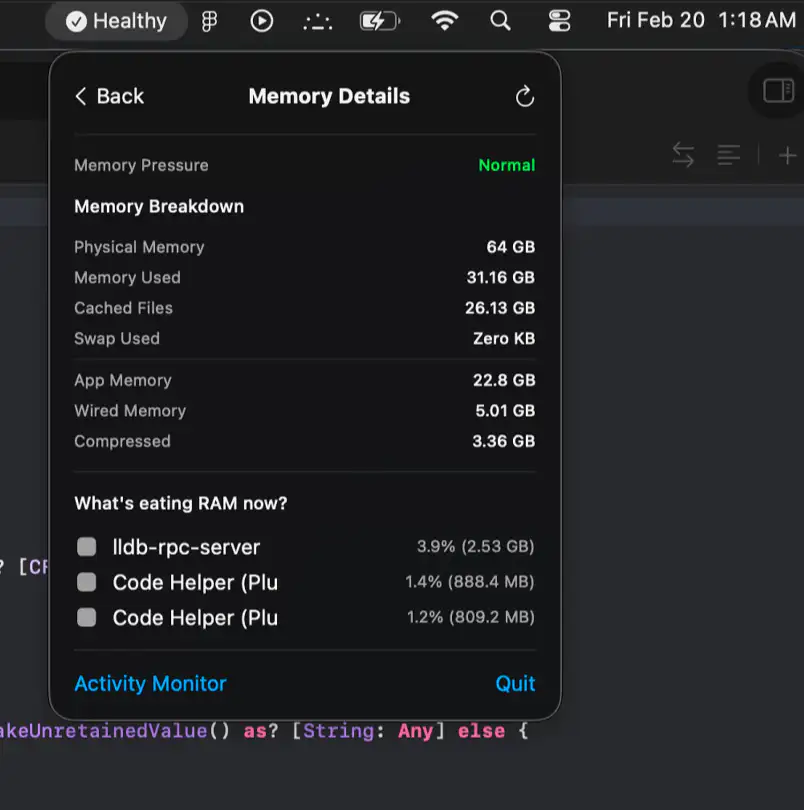
Lazy Stats keeps CPU, memory, storage, thermals, battery, and network activity in clear view, with smart health summaries and focused diagnostics that help you catch trouble before your fans start screaming.