Collection:
Window Managers
Gamely
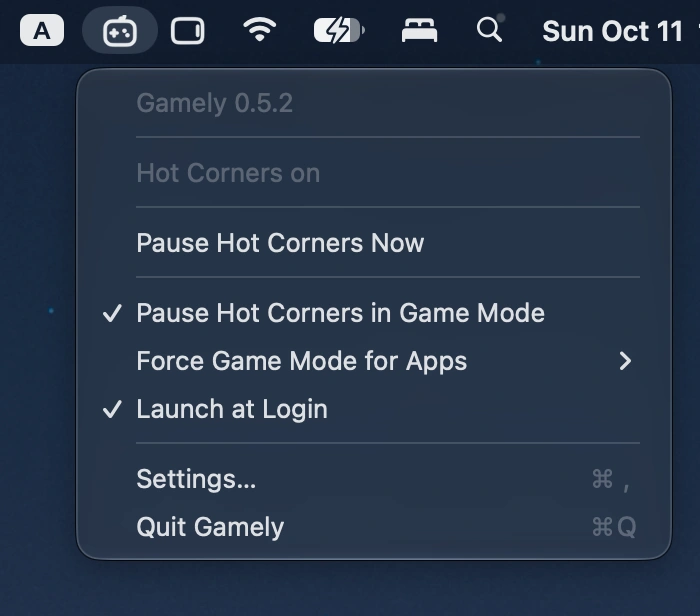
This menu bar app automatically disables all four Hot Corners when macOS Game Mode activates, preventing accidental interruptions during fullscreen gaming and restoring your original settings afterward.

Good apps don’t always come with a price tag. These menu bar gems are free — and worth your space.
Good apps don’t always come with a price tag. These menu bar gems are free — and worth your space.
This menu bar app automatically disables all four Hot Corners when macOS Game Mode activates, preventing accidental interruptions during fullscreen gaming and restoring your original settings afterward.
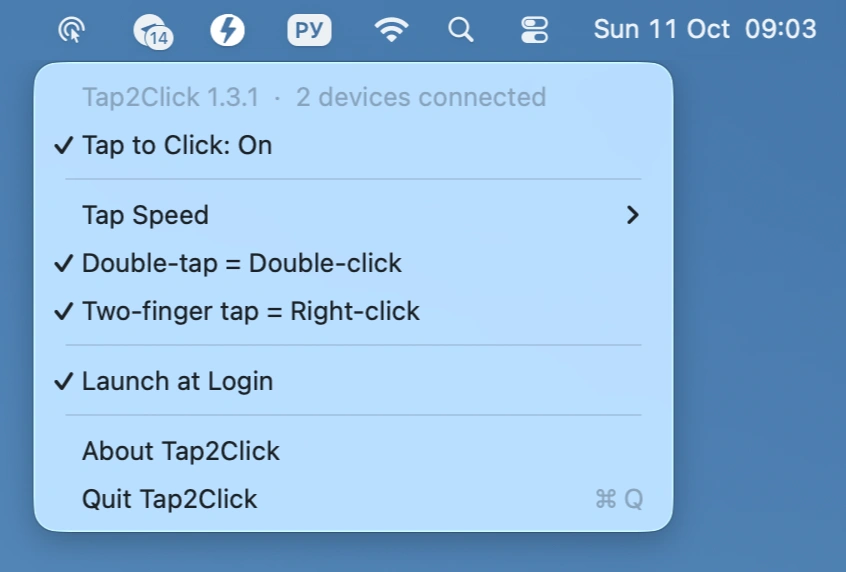
Add silent tap-to-click to your Apple Magic Mouse, with adjustable tap speed, double-tap for double-click, and two-finger tap for right-click, all controlled from the menu bar.
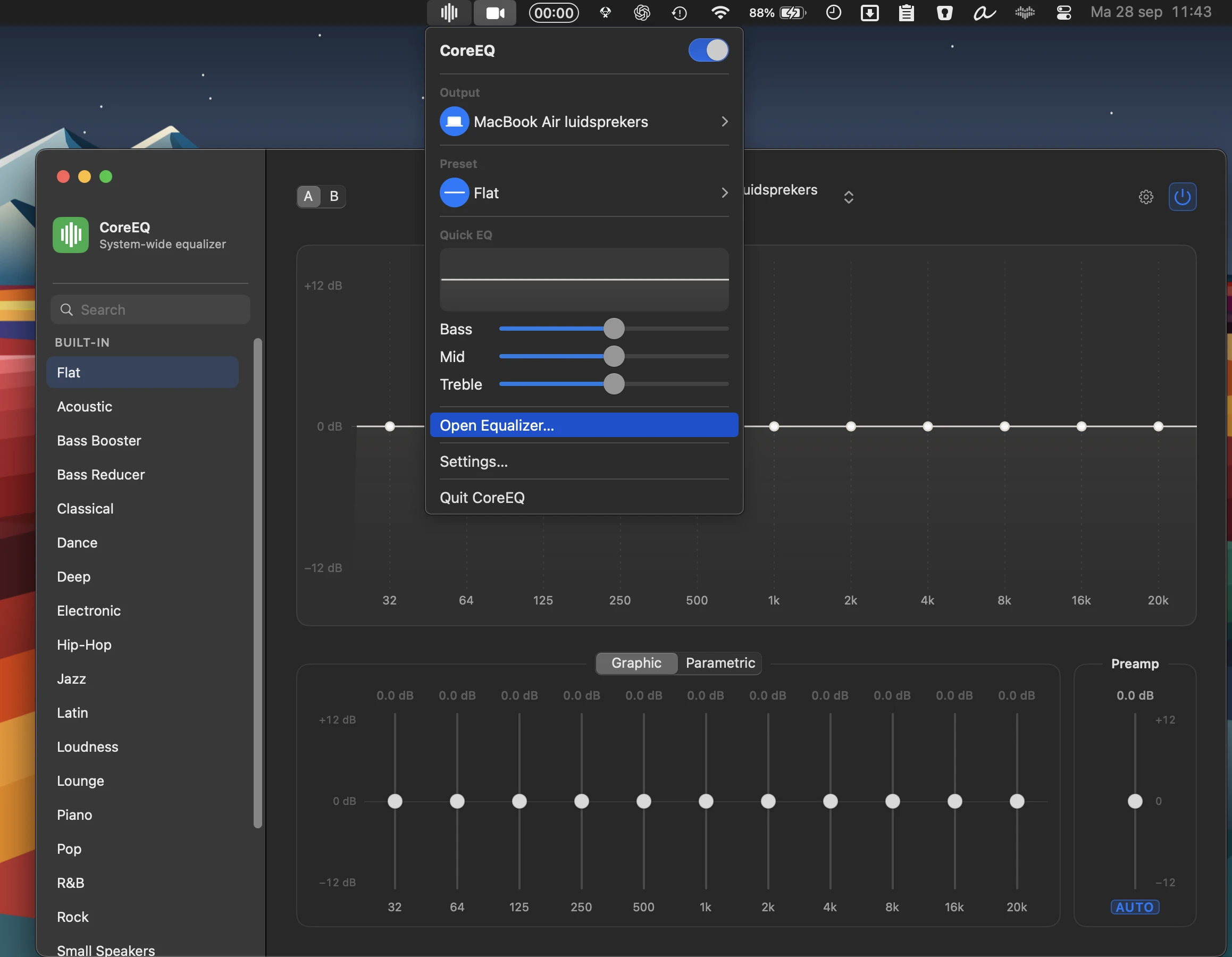
CoreEQ delivers system-wide equalization for music, video, calls, and games, with flexible graphic and parametric controls, real-time spectrum analysis, presets, automatic gain, and per-device settings.
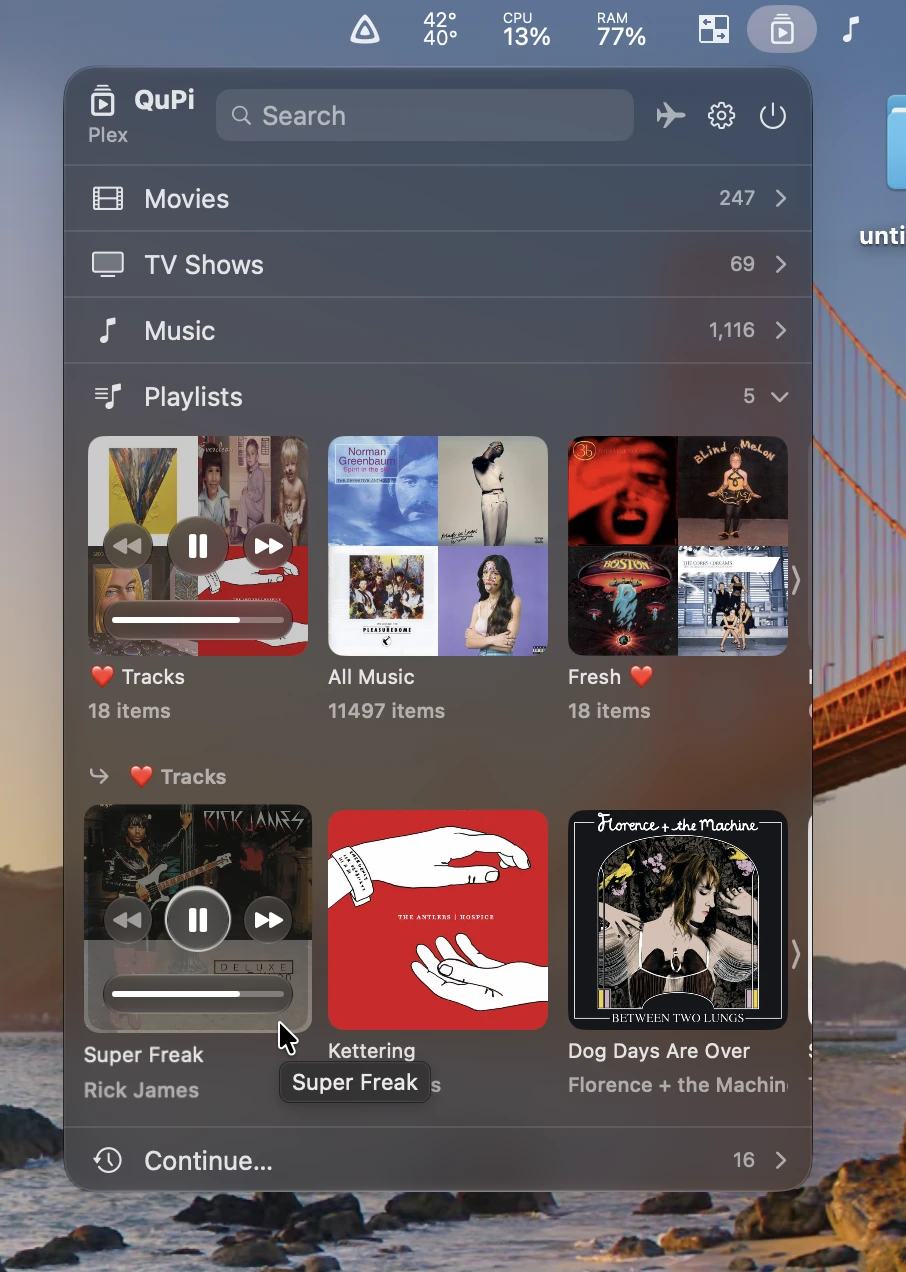
QuPi gives instant access to Plex and Jellyfin libraries, with fast search, playback controls, playlists, picture-in-picture video, and offline downloads, all from a customizable interface.
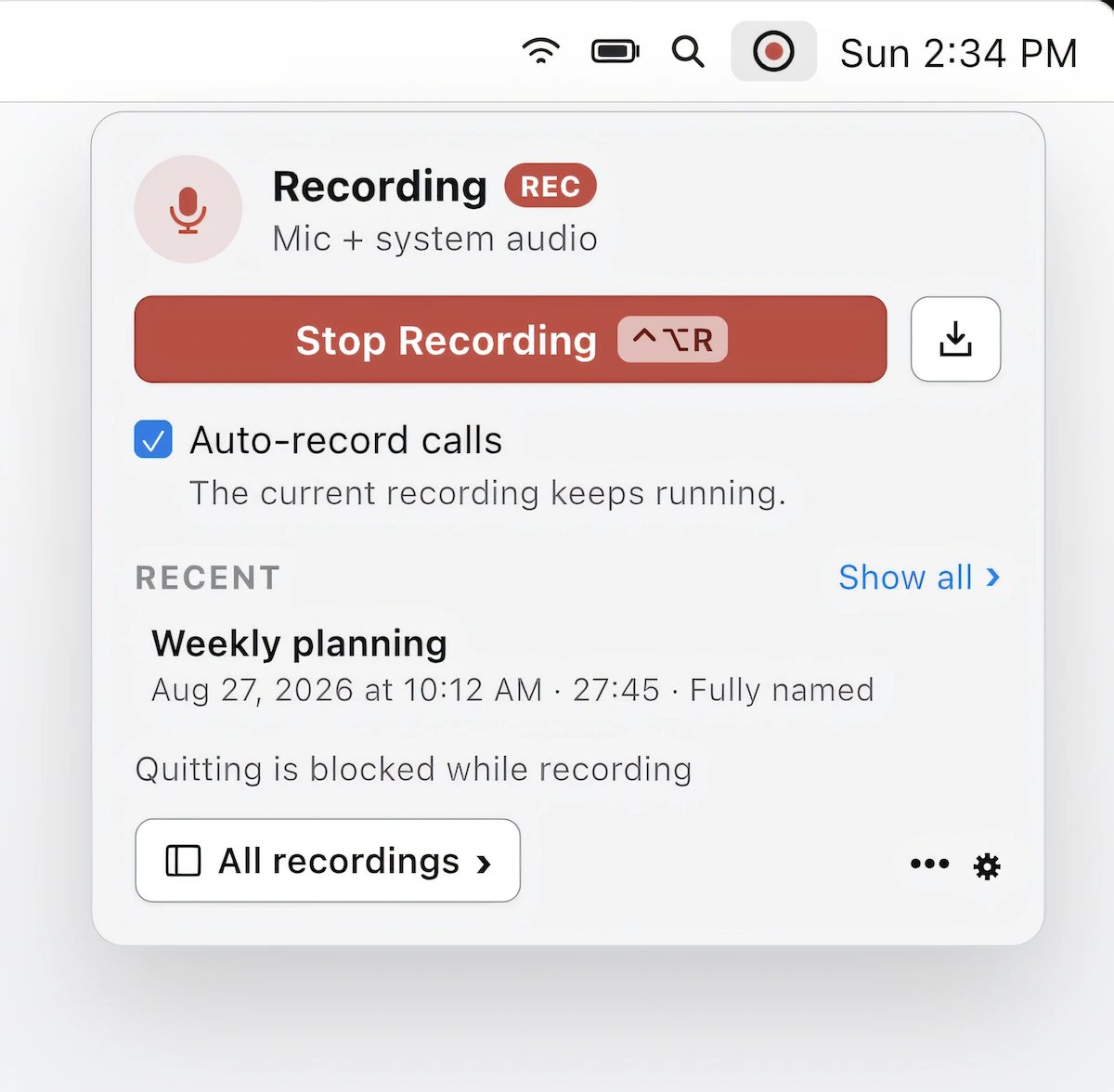
Record, transcribe, and summarize calls in Zoom, Teams, and Meet without a meeting bot. On-device recording, speaker identification, and AI-powered summaries keep your conversations private on your Mac.
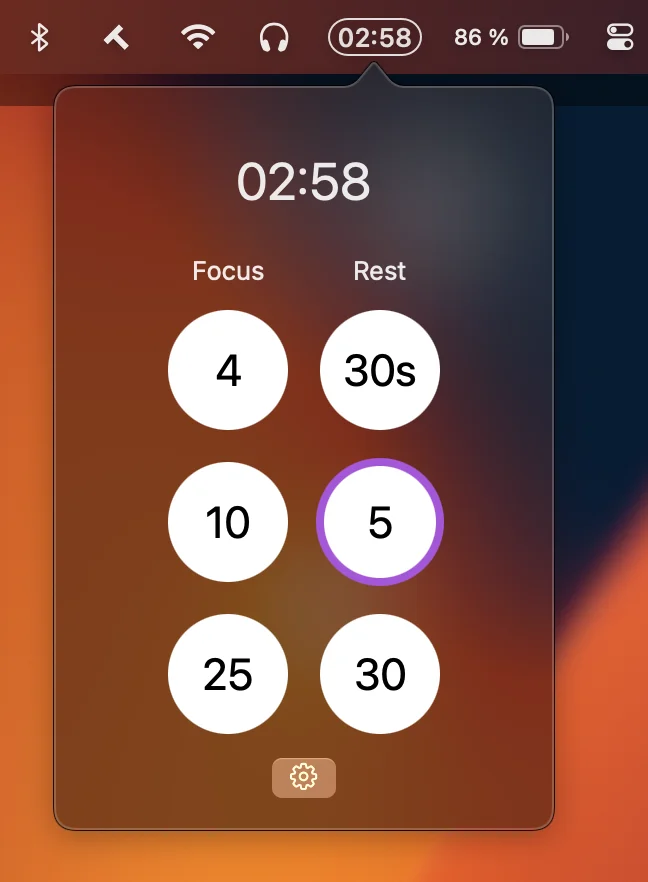
This menu bar app is a lightweight countdown timer for focus and rest, with customizable presets, native notifications, optional sounds, and no Dock clutter or unnecessary distractions.
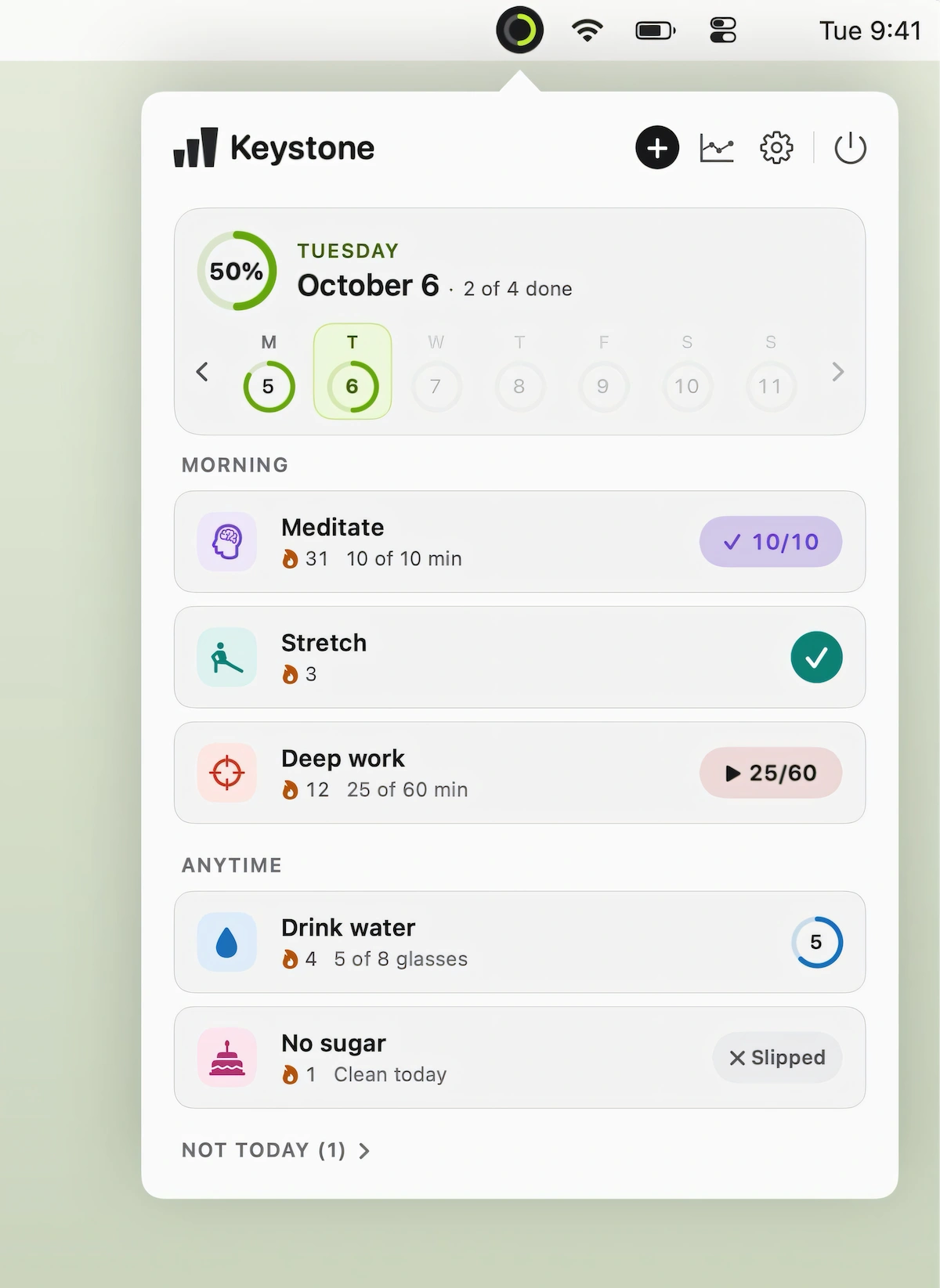
Keystone makes habit tracking simple with one-click check-ins, forgiving streaks, reminders, and desktop widgets, while flexible schedules and clear progress views help you build consistent daily routines.