Good apps don’t always come with a price tag. These menu bar gems are free — and worth your space.
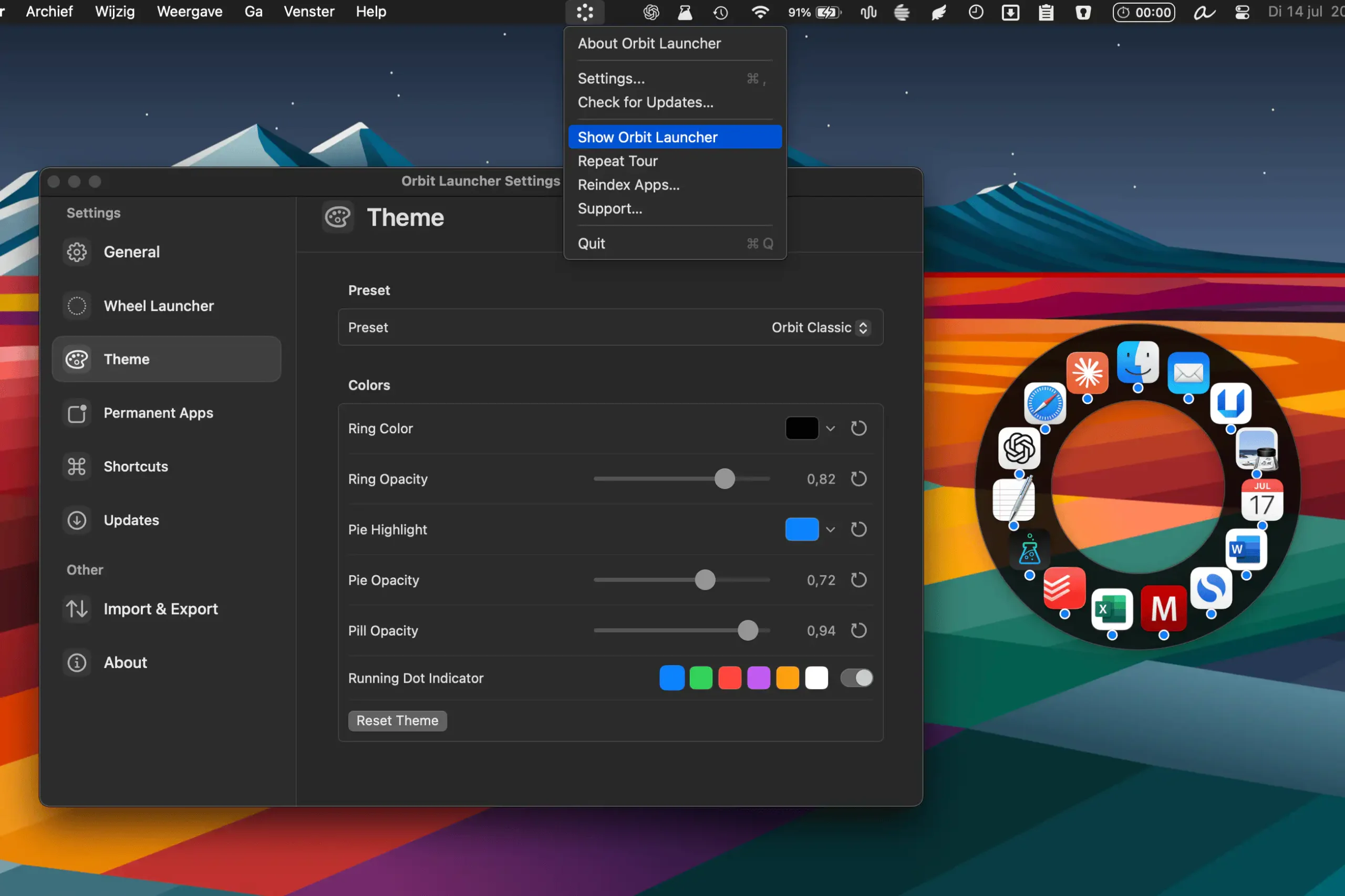
Orbit Launcher provides a fast, visual way to launch apps from anywhere on your Mac. Open a customizable radial launcher, pin favorites, search instantly, and switch between tools without breaking your workflow.
Visit
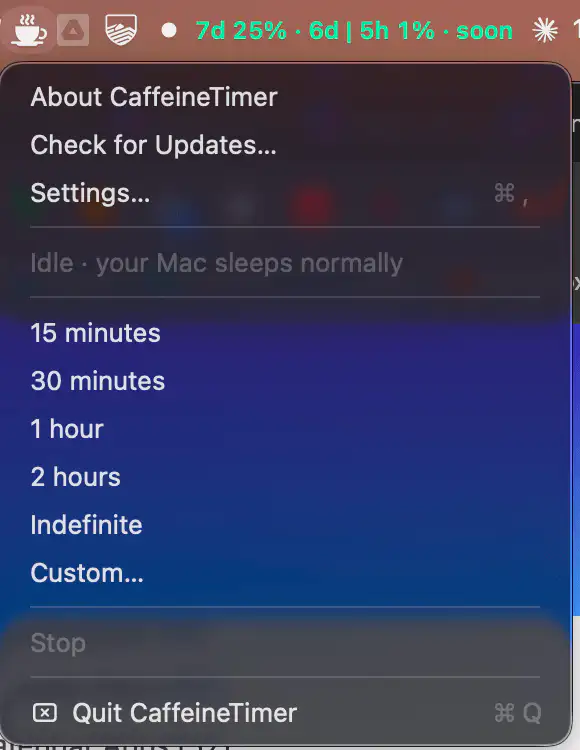
CaffeineTimer keeps your Mac awake with a lightweight countdown timer. Set a duration, track the remaining time, and let your Mac return to normal sleep mode automatically when the timer ends.
Visit
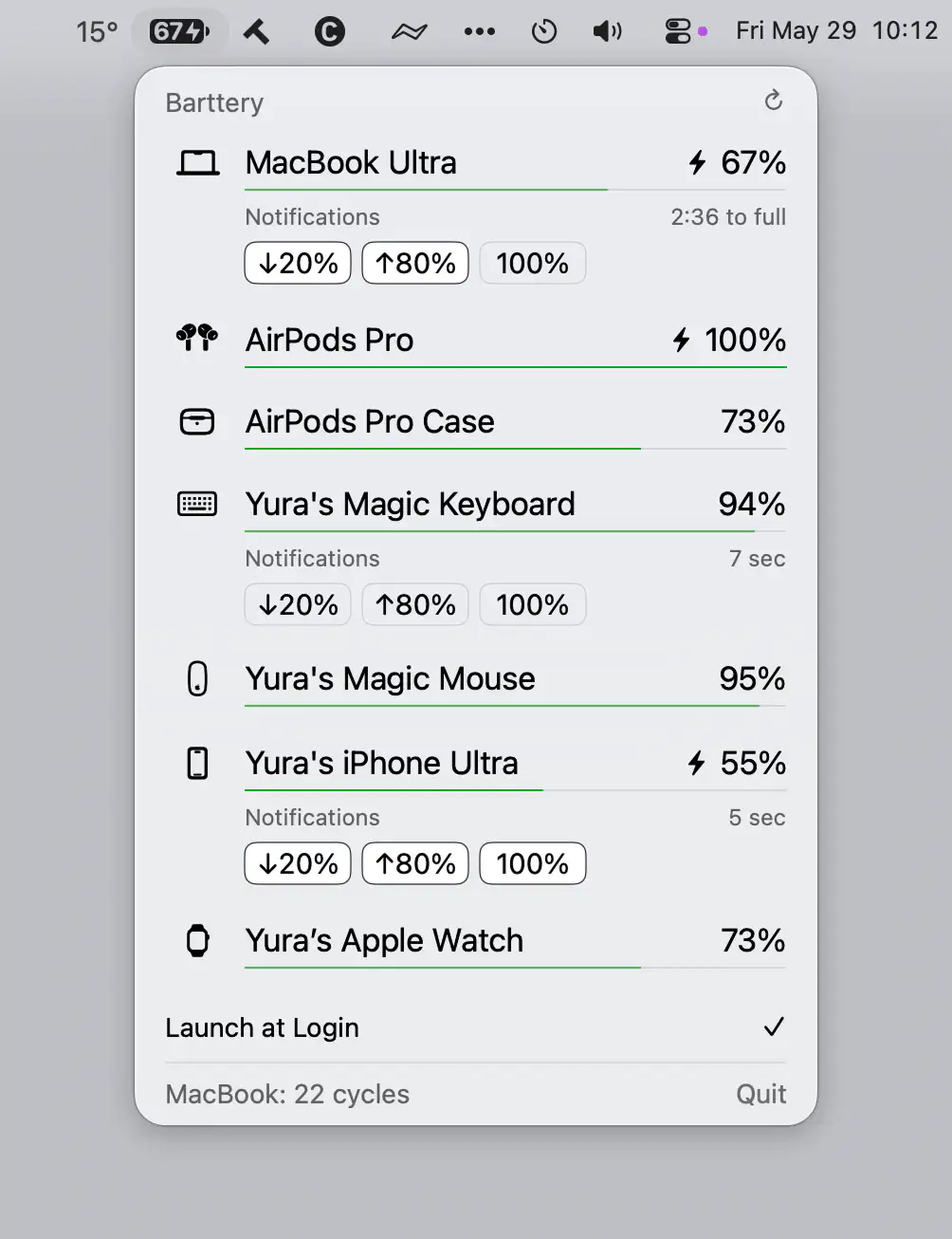
Barttery keeps track of your Apple devices’ battery levels in one place, showing charging status, remaining time, cycle counts, and customizable notifications across Mac, iPhone, iPad, Apple Watch, AirPods, and accessories.
Visit
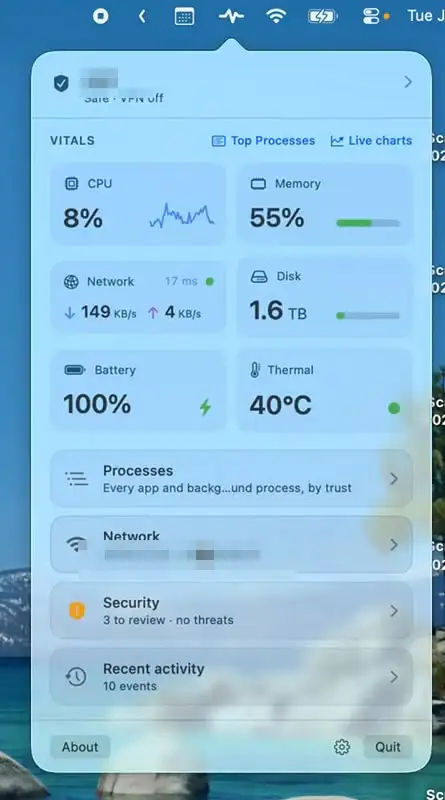
Mojo Pulse monitors your Mac’s performance, security, network activity, battery health, and hardware status, with clear alerts when something needs attention. A quiet companion that helps keep your Mac running smoothly.
Visit
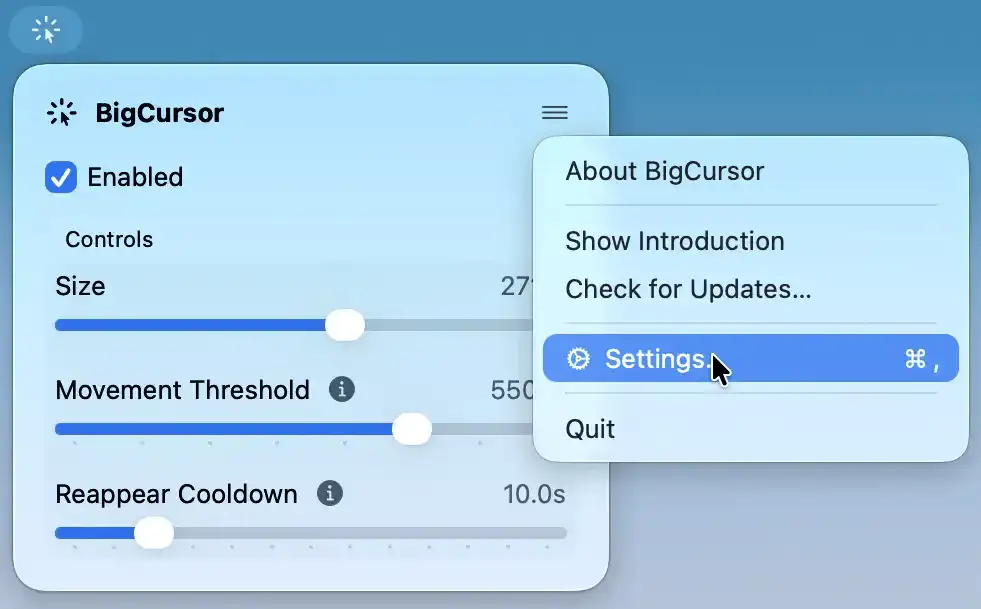
BigCursor makes your pointer easier to spot on large displays by enlarging it while you move and hiding it again when idle. It also offers adjustable size and smart triggers.
Visit
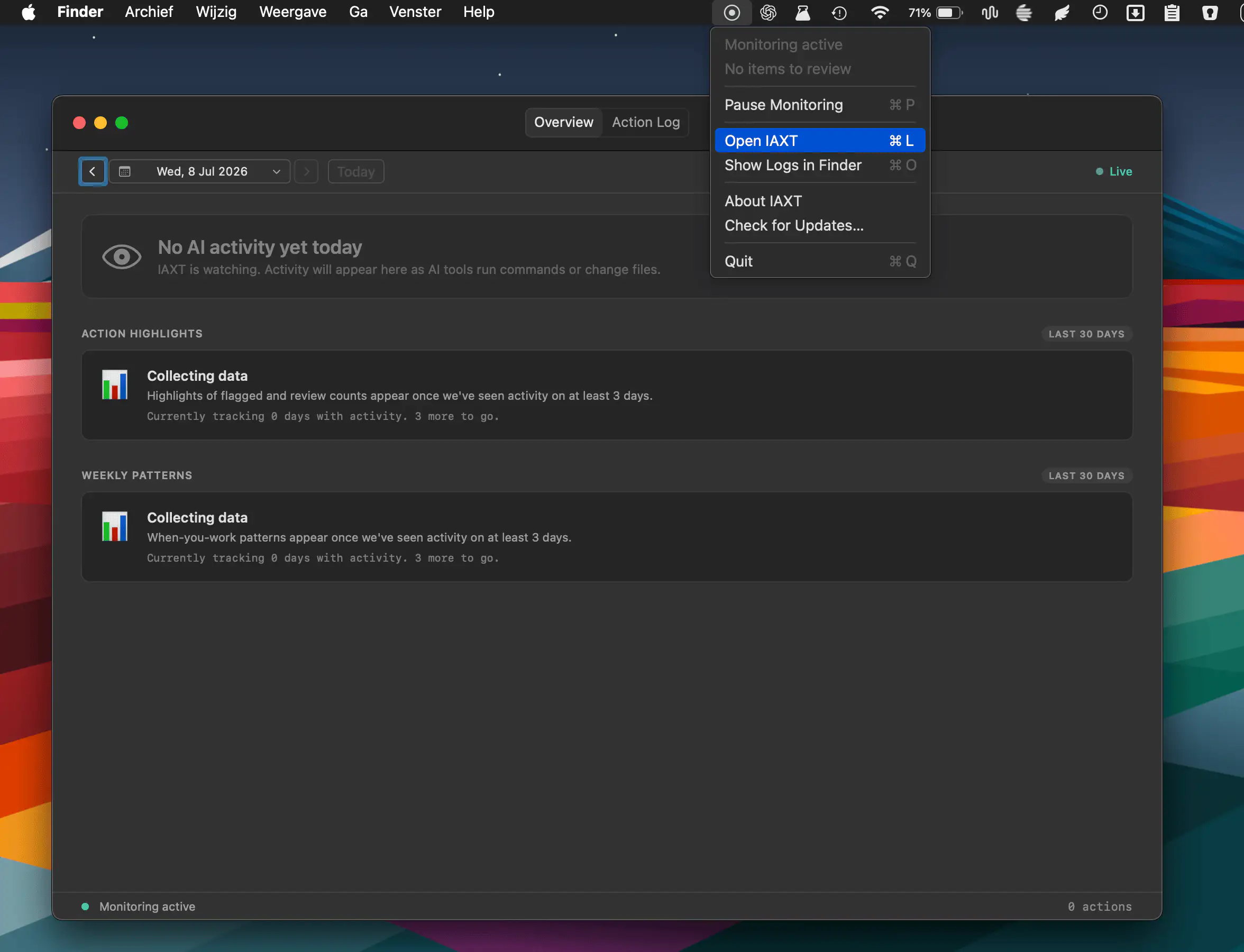
IAXT monitors AI coding agents like Claude Code, Cursor, and Codex by locally recording commands, file changes, and system actions. Review activity logs, spot unusual behavior, and keep AI workflows secure.
Visit
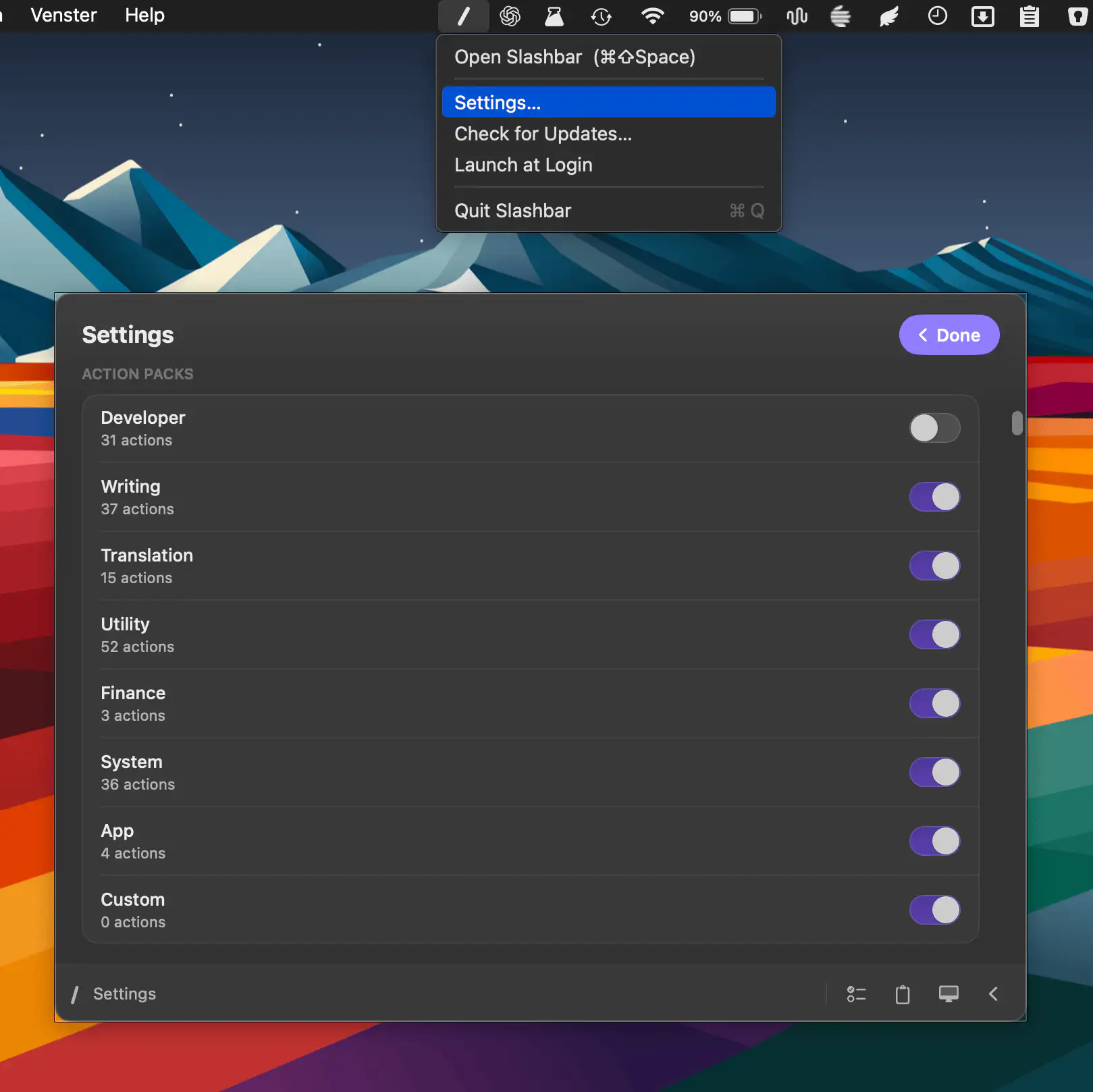
Slashbar brings 185+ actions into a fast command bar, letting you format text, manage files, control windows, search, use AI tools, and automate everyday tasks through one customizable shortcut.
Visit
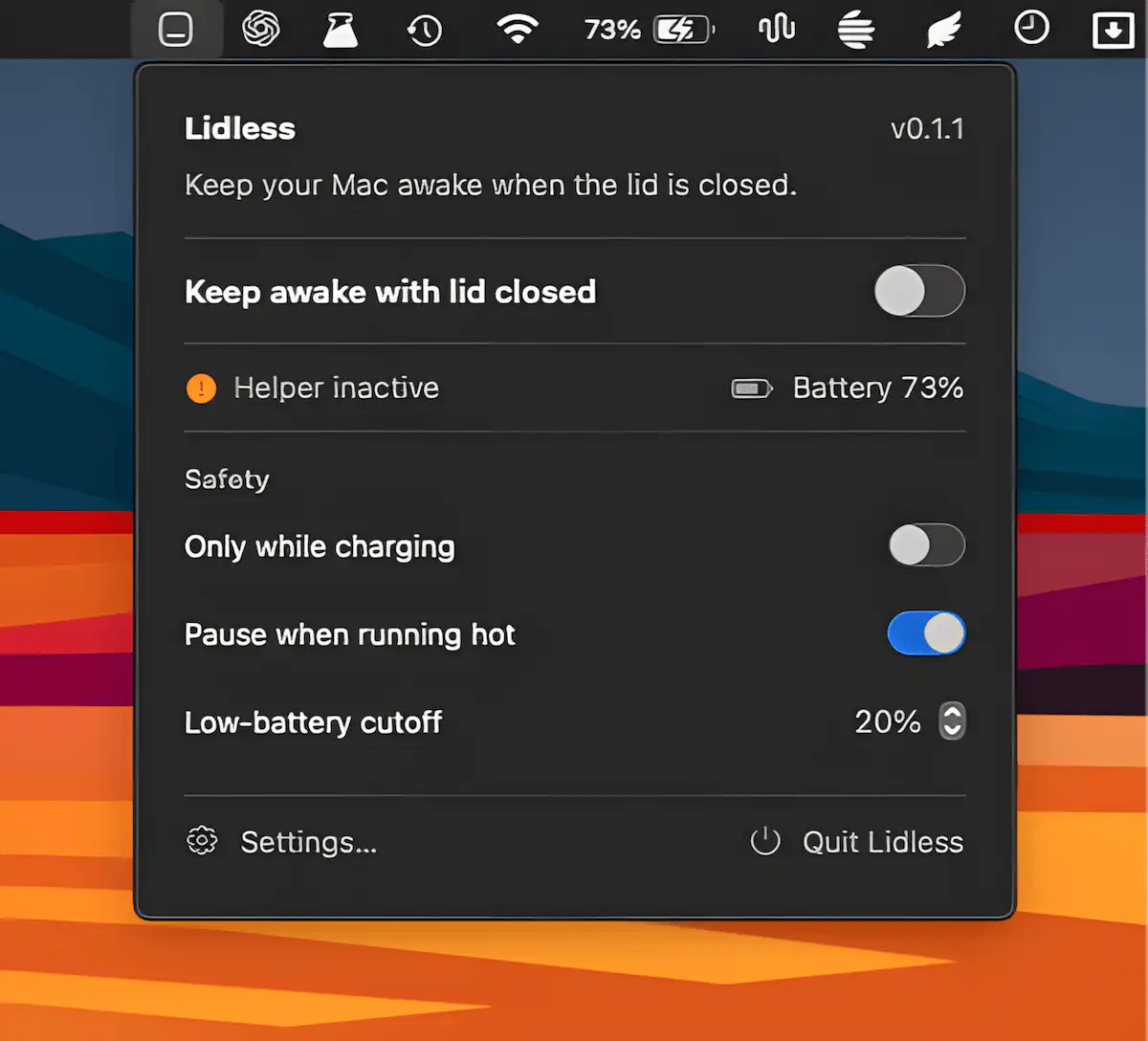
Lidless keeps your Apple Silicon Mac awake even with the lid closed, making it ideal for long-running tasks, coding agents, and remote workflows. It includes temperature monitoring, battery safeguards, and auto-off timers.
Visit
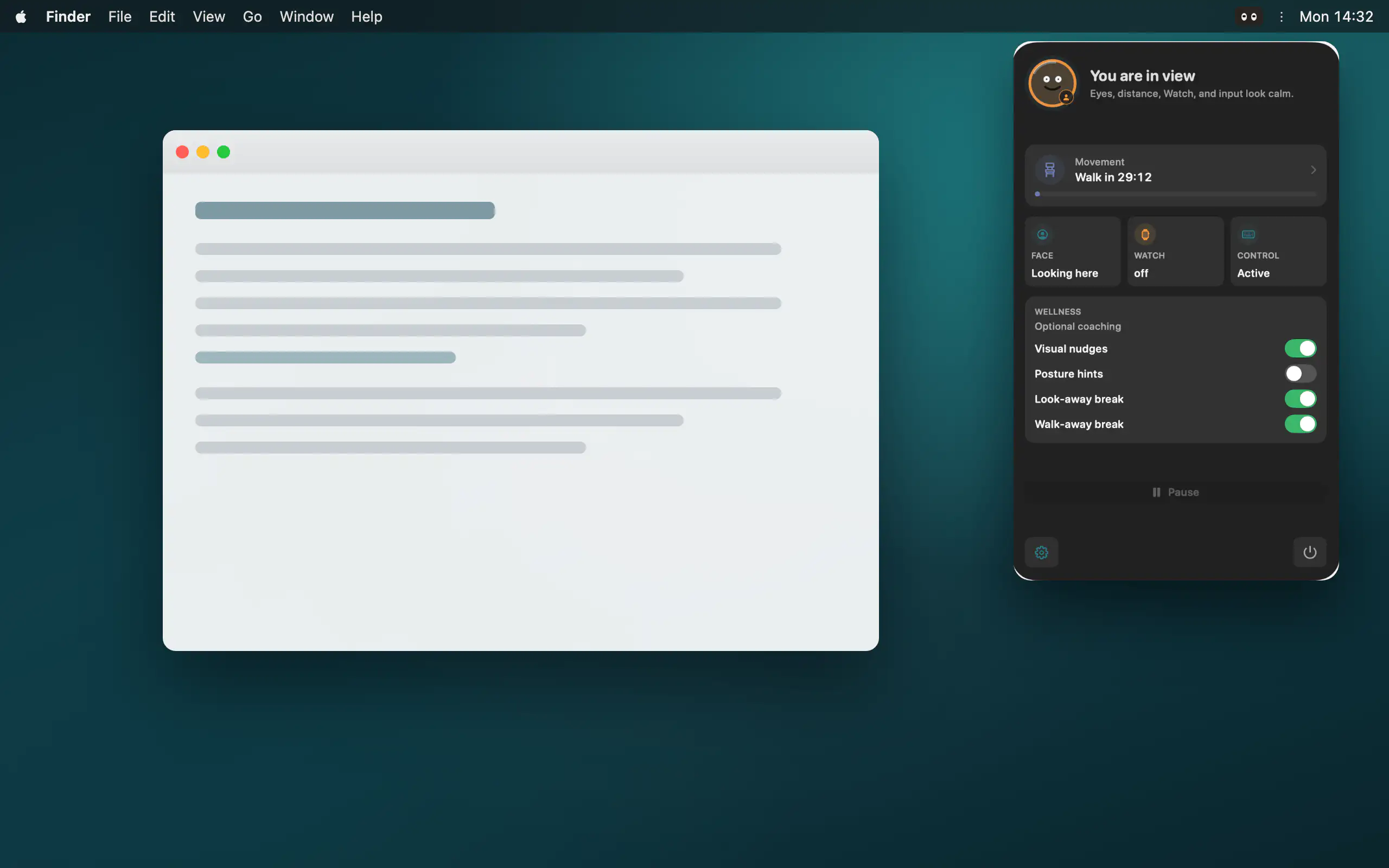
Peeku locks your Mac when you step away, using on-device camera analysis, Apple Watch proximity, and activity signals, all processed locally with no cloud or account.
Visit
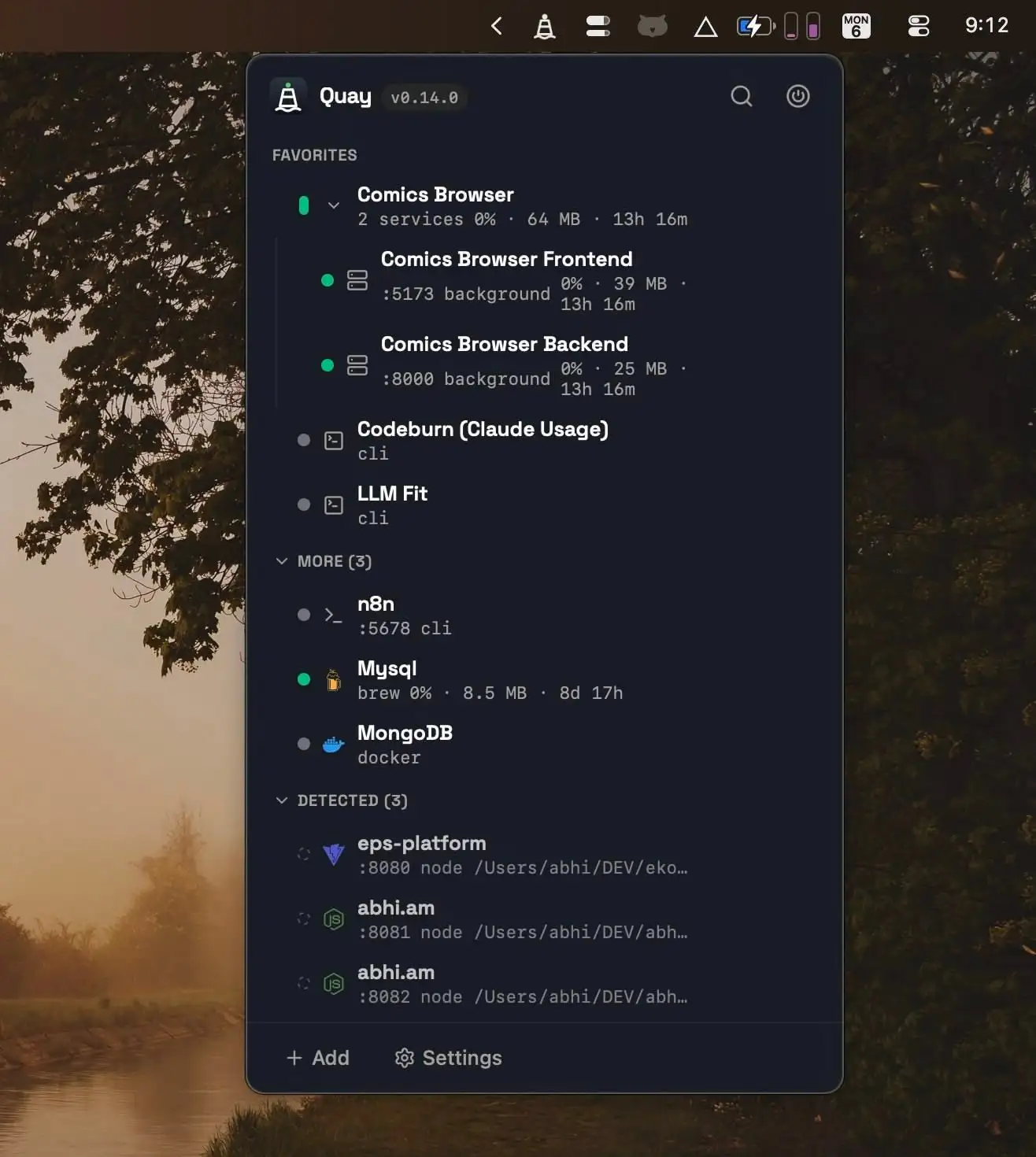
Quay helps developers manage local services from one place, making it easy to start, stop, and monitor project servers, Docker containers, Homebrew services, and terminal agents with live resource metrics and one-click browser access.
Visit
