Good apps don’t always come with a price tag. These menu bar gems are free — and worth your space.

Better Resource Monitor keeps an eye on your Mac’s CPU, memory, GPU, and network activity with minimal system impact, offering a clean, privacy-friendly approach that stays fully sandboxed and never asks for elevated permissions.
Visit

Kompakt optimizes images and videos on macOS. Drag a file and a drop zone appears; it then compresses the file, shows the space saved, and supports lossless or smaller outputs with copy-or-replace options.
Visit

Doorry keeps an eye on every open port on your Mac and lets you shut down rogue processes with a single click. Built for developers tired of terminal rituals, it stays lightweight, private, and straightforward.
Visit

Kofe Flow is a lightweight Pomodoro timer with a clean macOS feel, gentle focus reminders, and an always-visible countdown that helps you stay productive without turning concentration into a full-time administrative career.
Visit

Popy keeps track of your last 25 copied snippets. It stays out of sight, survives restarts, and keeps everything securely encrypted in your macOS Keychain.
Visit
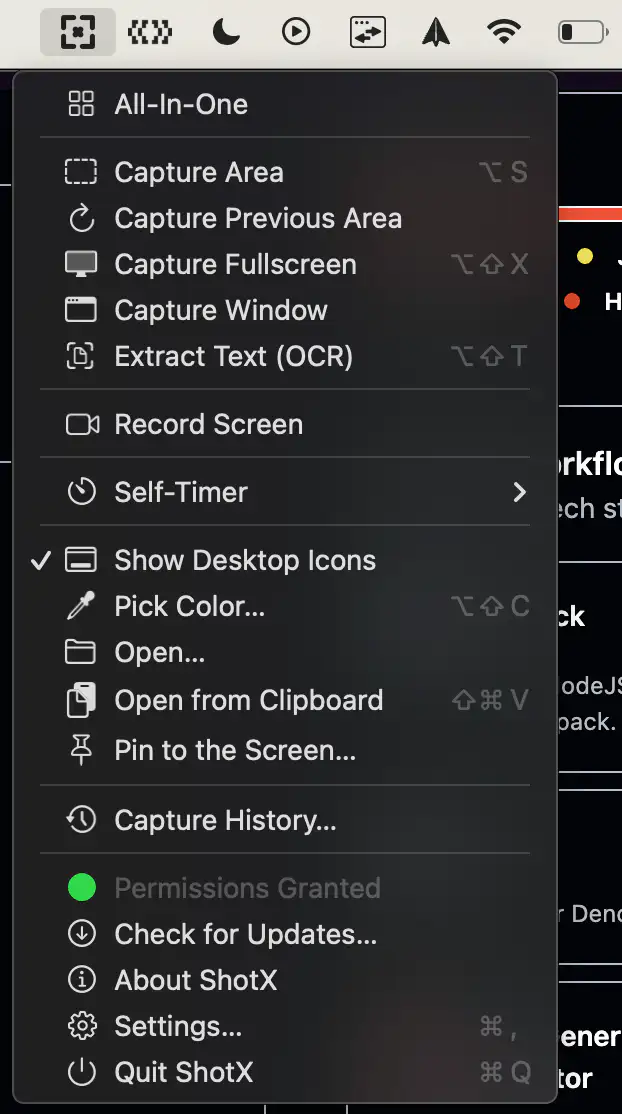
ShotX is a lightweight screen capture tool for macOS inspired by CleanShot X. It offers screenshots, screen recording, annotations, GIF export, and capture history in a fast, privacy-friendly experience that runs entirely offline.
Visit
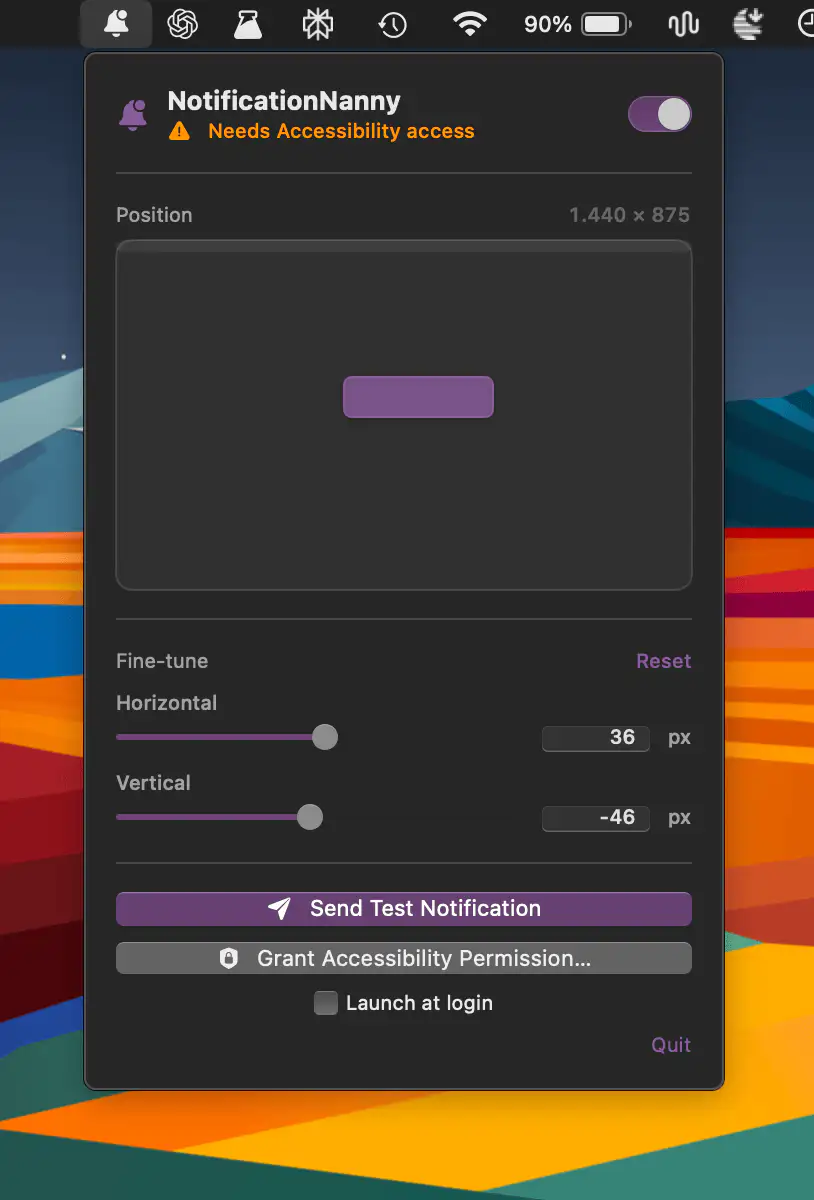
NotificationNanny lets you place macOS notification banners anywhere on your displays, with drag-and-drop positioning, precise sliders, test alerts, and per-screen preferences so every screen behaves exactly the way you want.
Visit

Linker connects files, folders, emails and websites through bidirectional links, making scattered information feel coherent. Fast keyboard shortcuts, plain JSON storage and a clean, unobtrusive design keep everything within easy reach.
Visit
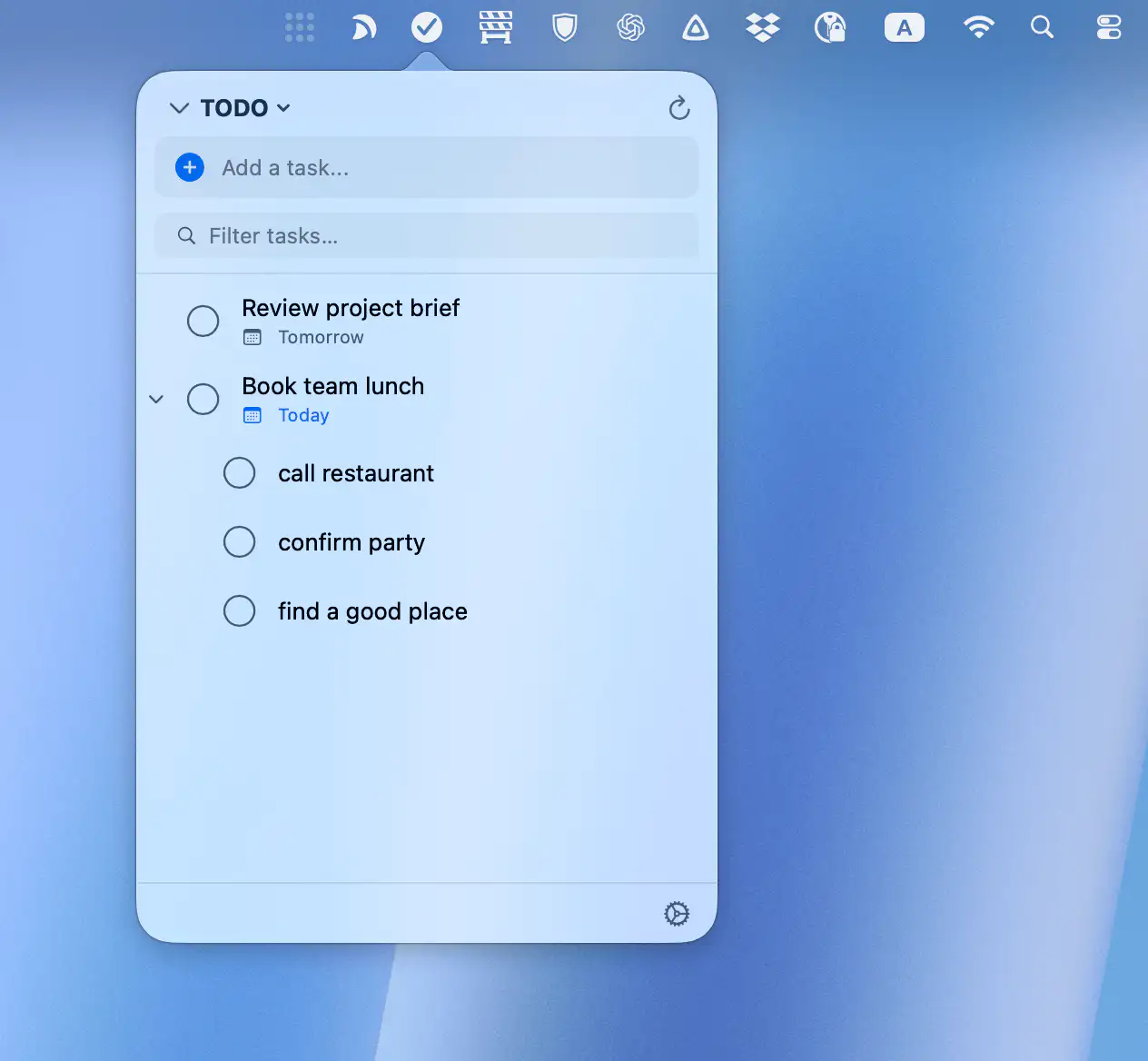
TaskMenu brings your Google Tasks to macOS in a fast, native interface that stays out of the way. Quickly add, organize, and manage tasks, due dates, and subtasks from a compact popover, with secure syncing and built-in reminders.
Visit
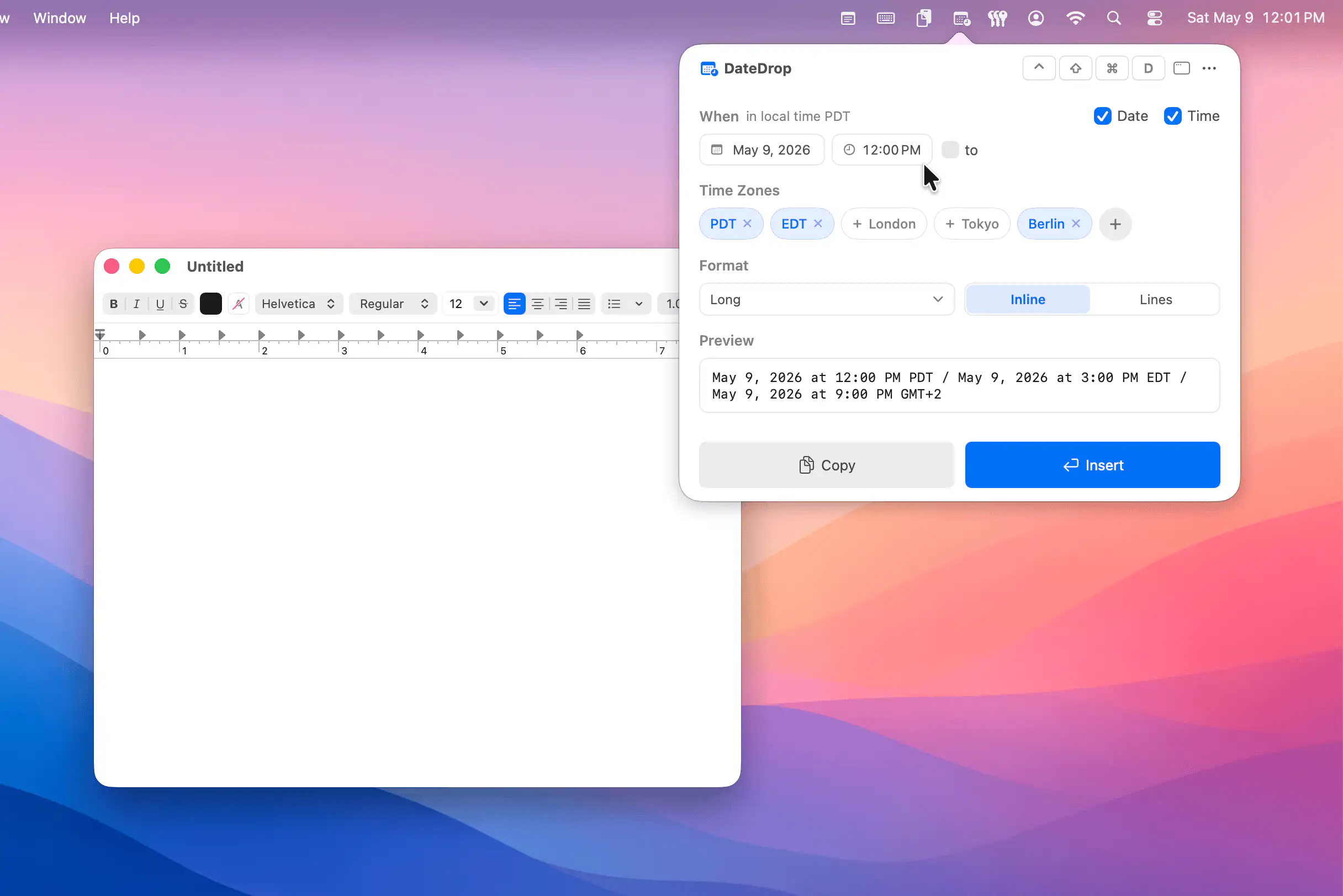
EasyWhen makes it easy to insert perfectly formatted dates, times, and time ranges anywhere you type, on Mac as well as iPhone and iPad. Type plain phrases like “next Tuesday 3pm”, pick your time zones and format, and scheduling stops feeling like administrative punishment.
Visit