Collection:
AI Apps
ClaudeBar
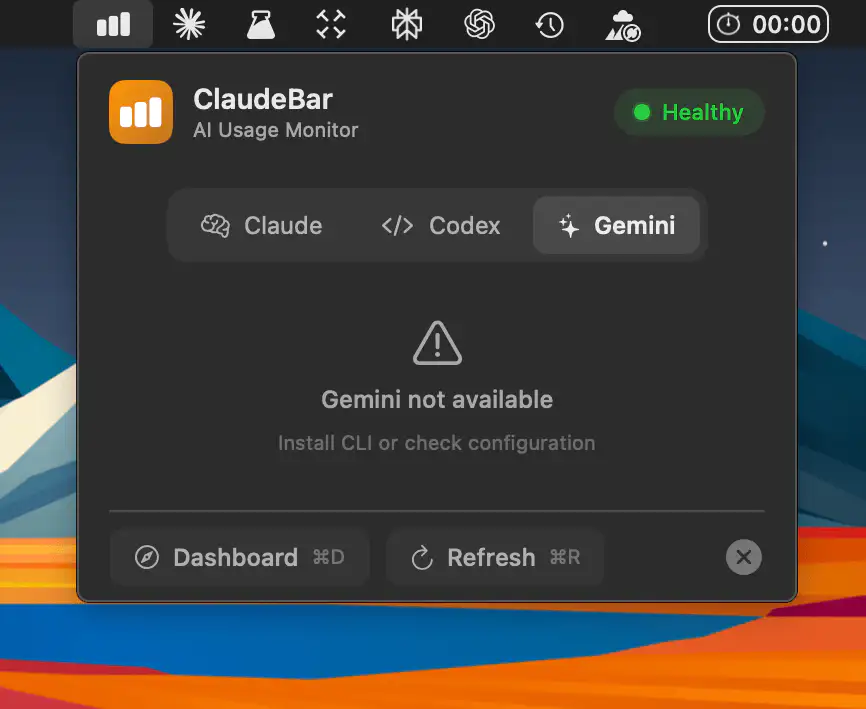
A macOS menu bar app that quietly tracks Claude, Codex, and Gemini usage, showing remaining quotas at a glance with subtle alerts, so you stop checking commands and keep coding.

Good apps don’t always come with a price tag. These menu bar gems are free — and worth your space.
Good apps don’t always come with a price tag. These menu bar gems are free — and worth your space.
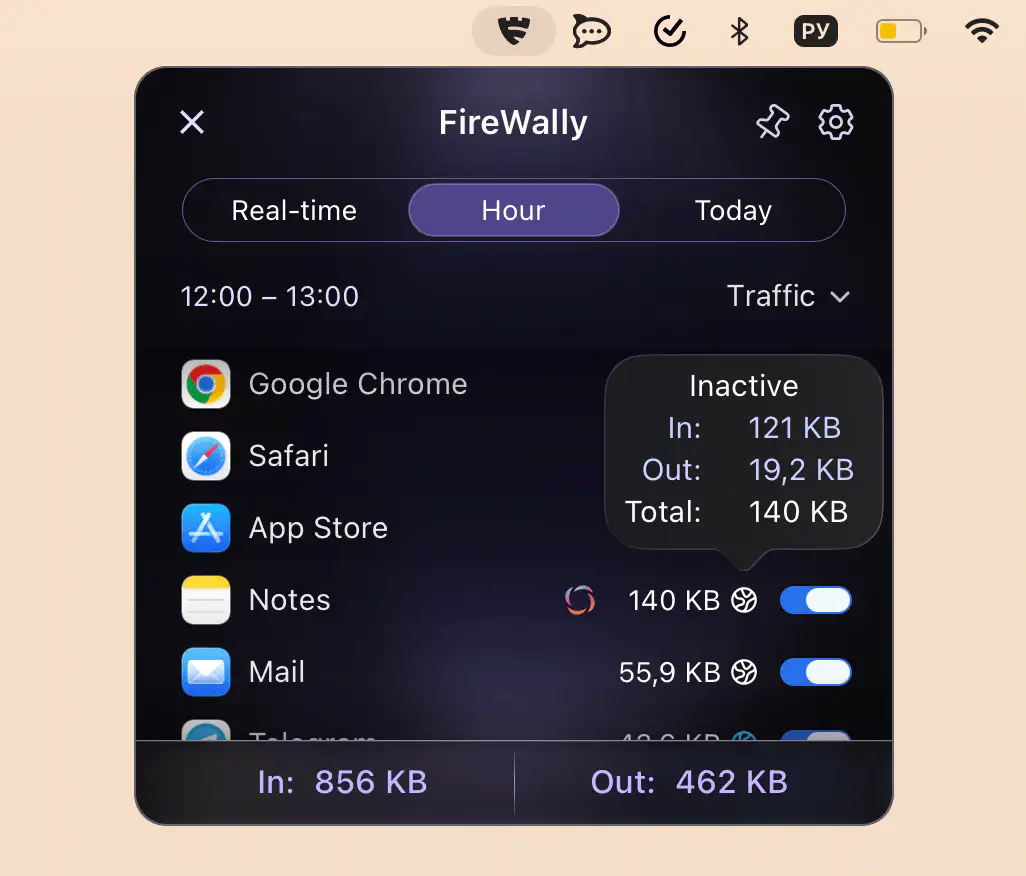
This menu bar app lets you monitor and control which apps connect to the internet in real time, clearly explains their activity, and allows you to block unwanted connections to protect privacy and data usage.
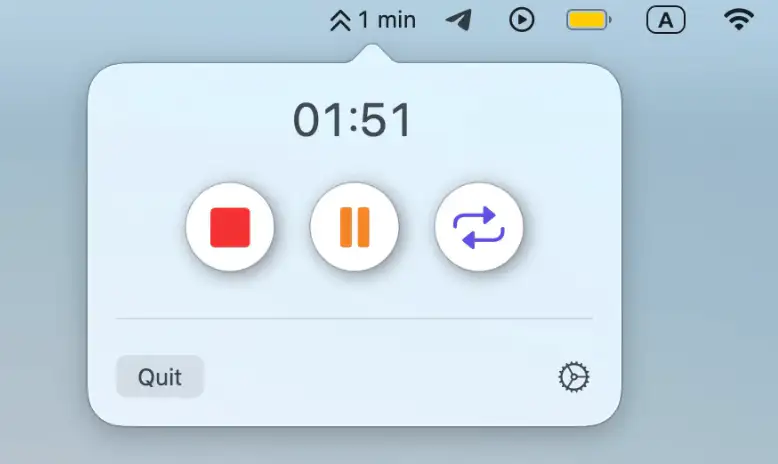
Kopniak gently reminds you to take breaks, with flexible scheduling and a simple countdown, helping you stay focused, comfortable, and healthier throughout the day.
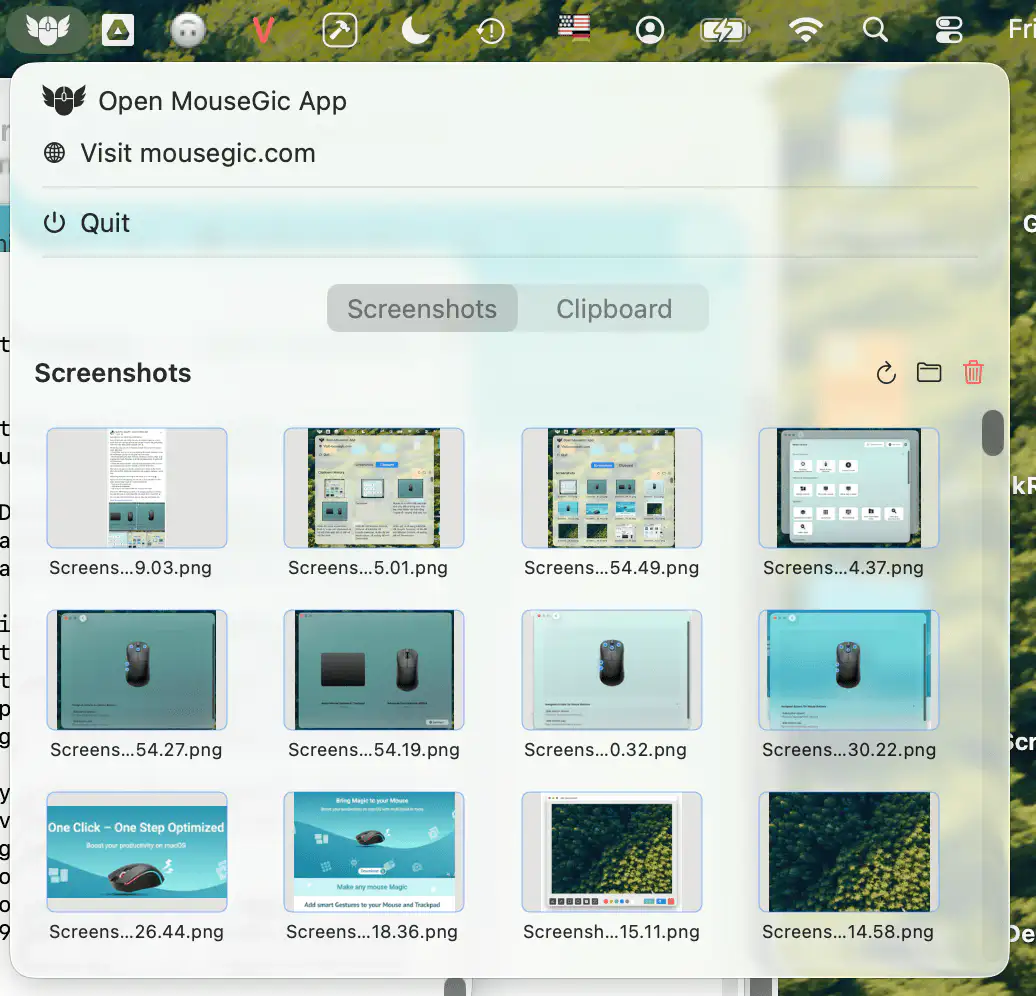
Turn any mouse into a smart, gesture-powered tool with customizable gestures, quick actions, and built-in screenshot and clipboard features
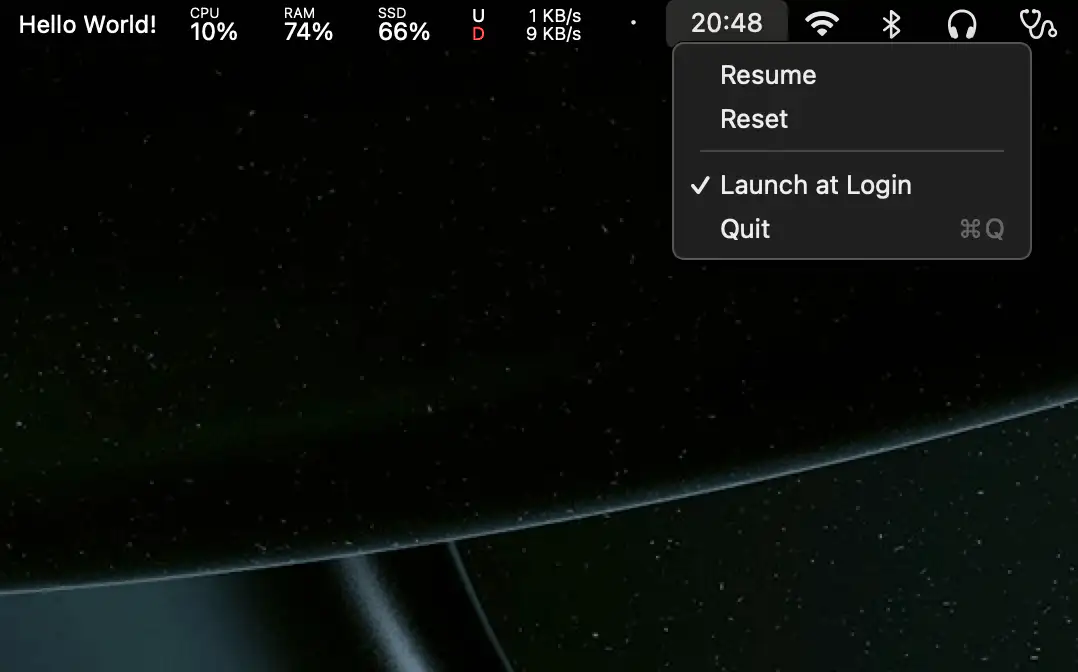
A lightweight, minimal menu bar stopwatch that keeps time without fuss. Start, pause, or reset instantly, all in a clean, friendly little tool.
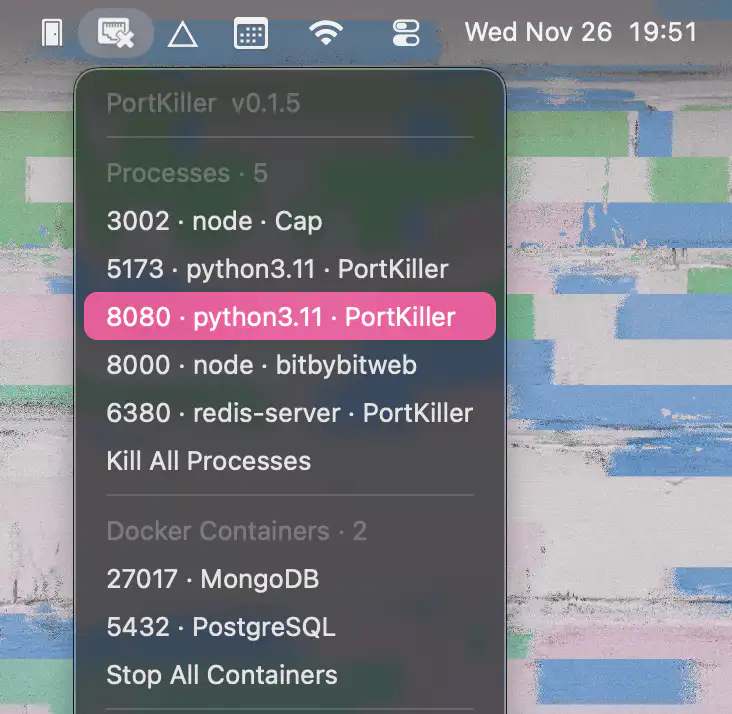
PortKiller reveals active development port processes, identifies their sources, and lets you effortlessly kill anything misbehaving, with smooth support for Docker, Homebrew, and modern Macs.

This menu bar app gives instant access to your favorite folders, with quick previews, drag-and-drop, and smooth SwiftUI performance.