
Collection:
Calendar Apps
Good apps don’t always come with a price tag. These menu bar gems are free — and worth your space.

Collection:
Note Taking Apps | Writing Apps
Steecky

Steecky puts notes, tasks, clipboard history, code snippets and quick links together in one menu bar app. Everything is stored locally on your Mac, and a global shortcut opens it from anywhere.
Collection:
Browser Apps
Finicky
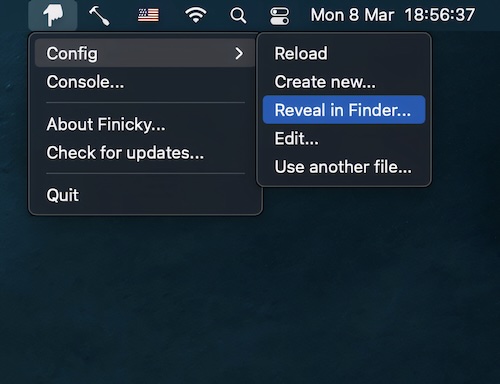
This menu bar app allows you to set up rules that decide which browser is opened for every link or url.
Collection:
System Tools
Brew Services
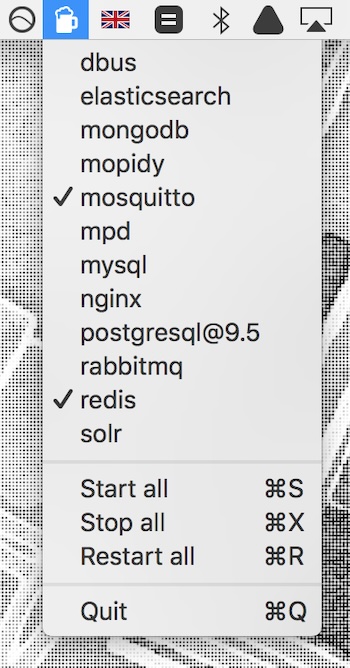
Start, restart and stop your Homebrew services straight from your menu bar, without opening Terminal.
Collection:
Code Apps | Design Apps
Icon Preview
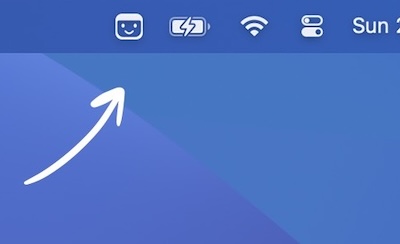
Preview how your app icon will look in the menu bar. You can also drag and drop an image onto the menu bar icon to preview it there.
Collection:
Sleep Control Apps
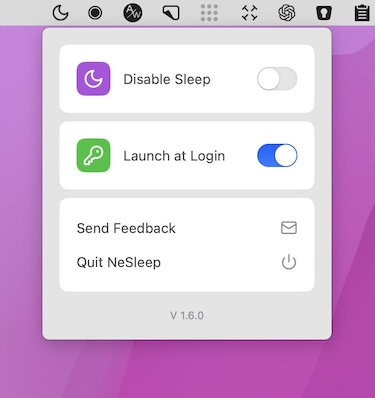
NeSleep
Collection:
AI Apps
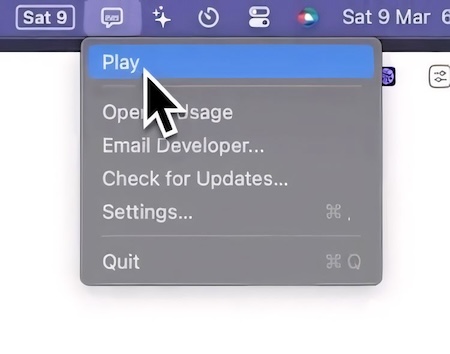
AudioBuddy
Collection:
Display Apps | Meeting Apps
iBlurred
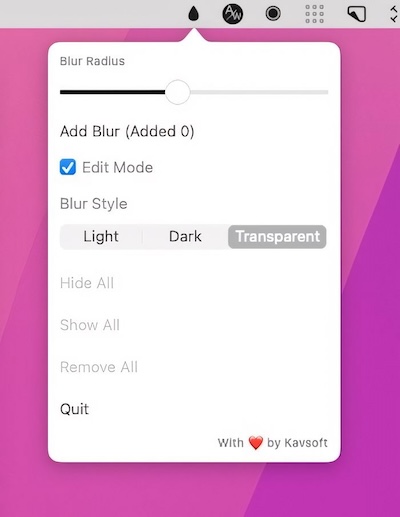
This menu bar app allows you to blur out sensitive information. You can resize each blurred part of your screen to meet your preferences.
Collection:
Menu Bar Managers
iBar

iBar is a menu bar management tool that supports the hiding of menu bar icons and the aggregation and display of individual windows.
Collection:
Security Apps
BLEUnlock
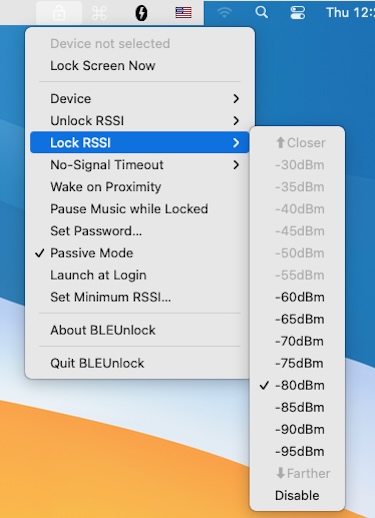
This menu bar app lets you lock and unlock your Mac with your iPhone, Apple Watch, or any other Bluetooth low energy devices.