Collection:
Battery Apps
PowerMode
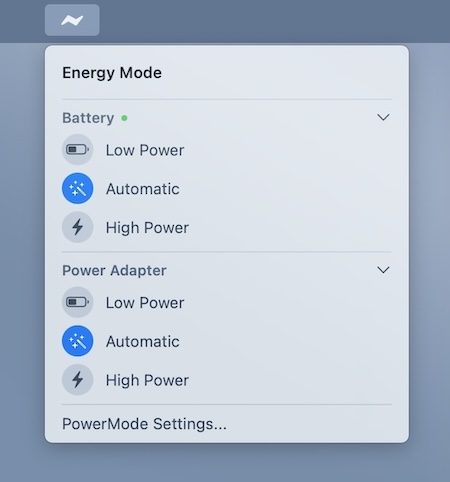
Easily switch between low and high power mode, directly from your menu bar. When enabled, your MacBook automatically switches to low power mode when the battery drops below 20%.

Good apps don’t always come with a price tag. These menu bar gems are free — and worth your space.
Good apps don’t always come with a price tag. These menu bar gems are free — and worth your space.
Easily switch between low and high power mode, directly from your menu bar. When enabled, your MacBook automatically switches to low power mode when the battery drops below 20%.
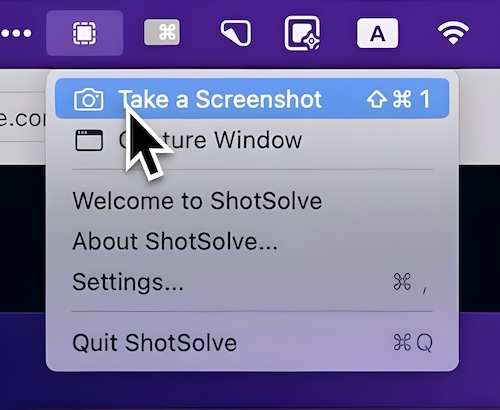
ShotSolve lets you capture any part of your screen and instantly run a pre-configured GPT-4o prompt on it. From generating code out of Figma designs to UI feedback and contextual help, it turns screenshots into practical answers within seconds, all inside a fast, native interface that respects your privacy and keeps your API key securely stored in the Apple Keychain.
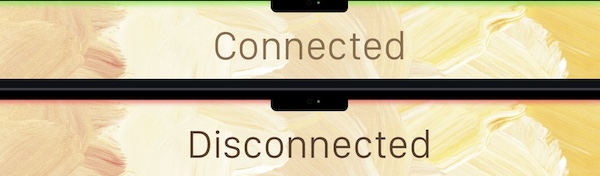
See when your internet disconnects and reconnects. A green top status line means connected; Red means disconnected (and Yellow means slow internet). The status line does not display in screenshots and does not interfere with menu bar navigation.
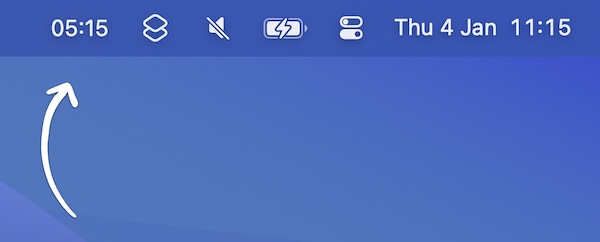
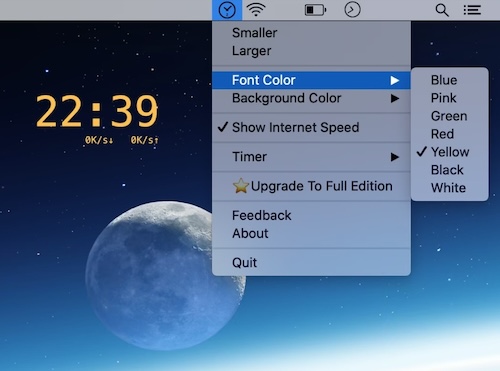
This menu bar app shows a second clock for a different time zone in your menu bar. There’s a workaround to have even more clocks.