
Collection:
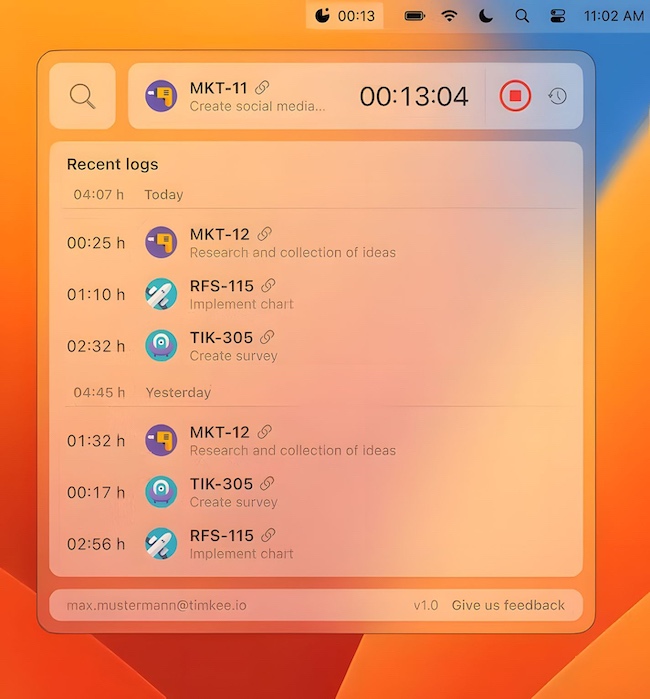
Developer Apps | Time Apps
Good apps don’t always come with a price tag. These menu bar gems are free — and worth your space.
Collection:
Health Apps
ZenBreak
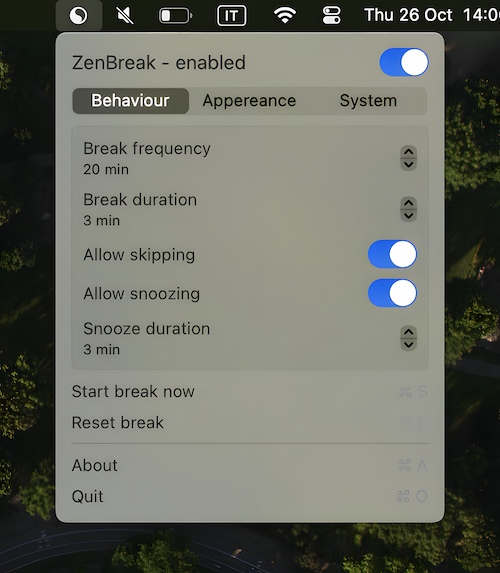
Suffering from screen fatigue? ZenBreak is a menu bar app that reminds you to take a break from your Mac.
Collection:
Screen Capturing Apps
Gerry
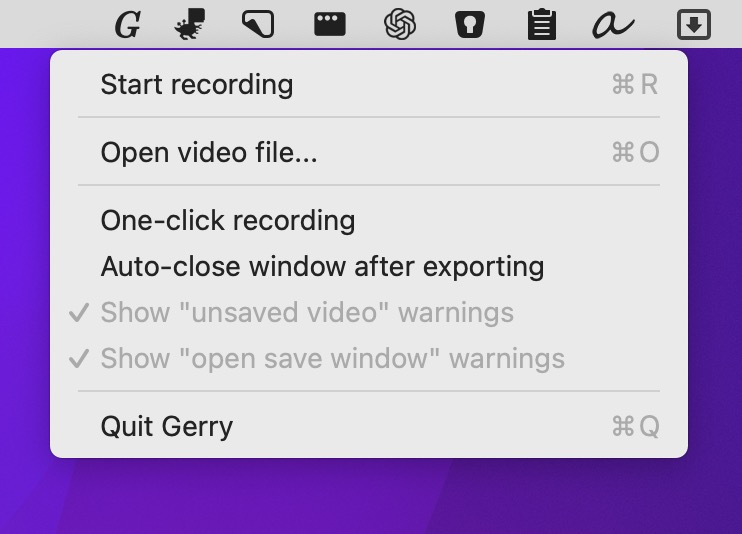
This menu bar app is a super simple screen recorder. Crop, trim, and scale your video before exporting as .gif or .mp4 at up to 60 fps.
Collection:
Calendar Apps | Meeting Apps
Dottt App
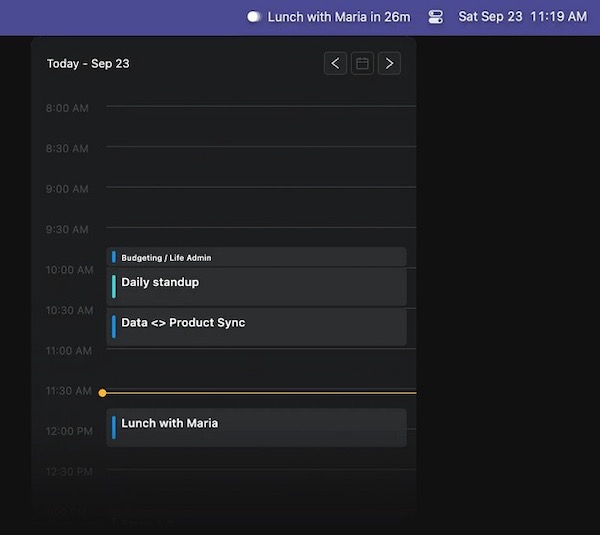
This menu bar app displays upcoming calendar events, sends notifications, and automatically joins meetings. It neither reads nor saves your events.
Collection:
Calendar Apps
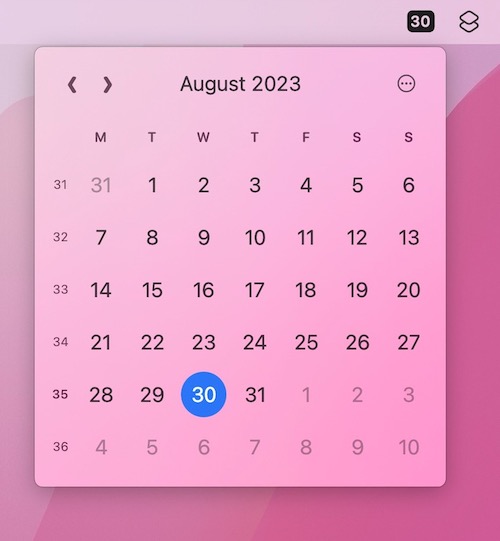
Menu Bar Calendar
Collection:
Network Apps
Catch
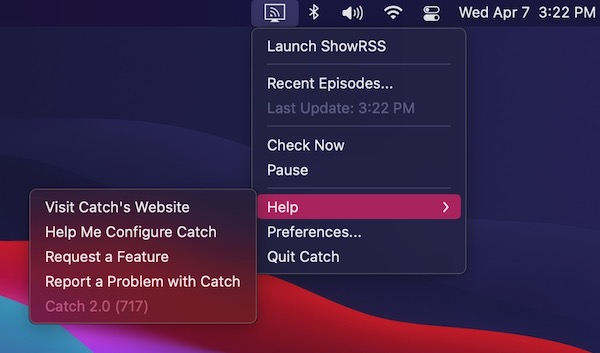
Catch is a menu bar app which enables you to download digital content made available via RSS. Simply add your feeds, and new episodes will be downloaded using your preferred BitTorrent client.
Collection:
System Tools
FilevaultReboot
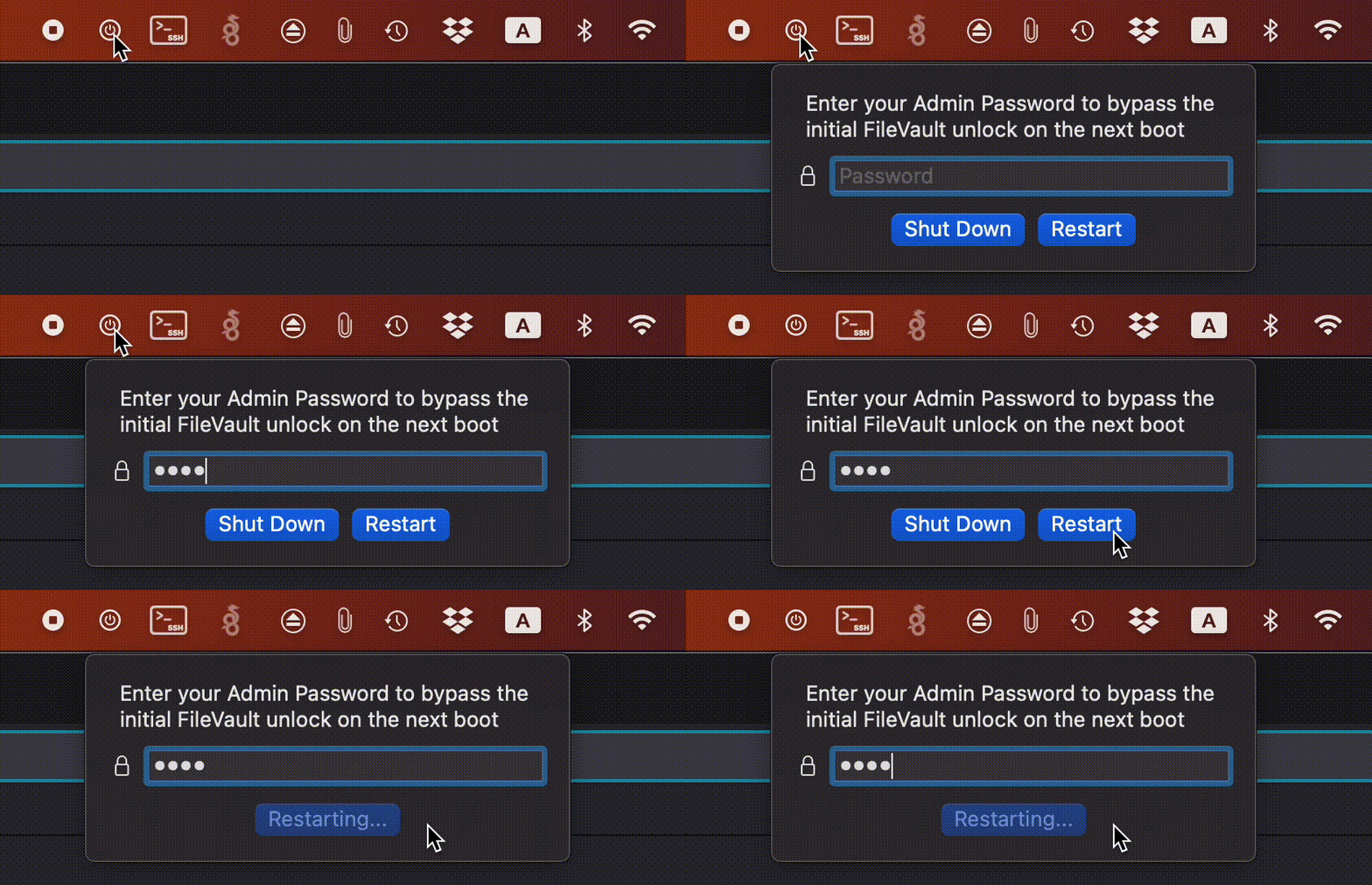
FilevaultReboot is a small open-source utility that adds a FileVault restart option directly to your menu bar, saving you from digging through System Preferences whenever you need to initiate a secure restart.
Collection:
AI Apps
Peek AI
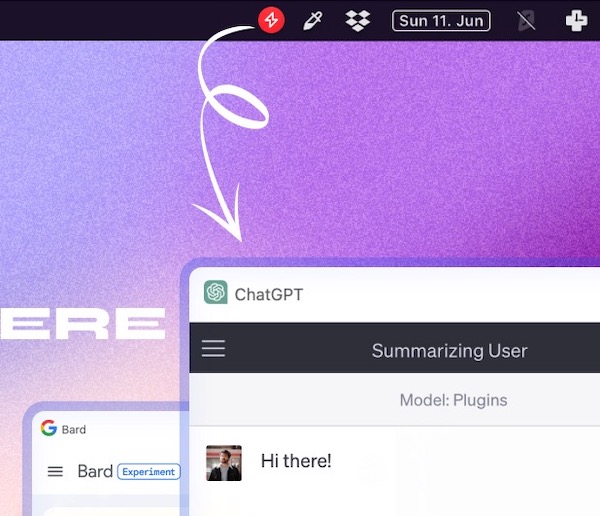
Peek brings your favorite AI chatbots together in one tidy interface, so you can move between ChatGPT, Gemini, Claude, Perplexity, Copilot and more without juggling tabs. No API keys required, just log in and your synced history follows, while built-in shortcuts, floating mode and quick screenshots keep everything effortlessly within reach.
Collection:
Menu Bar Managers
Doll
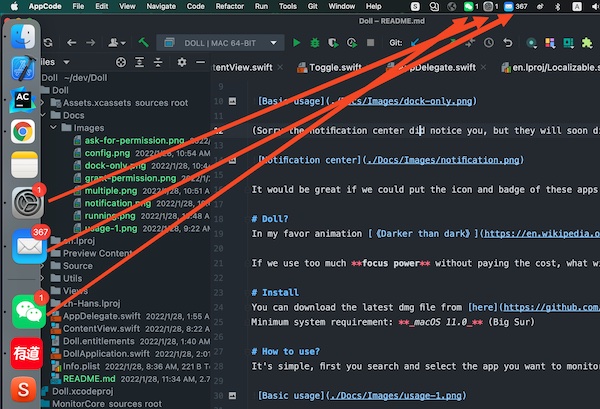
Doll is a menu bar app that puts the icons and badges of apps like Mail, Slack and Microsoft Teams into the menu bar.
Collection:
Time Apps
Day Progress
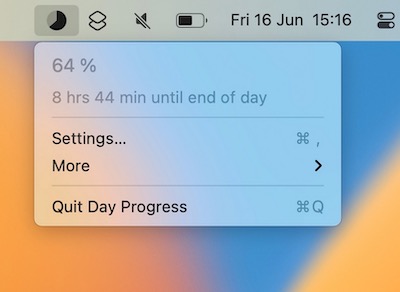
This menu bar app keeps track of the time remaining in your day. Use it as a visual cue to stay motivated and manage time more efficiently.