Good apps don’t always come with a price tag. These menu bar gems are free — and worth your space.

PlayStatus controls Apple Music and Spotify from your menu bar. Choose between a regular player, a compact mini player or a floating window, with synced lyrics, credits, play history and Last.fm scrobbling built in.
Visit
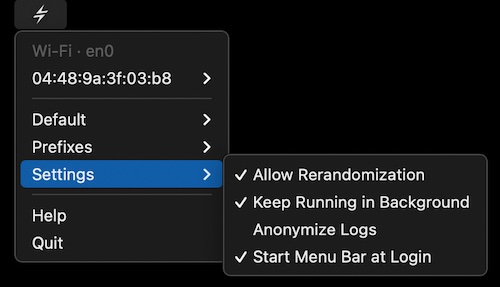
This menu bar app keeps the MAC addresses of your Wi-Fi and Ethernet interfaces random for privacy.
Visit
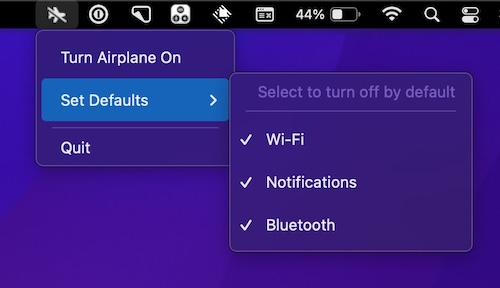
Disable all of your Mac’s wireless connectivity with just one click, instantly mirroring the familiar airplane mode feature that you already use on your iPhone every day.
Visit Watch
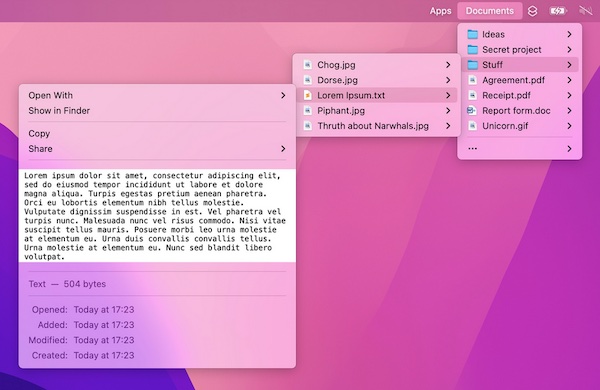
With Folder Peek you can access documents, files, folders, and apps from your menu bar. It’s an alternative to Dock folders, just more powerful and customizable. Each folder you add gets its own menu bar icon that you can customize and move around.
Visit
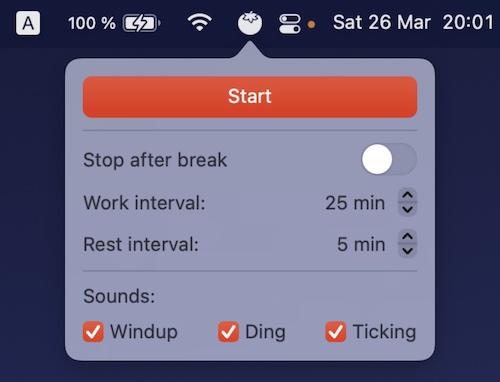
TomatoBar has all the essential features, like: configurable work and rest intervals, optional sounds, Touch Bar support and discreet notifications.
Visit

This menu bar app lets you track the current, combined incoming and outgoing network traffic of your device.
Visit
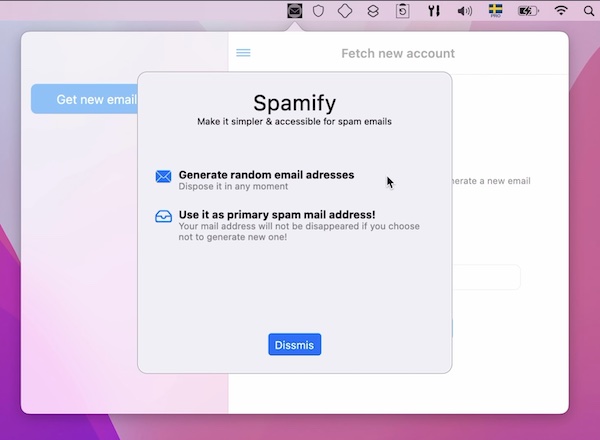
Keep your real mailbox clean and safe. Spamify gives you a temporary email address in your menu bar.
Visit Watch
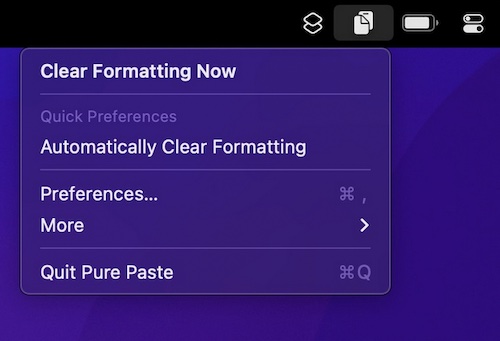
How many times have you pasted some text into an email, and ending up with a mess of different font sizes? Pure Paste clears all the formatting (fonts, colors, bold, links, tables, etc.) from text you copy.
Visit
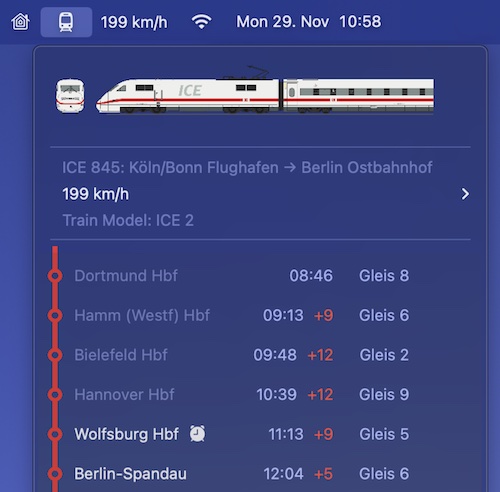
ICE Buddy offers you all important information about your trip (German railways) at a glance. Directly in your menu bar, fast and always up-to-date.
Visit
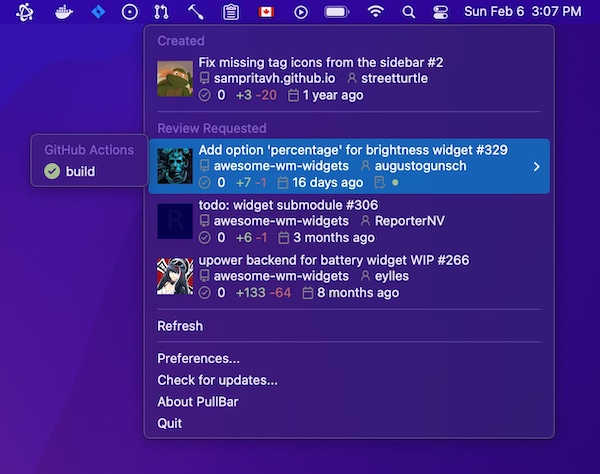
Access all your GitHub pull requests just in one click. You can also follow the review progress of pull requests created by you and check the build status of GitHub checks.
There’s also a pro version available.
Visit
