Good apps don’t always come with a price tag. These menu bar gems are free — and worth your space.
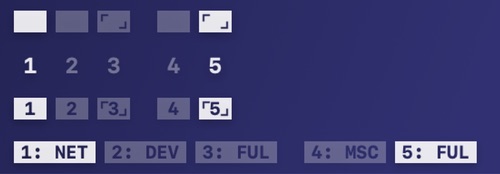
Spaceman shows your Spaces in the menu bar, so you always know which desktop you’re on and where it sits among the others, even across multiple displays. Choose rectangles, numbers or both, or give each Space a short name of its own.
Visit
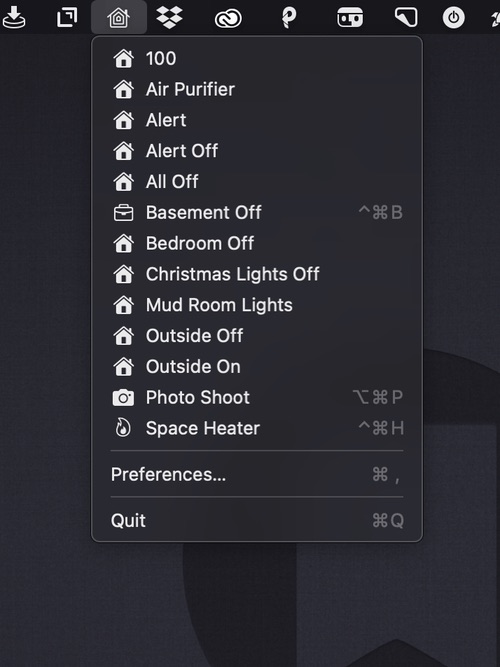
A menu bar app for controlling your HomeKit smart devices. You can edit the drop-down menu, add individual scenes to your menu bar, and assign them to global keyboard shortcuts.
Visit
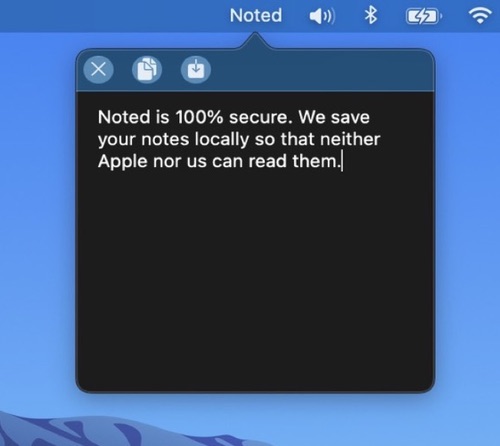
Noted is a scratchpad in your menu bar: one click, or Option + backtick, and you can jot down whatever is on your mind. Change the font and color to taste. Your note survives restarts and never leaves your Mac.
Visit
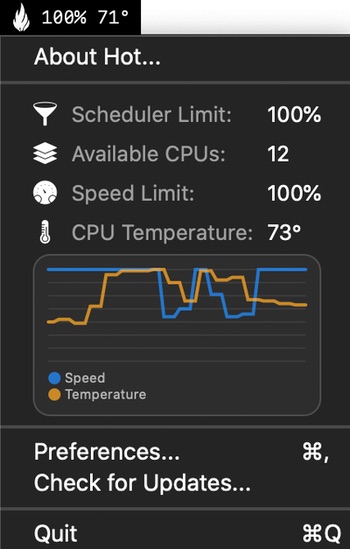
Hot is a menu bar app that displays in real time CPU throttling due to thermal issues.
Visit
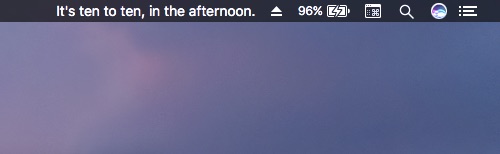
WordTime swaps your clock’s digits for plain English phrases like ‘ten past three’ or ‘quarter to five,’ displaying the time in a way that feels more conversational and a little more human than plain numbers.
Visit
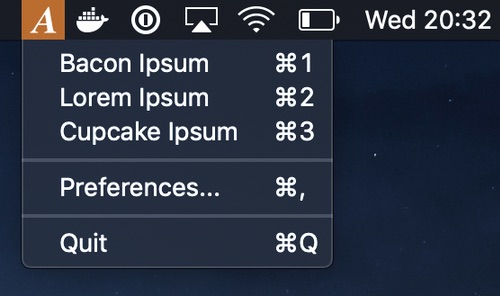
AnyIpsum puts lorem ipsum in your menu bar. Pick a variation, set how many sentences and words you want, and the paragraph lands on your clipboard. Open it with a keyboard shortcut, or import your own word lists to replace the classic Latin.
Visit
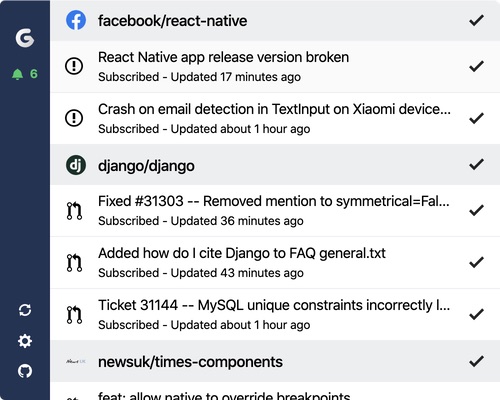
All your GitHub notifications, displayed in your menu bar. Gitify informs you for any GitHub notifications without being annoying. Works with GitHub and GitHub Enterprise. You can even connect multiple accounts.
Visit
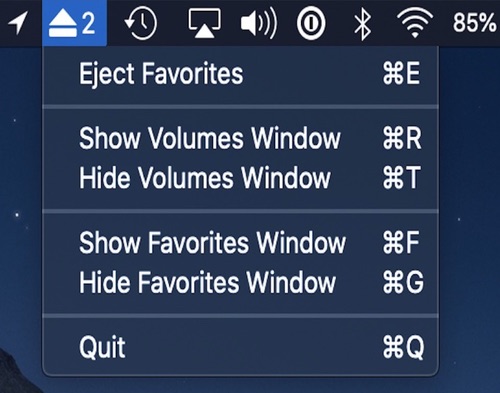
Eject multiple mounted volumes in one click with this easy to use menu bar app. You can also favorite a mounted volume to save it for quick unmounting later.
Visit
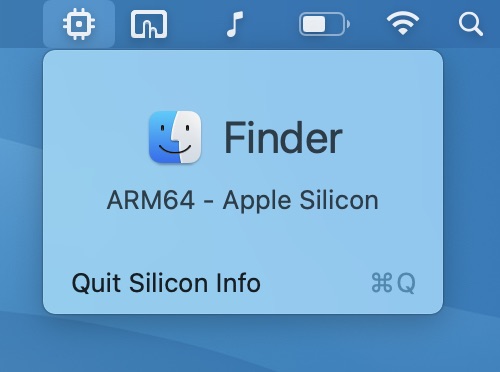
Silicon Info is a tiny menu bar app that allows you to quickly view the architecture of the currently running application.
Visit

A menu bar app for quickly toggling macOS’s dark mode. Left clicking the icon toggles dark mode; right clicking reveals more options.
Visit
