Collection:
Audio Apps
Recordia
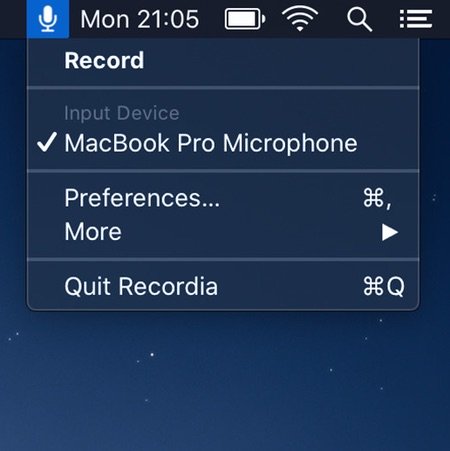
Record input audio directly from your menu bar. You can also trim the recording when done and sync them to iCloud.

Good apps don’t always come with a price tag. These menu bar gems are free — and worth your space.
Good apps don’t always come with a price tag. These menu bar gems are free — and worth your space.
Record input audio directly from your menu bar. You can also trim the recording when done and sync them to iCloud.
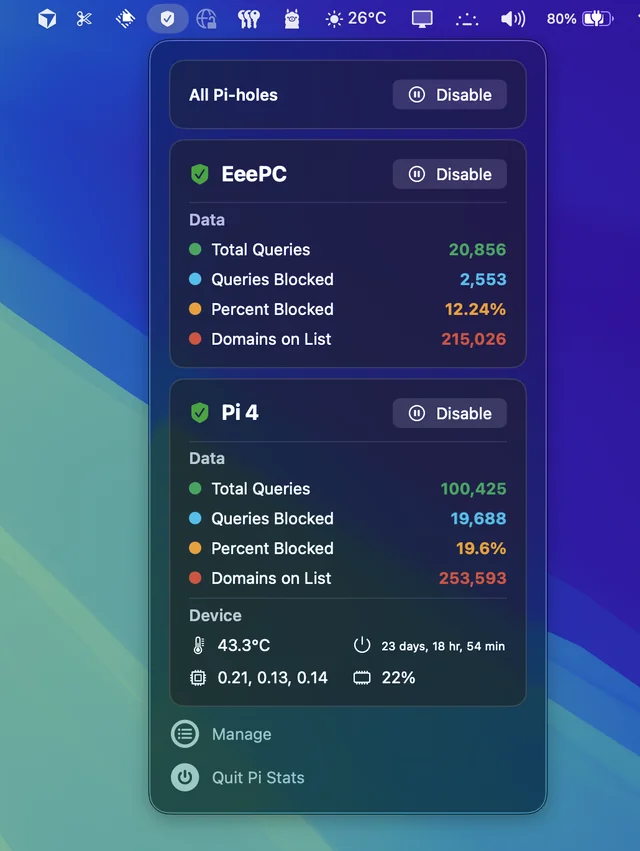
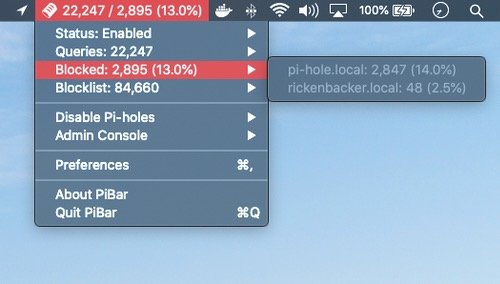
Follow up and manage the status of your Pi-hole(s). Comes in handy when you’re annoyed by having to open up the web interface every time you want to disable pihole.
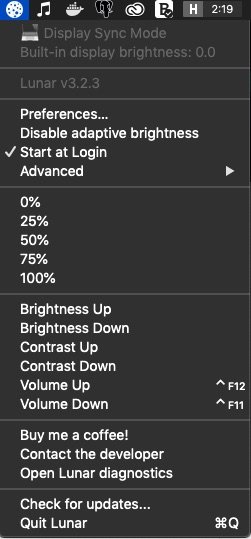
With Lunar you can control the brightness of you external monitors, directly from your menu bar.
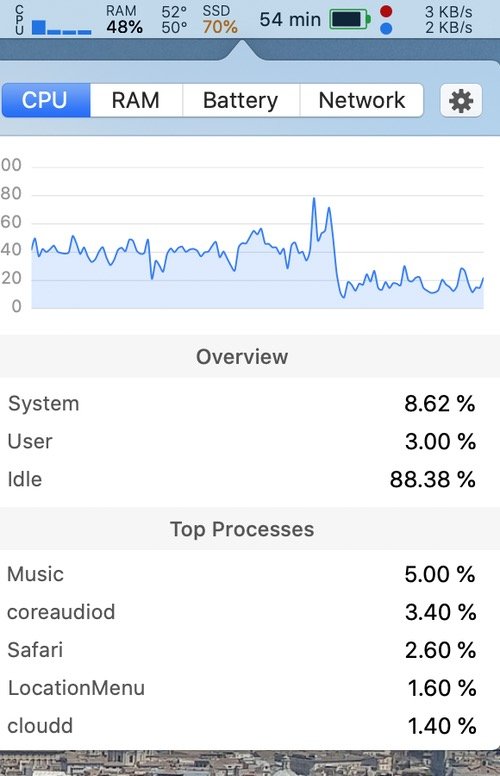
A simple macOS system monitor in your menu bar: CPU, network and memory usage, disk utilization, sensors information (temperature, voltage and power) and battery level.
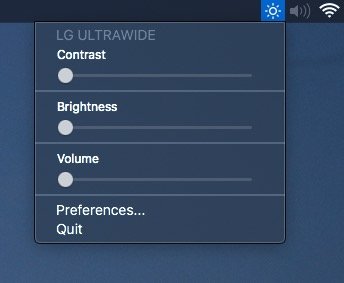
Adjust external monitor settings including brightness, contrast, and volume from your menu bar.
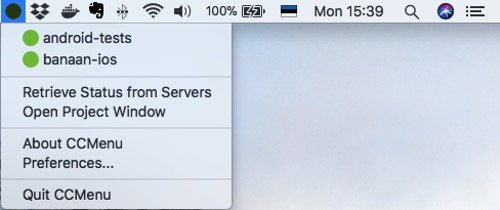
With CCMenu you can keep track of your repositories’ latest build status. It also sends notifications when a build status changes.
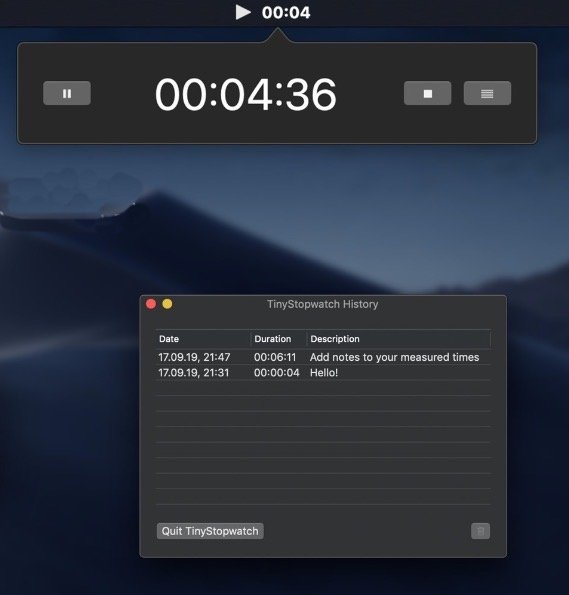
With TinyStopwatch you can easily keep track of the time you spent on work or other activities. During use, the time and current status (running, paused, stopped) are displayed in your menu bar.
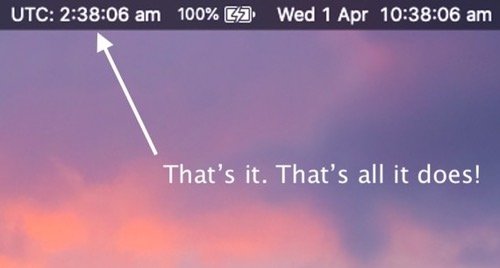
This app displays the UTC (Coordinated Universal Time) in your menu bar. Nothing more, nothing less.
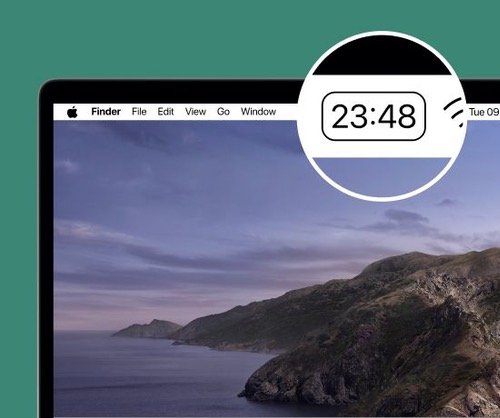
Flow is a minimal Pomodoro timer that lives in your menu bar and splits your day into focus sessions and breaks. Block distracting apps and websites while you work, and take it along on your iPhone, iPad and Apple Watch.