Good apps don’t always come with a price tag. These menu bar gems are free — and worth your space.
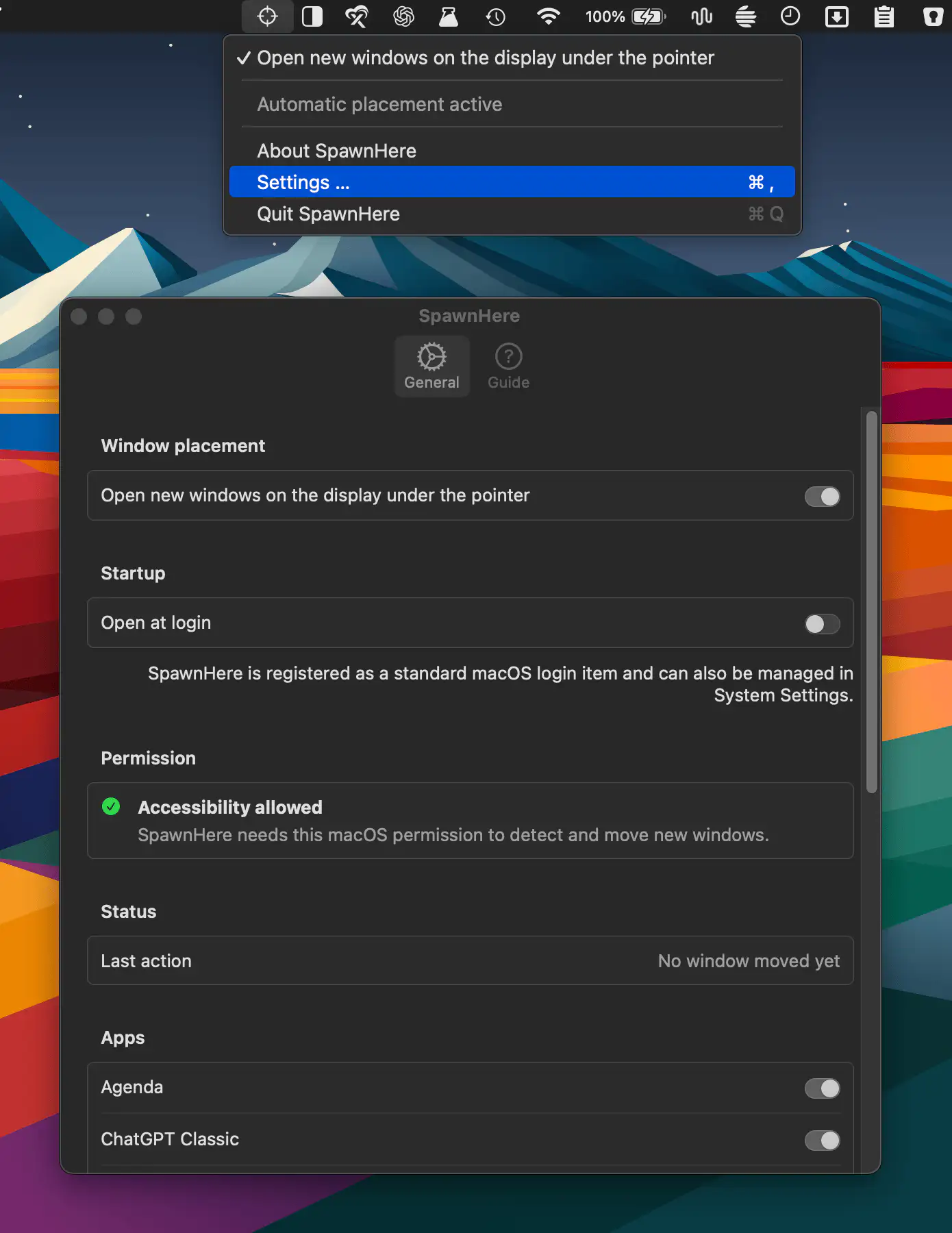
SpawnHere automatically places newly created app windows on the display beneath your pointer, making multi-monitor workflows more convenient. It works across compatible apps while keeping controls simple and settings private.
Visit
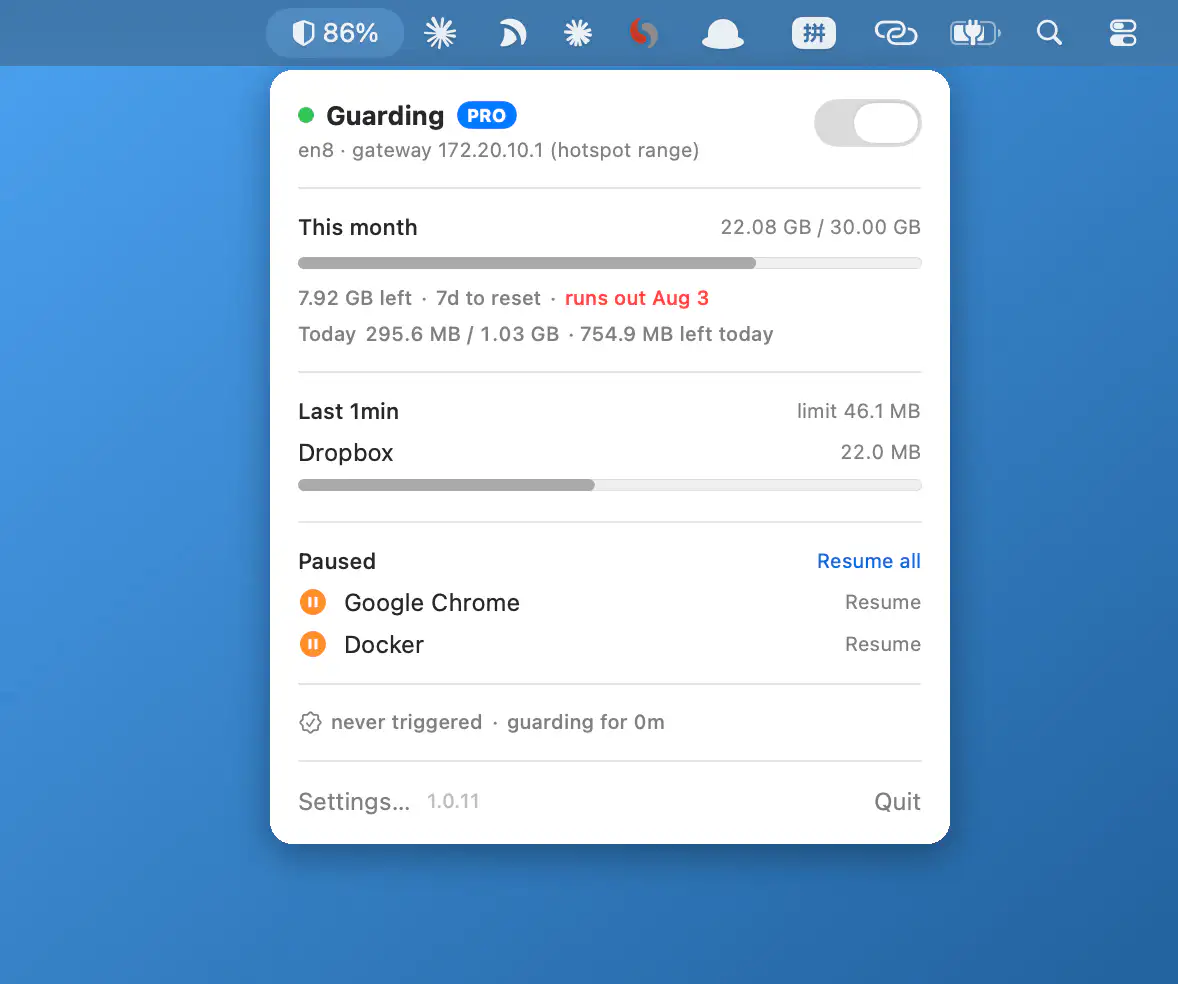
Hotspot Guard monitors app data usage on metered connections, helping prevent runaway data usage on mobile hotspots. Set limits, track budgets, and receive alerts with everything running on-device for a more private experience.
Visit
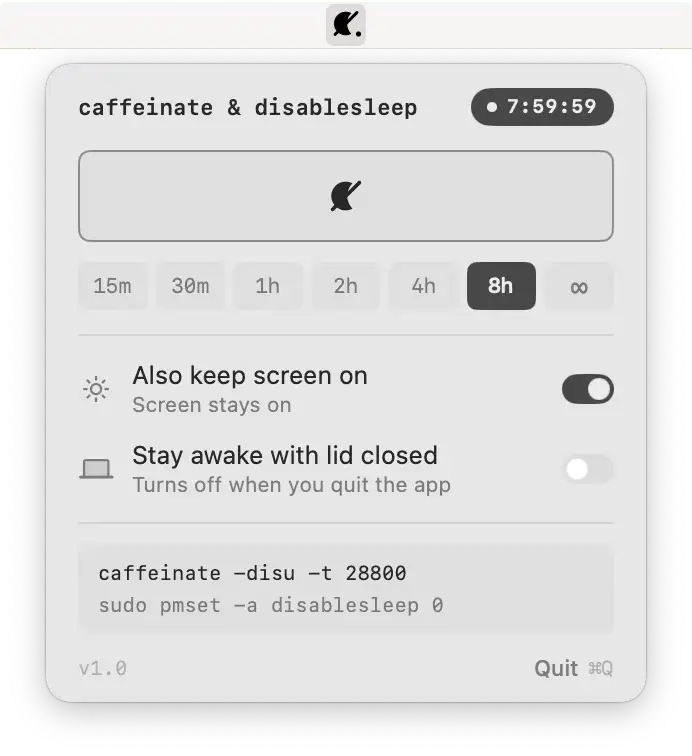
Keep your Mac awake with one click, even with the lid closed. A lightweight open-source utility brings caffeinate and disablesleep controls together with timed sessions and transparent system commands.
Visit

This menu bar app transforms SketchyBar into a polished, ready-to-use desktop with built-in widgets for clipboard history, screenshots, window snapping, system monitoring, media controls, weather, meetings, and dozens of other everyday tasks.
Visit

SketchyBar is a highly customizable macOS status bar replacement built for power users. With dynamic scripting, animations, interactive widgets, graphs, and popup menus, it transforms the menu bar into a flexible, event-driven workspace.
Visit Watch
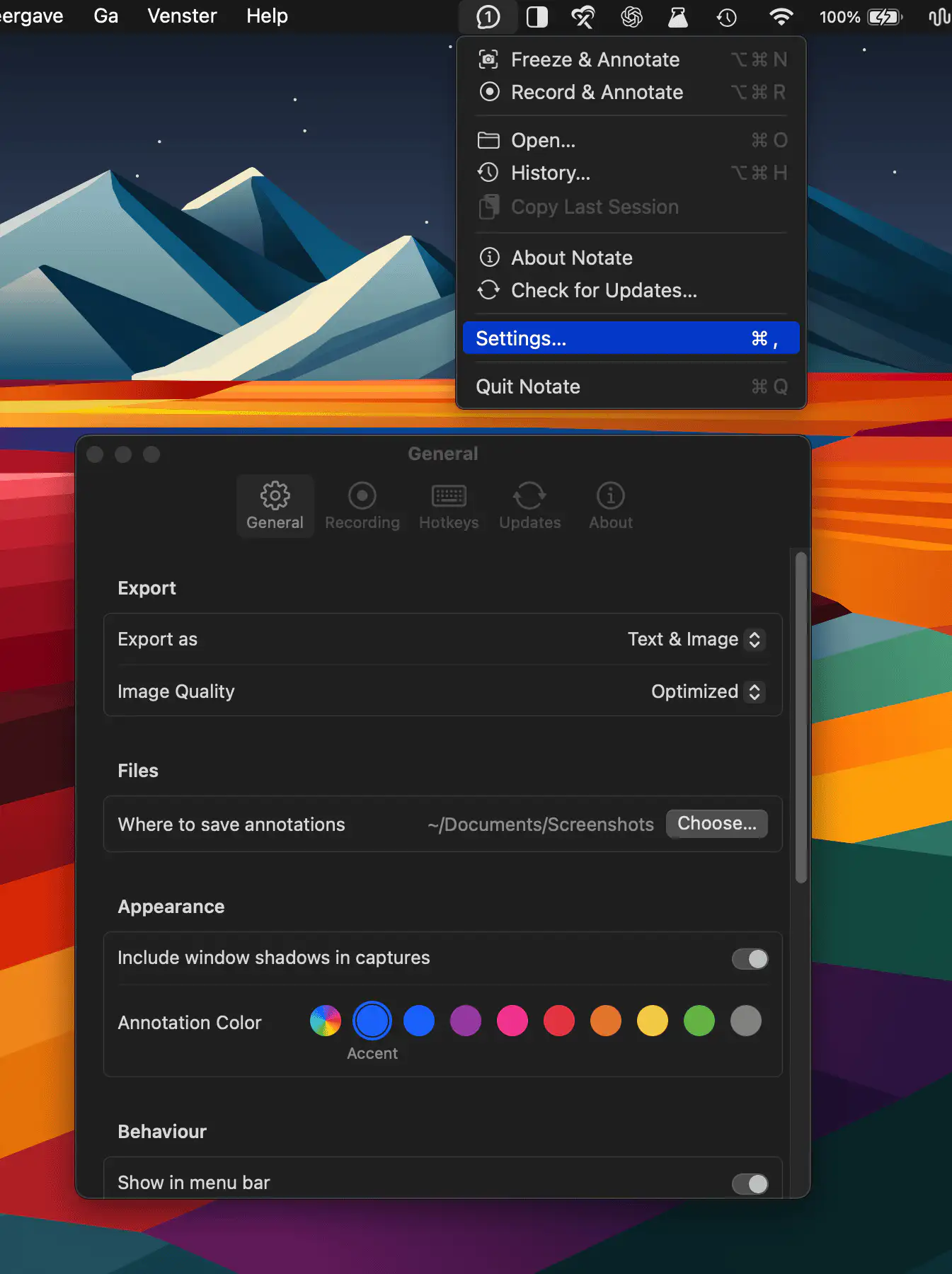
Notate freezes the exact screen state — open menus, hover and focus states included — or records short sequences for frame-by-frame annotation. It adds numbered pins, arrows, and shapes, then exports clean images or agent-ready Markdown.
Visit Watch
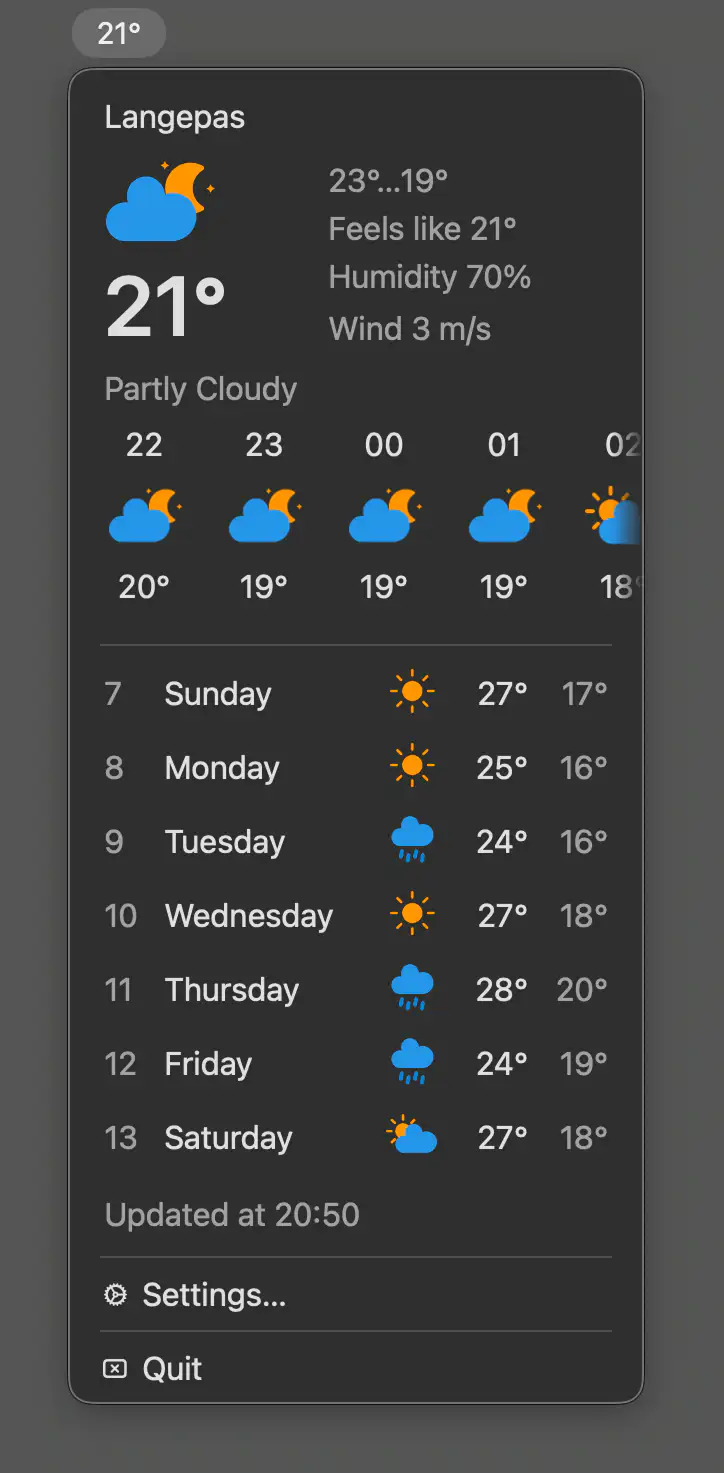
This menu bar app provides quick access to current weather conditions, hourly and daily forecasts, with location support, unit preferences, and precipitation alerts.
Visit
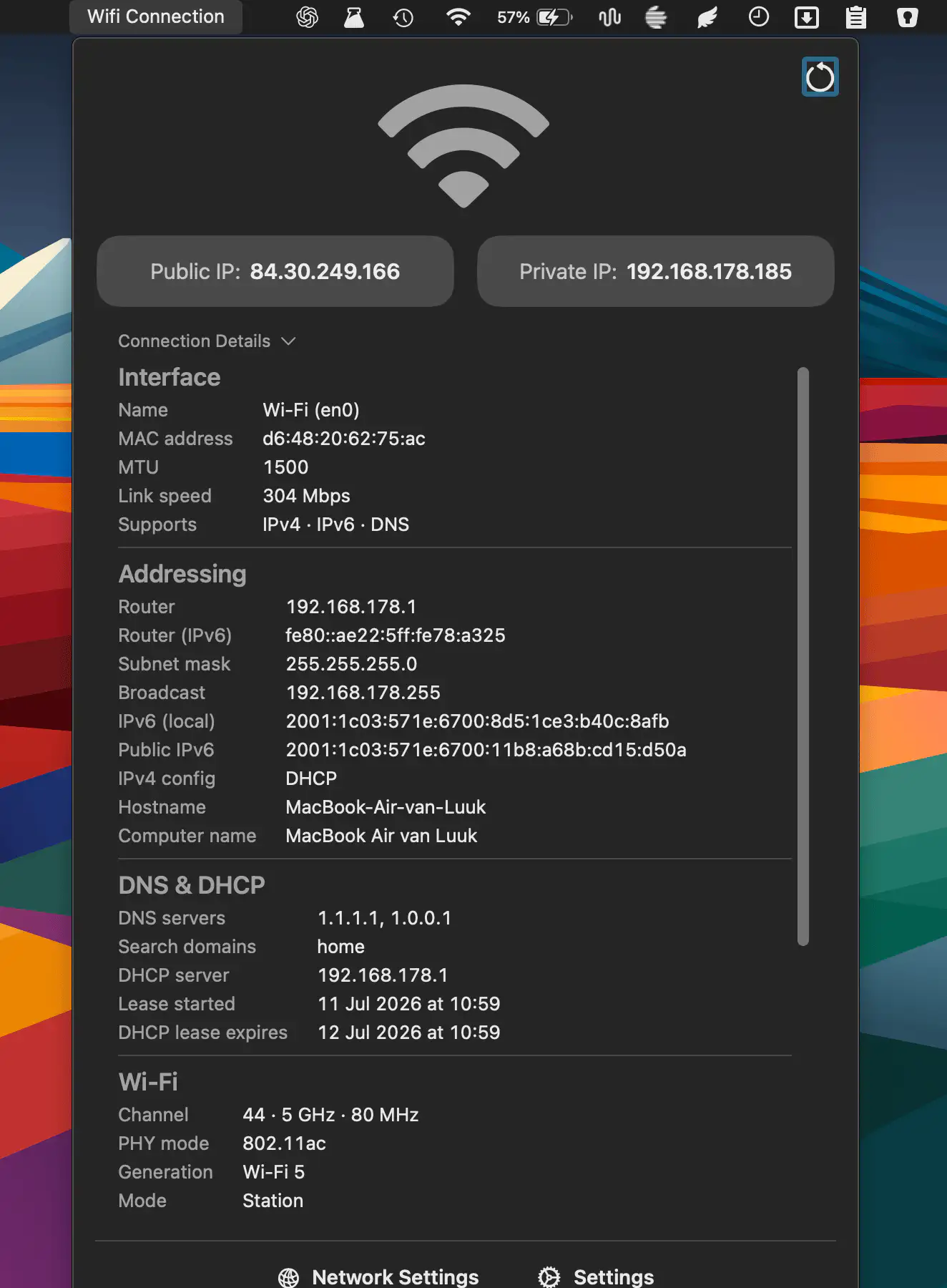
QuickNetStats shows connection type, link quality, and IPv4 addresses at a glance. It helps monitor connectivity and provides detailed information about your current network connection.
Visit
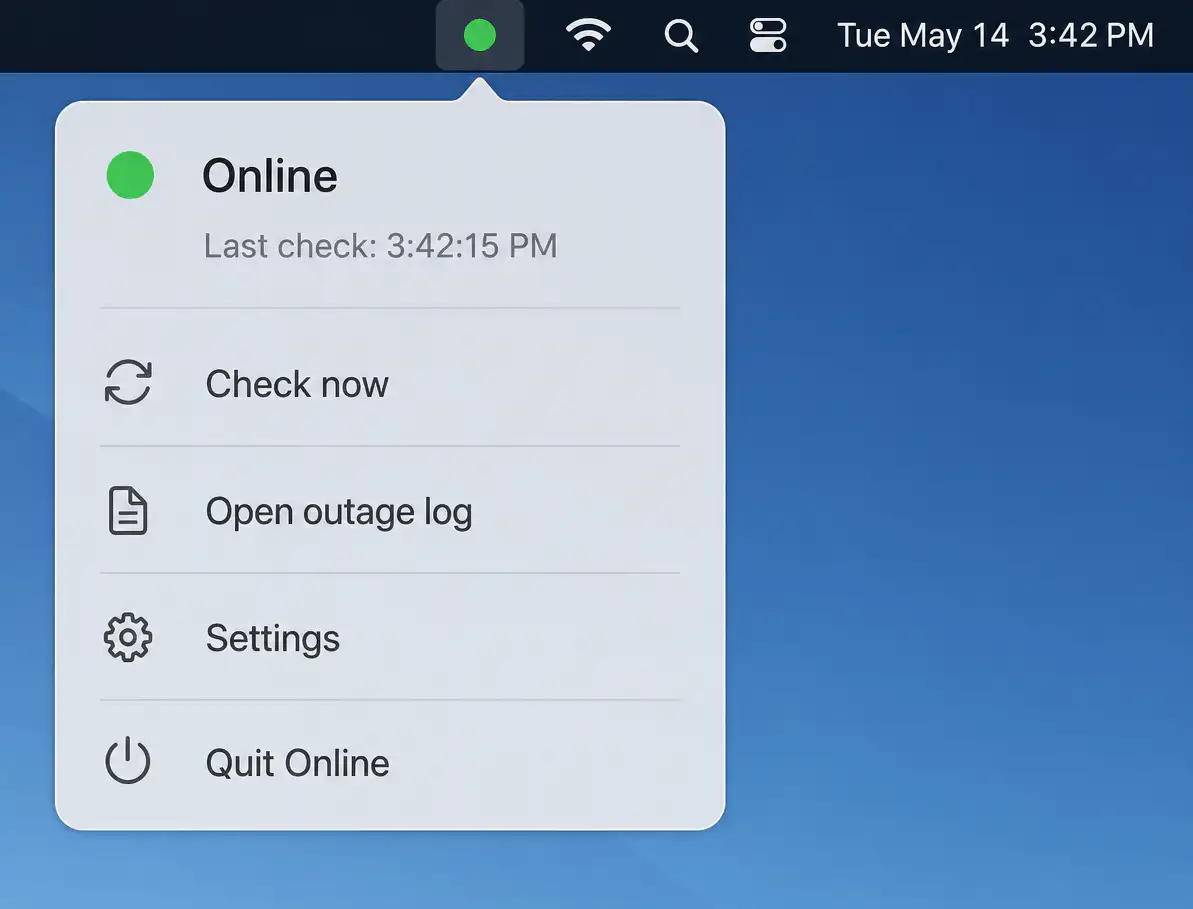
Online quietly monitors your internet connection with layered connectivity checks, detecting real outages beyond simple Wi-Fi status. It identifies likely causes, logs interruptions, and sends timely alerts while staying unobtrusive when everything works.
Visit
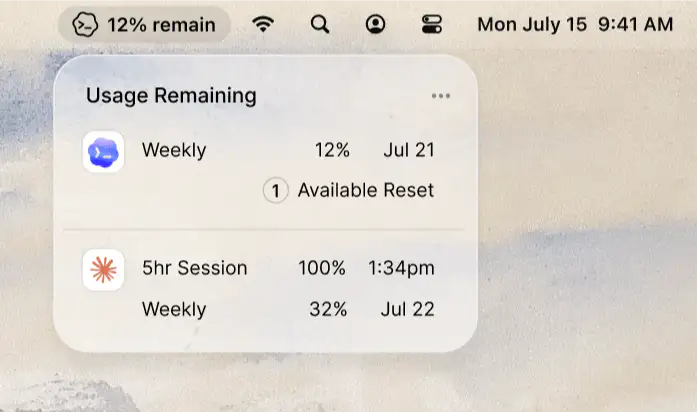
UseReserve keeps your remaining Claude and Codex usage visible at a glance, so you always know how much is left without interrupting your workflow.
Visit
