Collection:
Timer Apps
Timebar
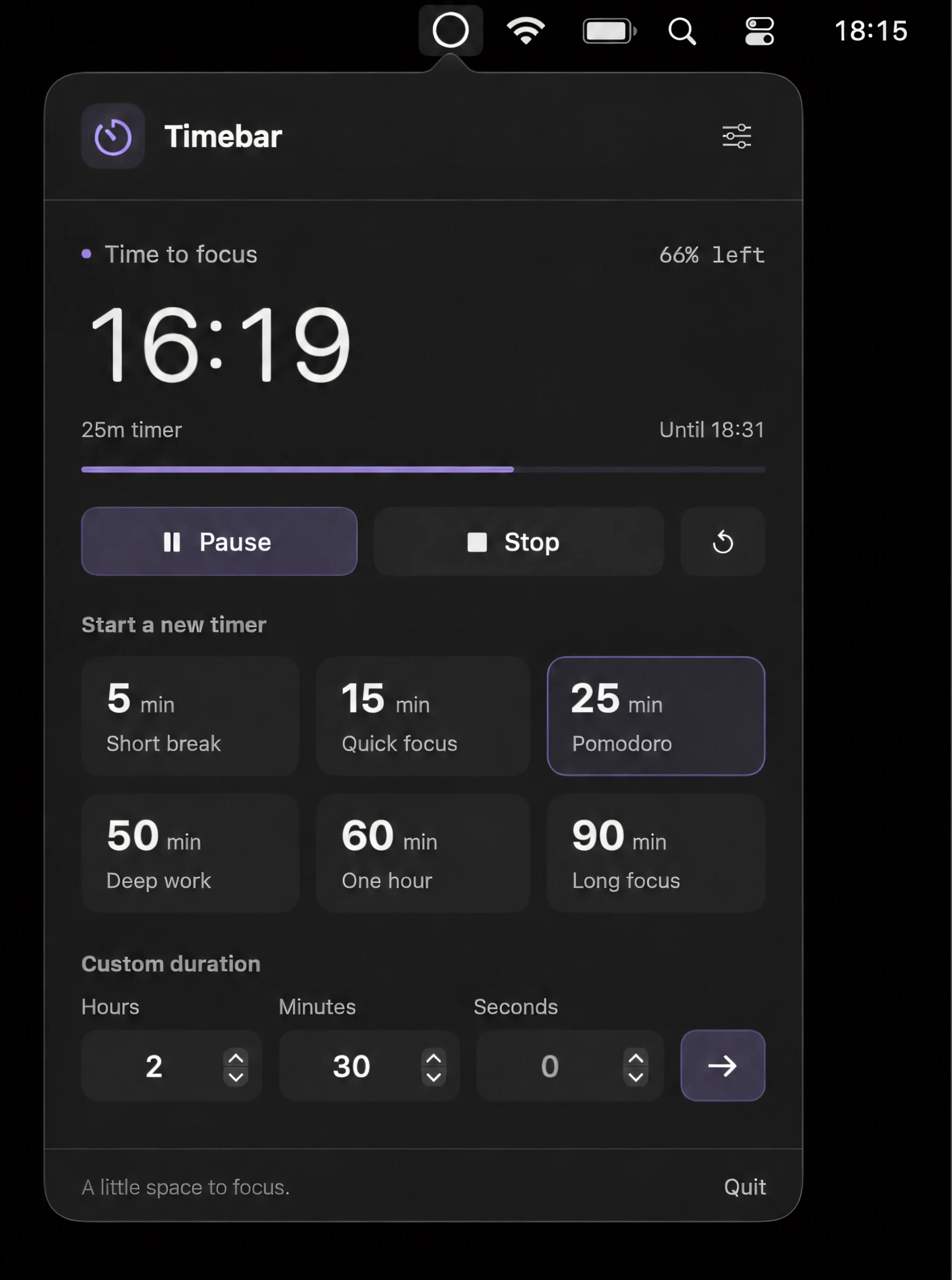
Track time with a thin, customizable line beneath the menu bar that shrinks as your timer runs down. Adjust its thickness, color, opacity, position, and width.

Open code. Open minds. Open source menu bar apps.
Open code. Open minds. Open source menu bar apps.
Track time with a thin, customizable line beneath the menu bar that shrinks as your timer runs down. Adjust its thickness, color, opacity, position, and width.
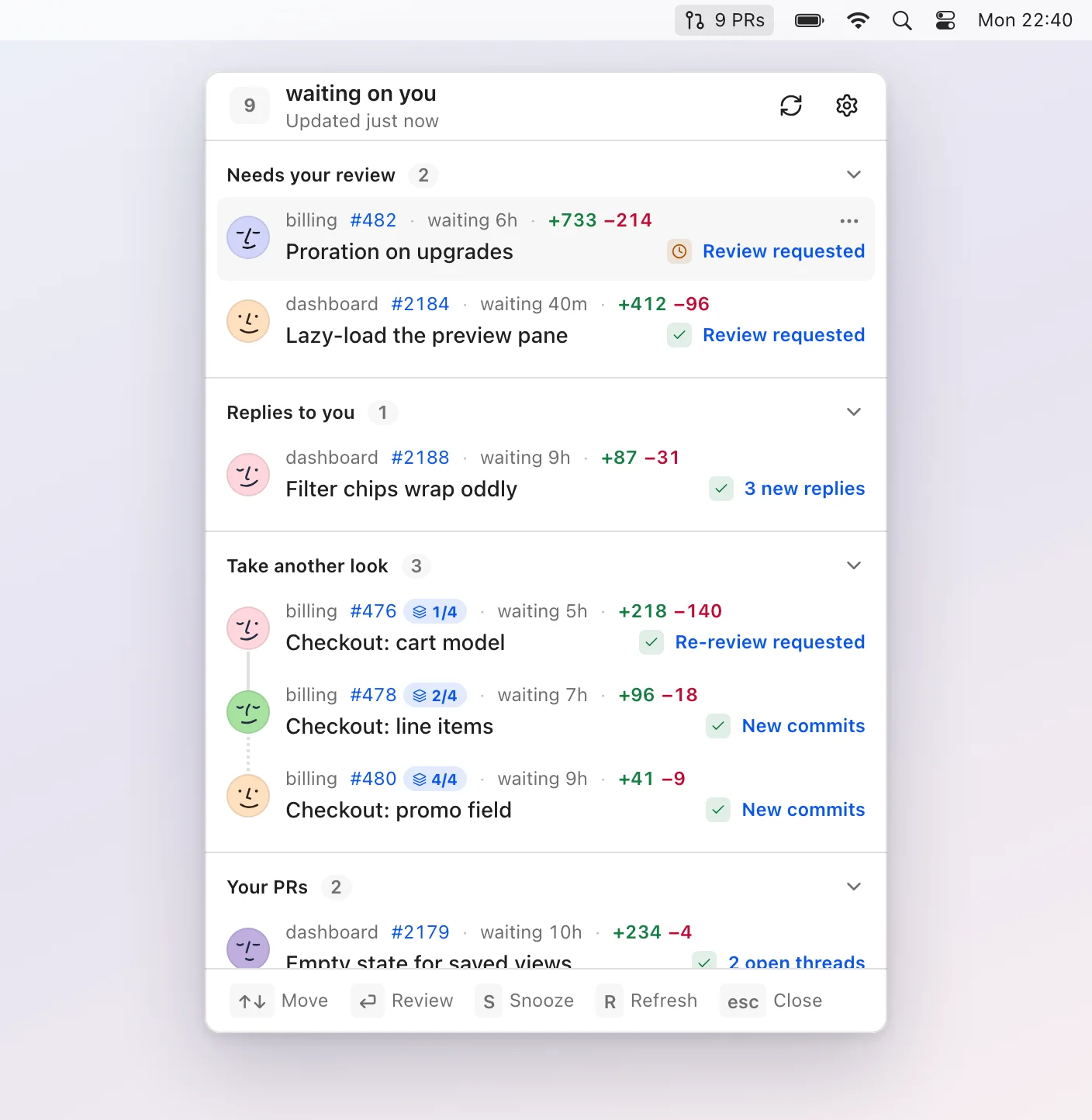
Pullover keeps your GitHub pull requests under control, showing only reviews, replies, new activity, and issues that need your attention, with local processing, keyboard navigation, and snoozing.
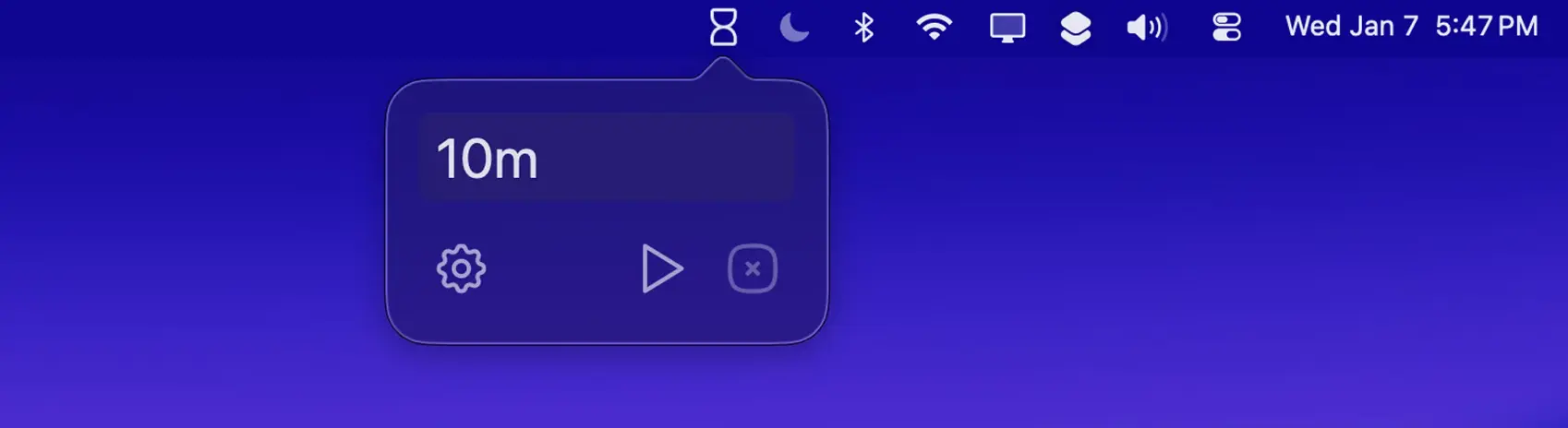
Tock is a minimalist timer for quick, distraction-free time tracking, offering natural-language entry, countdowns, stopwatch and Pomodoro modes, and custom notification tones.
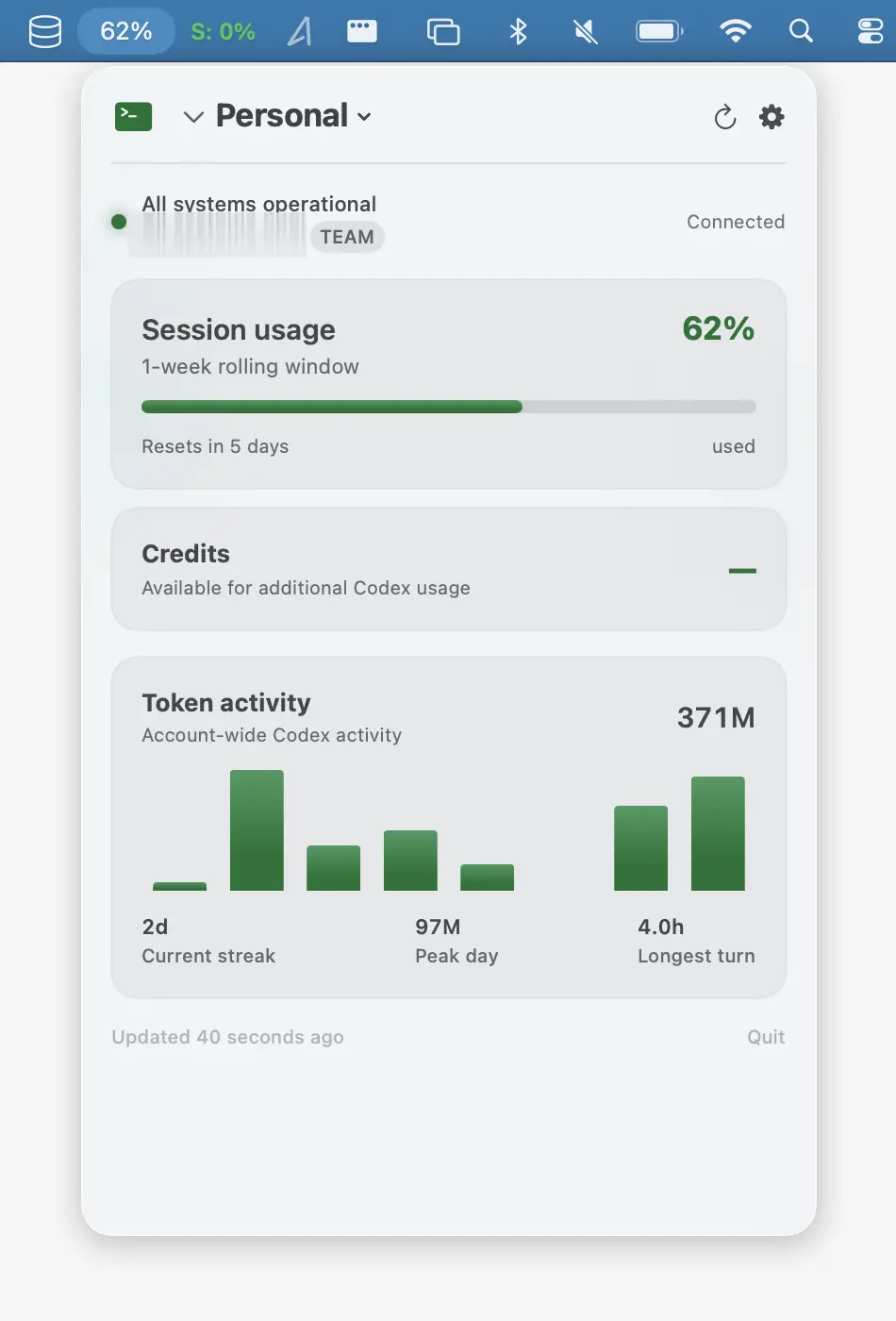
Monitor Codex usage, limits, reset times, tokens, and local history, with multiple profiles, alerts, CSV export, and no cloud sync.
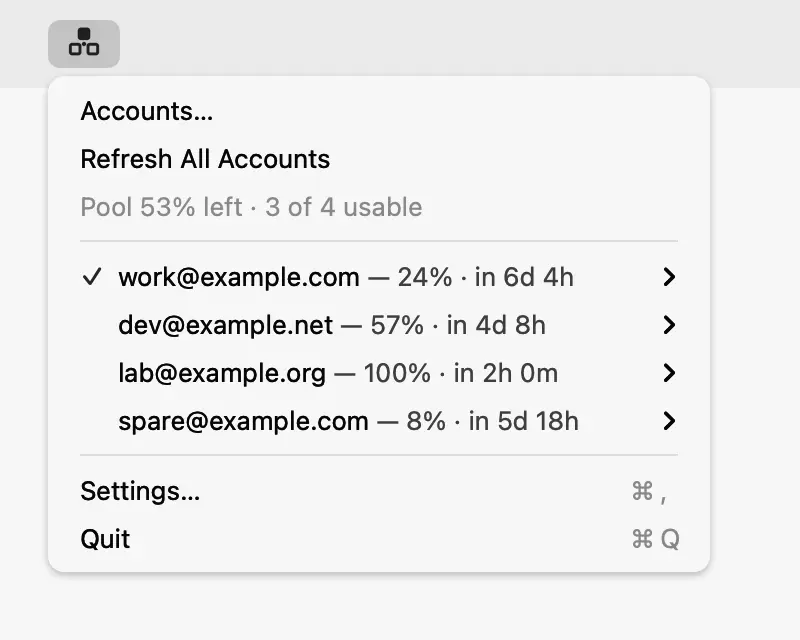
Manage multiple Codex accounts from one place, with usage and reset times at a glance and automatic failover when an account hits its limit. Credentials stay securely on your Mac.
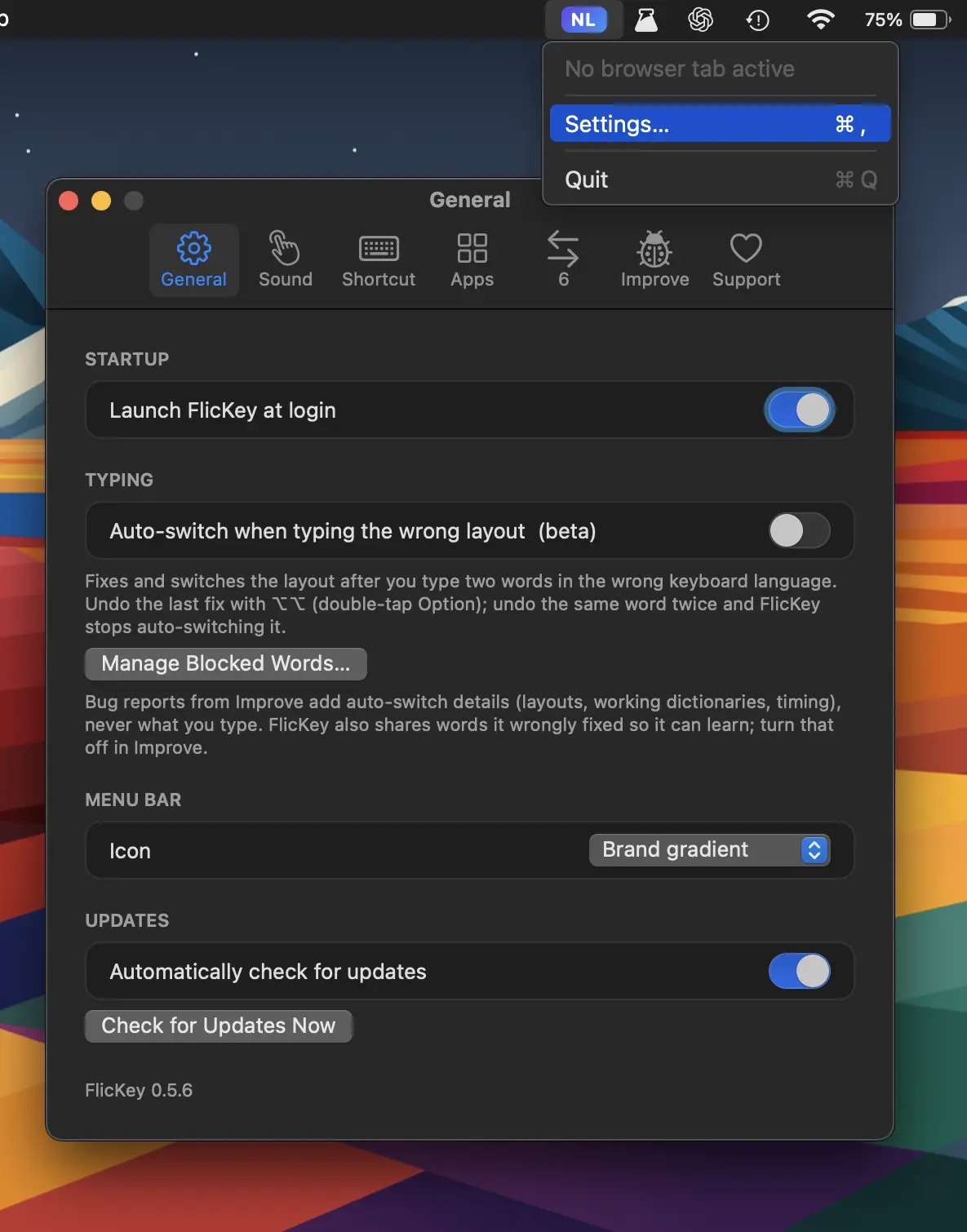
FlicKey automatically detects wrong keyboard layouts and switches them as you type, while remembering language preferences per app, website, and chat. Everything stays local.
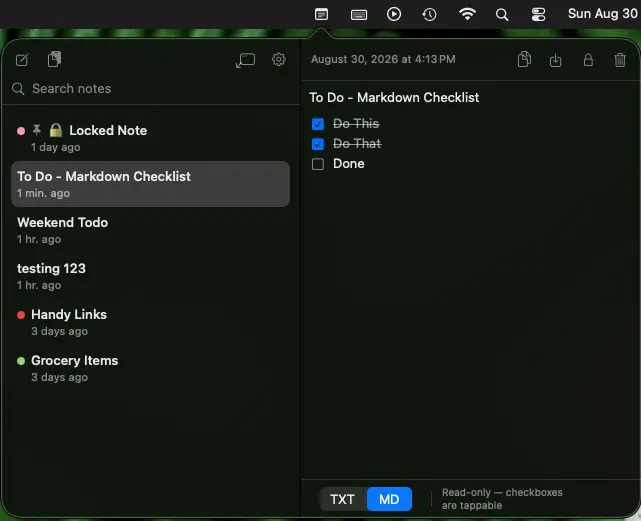
QuickNotes keeps note-taking fast and distraction-free, with local storage, search, pinned notes, Markdown, checklists, version history, clipboard capture, keyboard shortcuts, and optional AES-GCM encryption.
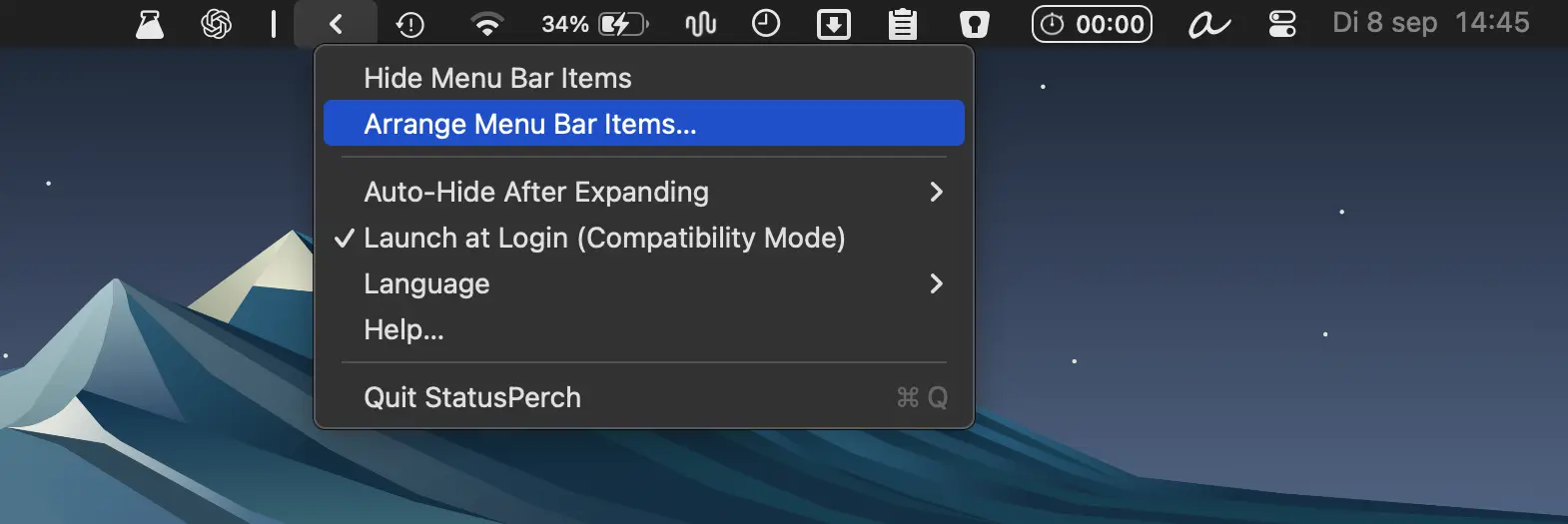
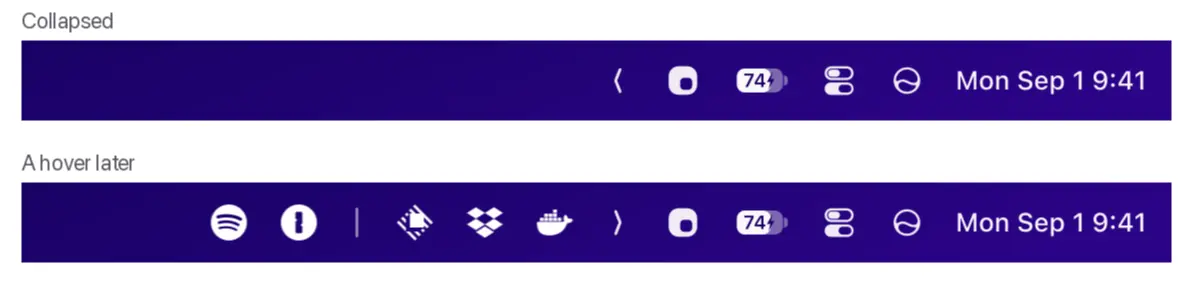
Organize cluttered macOS status icons with a movable boundary, one-click hiding, and automatic hiding options. Lightweight and privacy-friendly, with no account or permissions required.