Open code. Open minds. Open source menu bar apps.
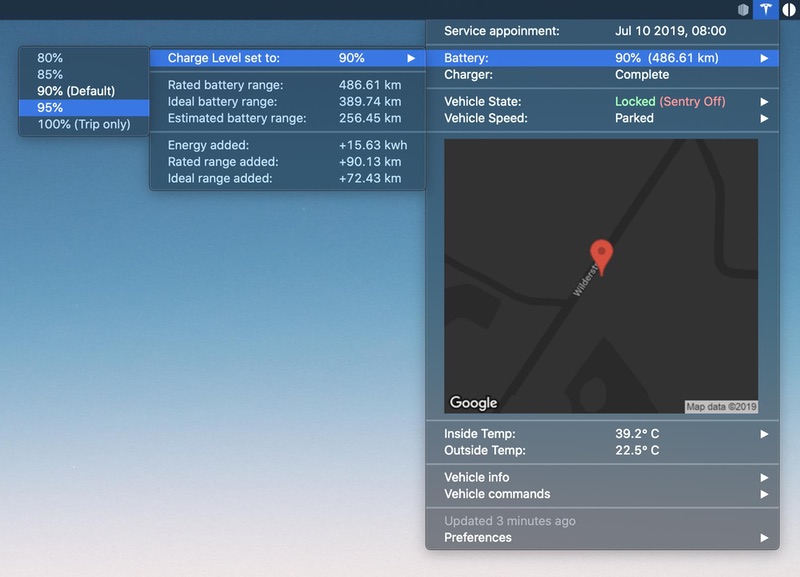
MyTesla shows your Tesla’s battery, location and climate in the menu bar, and lets you send commands like locking, charging and climate control from your Mac. It runs as an xbar plugin and needs your own Tesla developer account; newer cars need extra setup before commands work.
Visit
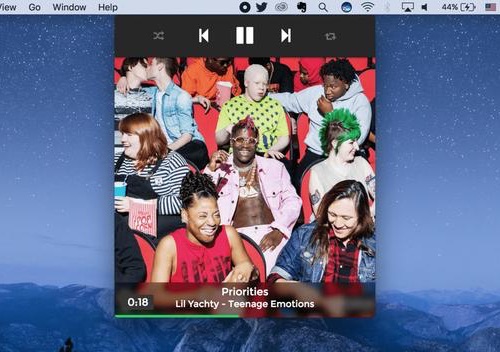
Baritone brings Spotify playback to your Mac’s menu bar, letting you skip, pause, and browse tracks without switching to the full app — a tidy way to stay in control of your music mid-work.
Visit
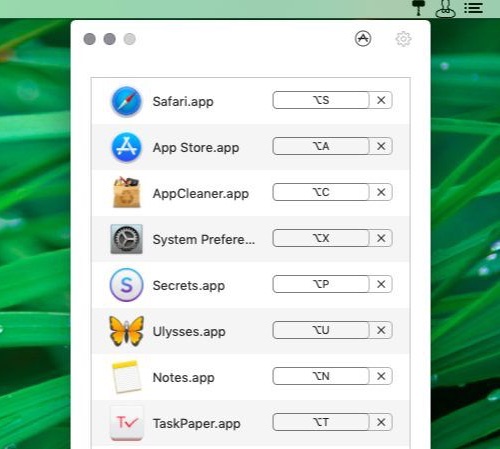
Thor sits in the menu bar and allows you to create custom keyboard shortcuts for your apps.
Visit
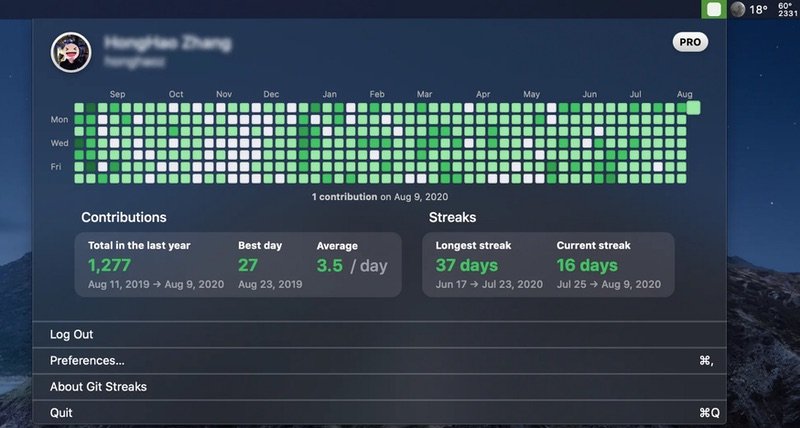
Git Streaks is a menu bar app that shows your GitHub green squares and contribution stats.
Visit
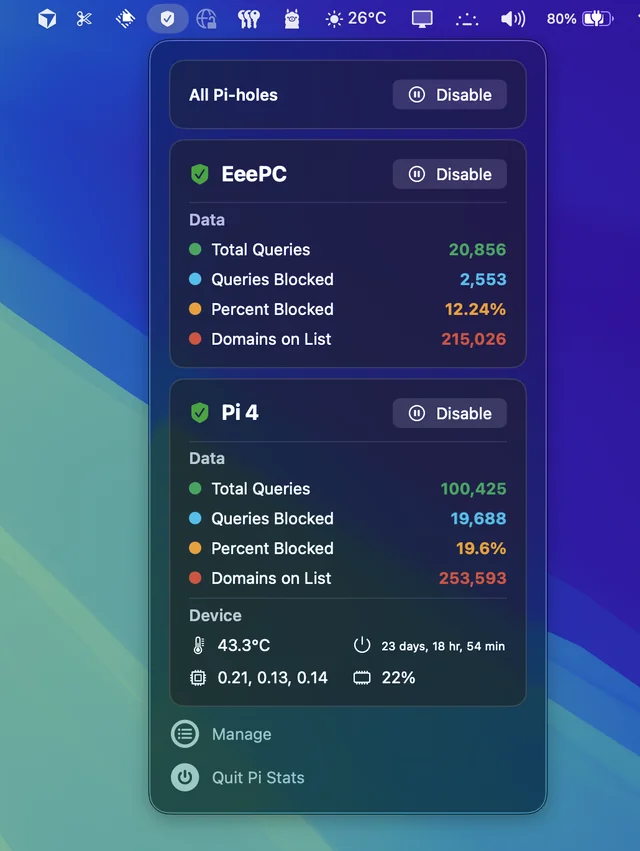
Follow up and manage the status of your Pi-hole(s). Comes in handy when you’re annoyed by having to open up the web interface every time you want to disable pihole.
Visit
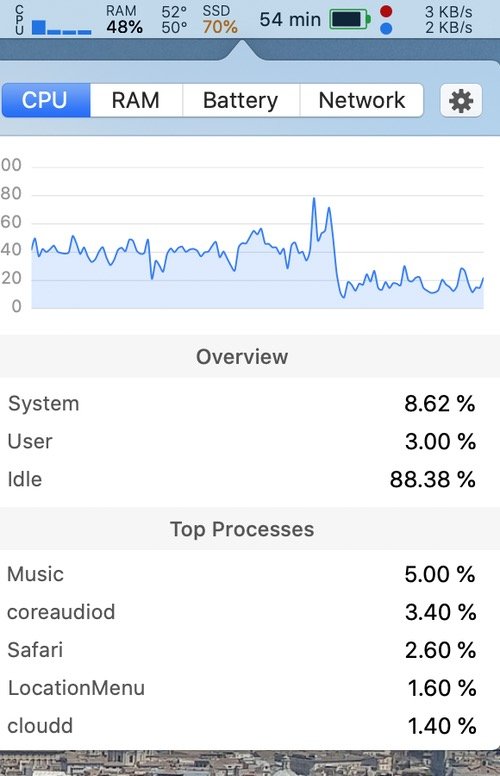
A simple macOS system monitor in your menu bar: CPU, network and memory usage, disk utilization, sensors information (temperature, voltage and power) and battery level.
Visit
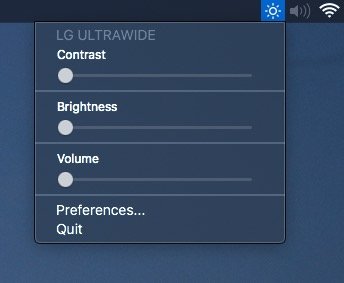
Adjust external monitor settings including brightness, contrast, and volume from your menu bar.
Visit
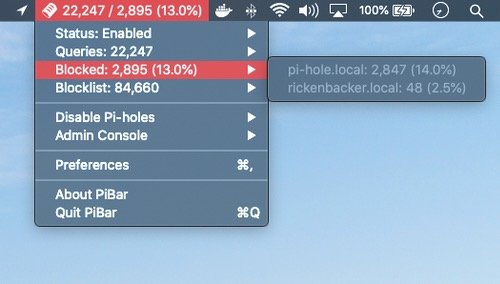
PiBar gives you all the tools you need to manage your Pi-hole right from your menu bar. It even supports multiple Pi-holes.
Visit
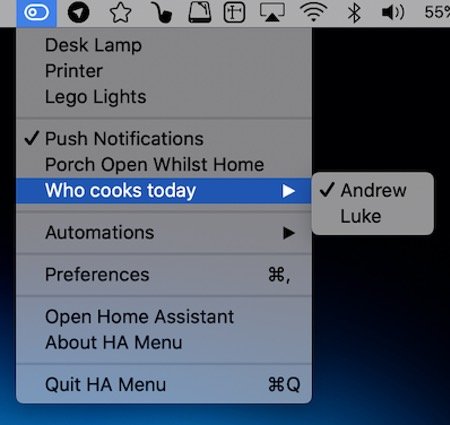
HA Menu puts your Home Assistant setup in the menu bar. Flip switches and lights, run scenes and scripts, open or close covers and glance at sensor values, all without opening a browser tab.
Visit
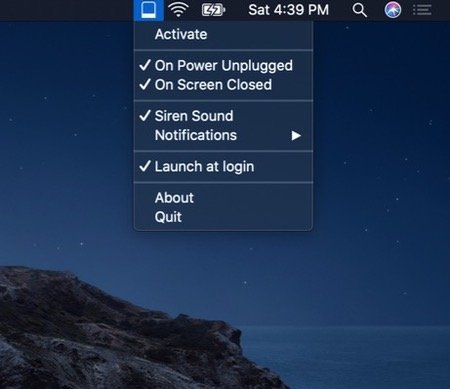
Protect your MacBook from theft when you’re working in remote spaces. Get notified when someone unplugs your MacBook from power or closes its screen.
Visit
