Collection:
Writing Apps
Mojito
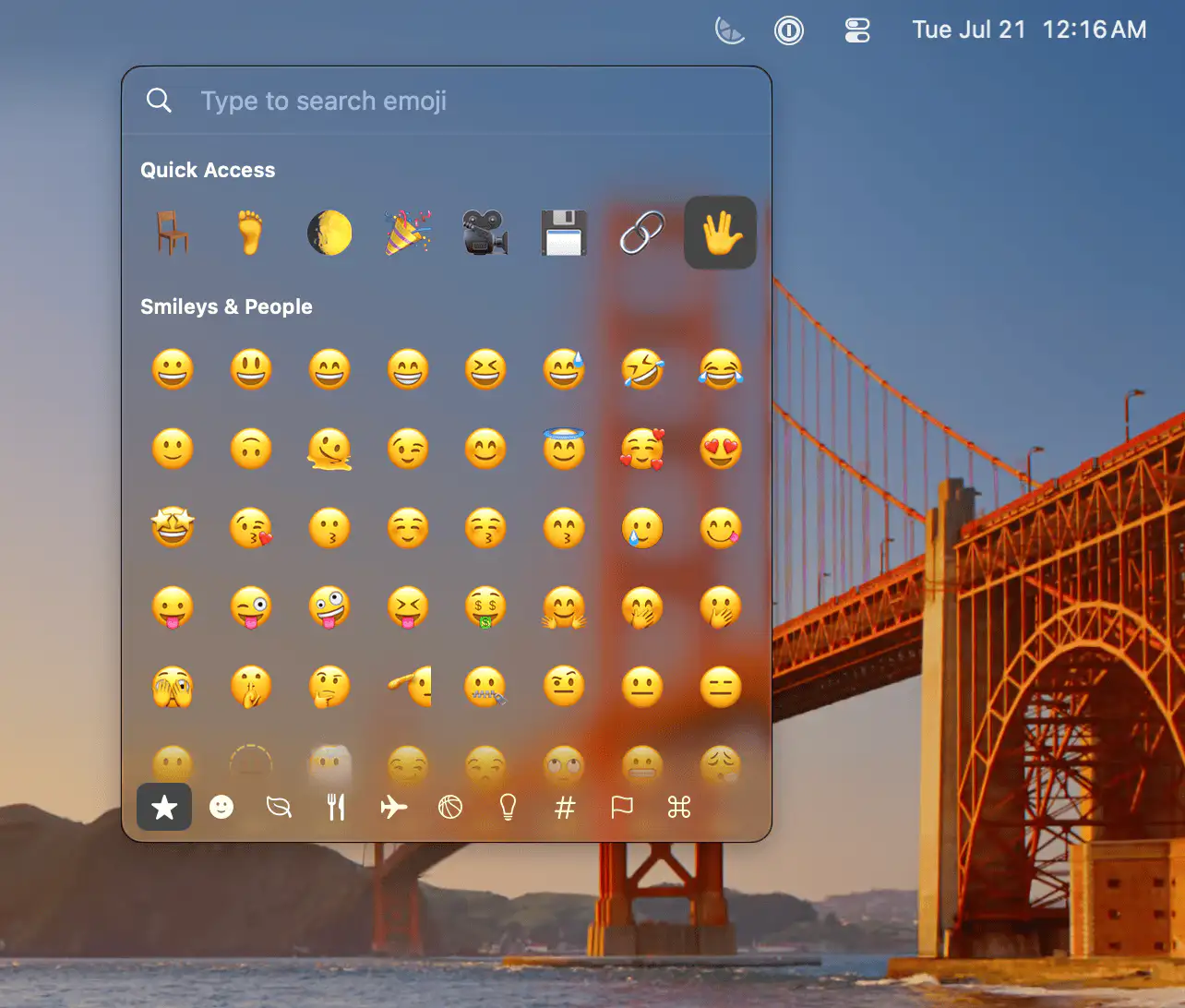
Mojito brings emoji shortcodes to every text field on your Mac. Type commands like :joy: to insert emojis instantly, with smart search, personalized suggestions, and a lightweight picker.

Open code. Open minds. Open source menu bar apps.
Open code. Open minds. Open source menu bar apps.
Mojito brings emoji shortcodes to every text field on your Mac. Type commands like :joy: to insert emojis instantly, with smart search, personalized suggestions, and a lightweight picker.

ForgedBrew brings Homebrew to a native Mac interface, making it easier to discover, install, update, and manage packages without relying on Terminal commands.
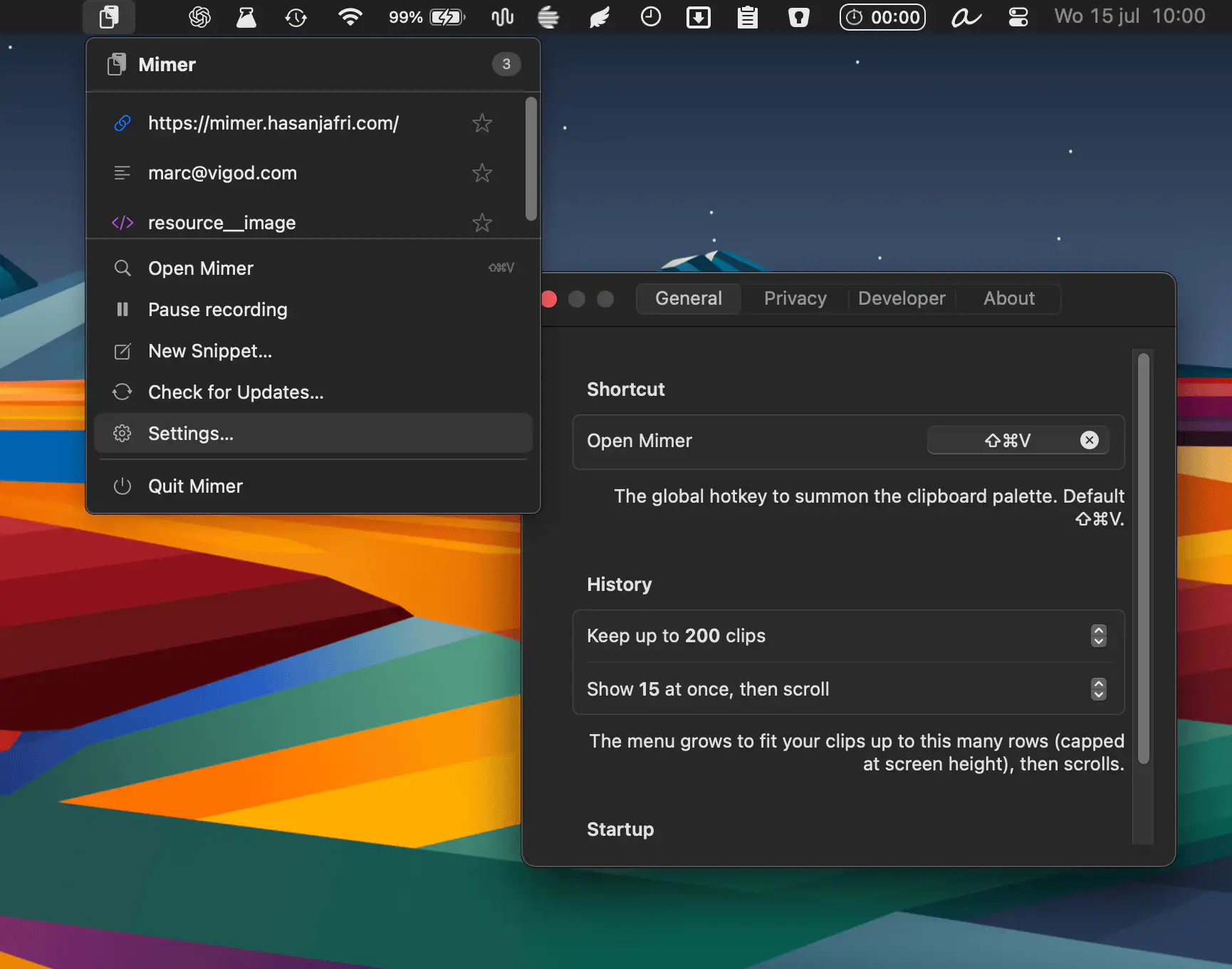
Mimer is a developer-focused clipboard manager. It remembers everything you copy, offers powerful context-aware transformations, supports advanced search, and stores your clipboard history encrypted locally.
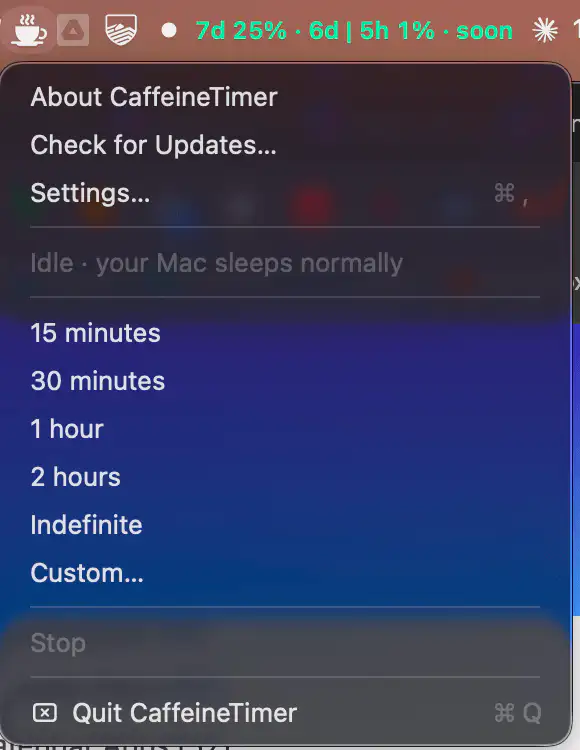
CaffeineTimer keeps your Mac awake with a lightweight countdown timer. Set a duration, track the remaining time, and let your Mac return to normal sleep mode automatically when the timer ends.
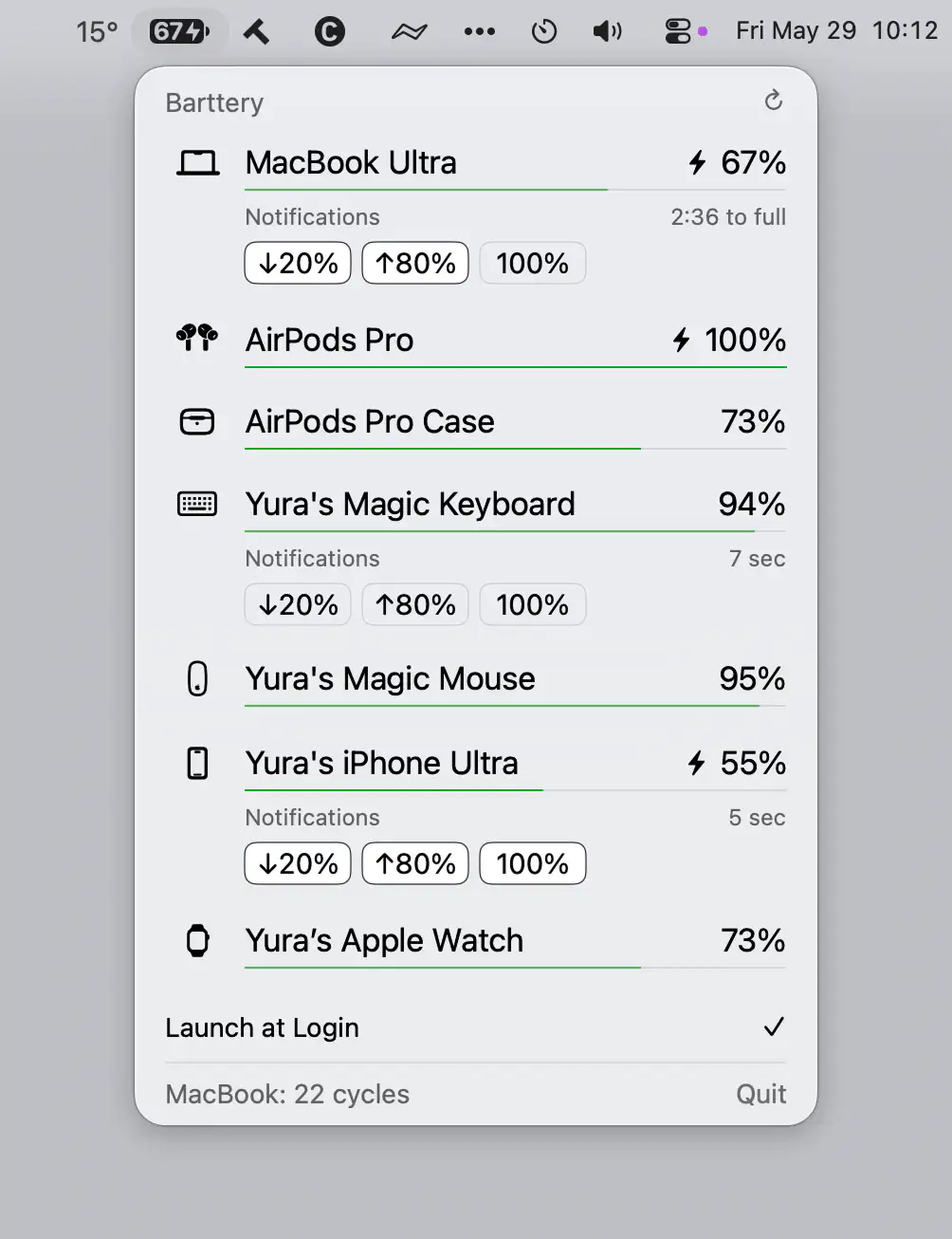
Barttery keeps track of your Apple devices’ battery levels in one place, showing charging status, remaining time, cycle counts, and customizable notifications across Mac, iPhone, iPad, Apple Watch, AirPods, and accessories.
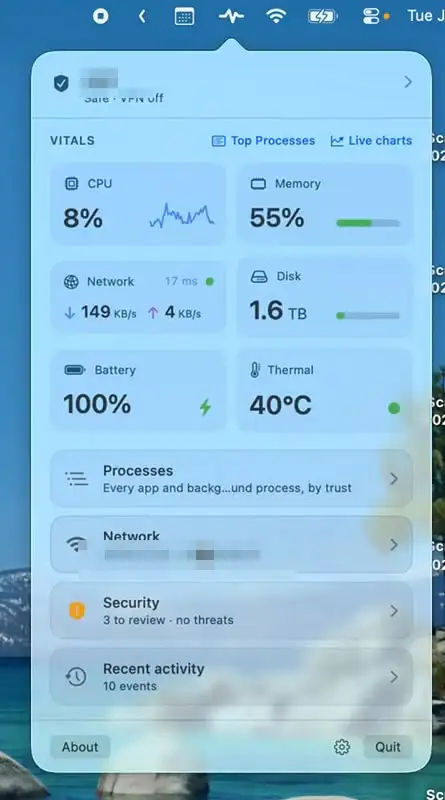
Mojo Pulse monitors your Mac’s performance, security, network activity, battery health, and hardware status, with clear alerts when something needs attention. A quiet companion that helps keep your Mac running smoothly.
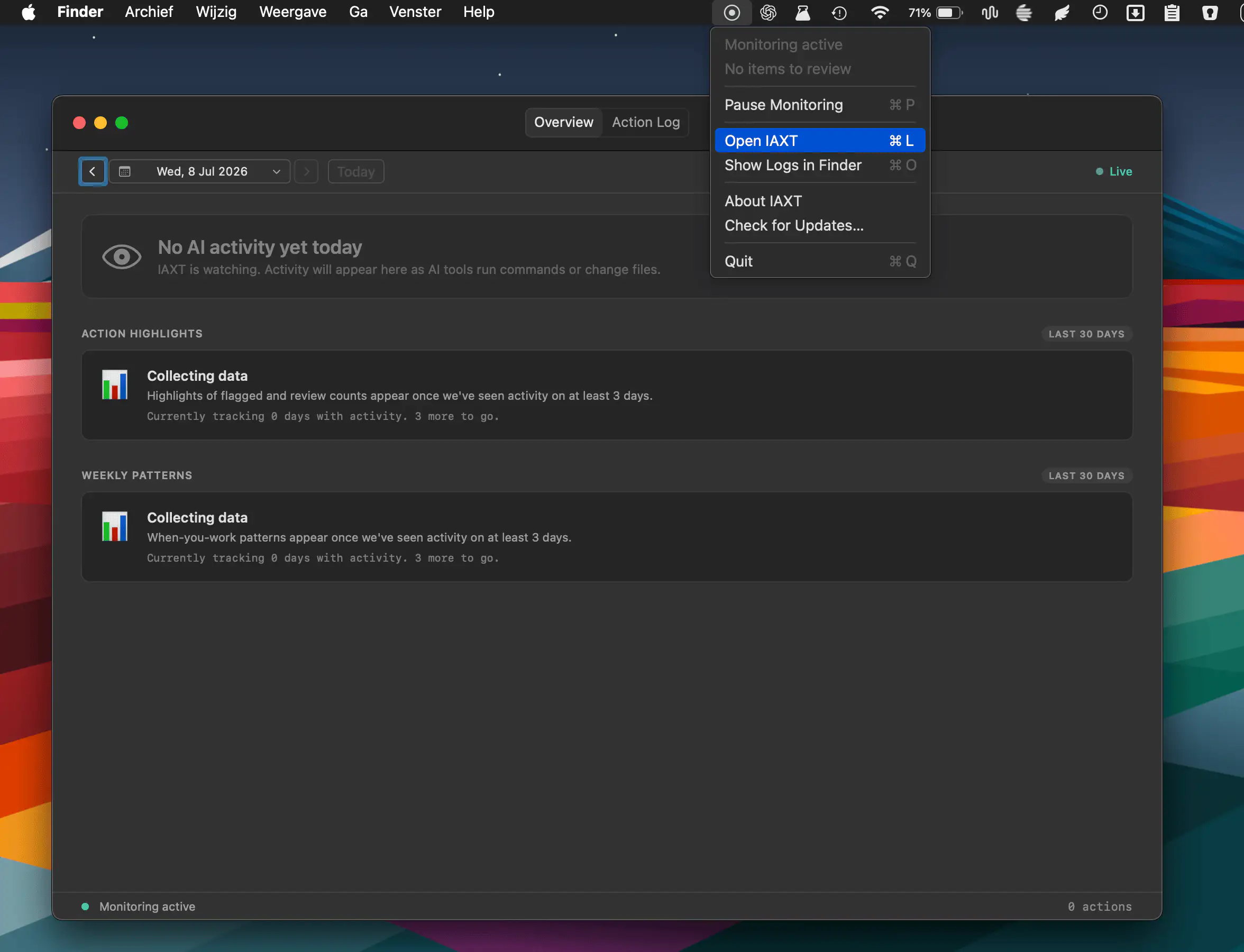
IAXT monitors AI coding agents like Claude Code, Cursor, and Codex by locally recording commands, file changes, and system actions. Review activity logs, spot unusual behavior, and keep AI workflows secure.
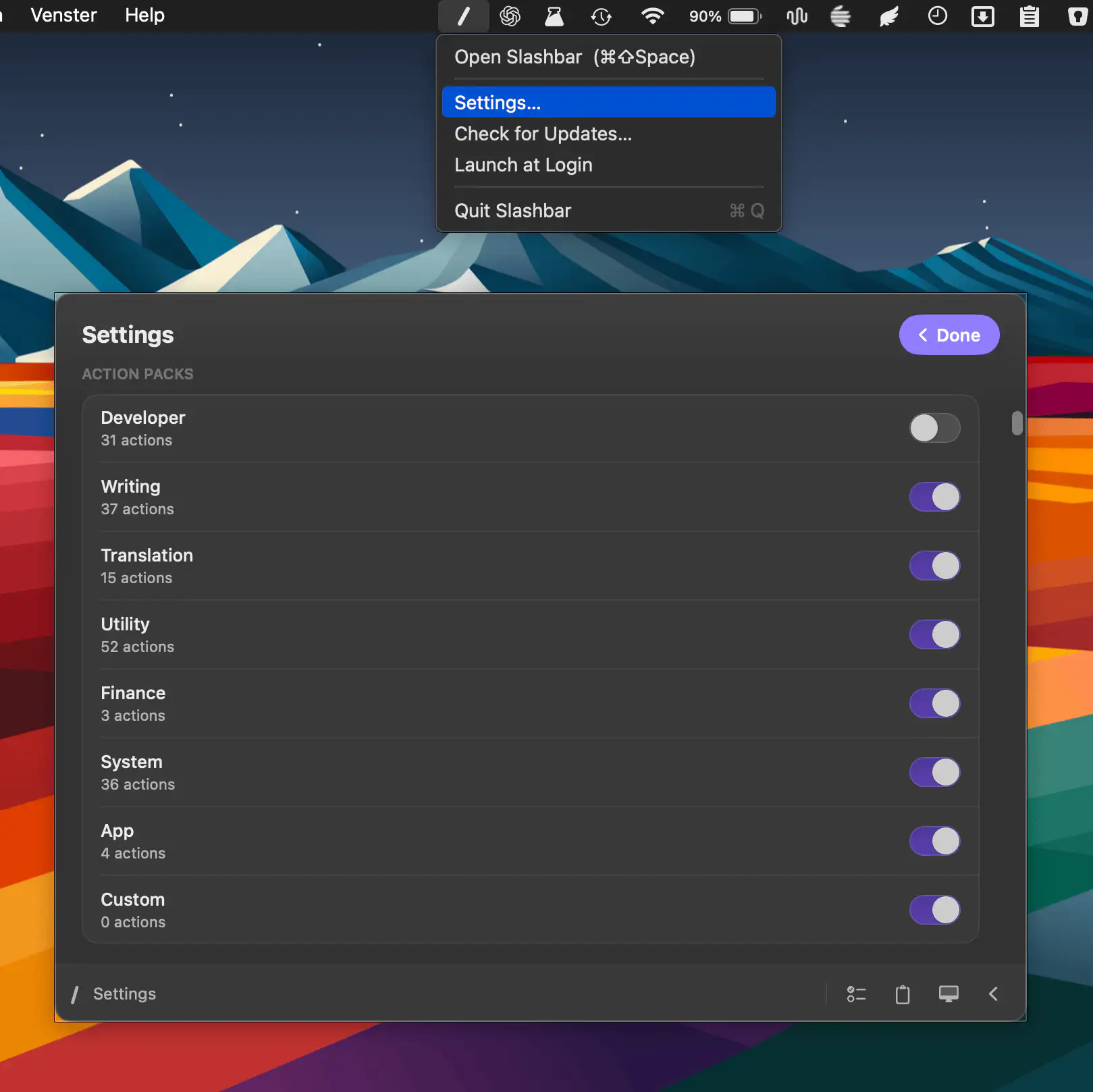
Slashbar brings 185+ actions into a fast command bar, letting you format text, manage files, control windows, search, use AI tools, and automate everyday tasks through one customizable shortcut.
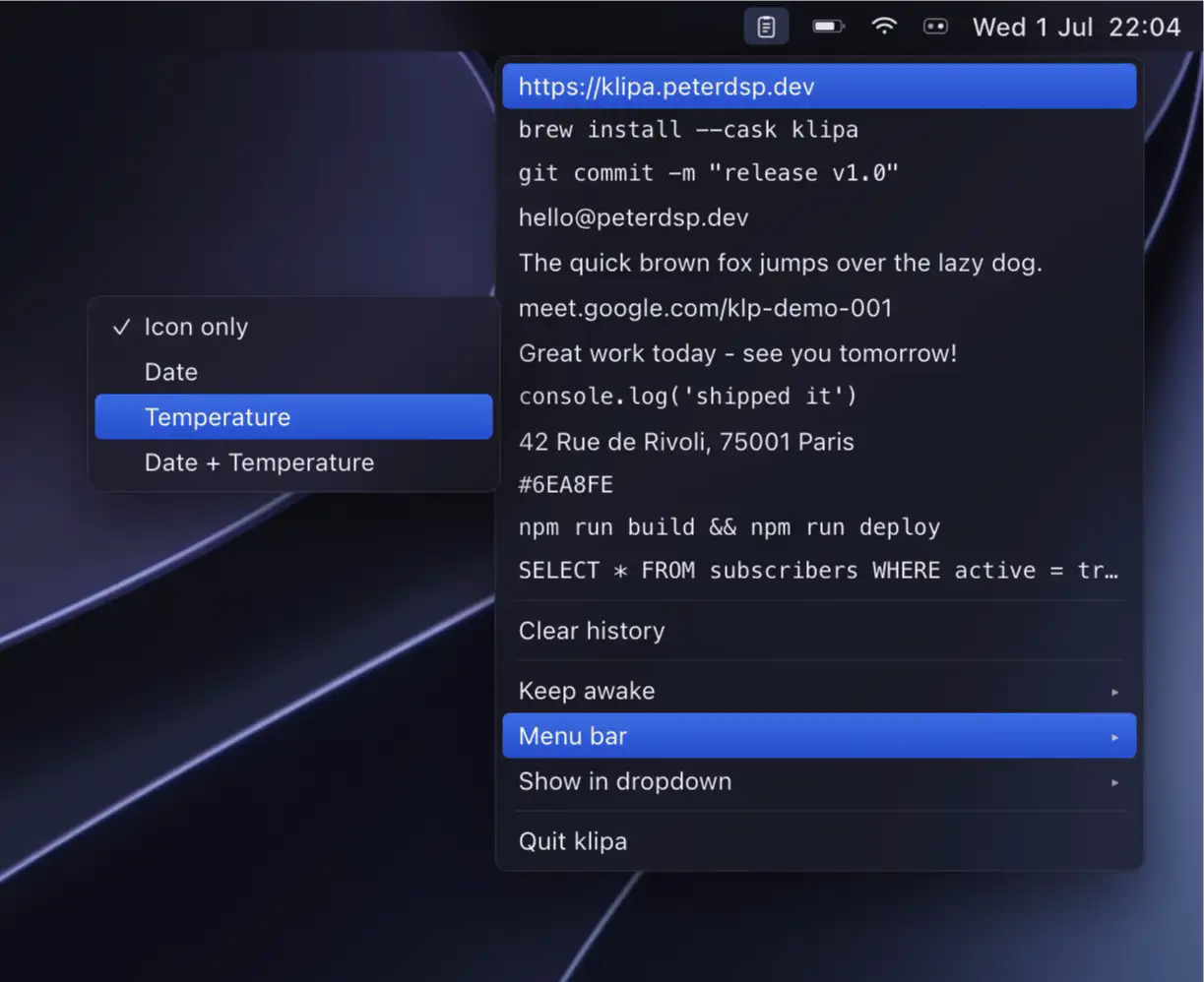
Klipa pairs a fast, private clipboard manager with flexible keep-awake sessions. Recent copies drop down for instant pasting, everything stays on your device, and nothing ever touches a network.
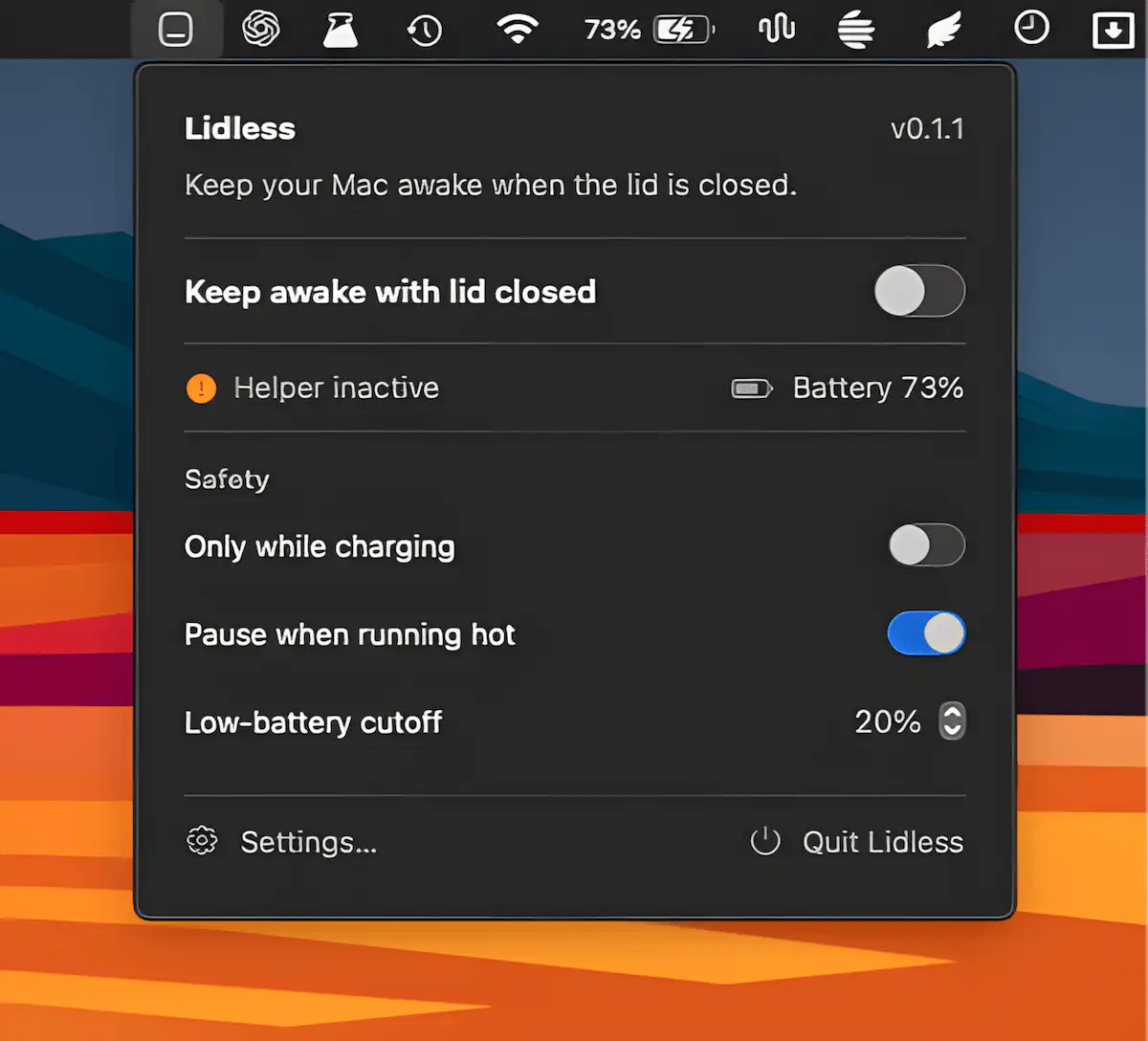
Lidless keeps your Apple Silicon Mac awake even with the lid closed, making it ideal for long-running tasks, coding agents, and remote workflows. It includes temperature monitoring, battery safeguards, and auto-off timers.