Some apps are worth paying for. These premium menu bar tools deliver serious value.
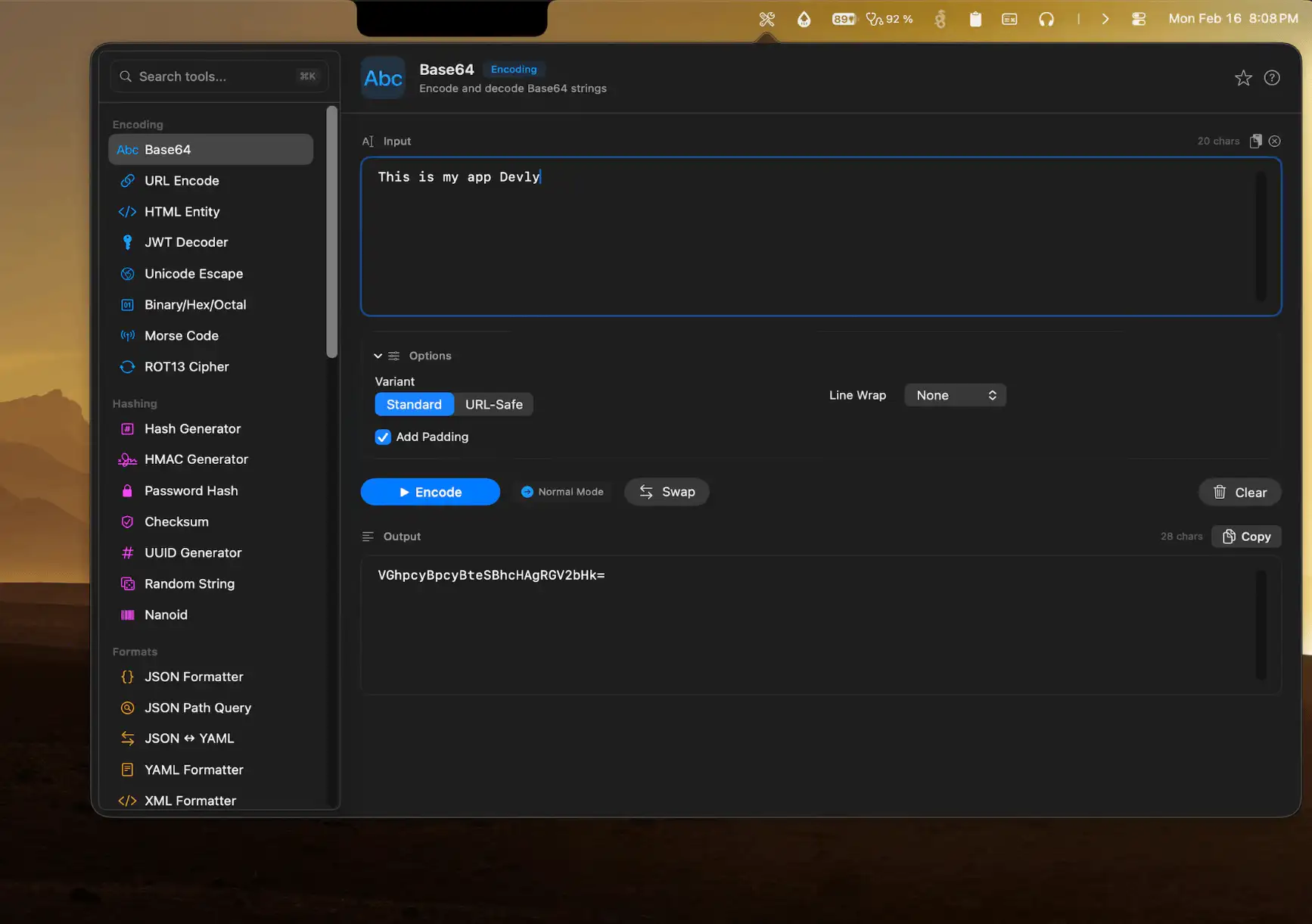
Devly brings more than fifty essential developer tools together in one lightweight macOS companion, keeping encoding, hashing, formatting, and text processing close at hand so you can move faster without breaking focus or opening another tab.
Visit
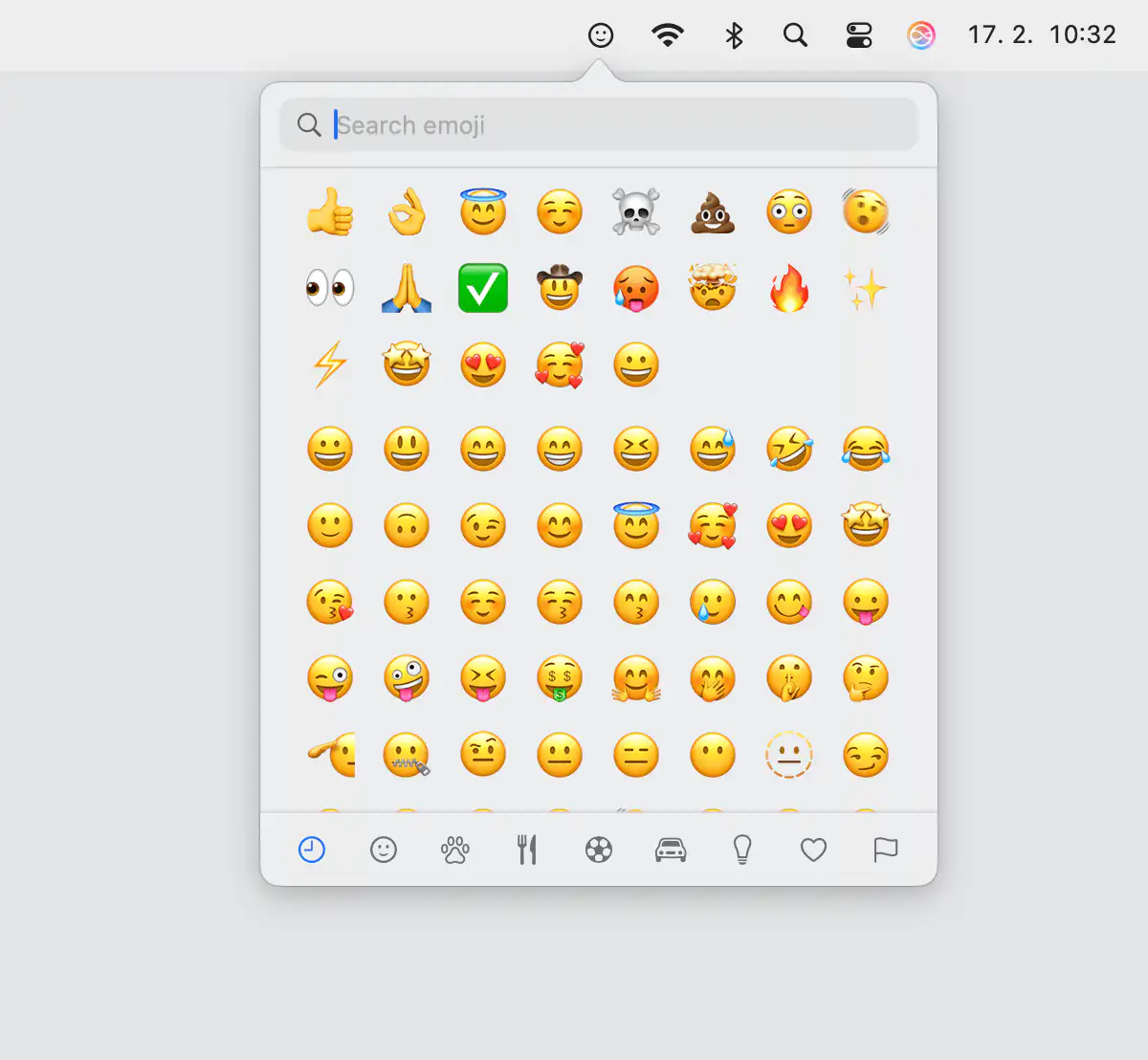
Emojibar keeps every emoji within easy reach and learns which ones you actually use, placing them front and center.
Visit
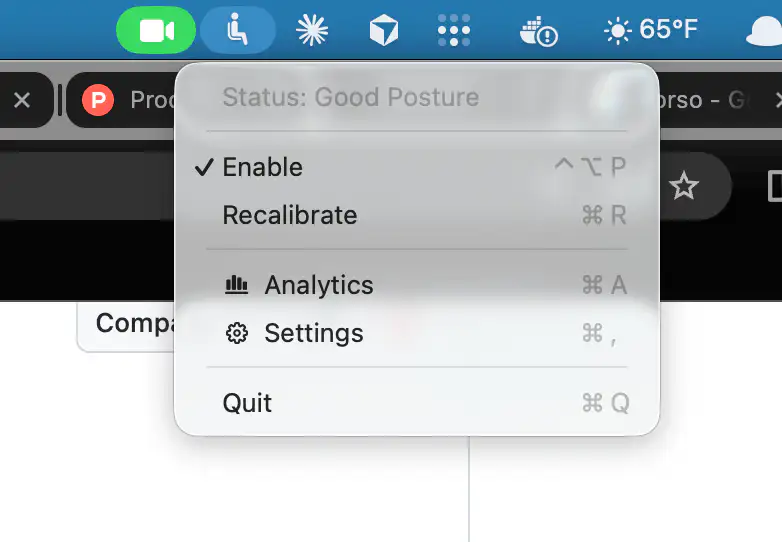
Dorso keeps a quiet eye on your posture and gives you gentle on-screen nudges when you start to slouch. Using your webcam or AirPods, it tracks locally, respects your privacy, and helps you build healthier habits over time.
Visit
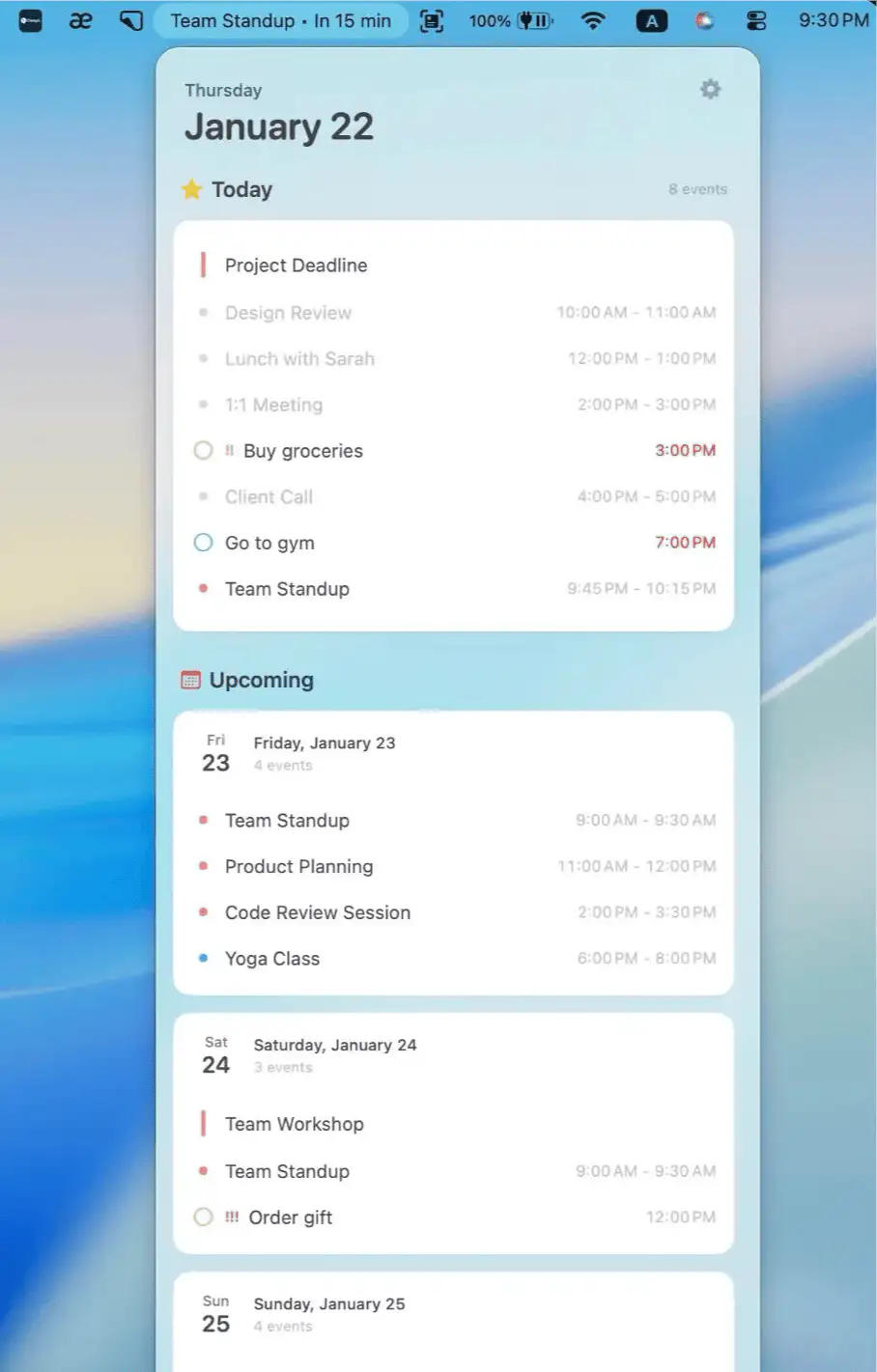
Peek lives in your menu bar, blending calendar events, reminders, and tasks from Things 3 or Todoist into one clean timeline, with a live countdown so you always know what’s next without opening anything.
Visit
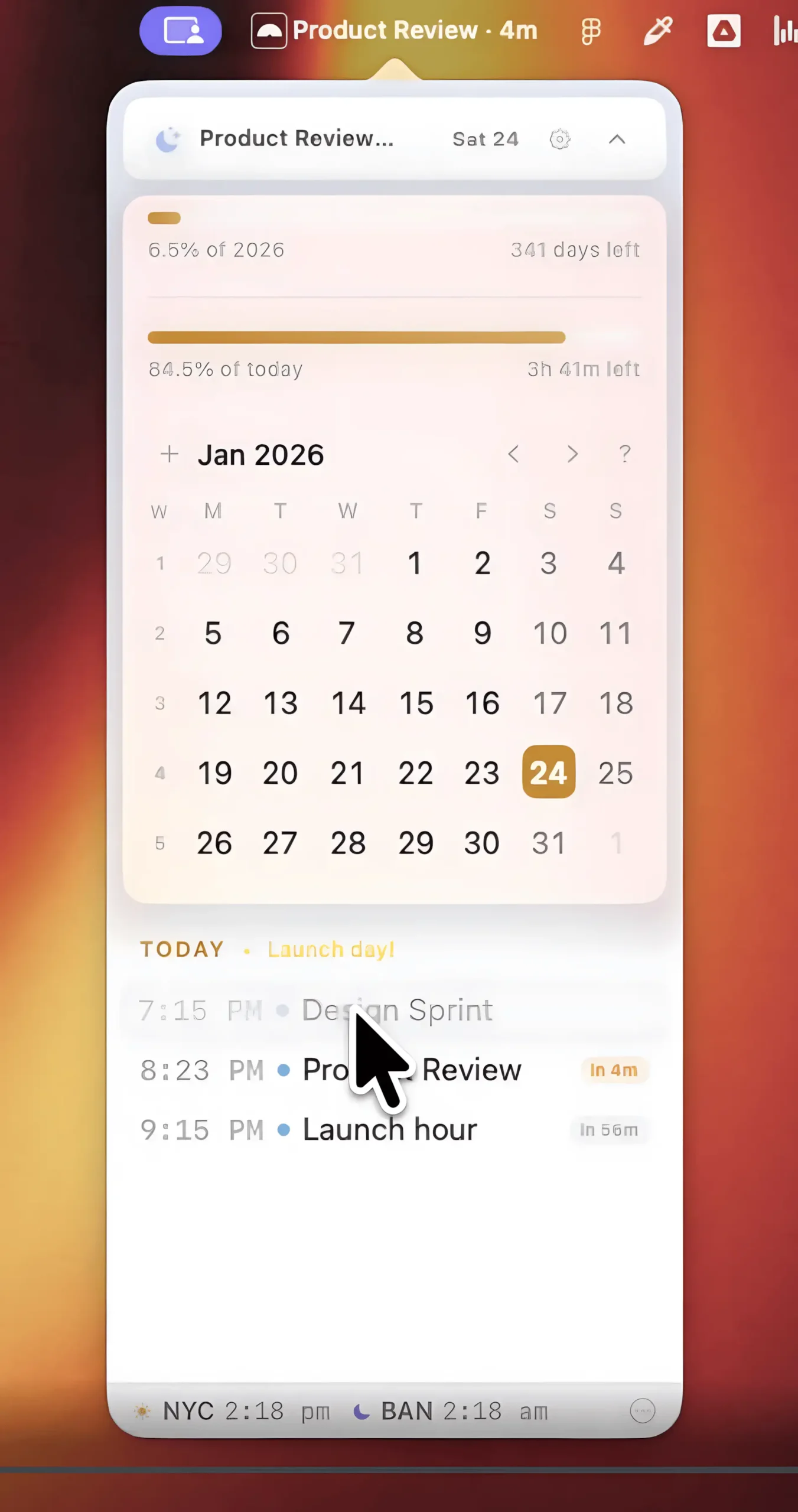
Dot lives in your menu bar, showing upcoming meetings, reminders, attachments, and one-click joins, while adding shortcuts, world clocks, and a clean, lightweight design that stays out of way.
Visit
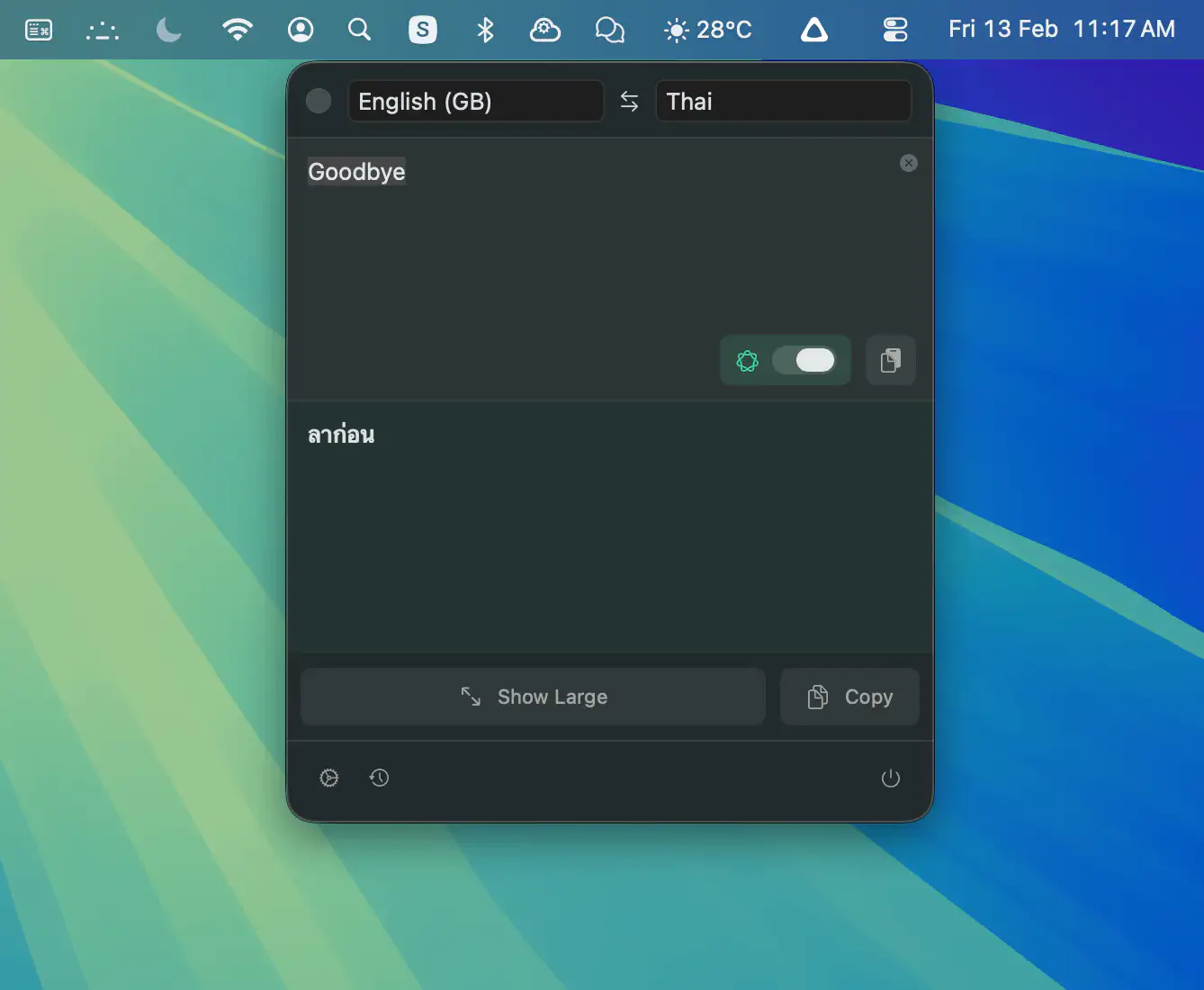
Plae lives in your macOS menu bar and lets you translate instantly with a simple shortcut. Everything runs on-device, so your text stays private, even offline, and results can be shown full-screen for easy sharing.
Visit
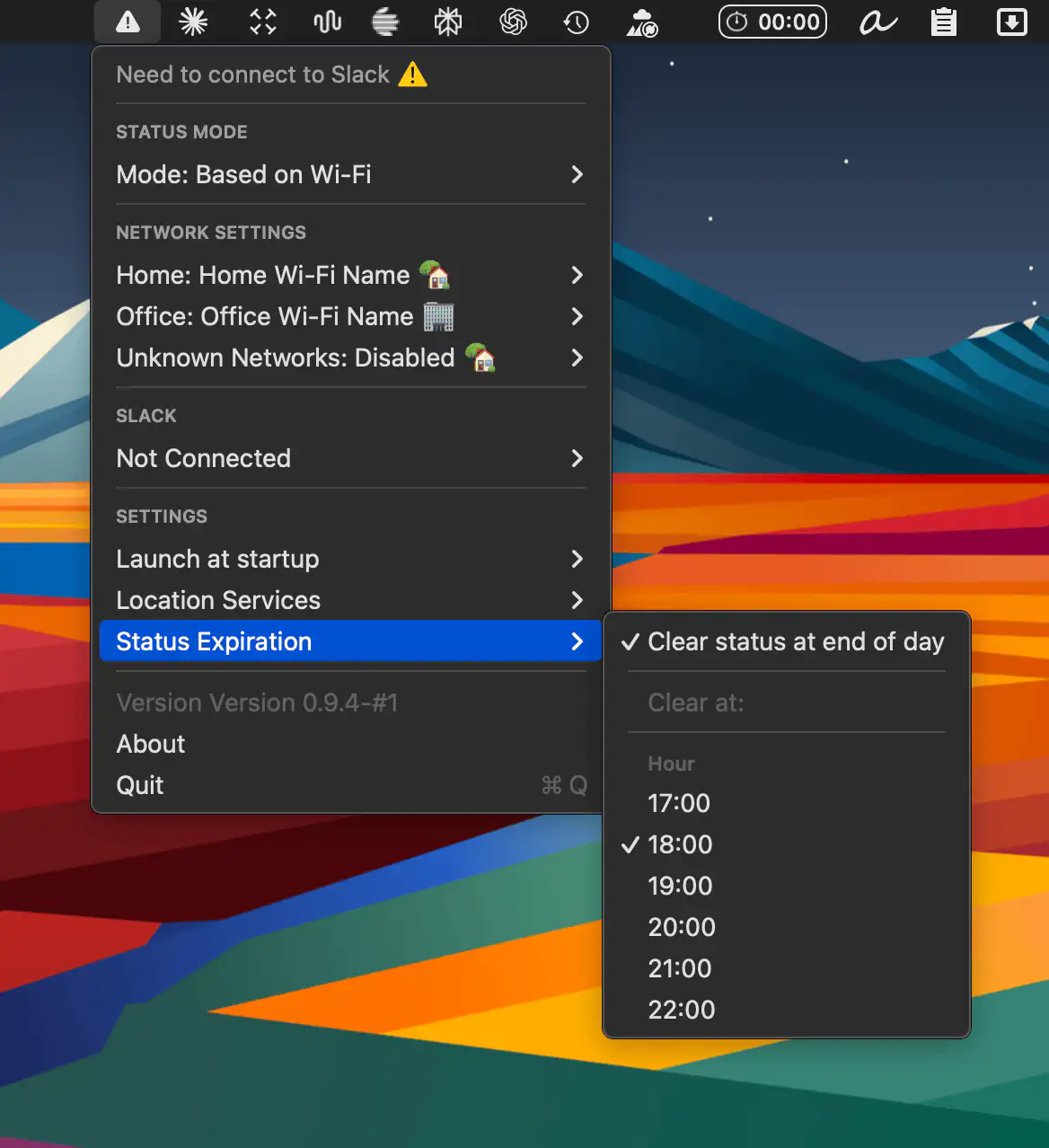
Presently keeps your Slack status in sync with your location by switching emojis automatically based on your Wi-Fi network, so your team knows whether you’re home, at the office, or away without lifting a finger.
Visit Watch
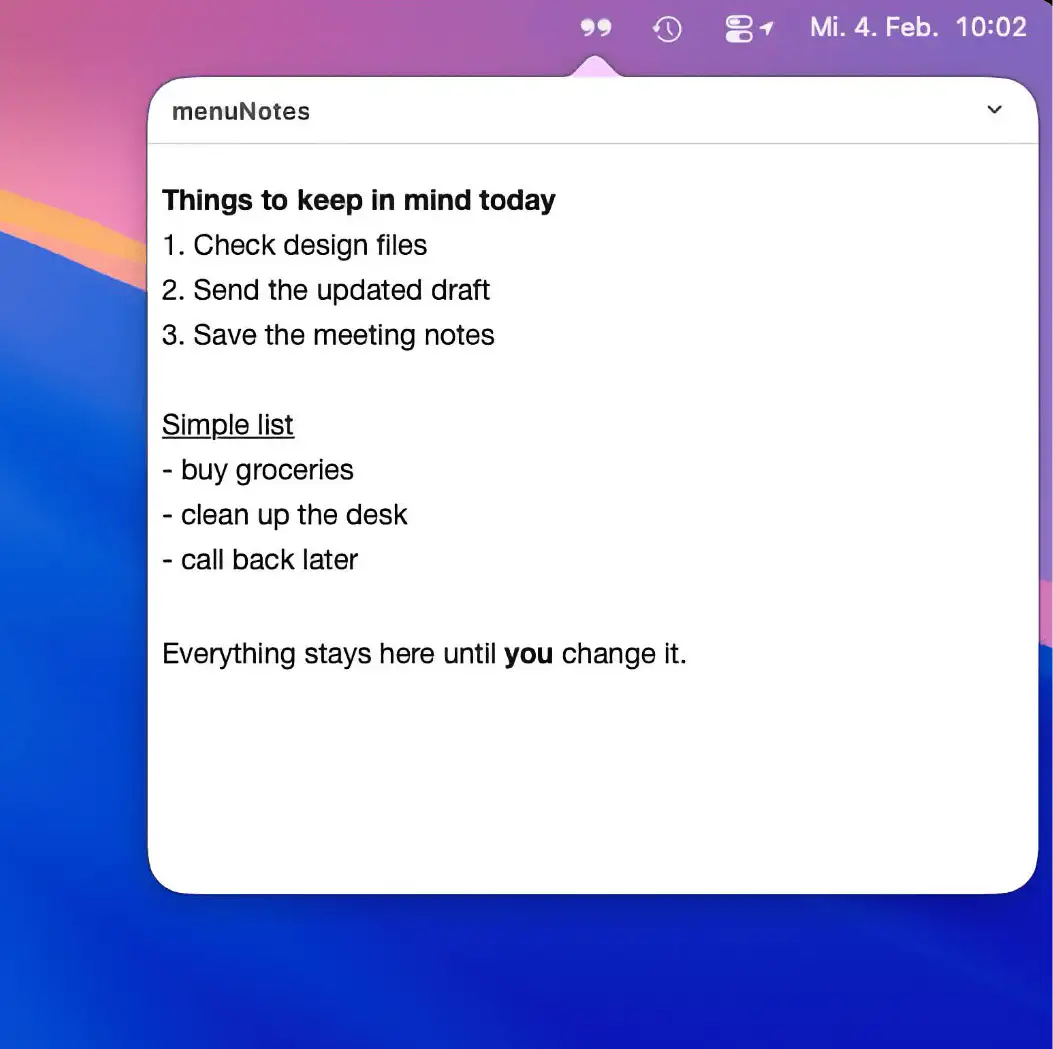
menuNotes is a tiny menu bar companion that gives you a fast, always-available space for temporary text. Just click, type, and move on, with simple formatting and zero distractions.
Visit
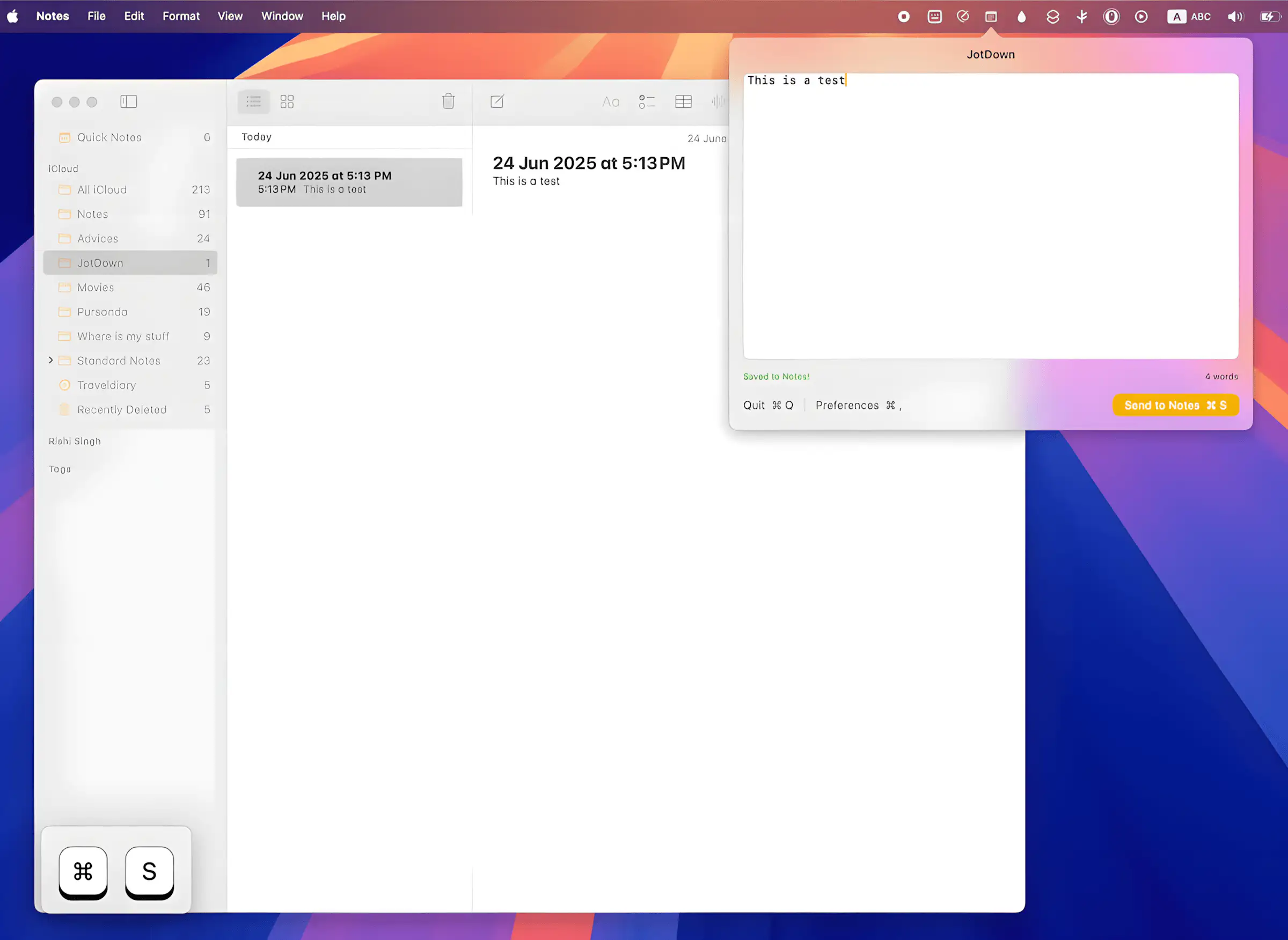
JotDown lets you jot quick thoughts with hotkeys and send them straight to Apple Notes, offering a clean, fast, distraction-free capture space.
Visit Watch
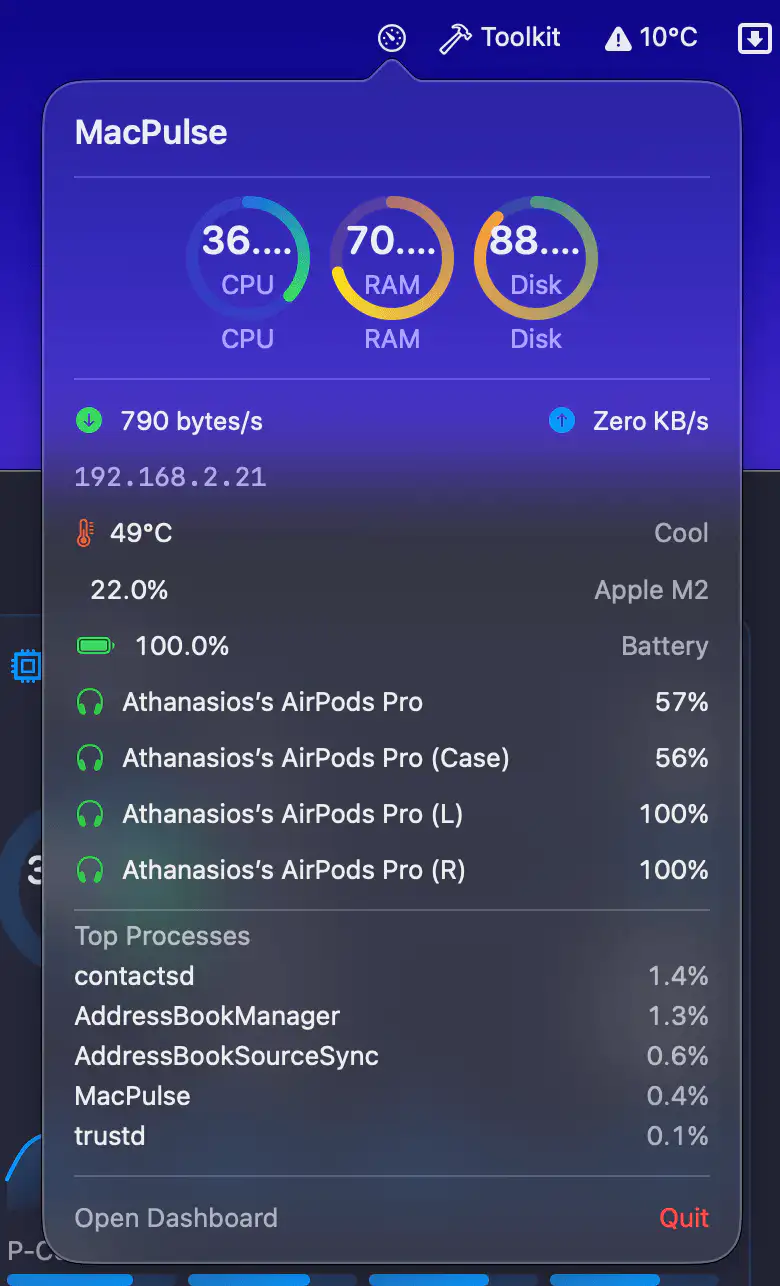
MacPulse reimagines Activity Monitor with a clear dashboard and plain-English insights, recording performance sessions and turning CPU, memory, and thermal data into practical advice so you actually understand your Mac.
Visit