Collection:
Timer Apps
Caps Lock Focus Stopwatch
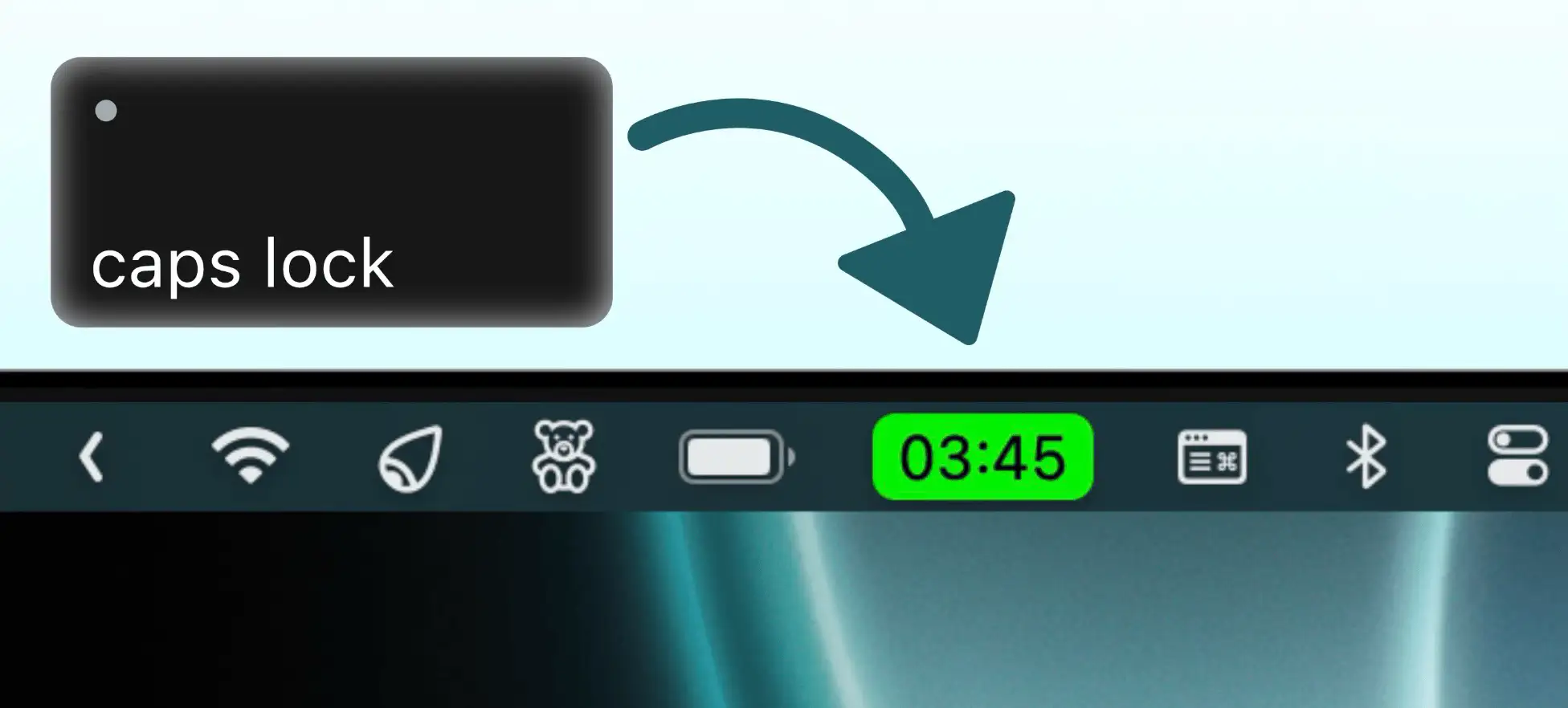
Turn your Caps Lock key into the fastest stopwatch trigger on macOS. Start and stop with a single tap, and track your time effortlessly—right from your menu bar.

Some apps are worth paying for. These premium menu bar tools deliver serious value.
Some apps are worth paying for. These premium menu bar tools deliver serious value.
Turn your Caps Lock key into the fastest stopwatch trigger on macOS. Start and stop with a single tap, and track your time effortlessly—right from your menu bar.
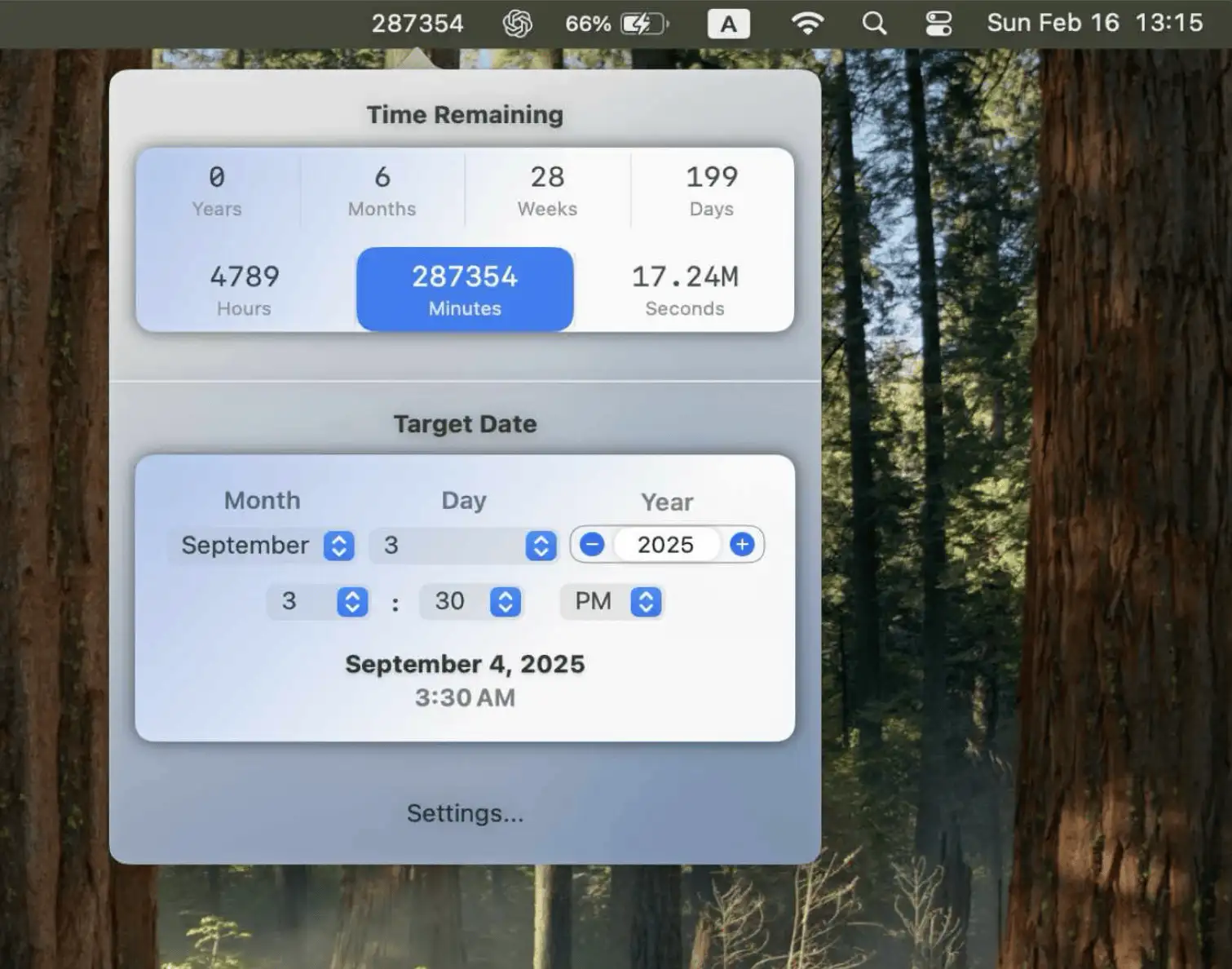
Motivation Timer is a sleek Mac app that shows a live countdown to any future or past date—right in your menu bar. A subtle, powerful reminder of how little time we truly have.
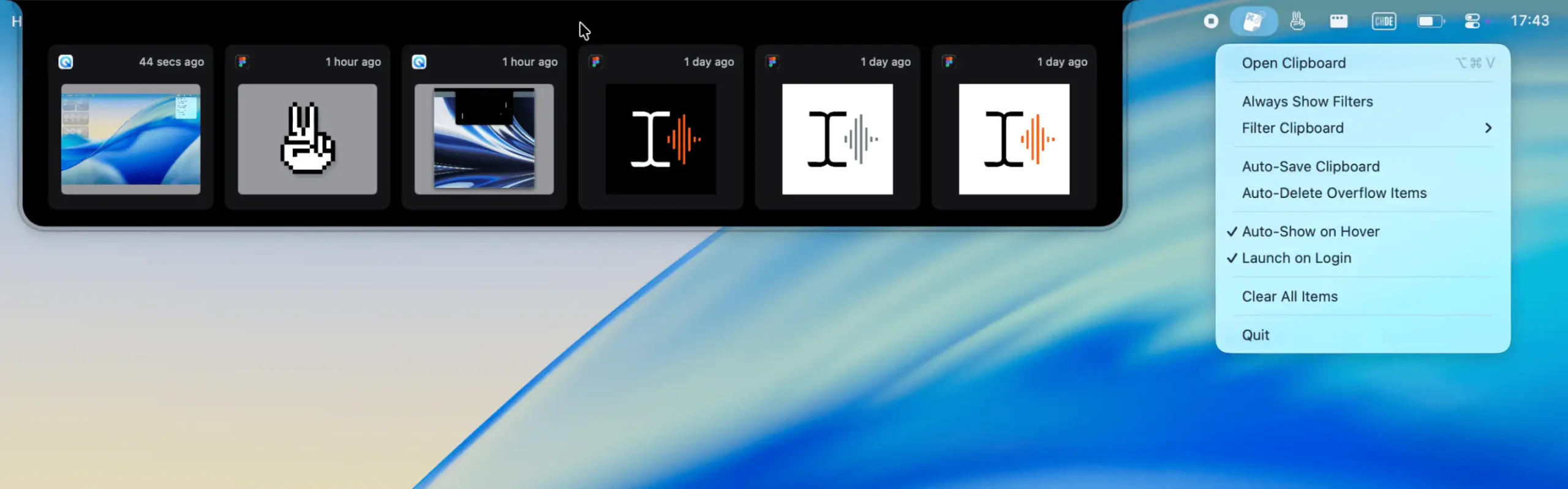
A lightweight, visual clipboard for your most recent copies—text, images, files, or colors—always visible from your menu bar. Snippet helps you glance, reuse, and move on.
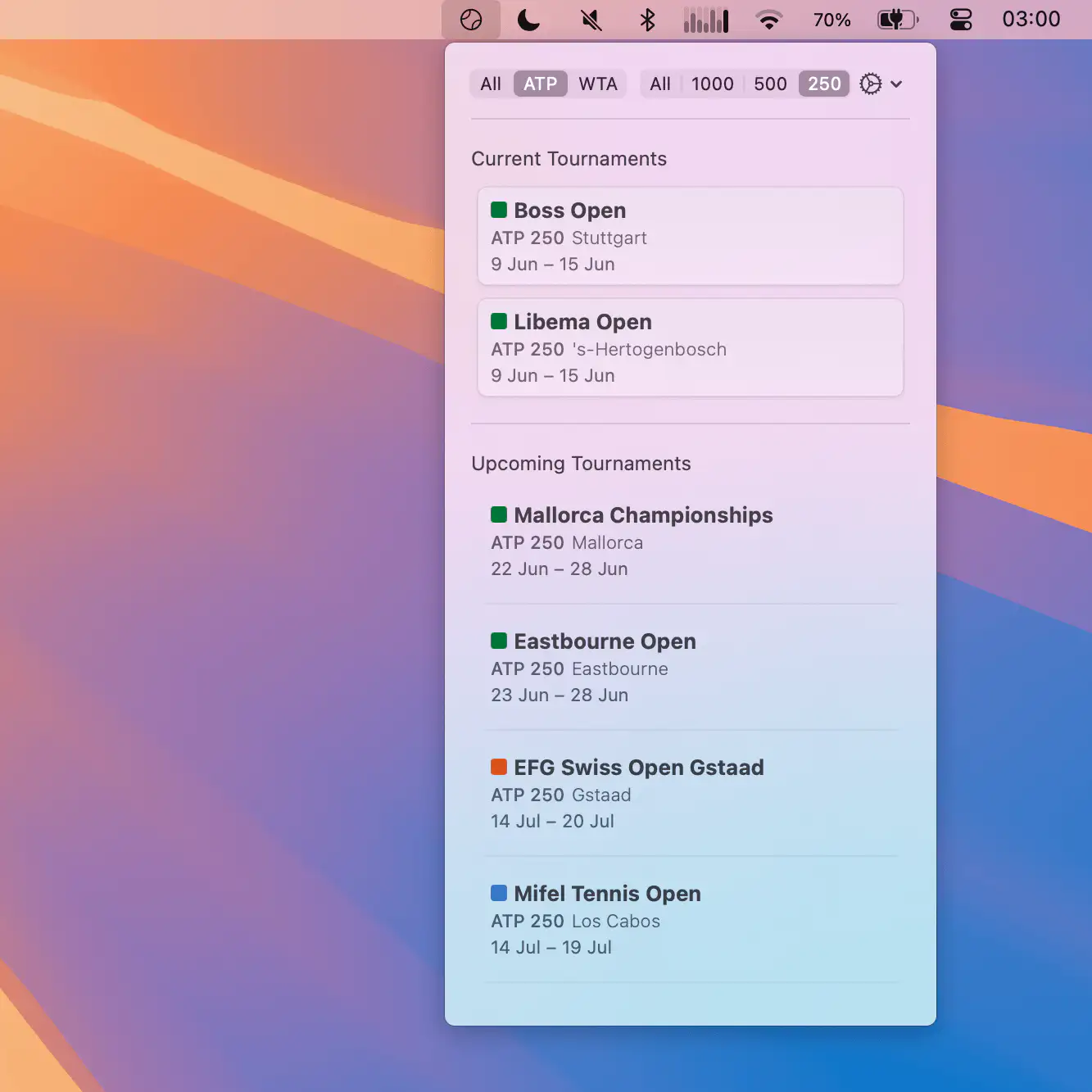
A clean, lightweight Mac menu bar app that keeps the ATP and WTA tennis calendar at your fingertips—no ads, no tracking, just effortless updates year after year.
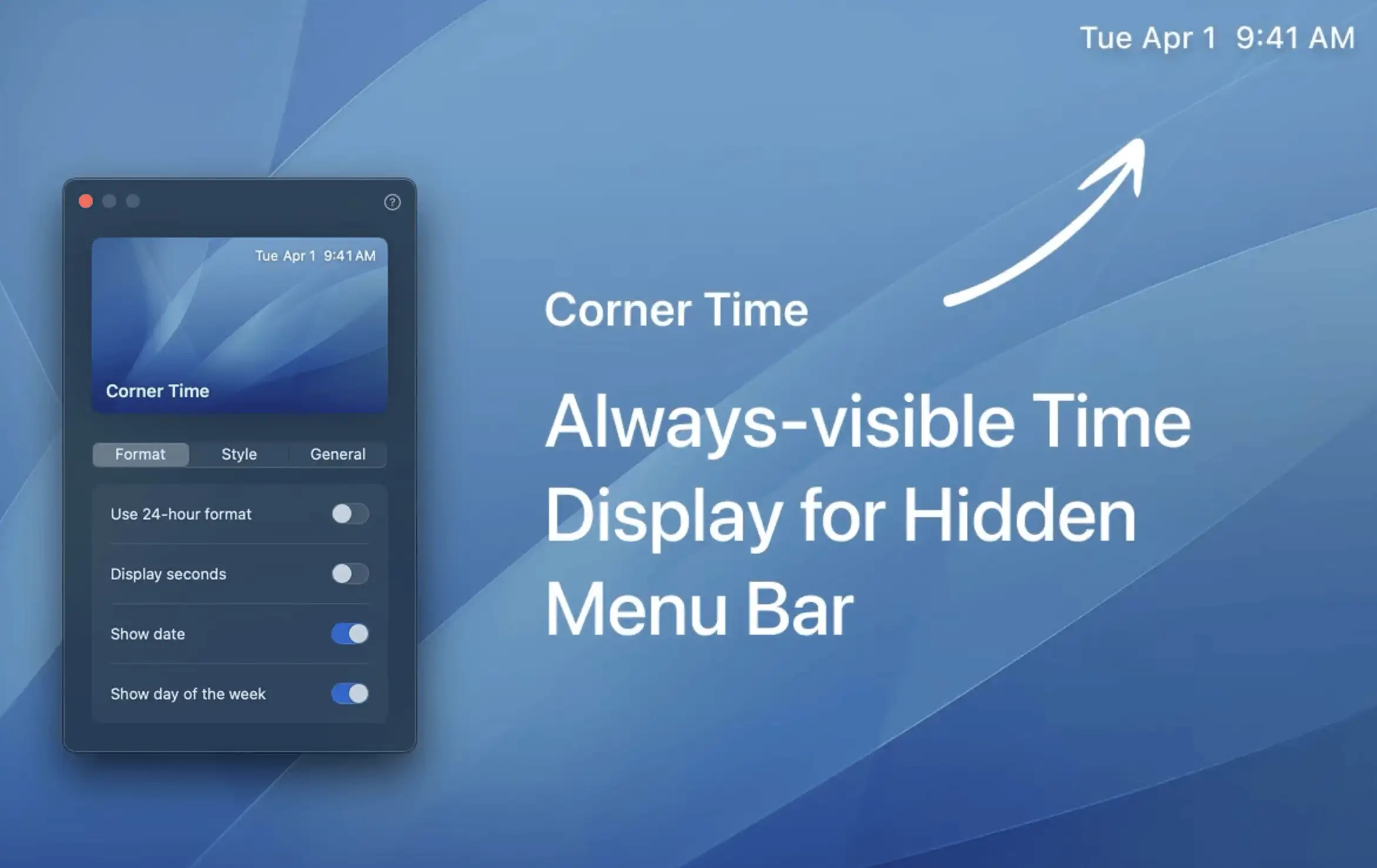
Corner Time keeps the clock visible even when your Mac menu bar is hidden—perfect for notch users who want quick, effortless access to the time with a touch of style.
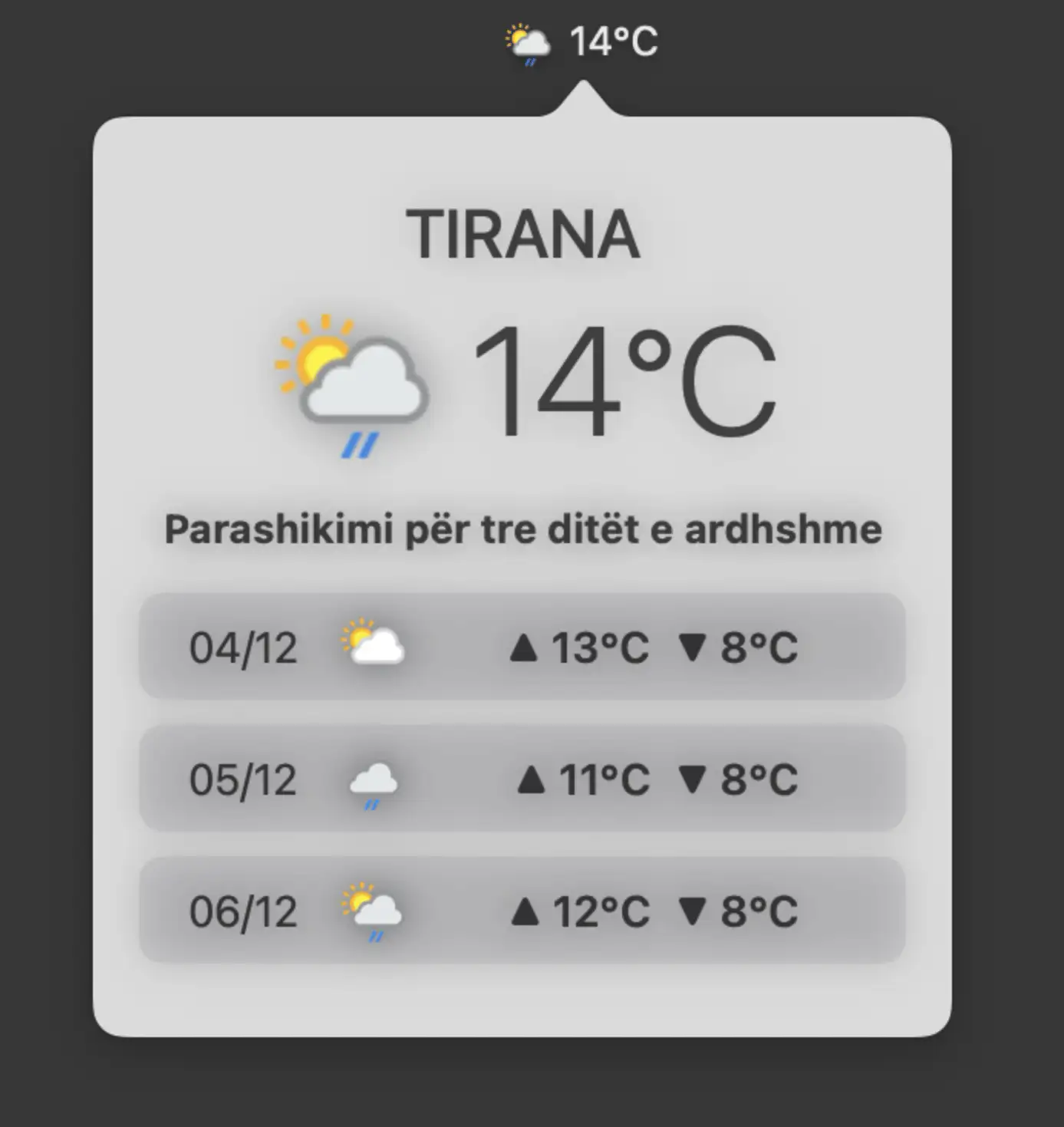
Get real-time weather and a 3-day forecast in your macOS menu bar, now with added support for Greek and Albanian for an even more local touch.