Some apps are worth paying for. These premium menu bar tools deliver serious value.
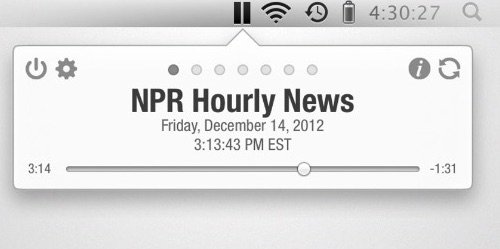
As a podcast app, Hourly News plays the most recent news updates from multiple news sources like NPR, BBC, CBC, ABC, CBS, WSJ, Bloomberg, ESPN, VOA, SRN, FOX News updates, your own custom podcast sources and more.
Visit
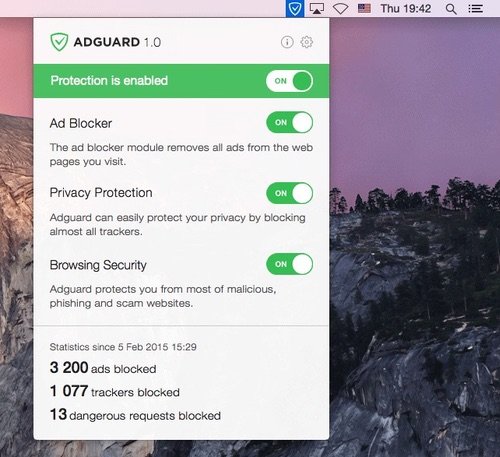
This standalone ad blocker for Mac lives in your menu bar. All settings and statistics can be found there. AdGuard blocks all kinds of ads in all browsers and even in other apps.
Visit
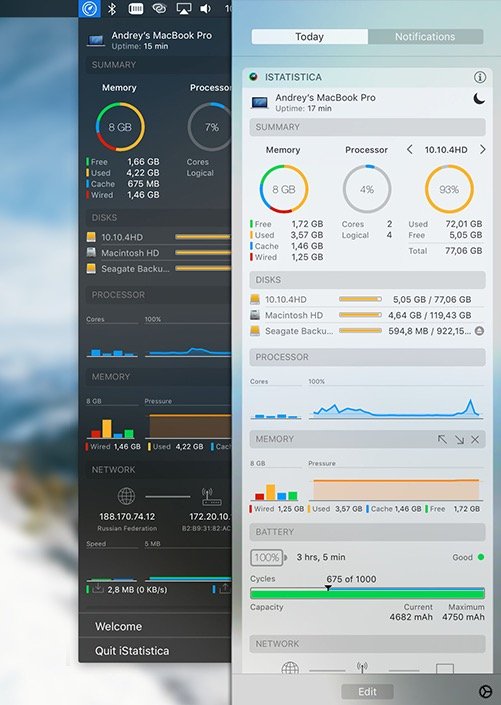
iStatistica is a system monitor for macOS that keeps an eye on your CPU, memory, disk usage and network activity.
Visit Watch
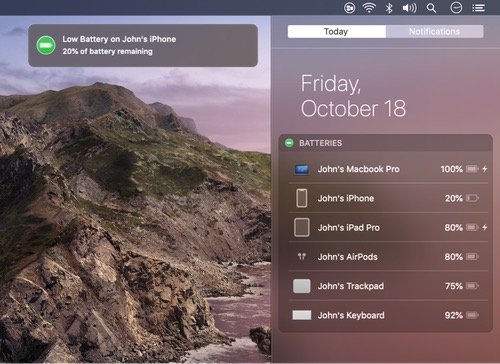
Batteries allows you to track all of your devices’ batteries (your Mac, iPhone/iPad/iPod, AirPods and bluetooth devices) from one place. When any of your devices are running low on battery, you’ll receive a low battery notification.
Visit
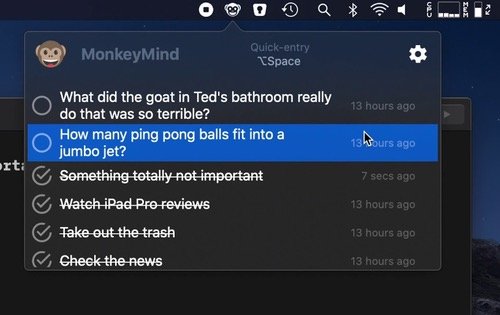
Whenever you’re in deep work and something pops into your mind, simply add it to MonkeyMind. Just like in Spotlight. The entry will get added to the menu bar list and you can deal with it later.
Visit
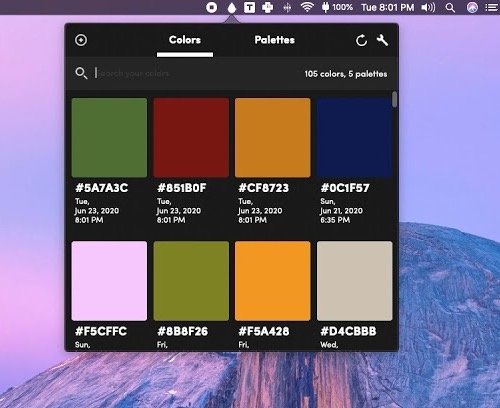
Litur is a color picker built for designers and developers. This menu bar app helps you find, collect and organize all the colors around you.
Visit Watch
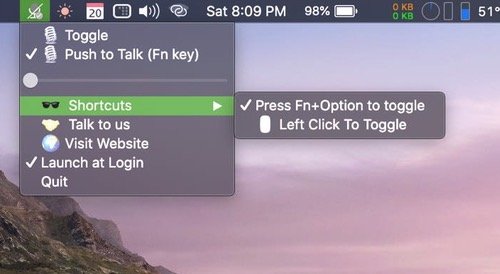
Mute and unmute your microphone directly from menu bar. You can also enable push-to-talk mode. Mutify works with Zoom, Hangout, Slack, Skype, GoToMeeting, Webex, Telegram, Viber, FB Messanger, etc.
Visit
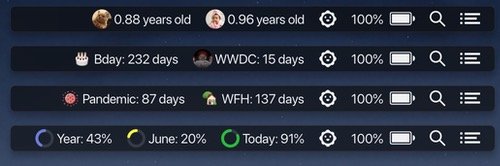
Moment is a menu bar based countdown app to help you remember the most memorable days of your life. Every single event can be added to the menu bar as an individual menu item.
Visit
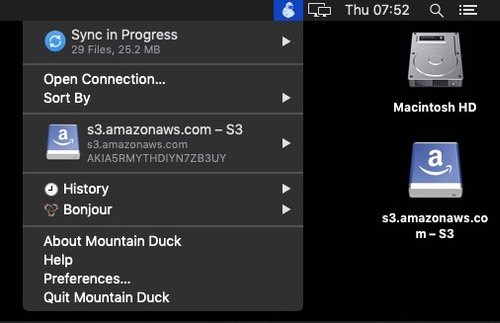
This menu bar app lets you access remote servers, WebDAV servers, Dropbox, Google, OneDrive, S3 servers and more via a drop-down interface. It’s also a cross-platform solution that provides the same tools for Windows users.
Visit
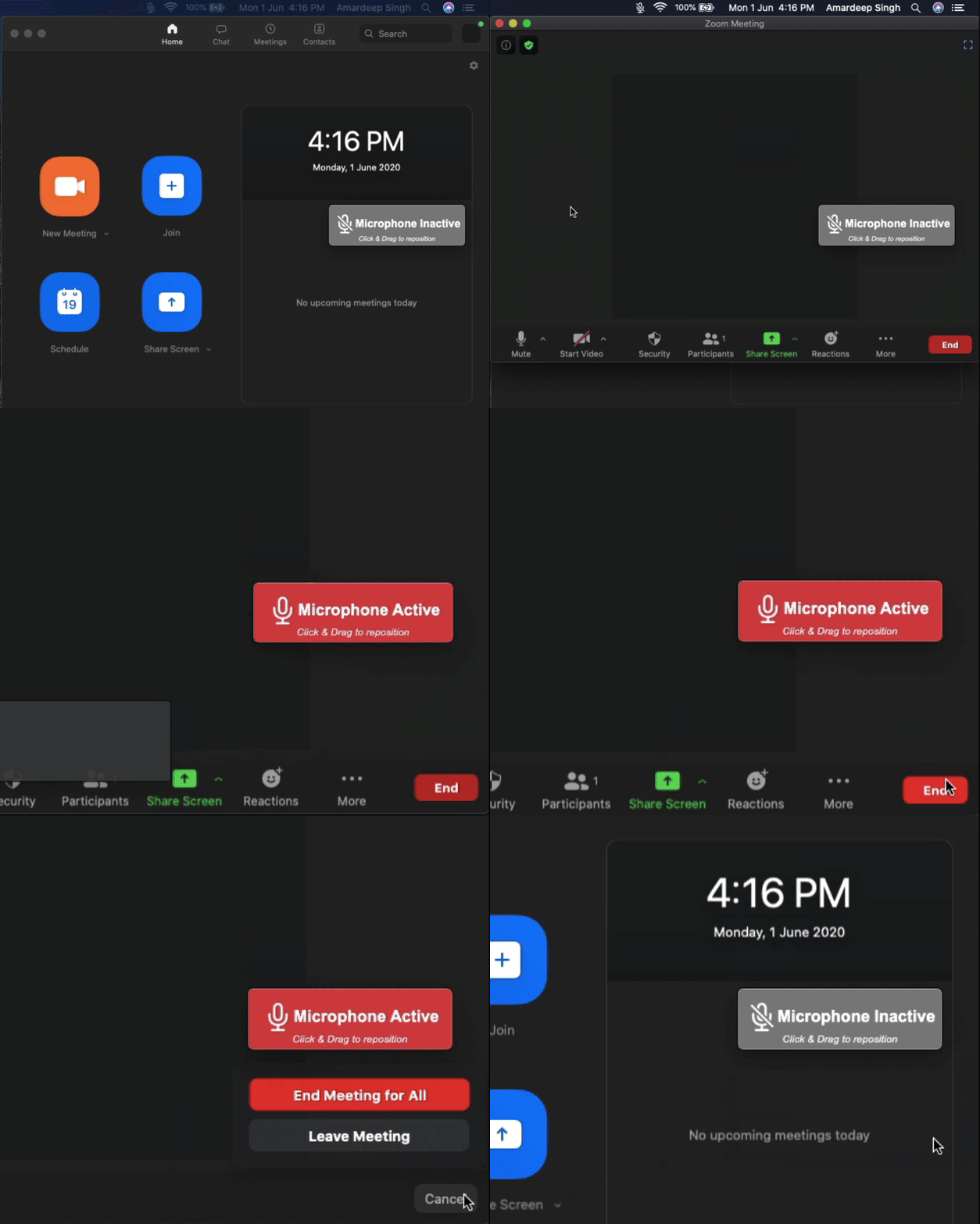
Be aware when your microphone is active in the background. MicCheck saves you from an embarrassing situation.
Visit
