Collection:
Clipboard Managers
PastePal
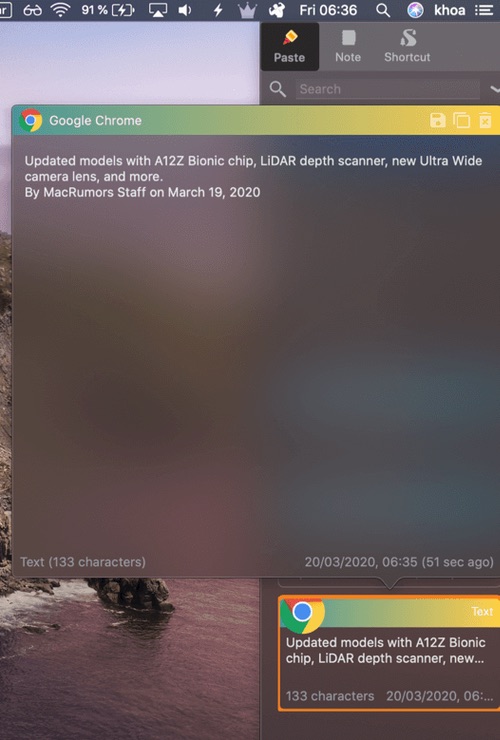
PastePal allows you to easily manage your pasteboard history with a variety of file types support like text and images. This menu bar app also comes with a note and shortcut manager.

Some apps are worth paying for. These premium menu bar tools deliver serious value.
Some apps are worth paying for. These premium menu bar tools deliver serious value.
PastePal allows you to easily manage your pasteboard history with a variety of file types support like text and images. This menu bar app also comes with a note and shortcut manager.
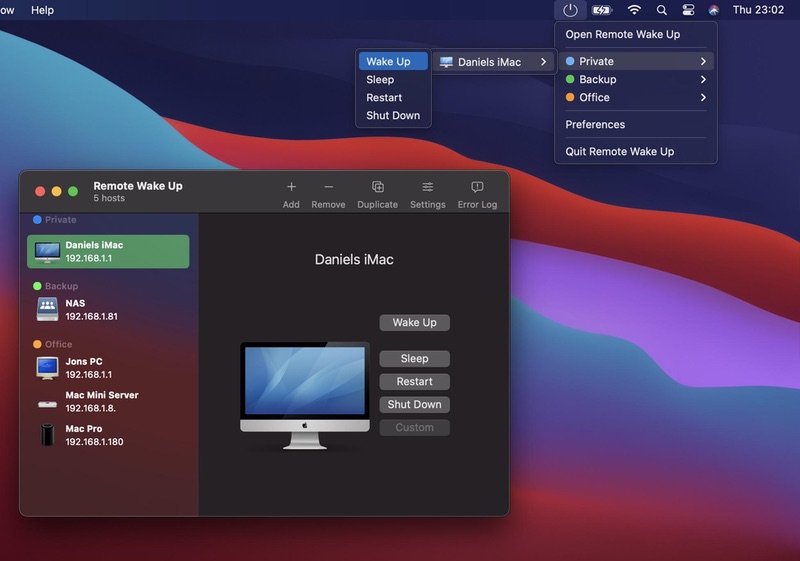
Remote Wake Up wakes computers and other devices with Wake-on-LAN, at home or over the internet, and sends them SSH or AppleScript commands to restart, shut down or run maintenance. Save your commands once, reuse them on any device, and reach it all from the menu bar.
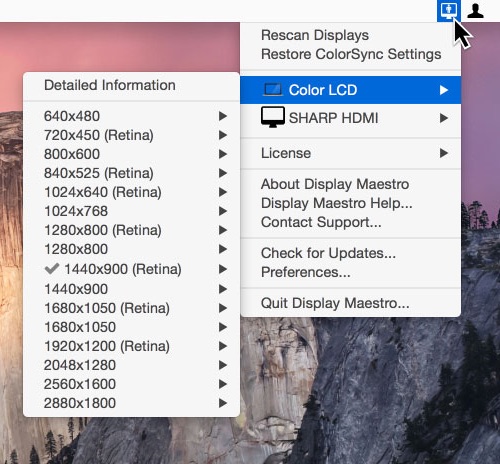
This menu bar app gives you full control over attached displays, allowing the use of all available resolutions and bit depths.
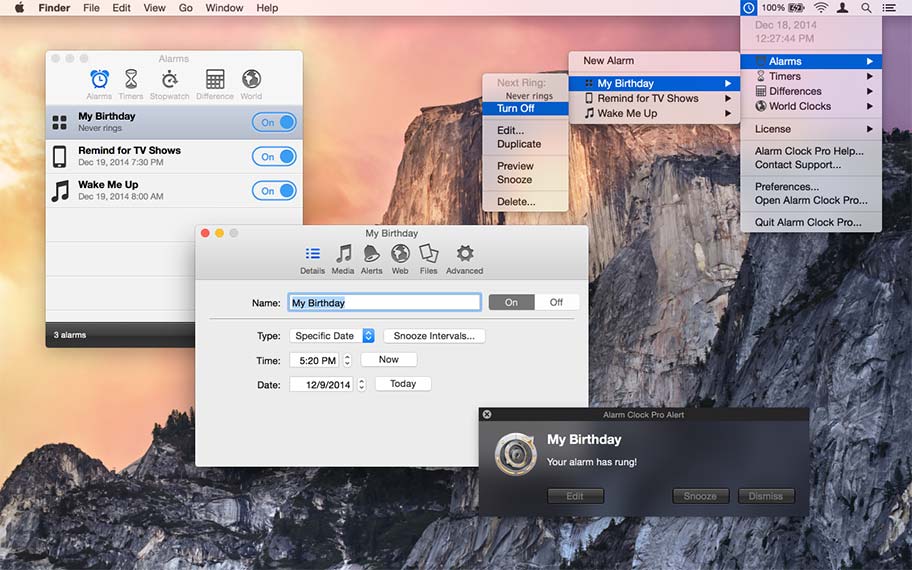
You can use Alarm Clock Pro for almost everything. For instance to ping web pages, launch URLs, open files, erase folders, execute shell commands.
But also when waking up, as a reminder to take medications, keep social appointments, or schedule follow up appointments with clients.
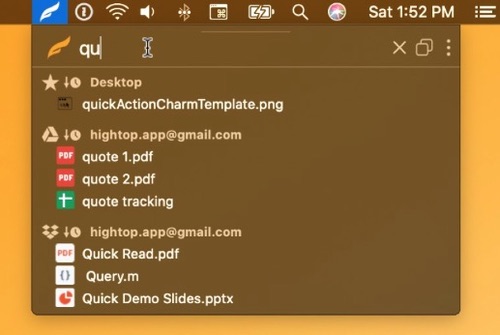
HighTop gives your favorite local folders and Dropbox a tidy tree view in the menu bar. Drag files in and out to move, upload or download them, and search across everything at once without digging up a Finder window.
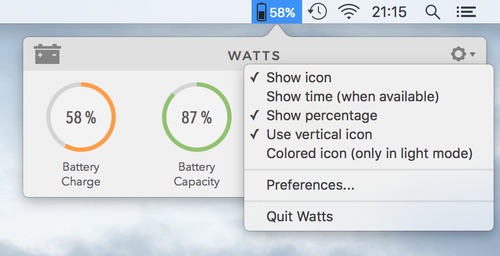
Watts shows your MacBook’s battery at a glance: charge, health, cycle count and details about the power adapter you’ve plugged in, all explained in plain language. You decide what the menu bar icon shows, with a different look for charging, discharging and full.
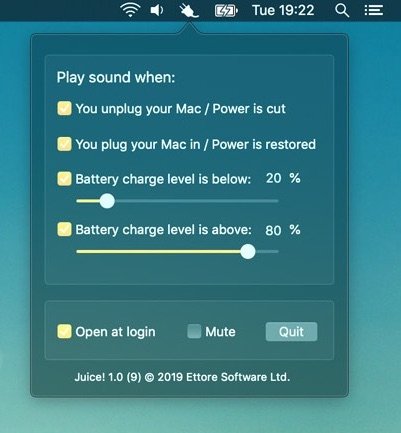
The menu bar app Juice! keeps an eye on your MacBook’s battery charge level and can play a sound when it’s time to plug in or when it’s OK to disconnect from the mains.
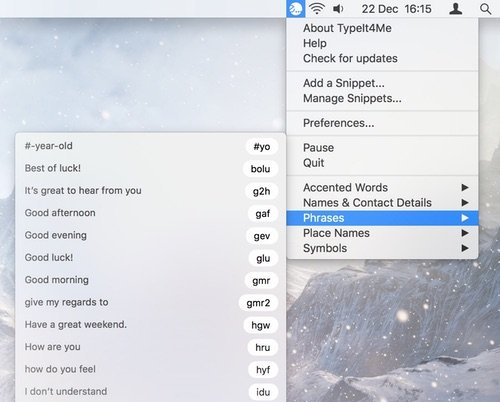
This menu bar app speeds up your typing by instantly replacing short abbreviations with longer snippets of text and / or pictures as you go along.