Collection:
System Stats
TG Pro
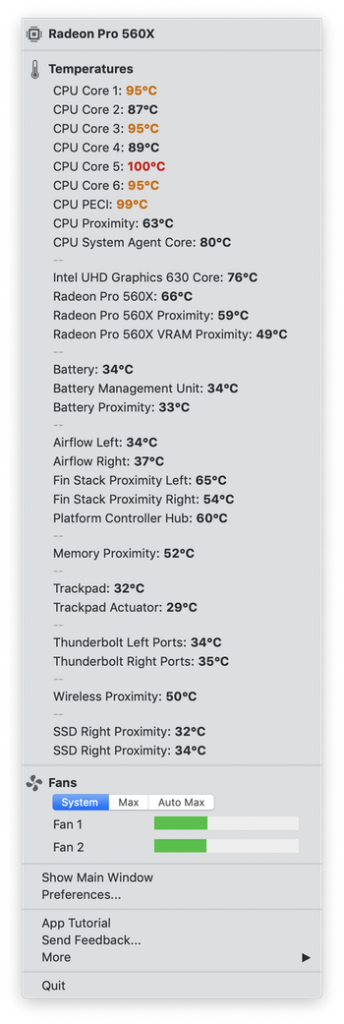
Quickly view CPU, GPU, logic board or hard drive temperatures, check battery health and the other hardware diagnostics. TG Pro supports all Macs from 2008 and newer.

Some apps are worth paying for. These premium menu bar tools deliver serious value.
Some apps are worth paying for. These premium menu bar tools deliver serious value.
Quickly view CPU, GPU, logic board or hard drive temperatures, check battery health and the other hardware diagnostics. TG Pro supports all Macs from 2008 and newer.
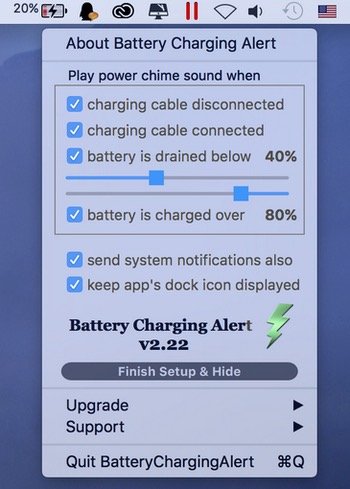
With the menu bar app, you receive an alert when your MacBook is plugged in or unplugged, and when your battery percentage reaches a preset level, so you know when to plug in your computer to keep it from dying or to unplug it and save your battery life.
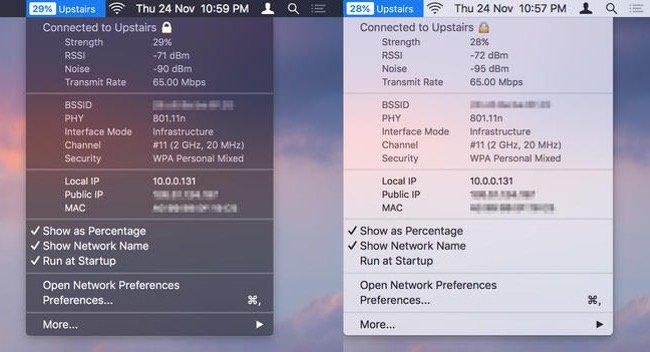
WiFi Wireless Signal Strength Explorer allows you to see wireless signal strength right in your menu bar. You can check the strength, IP address, and speed of the connected WiFi network.
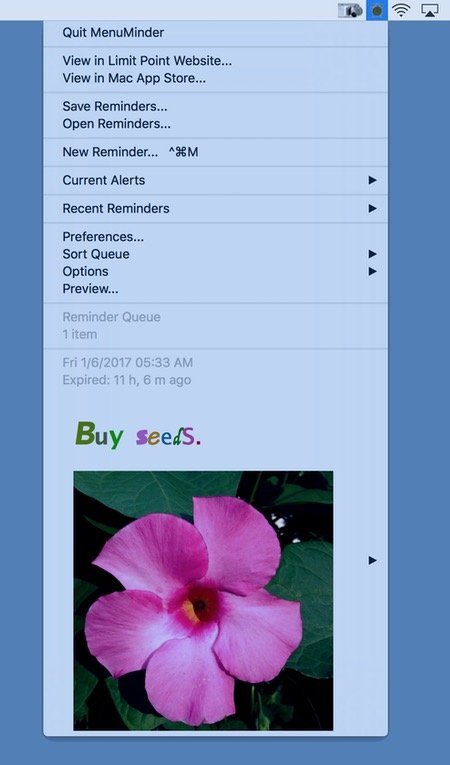
MenuMinder is a menu bar app for keeping your plans in order and making sure you are reminded of the tasks and plans you have set for yourself.
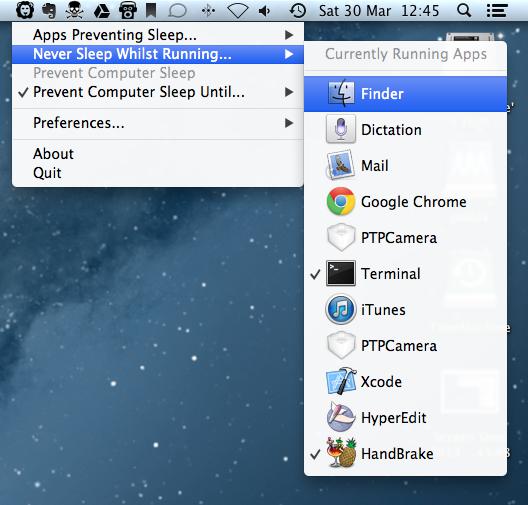
With Wimoweh you have better control over how your Mac sleeps. The app comes in handy when you’re waiting for a lengthy job to finish and want your Mac to sleep afterwards.
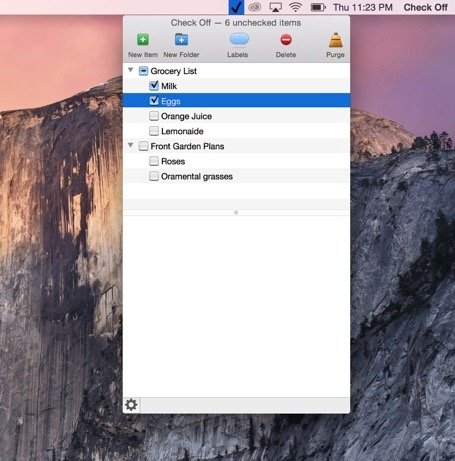
Check Off is a task management app that runs in your menu bar. Tasks can be placed within folders, and have labels attached to each task.
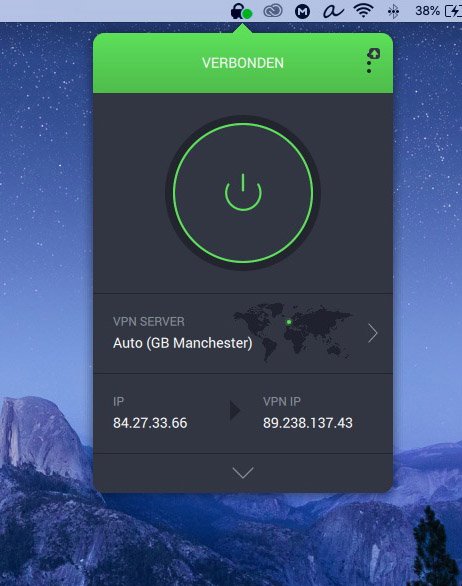
Private Internet Access is a popular VPN solution for protecting your privacy while browsing the web. Their app lives in your menu bar from where you can connect to your account and select the preferred server location.
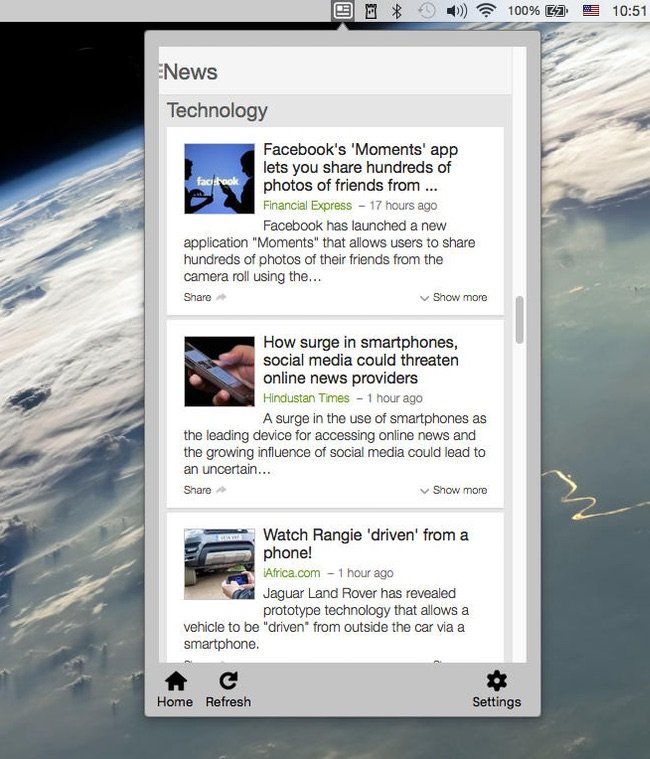
Get the latest breaking news from all over the world, easy with just one click in your Mac menu bar.
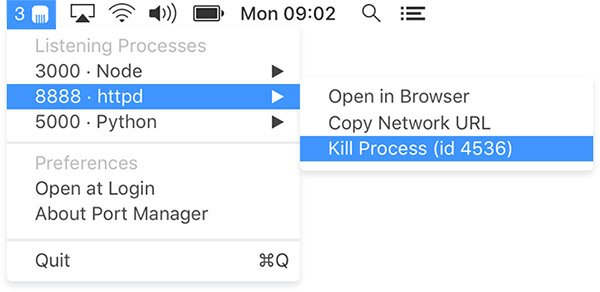
Use your menu bar to find, open and kill ports in a couple of clicks. View all of your ports in one place, so you can go back to writing code.
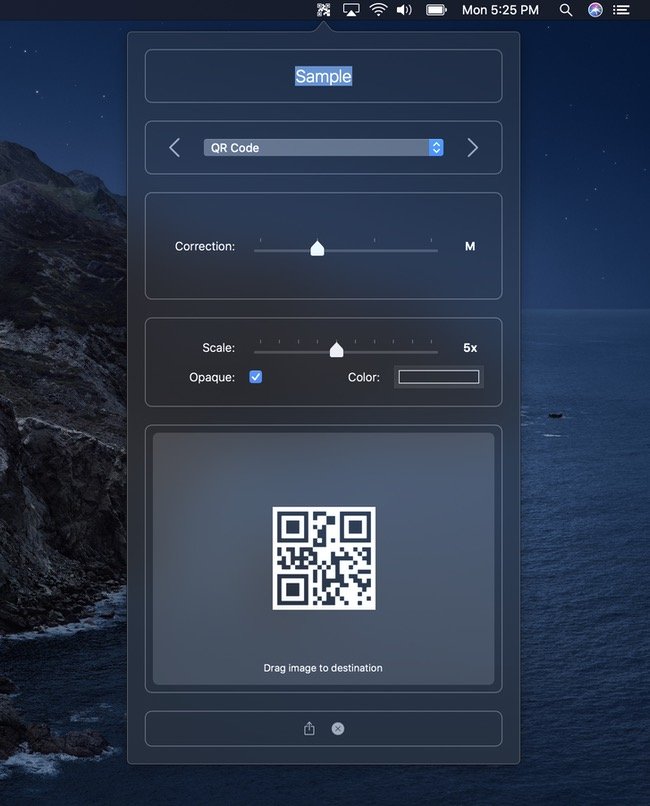
Quickly and easily generate barcodes. This menu bar app generates QR code, Aztec, PDF417, and Code 128 barcodes.