SPENCER The Window Butler.
Every window. Every display. Every space. Now restoring Full-Screen apps and Split Views.
7-Day Free Trial Code: MMB26 for 20% off

Paid apps

Some apps are worth paying for. These premium menu bar tools deliver serious value.
Some apps are worth paying for. These premium menu bar tools deliver serious value.

PixelSnap

pixelsnap

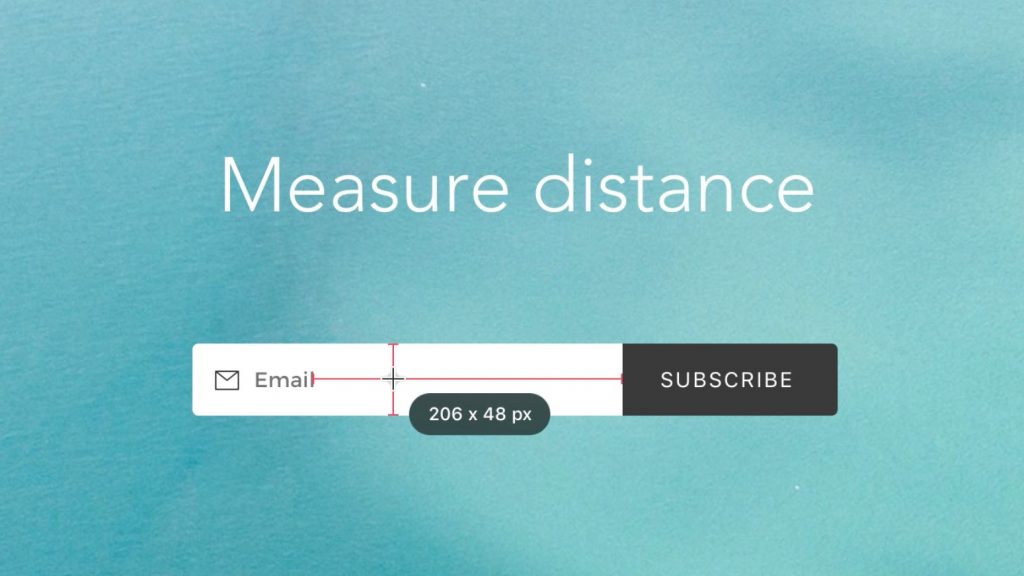
PixelSnap makes it easy to measure anything on your screen by just clicking and dragging around the cursor. Easily save selected areas as screenshots.

Visit Watch

aText

atext

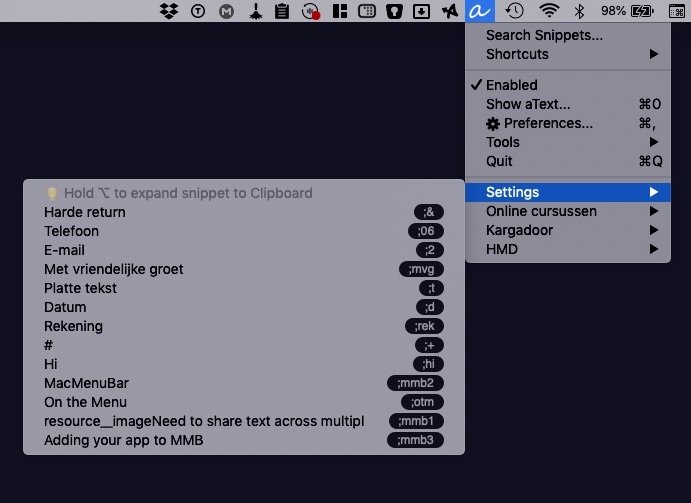
With aText you avoid typing the same thing over and over, such as responding to common email questions, auto-populating commonly used phrases and even passwords if needed. aText runs in the background. You’ll see the app’s icon in the menu bar.

The app accelerates your typing by replacing abbreviations with frequently used phrases you define.

Visit Watch

Magnet

Simply drag the window to one of the sides of the screen and it snaps there. Every open Mac window can be resized into the top, bottom, left or right half of your screen size. You can also use keyboard shortcuts or the menu bar to manage your Mac windows.

Visit Watch

File Cabinet Pro

File-cabinet-pro

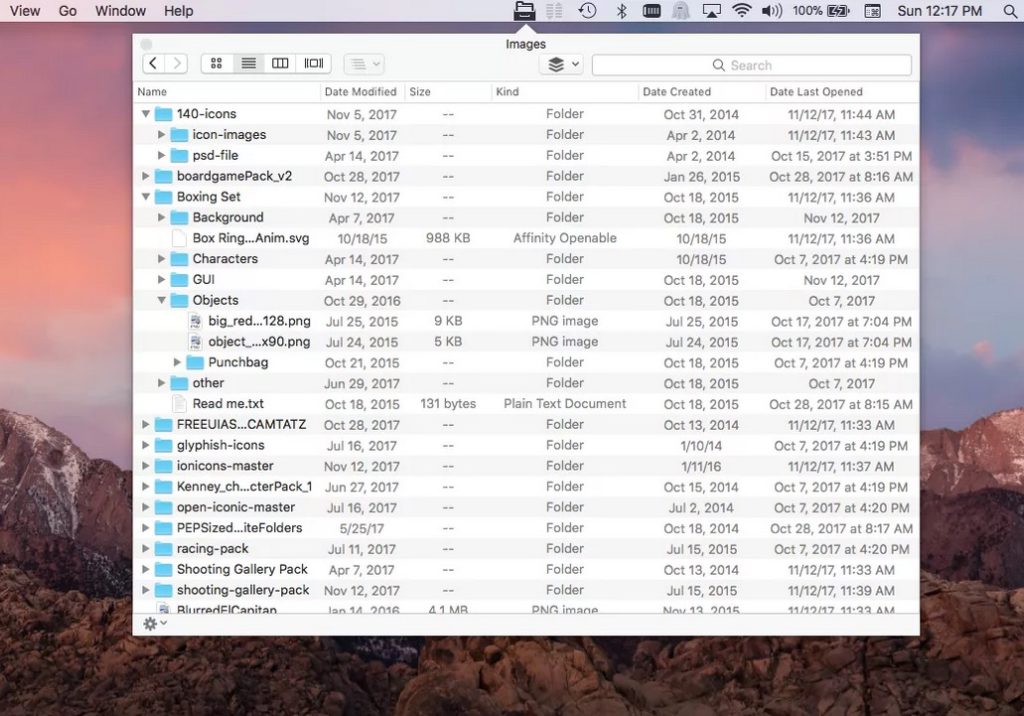
File Cabinet Pro is the file manager for your macOS menu bar. Quickly navigate to files without cluttering your desktop. Open, move, rename, compress, tag, trash, copy and paste files, all from the menu bar.

Visit Watch

Cardhop

Cardhop

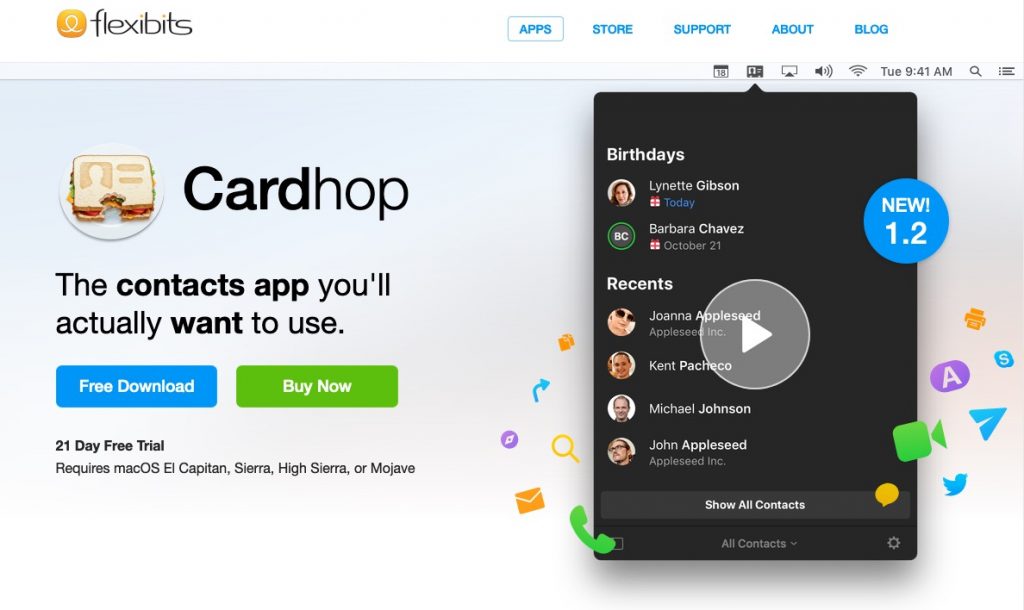
Cardhop solely lives in your menu bar and makes managing contacts much easier. Its powerful natural language input field lets you quickly search, add, edit, and interact.

Visit Watch

CloudMounter

CloudMounter

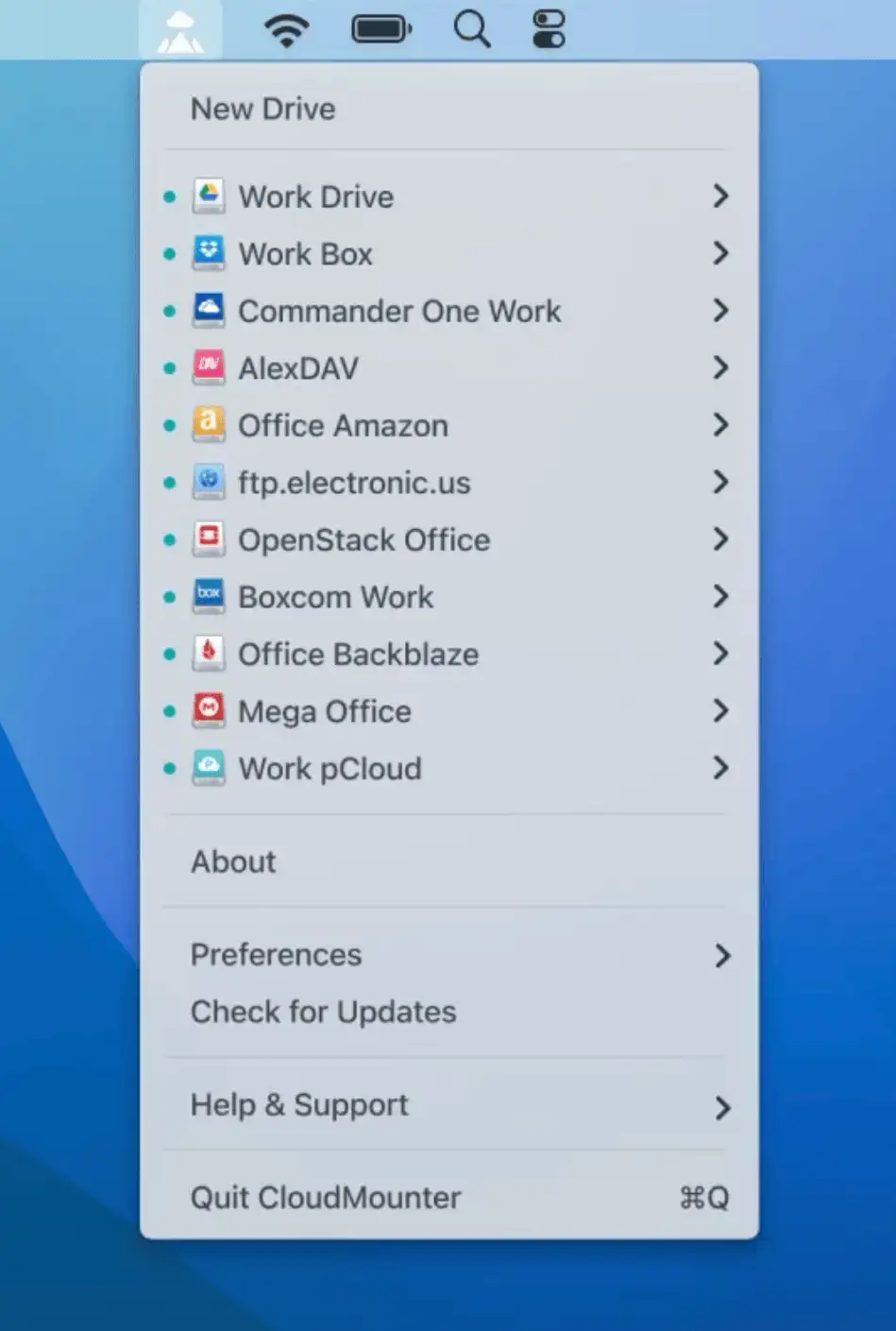
Mount your different cloud storages and web servers to your Mac as local drives. Now you can open cloud storage (Google Drive, Microsoft OneDrive, Dropbox, FTP/FTPS, WebDAV, Amazon s3, and SFTP) as if it were an external drive.

Visit Watch

Gestimer

Gestimer

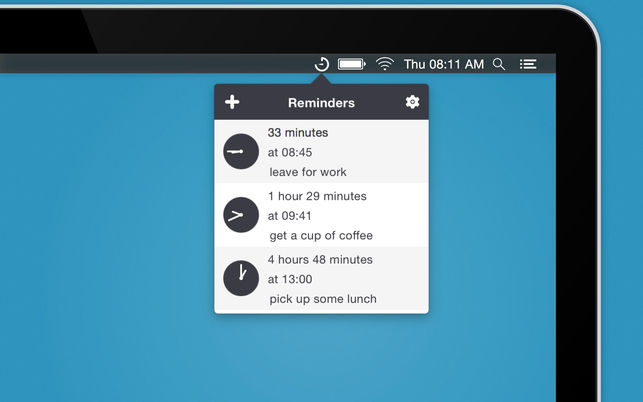
With Gestimer, you can create quick timebased reminders. Simply drag the Gestimer menu bar icon onto the screen to create your reminder. Click on the icon to view all your reminders as a list.

Visit Watch

Bumpr

Bumpr

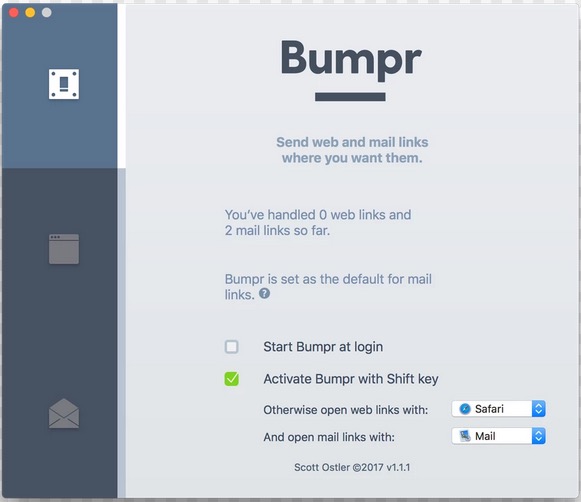
Most people pretend one browser is enough. The rest of us know better. Bumpr lets you choose where every link opens, so you can separate work and private browsing, test across browsers, or try something new without commitment. It handles mailto links just as smoothly, opening them in your preferred email app or Gmail in the browser you trust, with optional extensions that fit neatly into your daily workflow.

Visit Watch