Some apps are worth paying for. These premium menu bar tools deliver serious value.
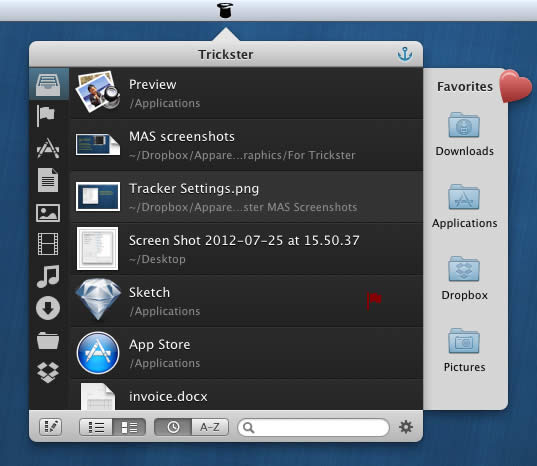
Trickster keeps track of recent files you’ve been using on your Mac and gives you super easy and lightning fast access to them. Your recently used files, at your fingertips. Well, in your menu bar.
Visit
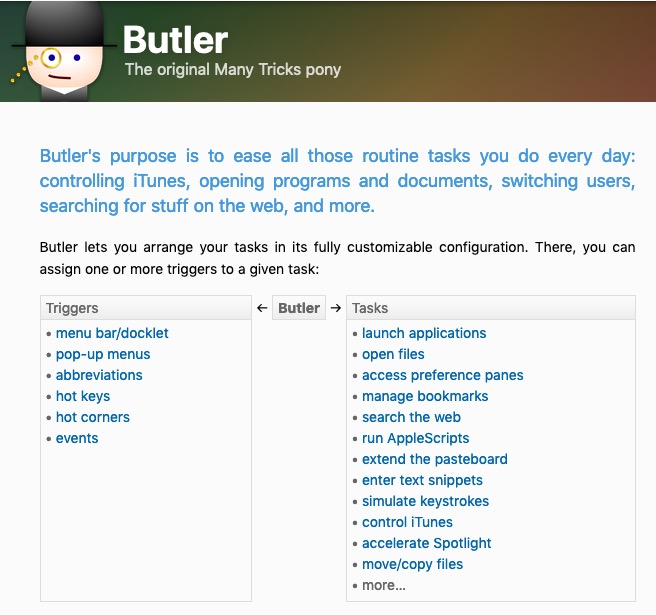
Butler for Mac is a do-it-all utility for your Mac: Launcher, iTunes controller, macros, pop-up folders, multiple clipboards, and more.
Visit Watch
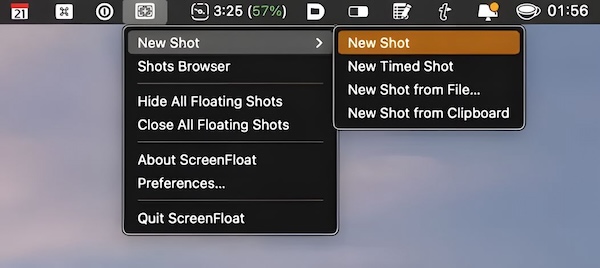
Screenfloat is a simple way to capture, annotate and share screenshots with beautiful floating previews, making screenshot management intuitive and visually appealing.
Visit Watch
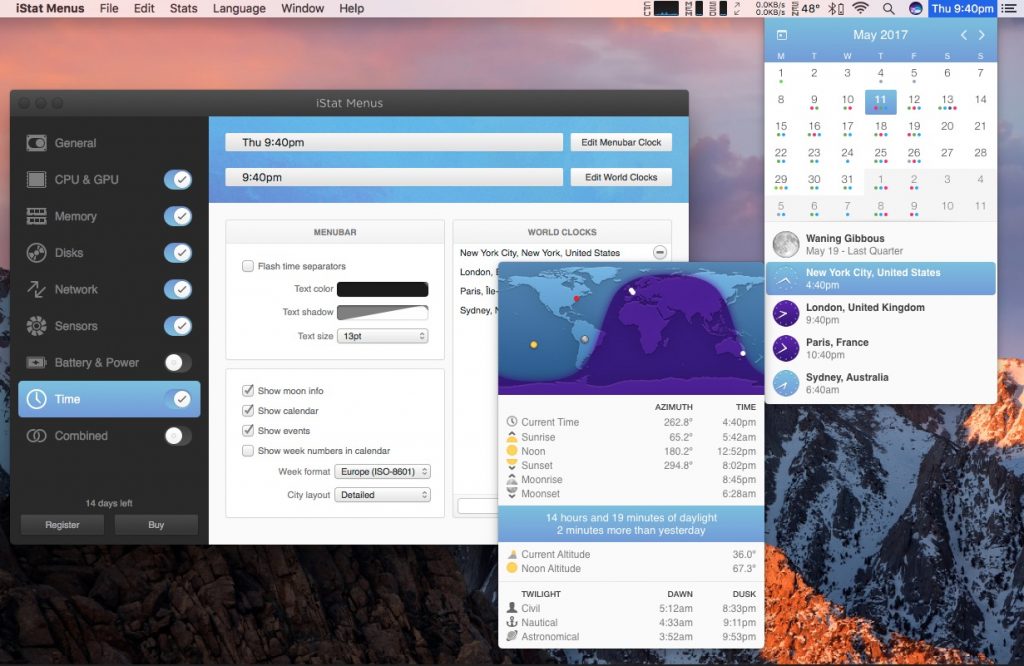
iStat Menus provides tiny graphs in the menu bar. Click them and they expand into a wealth of info about your CPU, GPU, memory, network, disk usage, disk activity, temperatures, fans, battery info and more.
Visit Watch
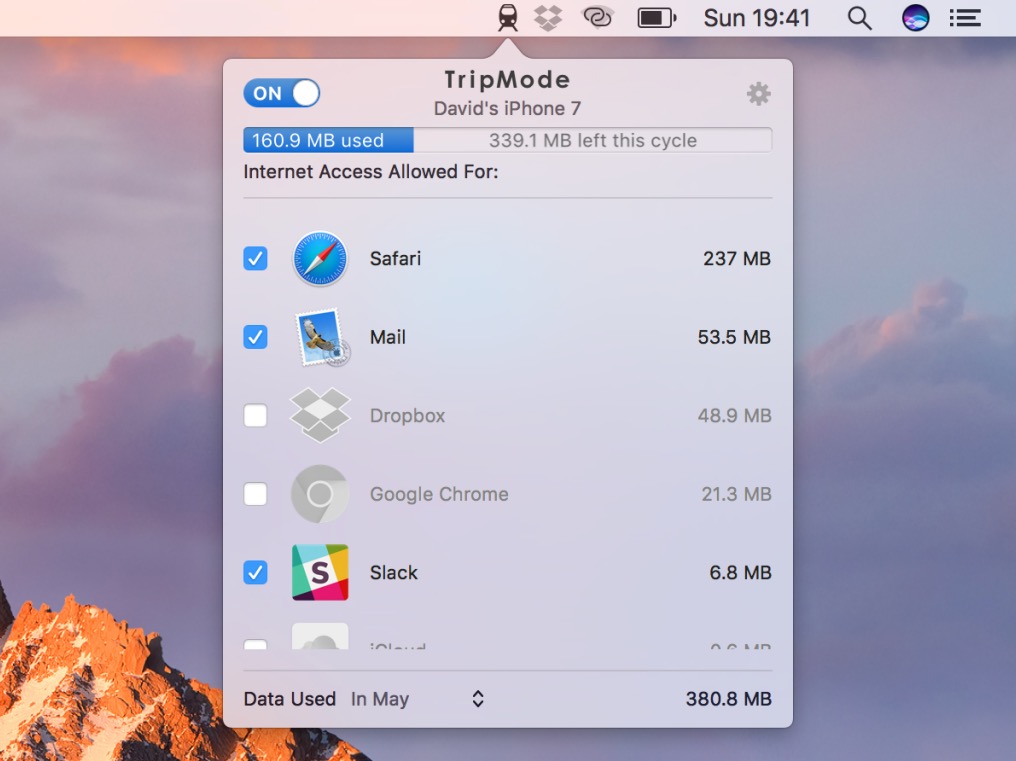
With TripMode you can prevent apps from connecting to the internet when you are using a mobile hotspot. This prevents unexpected bills for high data usage on your mobile plan.
Visit Watch
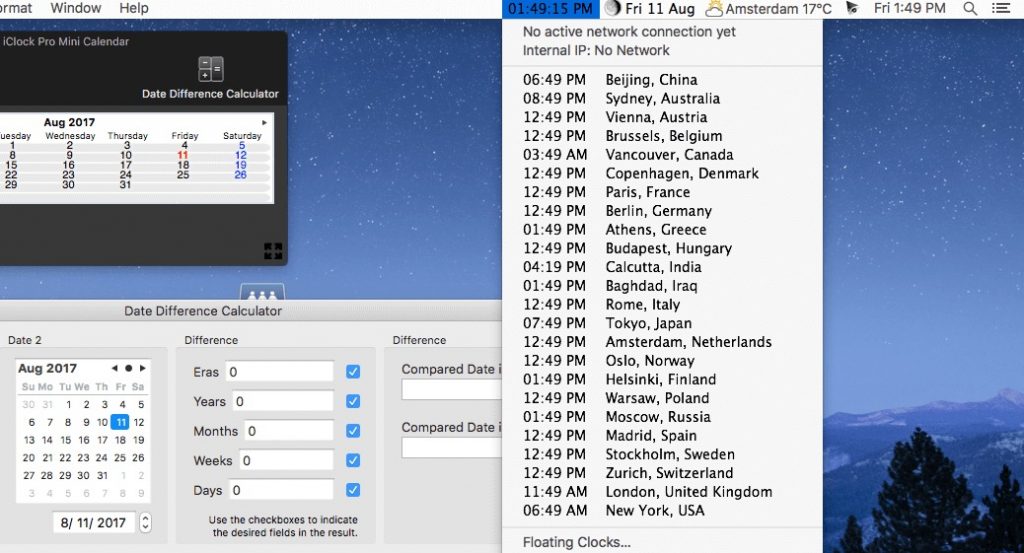
This menubar clock replaces the limited time app in the menubar with a drop-down menu of the current time/date in any city in the world, time & date simultaneously in any format, font or color, instant calendar, stopwatch, moon phase, floating clocks, and much more.
Visit Watch
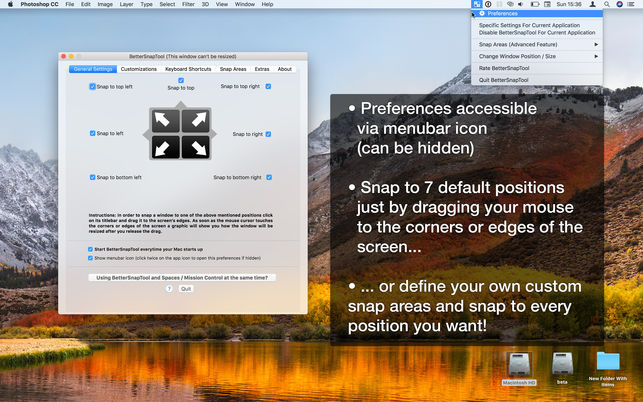
BetterSnapTool runs in the background as a menu bar app. It lets you manage your window positions and sizes by either dragging them to one of the screen’s corners or to the top, left or right. You can also set keyboard shortcuts in order to move and resize your windows.
Visit Watch
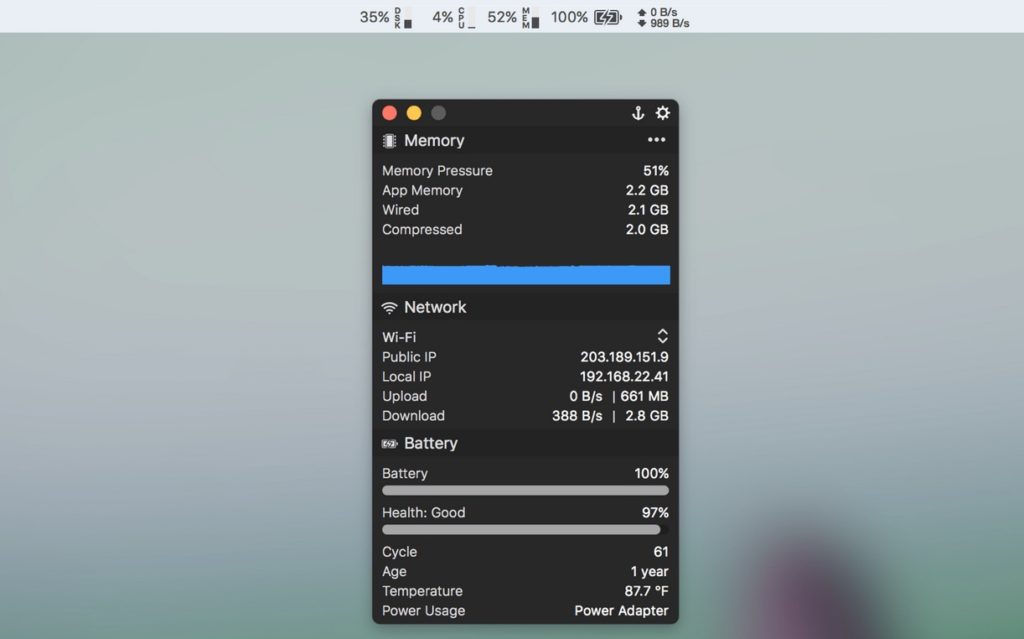
MenuBar Stats 3 splits your Mac’s vital signs into modules, from CPU, memory and disk to network, battery and Bluetooth, each with its own spot in the menu bar. Show them separately or bundle them into one window, with graphs and top processes when you want the details. Optional helpers add temperature and fan readings.
Visit Watch
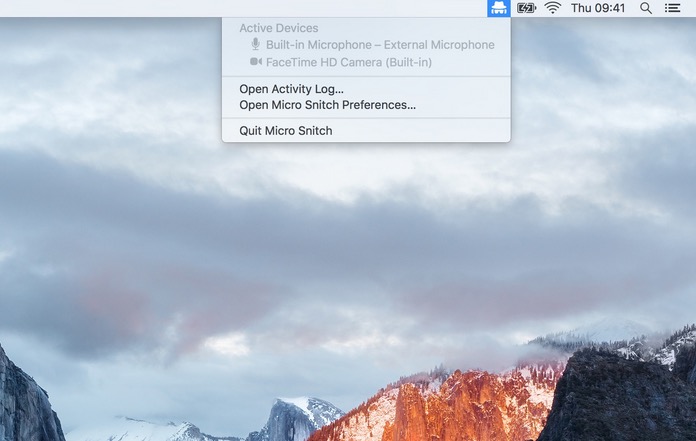
Know when someone or something is using your computer’s microphone (or web cam). This menu bar app monitors and reports any microphone and camera activity to help you figure out if someone’s spying on you.
Visit Watch
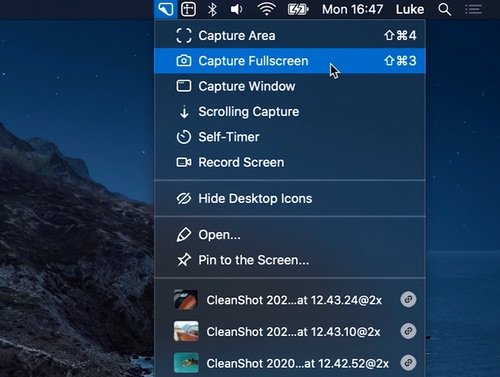
Instantly save, copy or drag & drop screenshots or screen recordings to other apps. You can also upload your captures to the CleanShot Cloud and instantly get a shareable link. Simple and useful.
Visit Watch