Collection:
Time Apps
Await
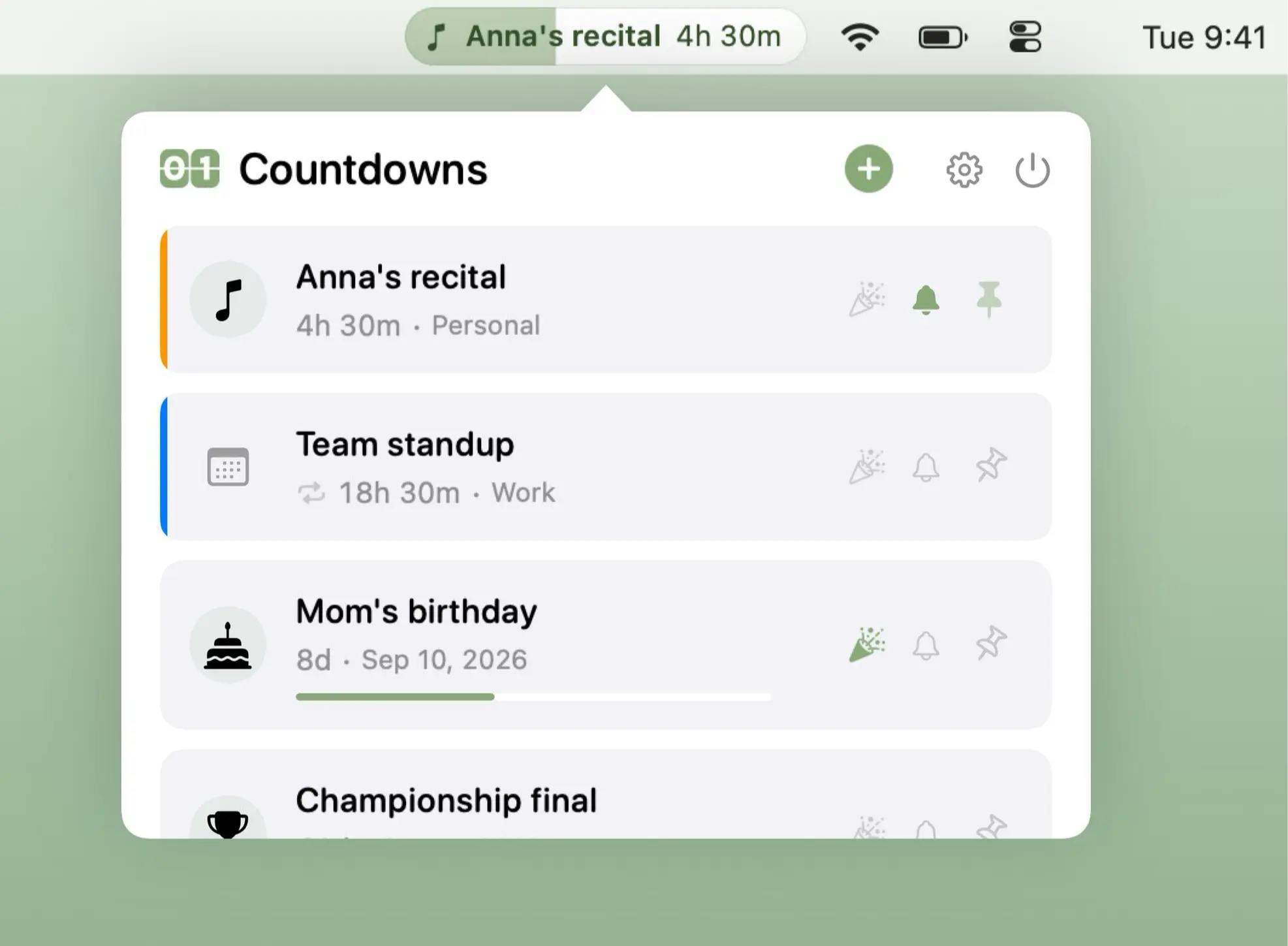
Await tracks important dates and events with live countdowns, calendar integration, recurring events, time-zone awareness, and optional full-screen celebrations across every connected display.

Make time visible, tangible and slightly less abstract. Track countdowns, milestones and year progress, display multiple time zones, log work sessions, schedule reminders, prevent eye strain, guide breaks, show fuzzy or UTC time, and surface subtle cues that keep you aware of how your day unfolds.
Make time visible, tangible and slightly less abstract. Track countdowns, milestones and year progress, display multiple time zones, log work sessions, schedule reminders, prevent eye strain, guide breaks, show fuzzy or UTC time, and surface subtle cues that keep you aware of how your day unfolds.
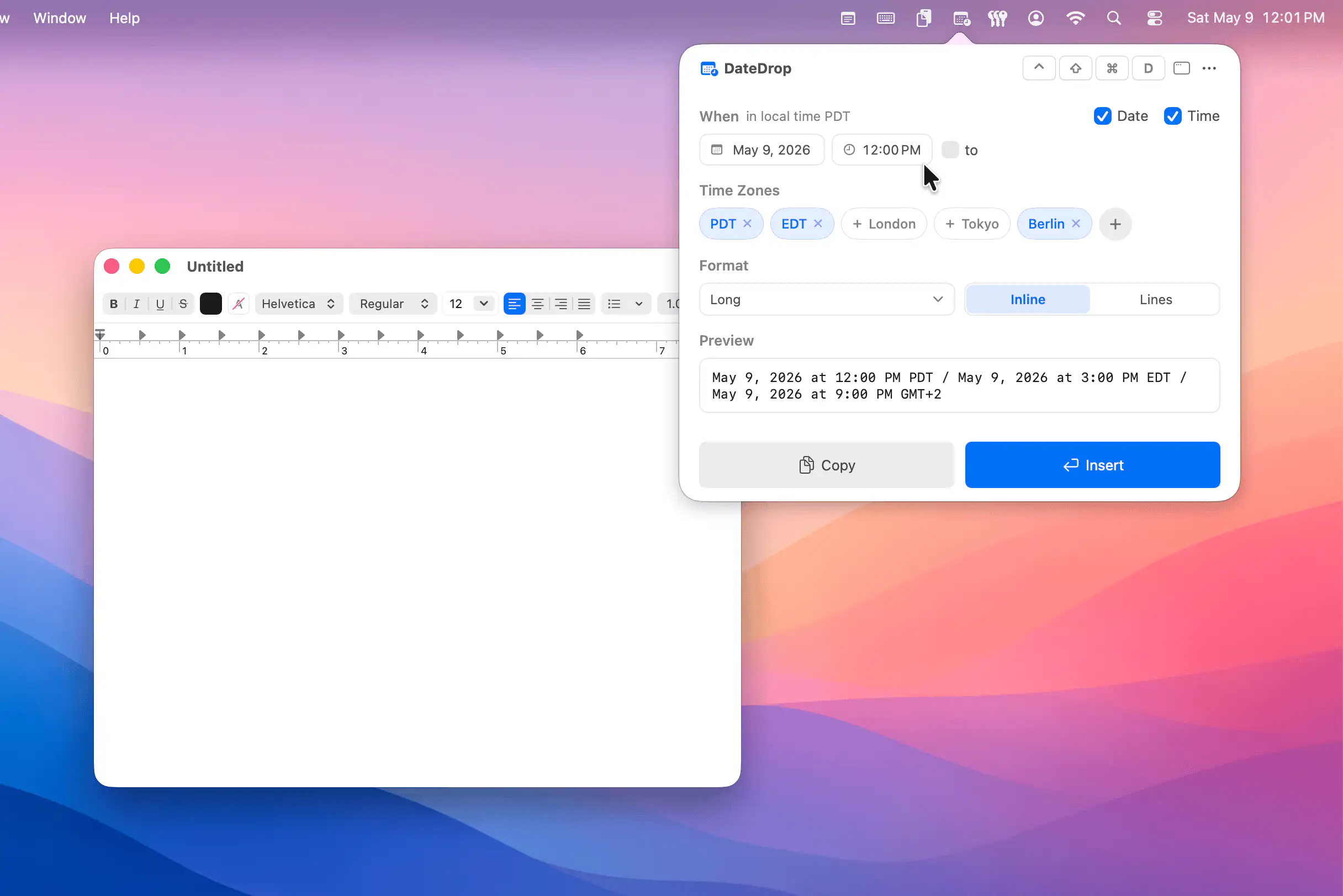
EasyWhen makes it easy to insert perfectly formatted dates, times, and time ranges anywhere you type, on Mac as well as iPhone and iPad. Type plain phrases like “next Tuesday 3pm”, pick your time zones and format, and scheduling stops feeling like administrative punishment.
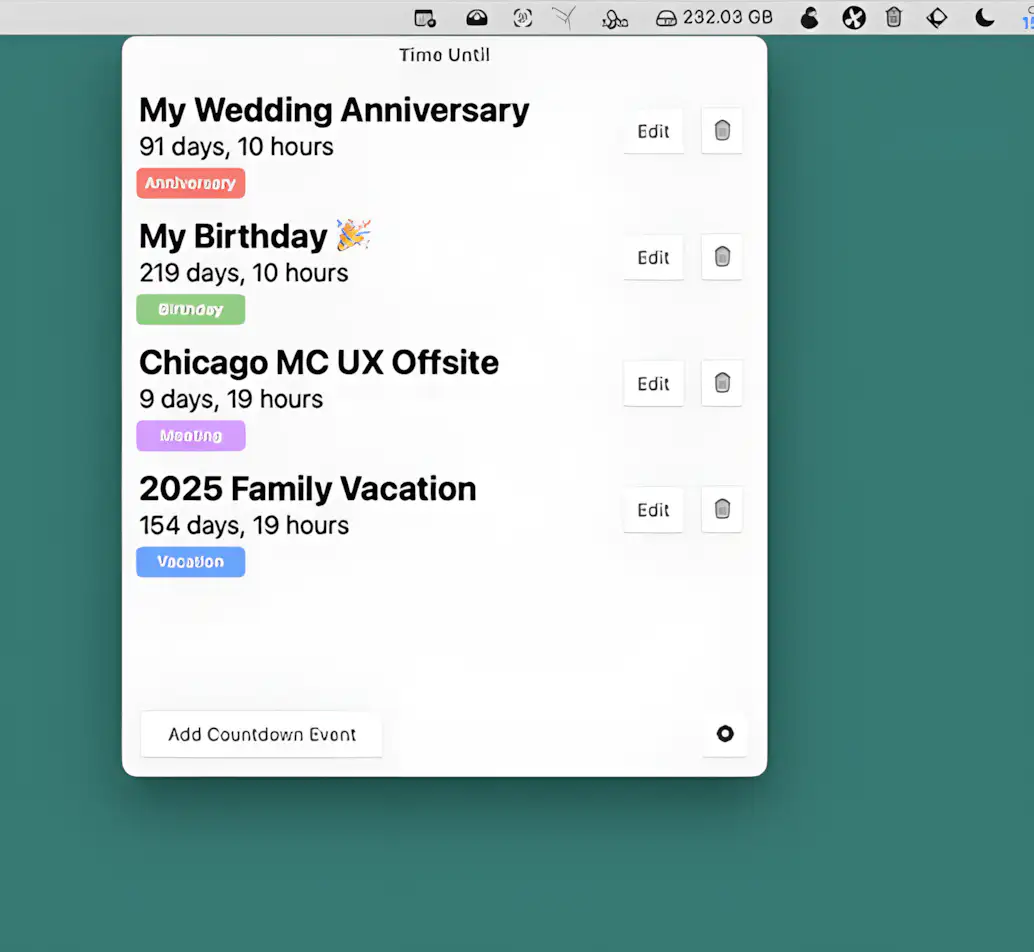
This menu bar app helps you track countdowns to important events—birthdays, vacations, and more. Add up to 8 events, optionally sync with your macOS calendar, get real-time updates, and receive alerts when the time comes.

Schedule regular mindfulness reminders, each announced by the calming sound of a singing bowl.
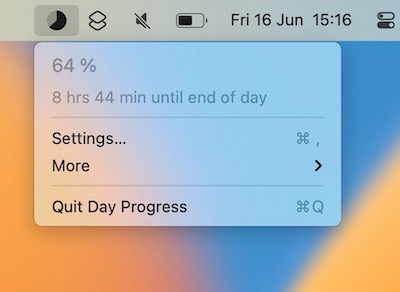
This menu bar app keeps track of the time remaining in your day. Use it as a visual cue to stay motivated and manage time more efficiently.
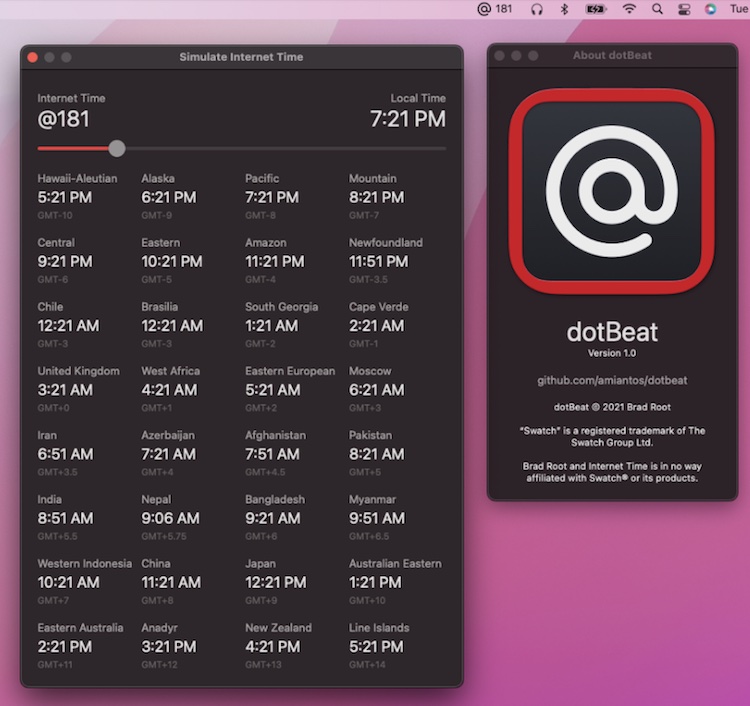
dotBeat shows the current Swatch Internet Time in your menu bar. It also gives you a view into how Internet Time corresponds to local times across the globe.