Collection:
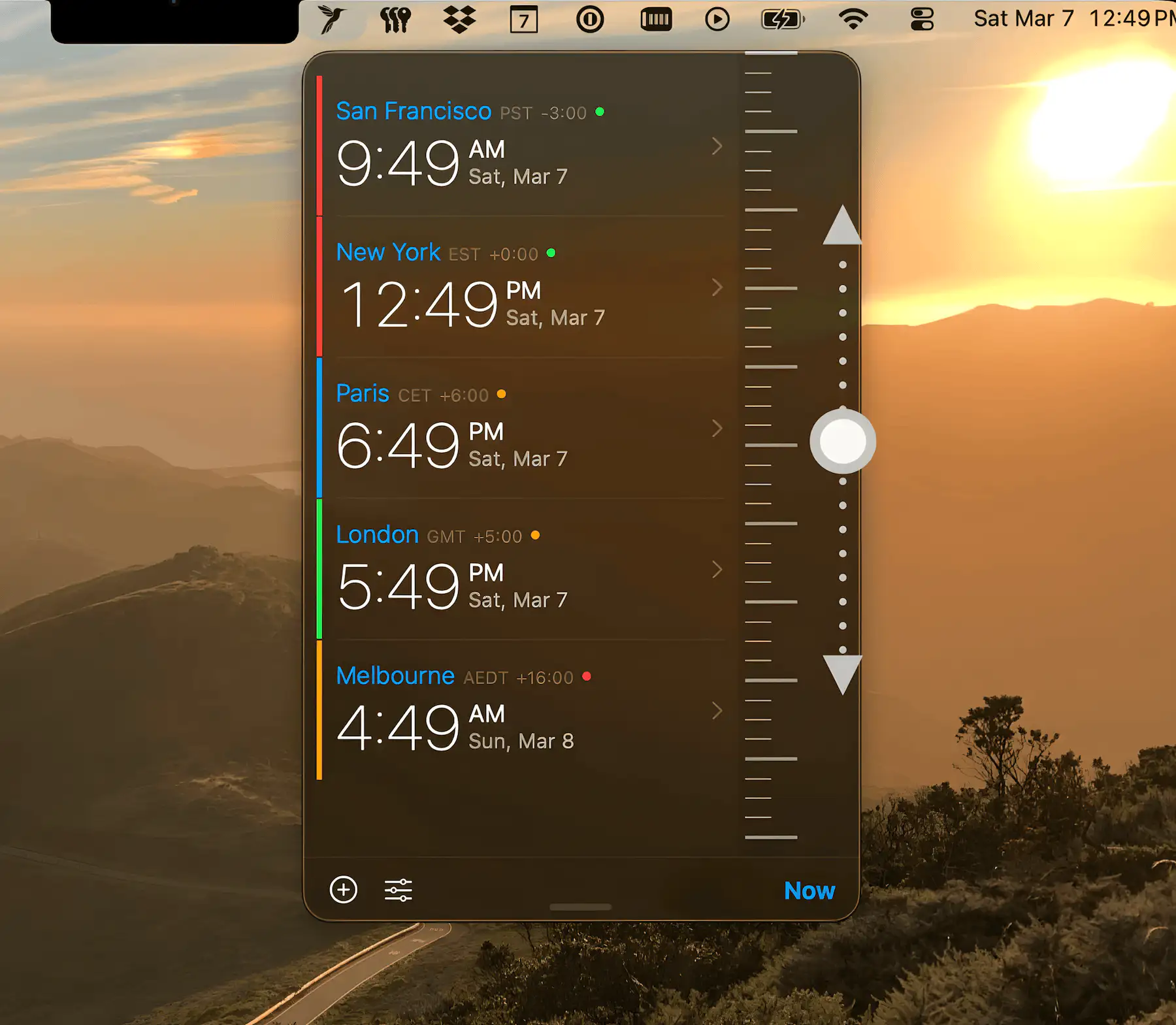
Time Zone Apps
Dayside
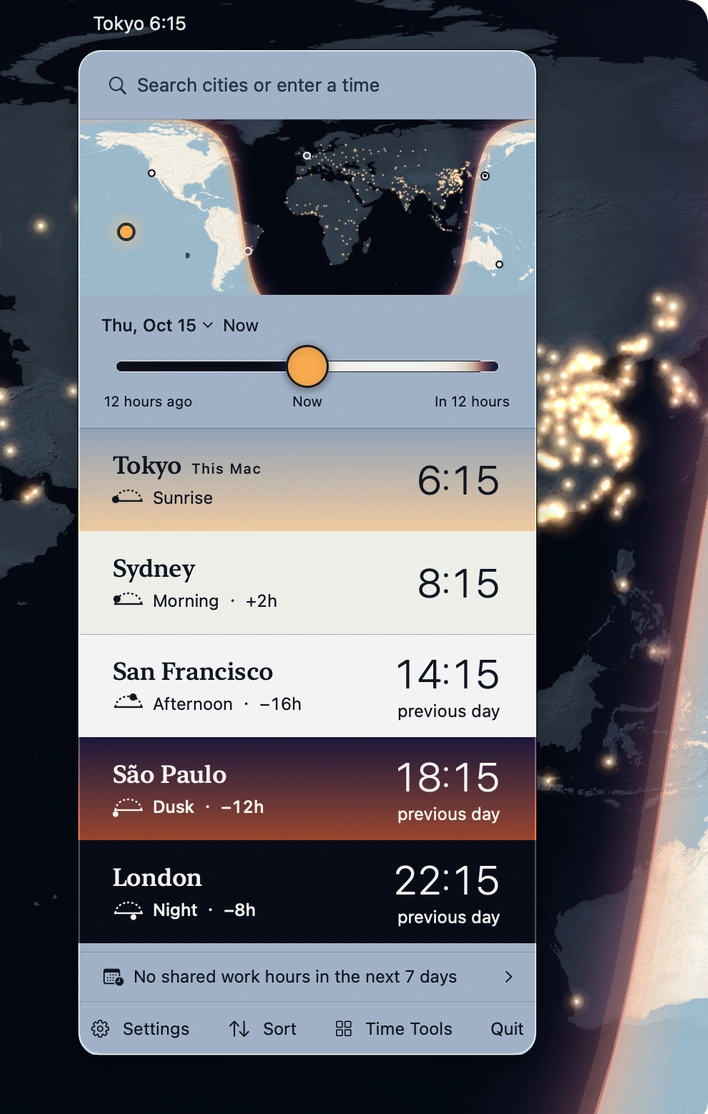
Track time around the world with sky-colored clocks, a day-and-night map, and smart meeting planning. Extract dates and time zones from messages in 16 languages, entirely offline.

Stay in sync across borders and bedtimes. Display multiple world clocks, preview future hours, slide through time to plan meetings, compare zones instantly, label cities with custom names or flags, and coordinate remote teams without mental math or awkward midnight calls.
Stay in sync across borders and bedtimes. Display multiple world clocks, preview future hours, slide through time to plan meetings, compare zones instantly, label cities with custom names or flags, and coordinate remote teams without mental math or awkward midnight calls.
Track time around the world with sky-colored clocks, a day-and-night map, and smart meeting planning. Extract dates and time zones from messages in 16 languages, entirely offline.
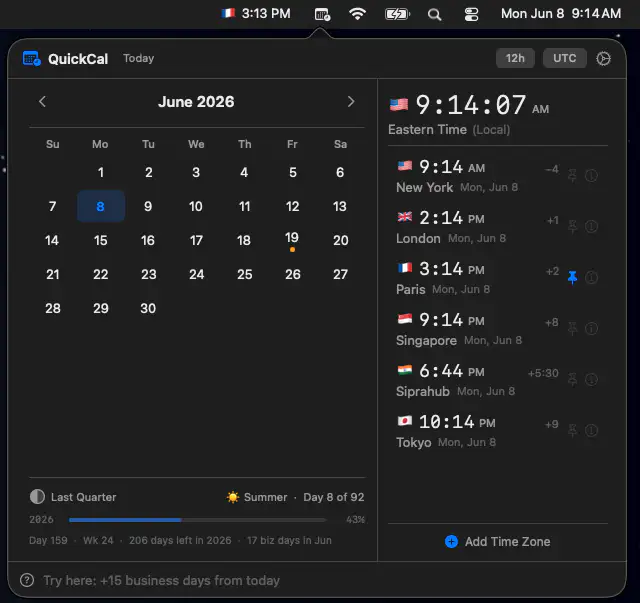
QuickCal brings calendars, world clocks, and natural-language time calculations together in a fast, offline workspace. It helps professionals coordinate across time zones, track holidays, and answer date-related questions without subscriptions or internet access.
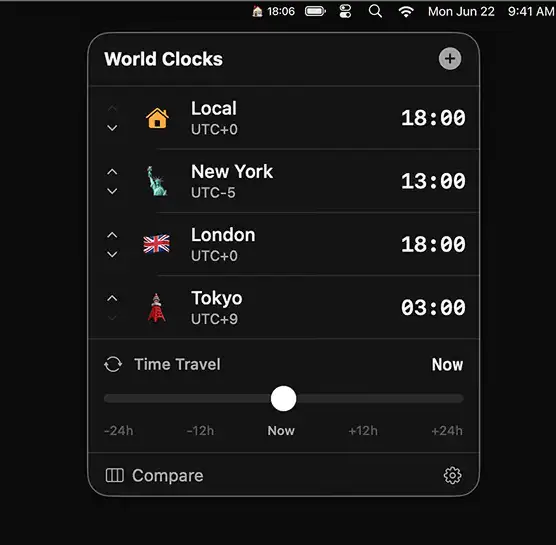
A macOS menu bar app that shows multiple world clocks at a glance, with custom names and a time-travel slider to plan meetings or check if friends abroad are awake.

SecondClock shows a second (or third or fourth) time zone in your menu bar. You can select from all time zones and customize the name shown to fit your needs.
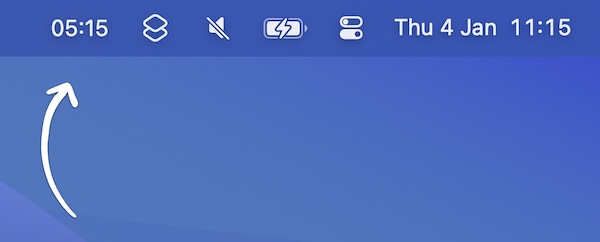
This menu bar app shows a second clock for a different time zone in your menu bar. There’s a workaround to have even more clocks.
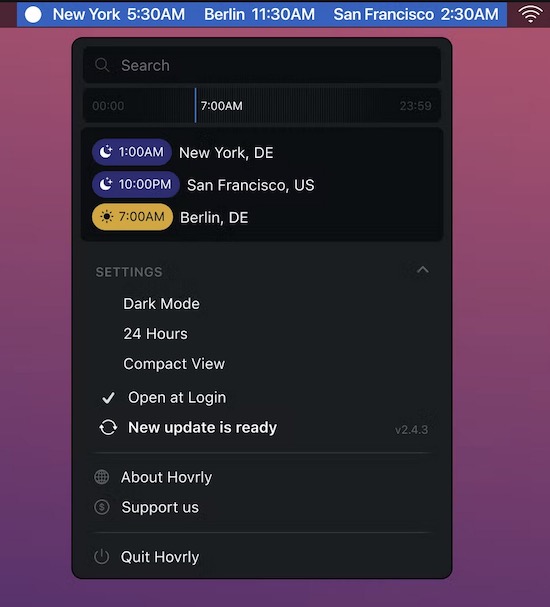
This small app allows you to keep specific time zones in your menu bar. You can enter as many time zones as you want.
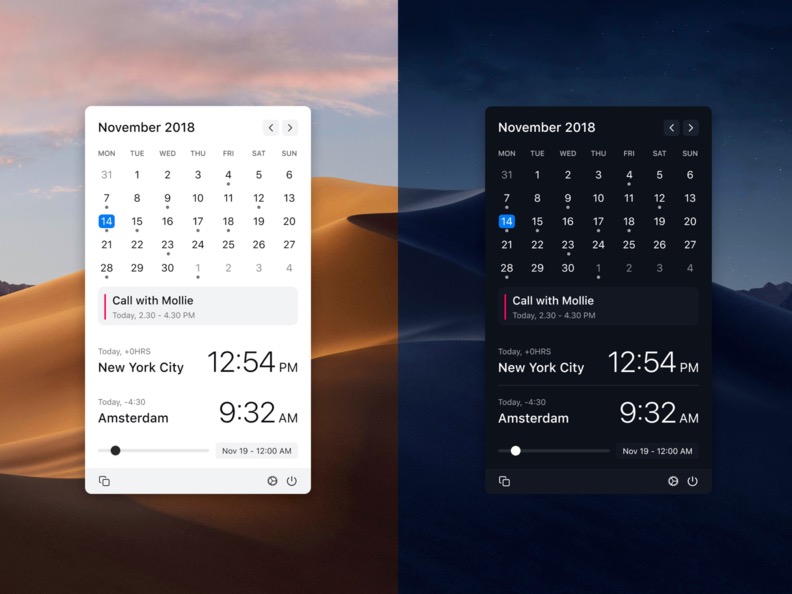
Clocker helps you keeping track of your friends and colleagues in different time zones. You can also add notes and create reminders.
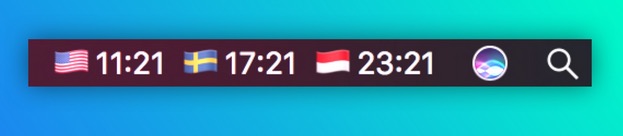
FlagTimes keeps track of multiple time zones through country flags, so you always know what time it is for colleagues abroad. It’s customizable, lightweight and based on Apple’s own clock.