Take control of every window on your screen. Snap, resize, tile, blur, pin, group, rename Spaces, restore layouts, automate hot corners, switch between windows and tabs, and design precise multi display setups that match your workflow instead of fighting it.
Show me the free apps only
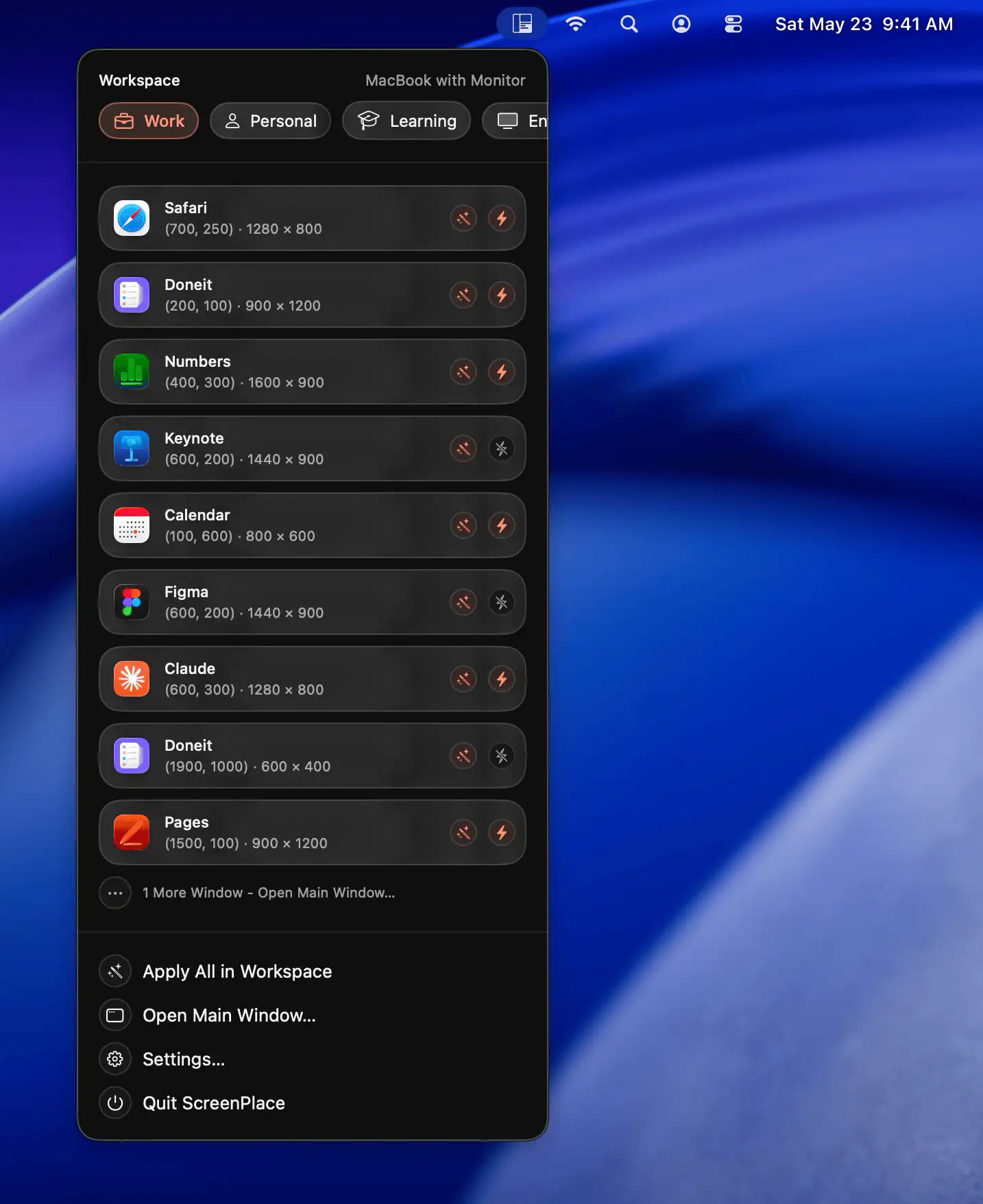
ScreenPlace helps keep your Mac workspace organized by remembering and restoring window layouts automatically. With reusable templates, multi-display support, and customizable workspaces, it makes switching between tasks faster and more consistent.
Visit
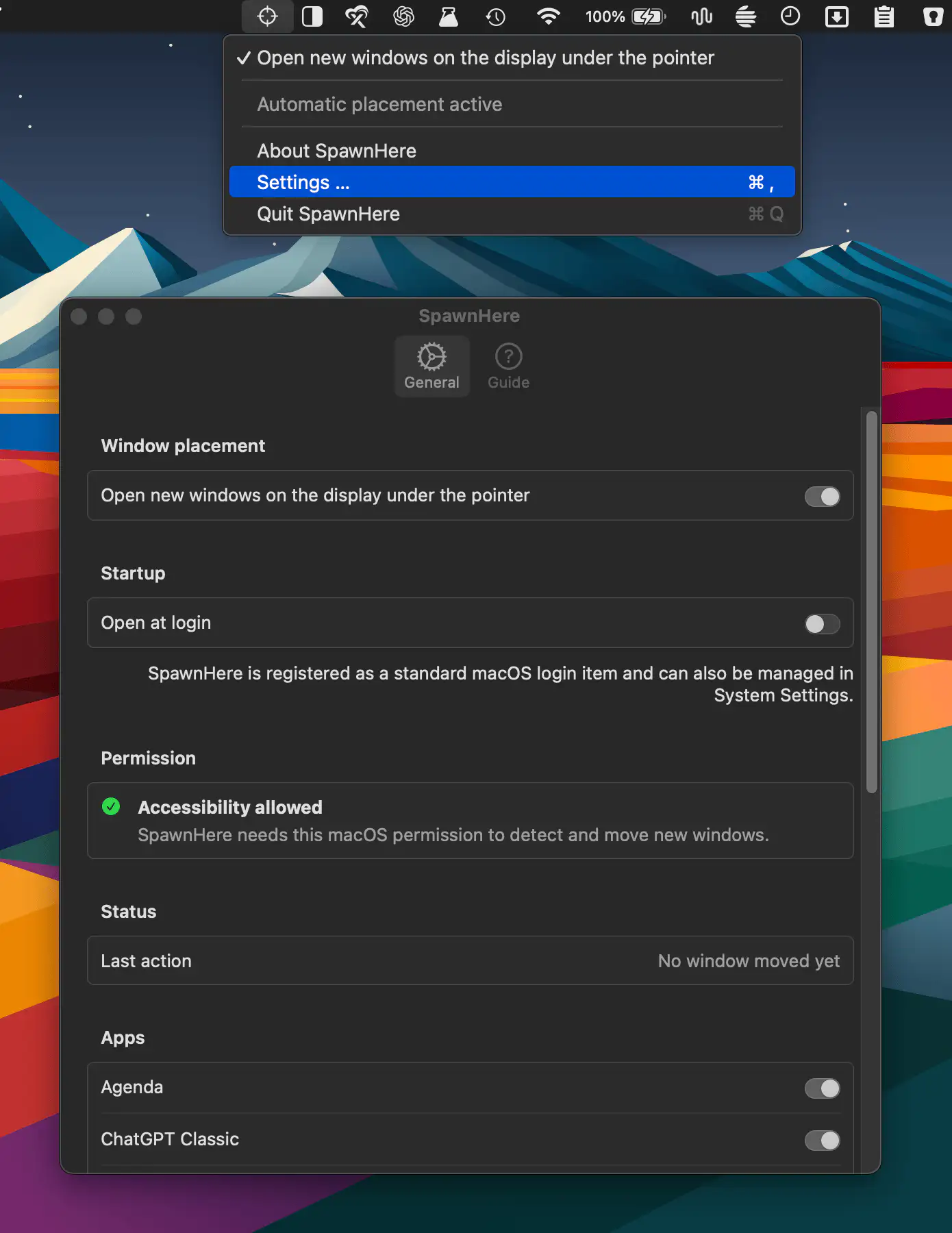
SpawnHere automatically places newly created app windows on the display beneath your pointer, making multi-monitor workflows more convenient. It works across compatible apps while keeping controls simple and settings private.
Visit
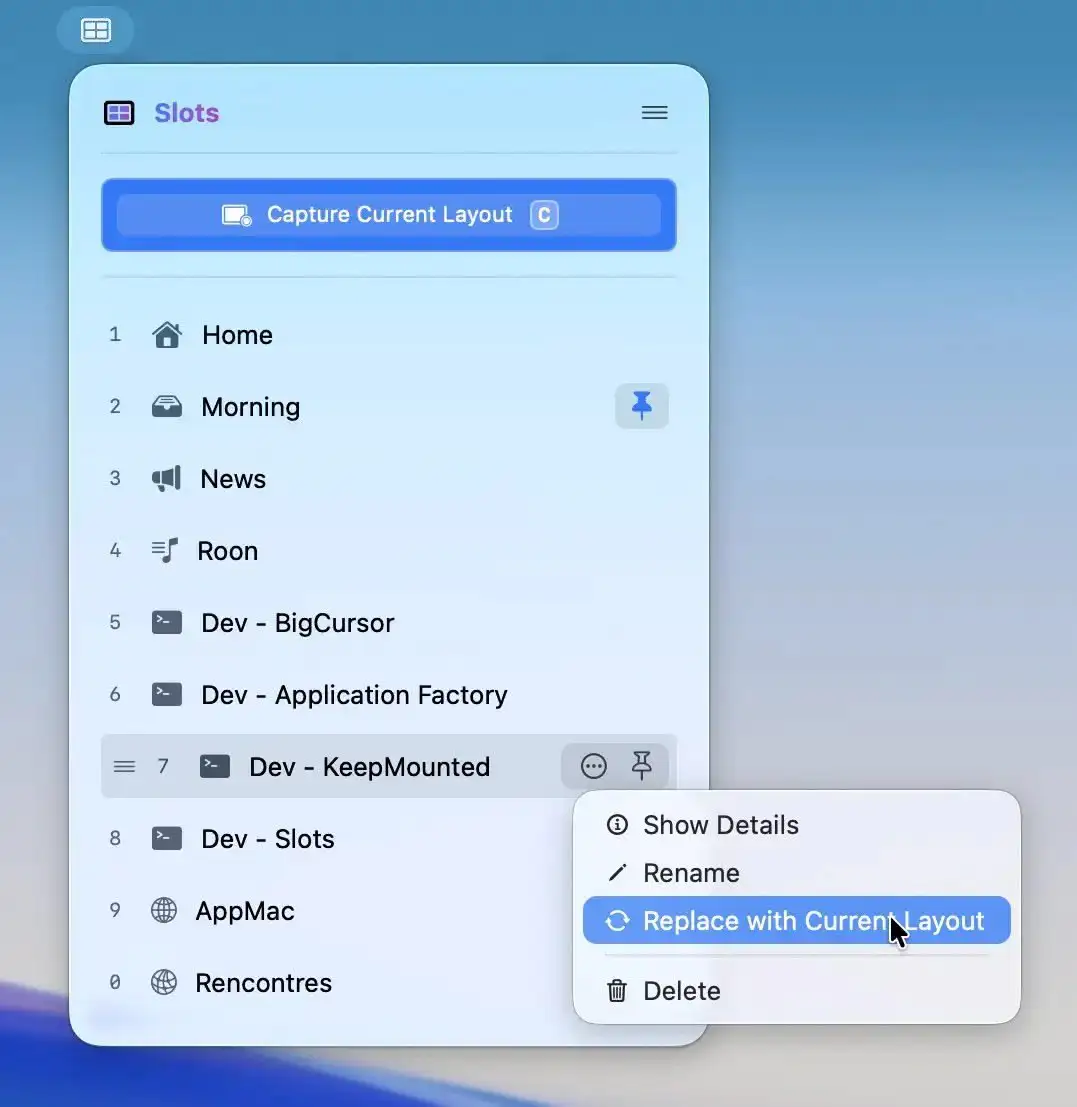
Slots lets you capture a perfectly arranged workspace and restore it instantly, relaunching apps and placing windows exactly where they belong. For supported apps, even tabs and documents return, all in a fast, native experience.
Visit
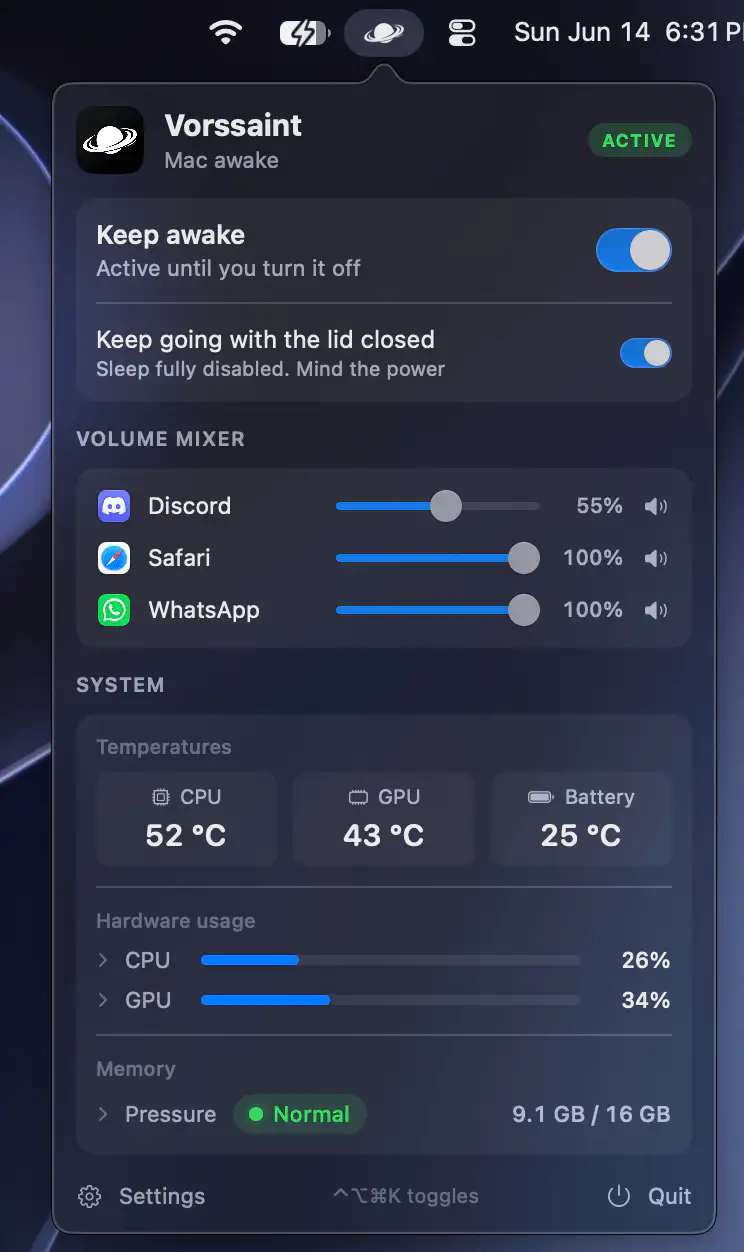
This menu bar app brings together a range of everyday Mac utilities in one place, from system monitoring and app management to audio controls, window switching, file handling, and productivity tools.
Visit
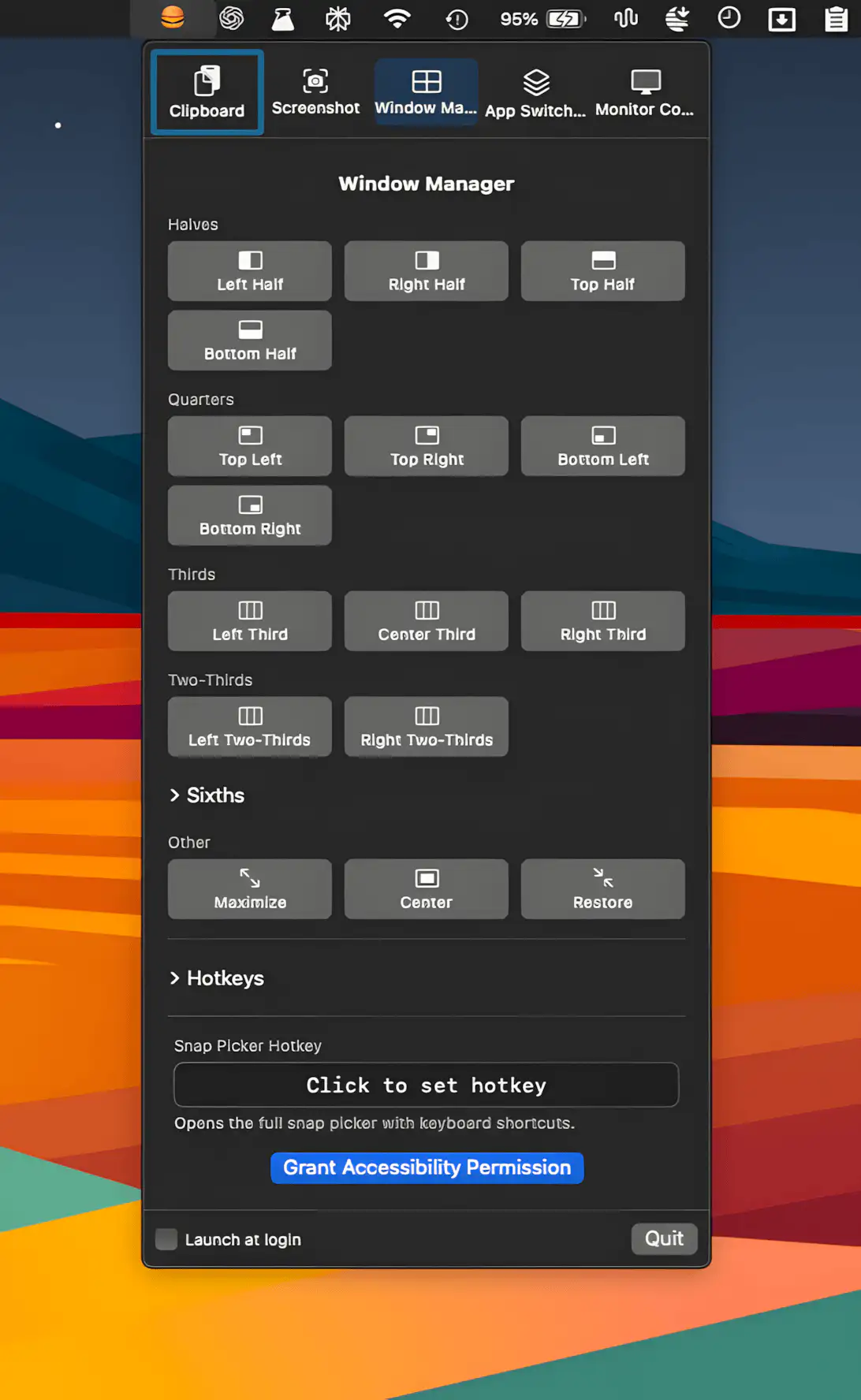
This menu bar app pulls clipboard history, screenshots, window snapping, app switching, and display control into one tidy place, with customizable hotkeys and polite conflict detection.
Visit
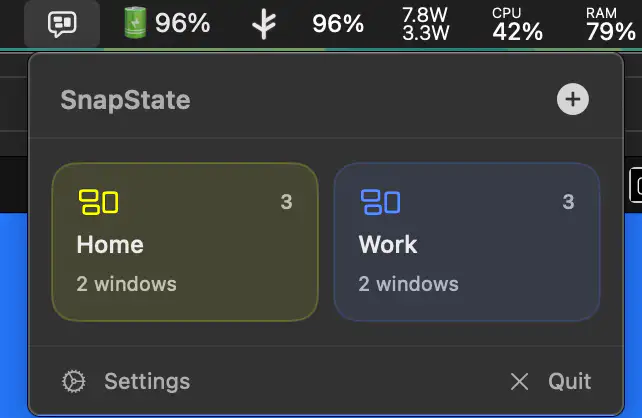
SnapState lets you save and instantly restore your macOS setup, from window positions to browser tabs, so switching contexts feels less like chaos and more like control.
Visit
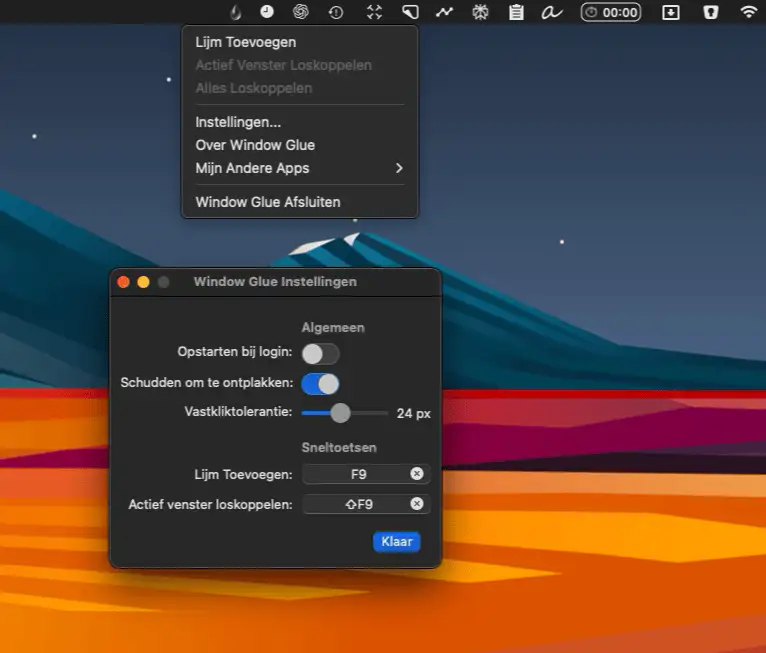
A lightweight macOS menu bar tool that effortlessly links two windows, making them move and resize together, enhancing your workflow with minimal fuss.
Visit Watch
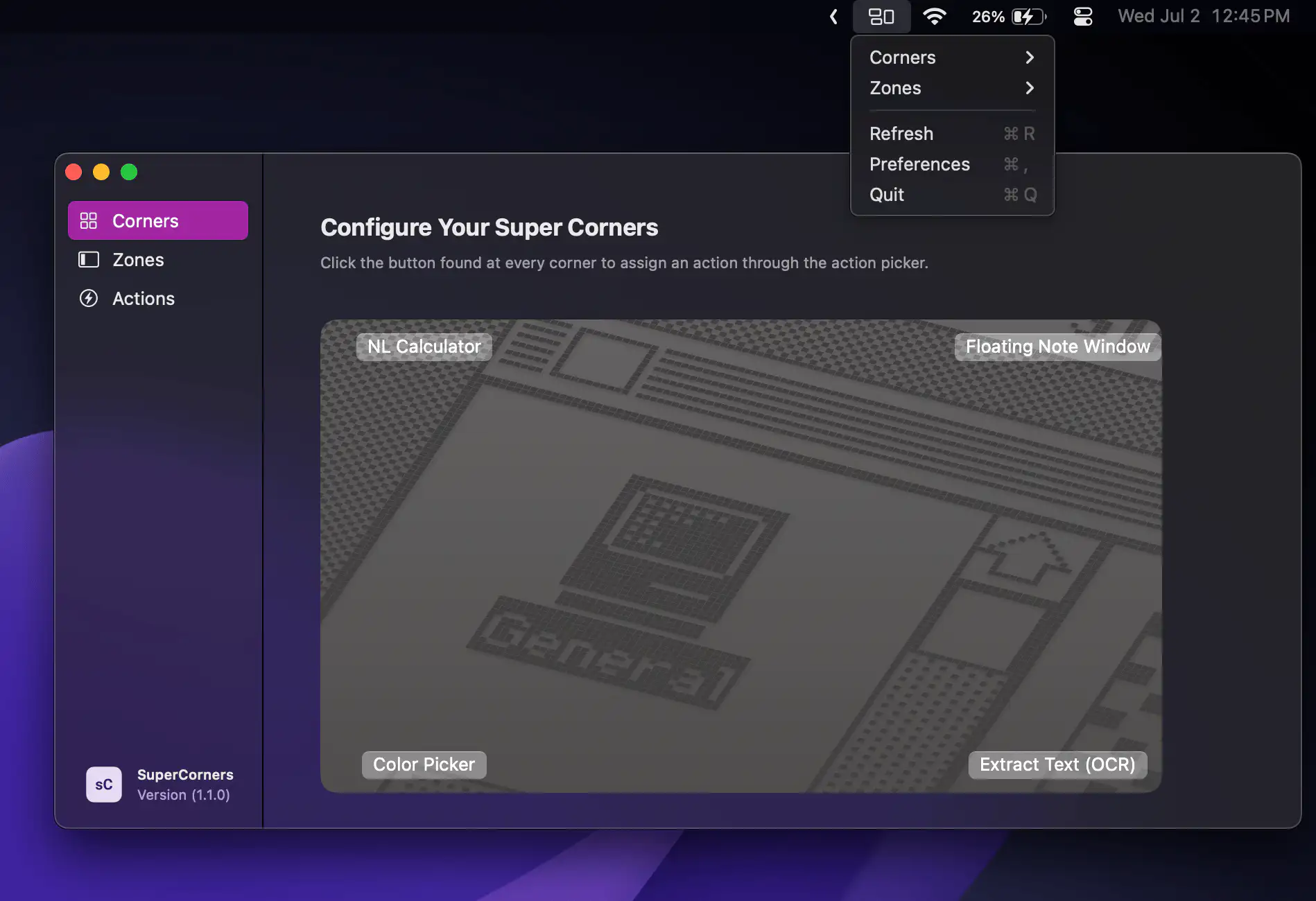
SuperCorners supercharges macOS Hot Corners with extra zones, smarter automation, and full control—turning every screen edge into a seamless, customizable gateway for apps, shortcuts, scripts, and more.
Visit
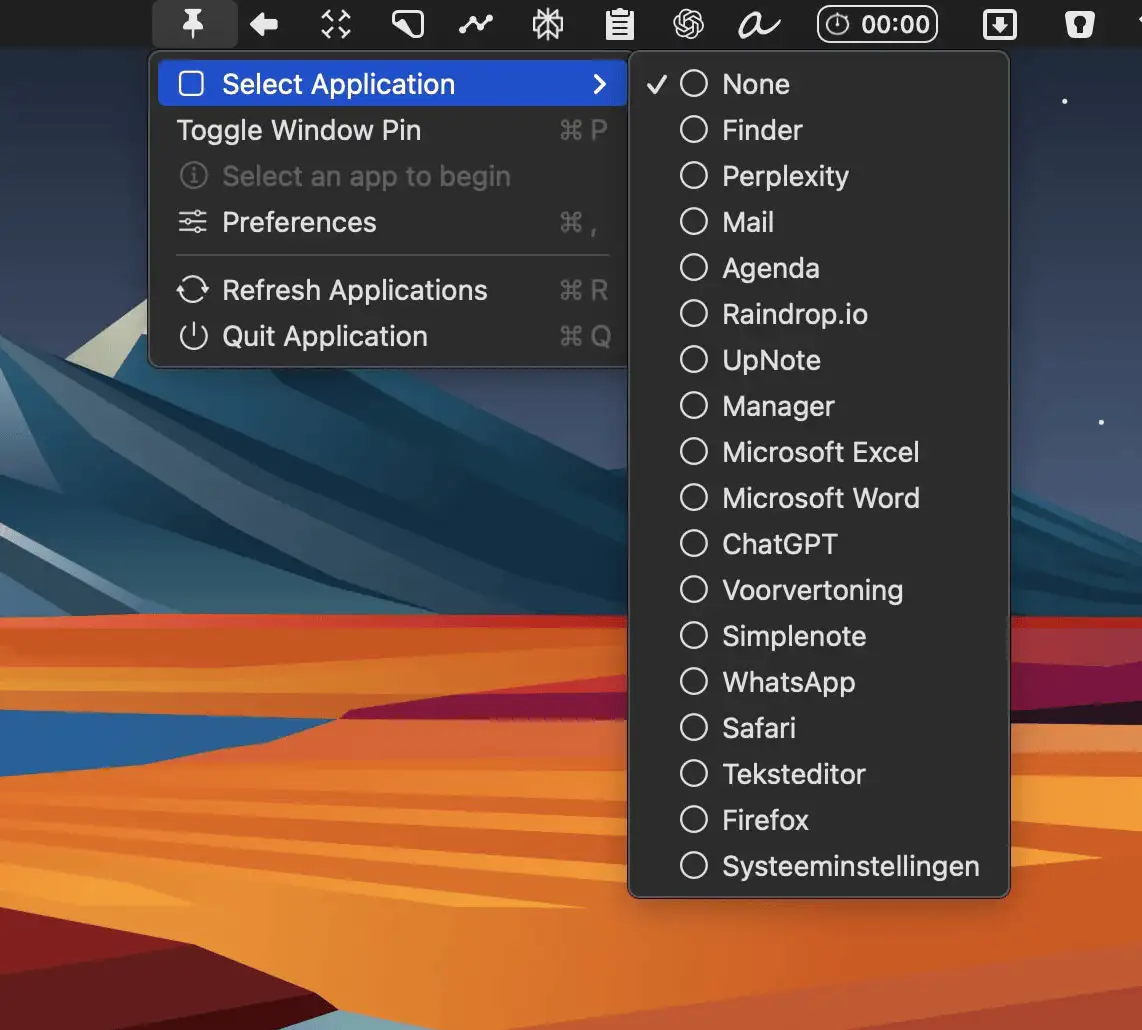
AlwaysOnTop lets you keep any window pinned above others with a simple shortcut and a sleek menu bar interface for effortless multitasking.
Visit
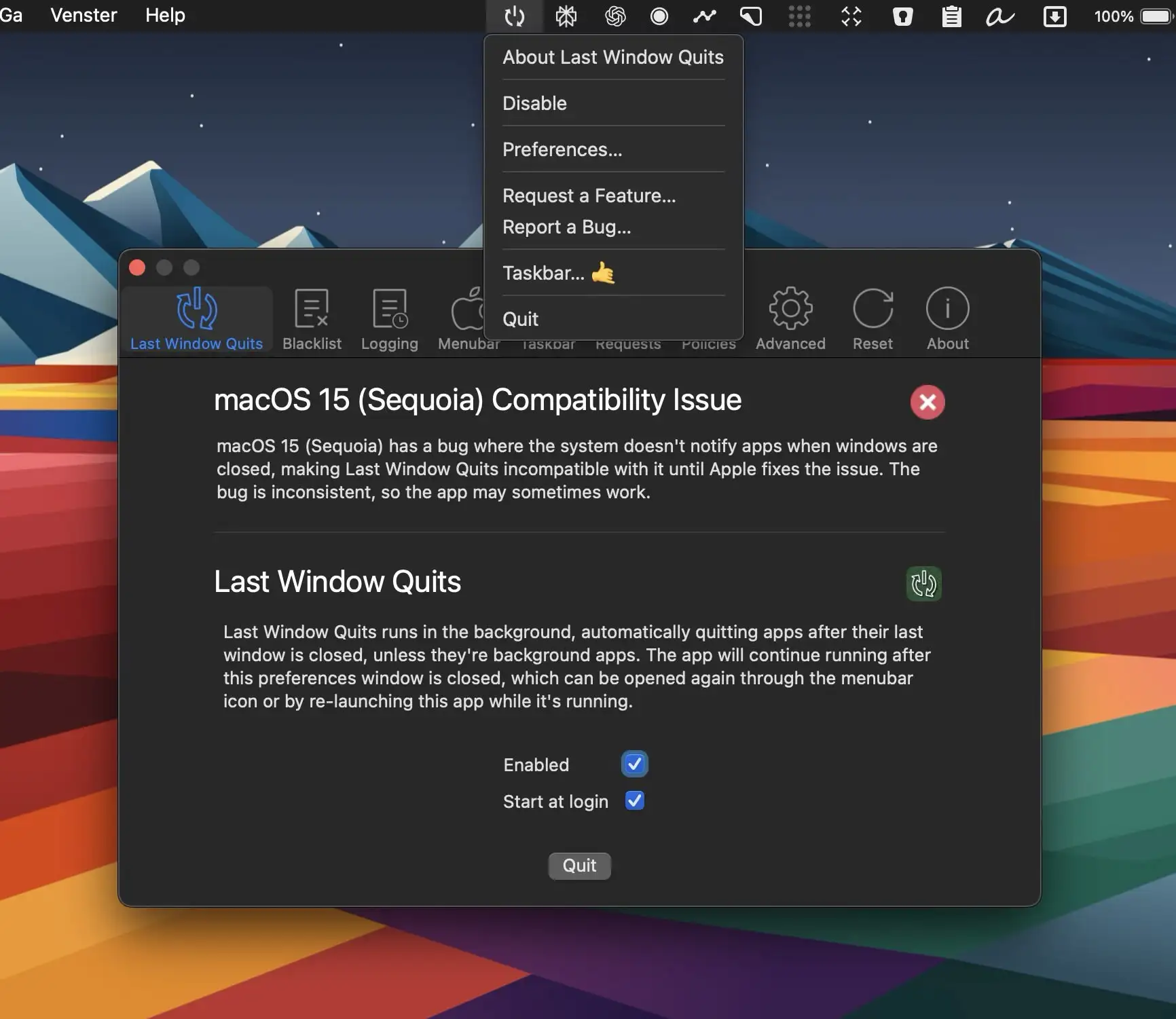
Last Window Quits is designed to automatically close apps when their last window is closed, saving system memory and preventing unnecessary background processes.
Visit
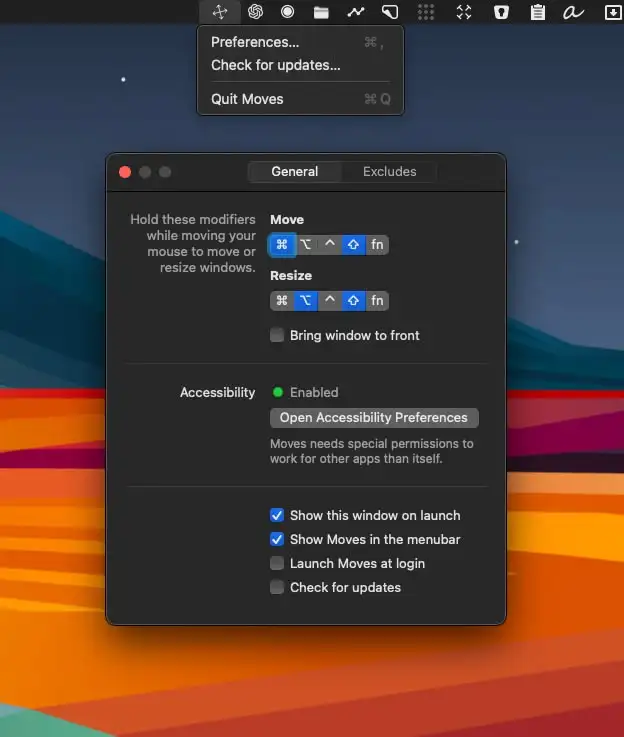
Moves makes window positioning effortless. Simply hold your modifier keys and move the mouse—no more struggling with tiny window edges or distant title bars.
Visit Watch
