Write faster, cleaner and smarter across every app. Dictate text offline, translate instantly, refine grammar and tone with AI, expand snippets, clean formatting, extract text from images, manage emojis and symbols, automate text transformations, and keep everything flowing without breaking your focus.
Show me the free apps only
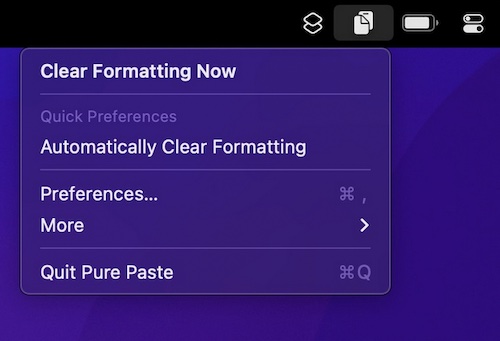
How many times have you pasted some text into an email, and ending up with a mess of different font sizes? Pure Paste clears all the formatting (fonts, colors, bold, links, tables, etc.) from text you copy.
Visit
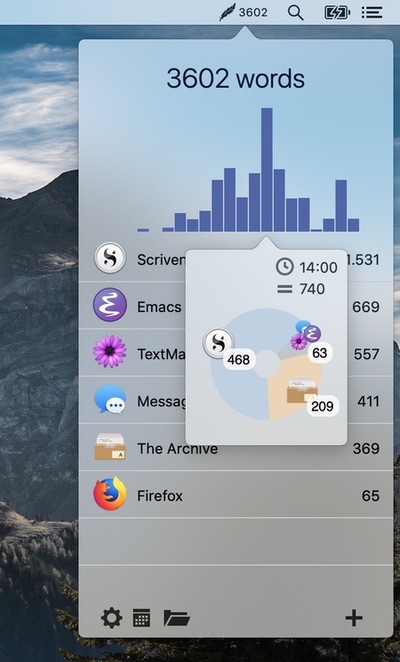
Track how many words you write daily across all your applications. This tool integrates seamlessly into your workflow without opening other applications or additional windows.
Visit
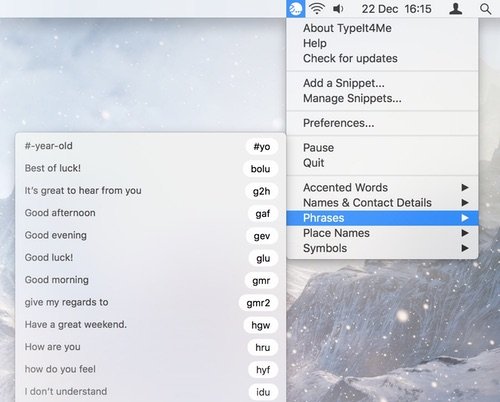
This menu bar app speeds up your typing by instantly replacing short abbreviations with longer snippets of text and / or pictures as you go along.
Visit
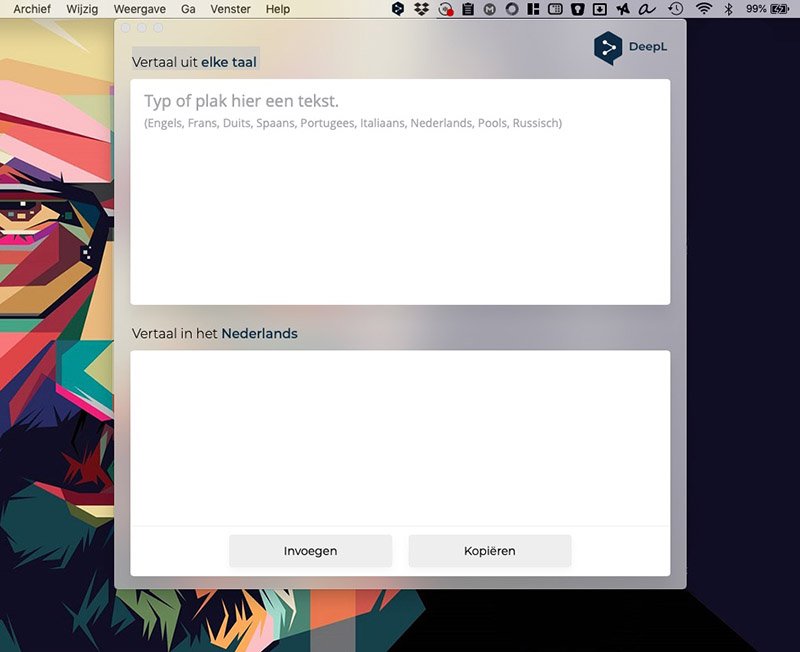
DeepL’s own Mac app waits quietly in your menu bar. Select text in any app, press the shortcut, and the translation appears, in the same quality you know from the website.
Visit
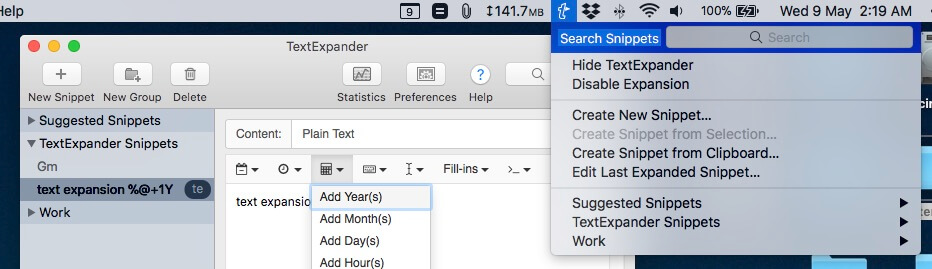
TextExpander stores the snippets you type over and over, from email replies to entire paragraphs, and expands them the moment you type a short abbreviation.
Visit Watch

Rocket is a free Mac app that makes typing emoji faster and easier using Slack-style shortcuts. A simple and effective app that gets the job done. It lets you quickly enter emoji by typing rather than scrolling through a list.
You can also access any emoji through Rocket’s built-in shortcut window.
Visit Watch
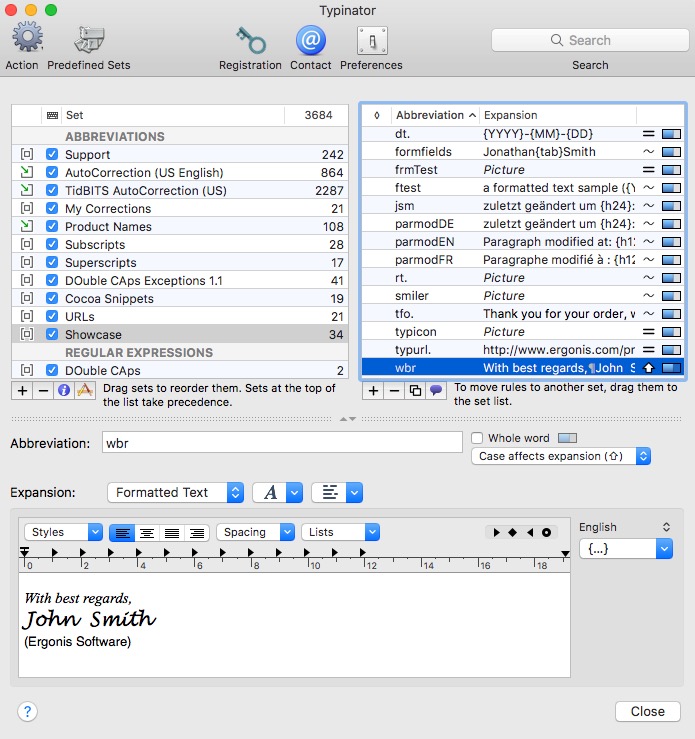
Typinator streamlines the reuse of commonly used phrases, terms, and images. It lets you insert phrases and pictures into any type of document.
Visit Watch
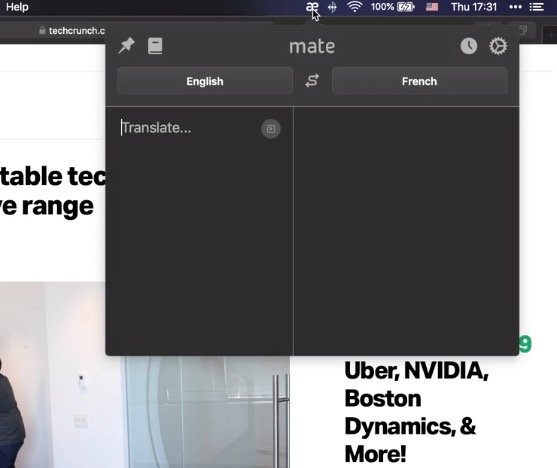
Mate is a translation app that lives in your menu bar, making it quick and easy to translate text between multiple languages whenever you need it.
Visit Watch
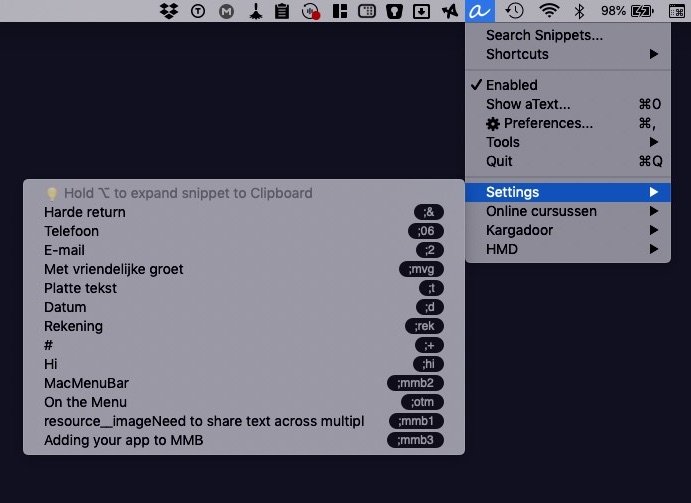
With aText you avoid typing the same thing over and over, such as responding to common email questions, auto-populating commonly used phrases and even passwords if needed. aText runs in the background. You’ll see the app’s icon in the menu bar.
The app accelerates your typing by replacing abbreviations with frequently used phrases you define.
Visit Watch
