Bring AI directly into your workflow. From instant chat access and smart writing assistance to local LLMs, voice transcription, usage tracking, and developer monitoring, these menu bar apps keep powerful AI tools always within reach.
Show me the free apps only
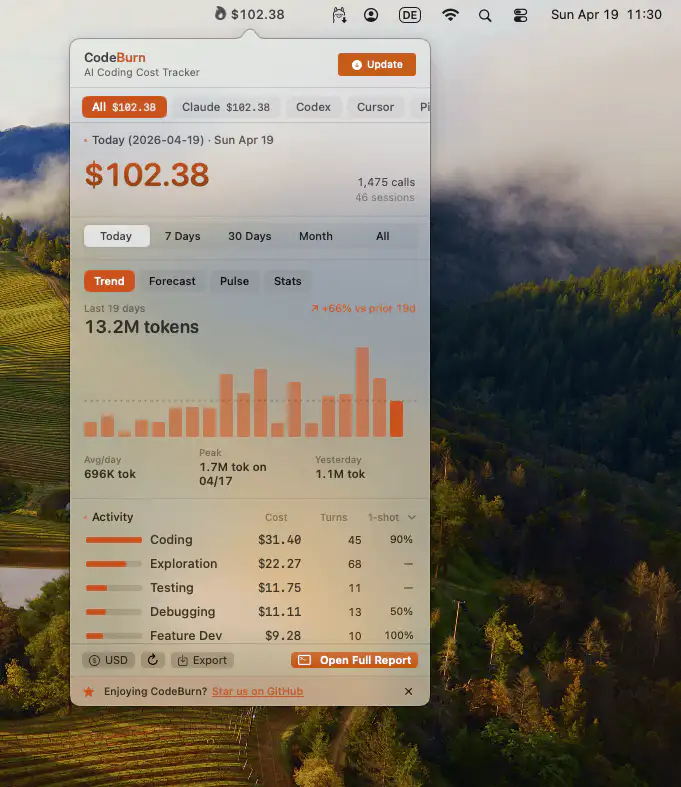
This menu bar app monitors your AI coding activity, offering real-time insights into costs and usage patterns. Gain instant visibility into trends and optimization hints to streamline your workflow across all providers.
Visit
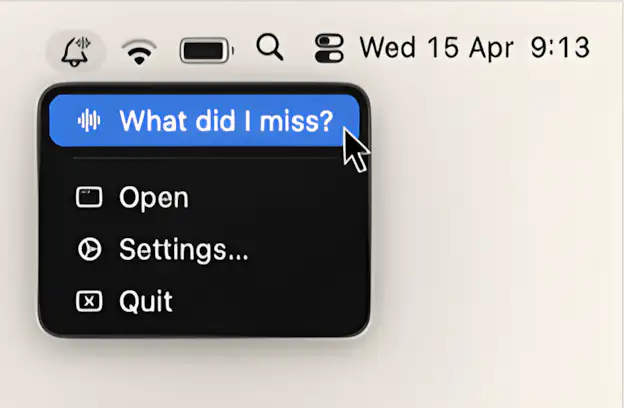
This menu bar app gathers what you missed, summarizes it on-device, and reads it back in a short recap.
Visit
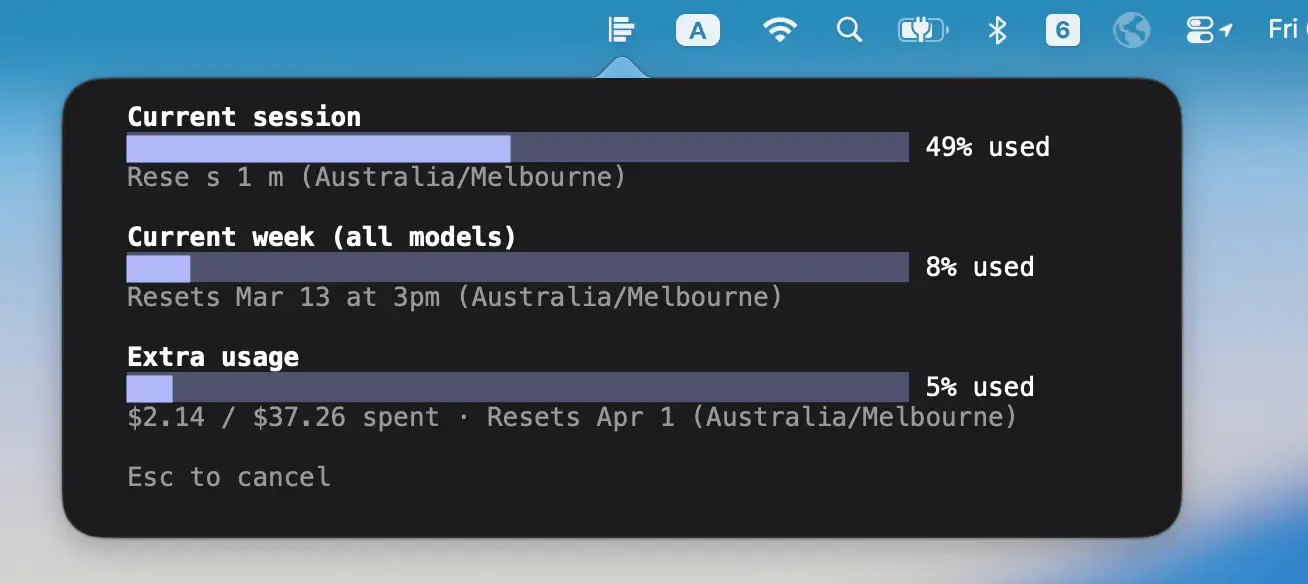
CC Usage Bar offers a minimal, reliable way to view Claude Code usage at a glance, reading directly from the source for accurate results, with no setup or network calls.
Visit
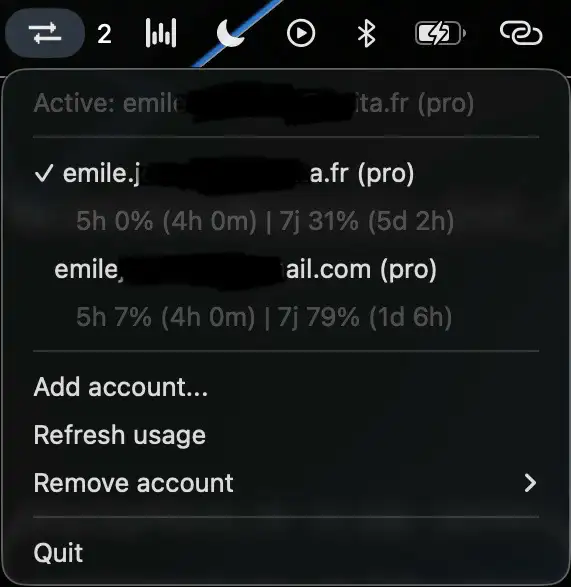
Switch between multiple Claude Code accounts instantly, without the usual logout ritual or browser detours. See live usage and rate limits, keep your credentials secure, and stay in flow when switching between work and personal setups.
Visit
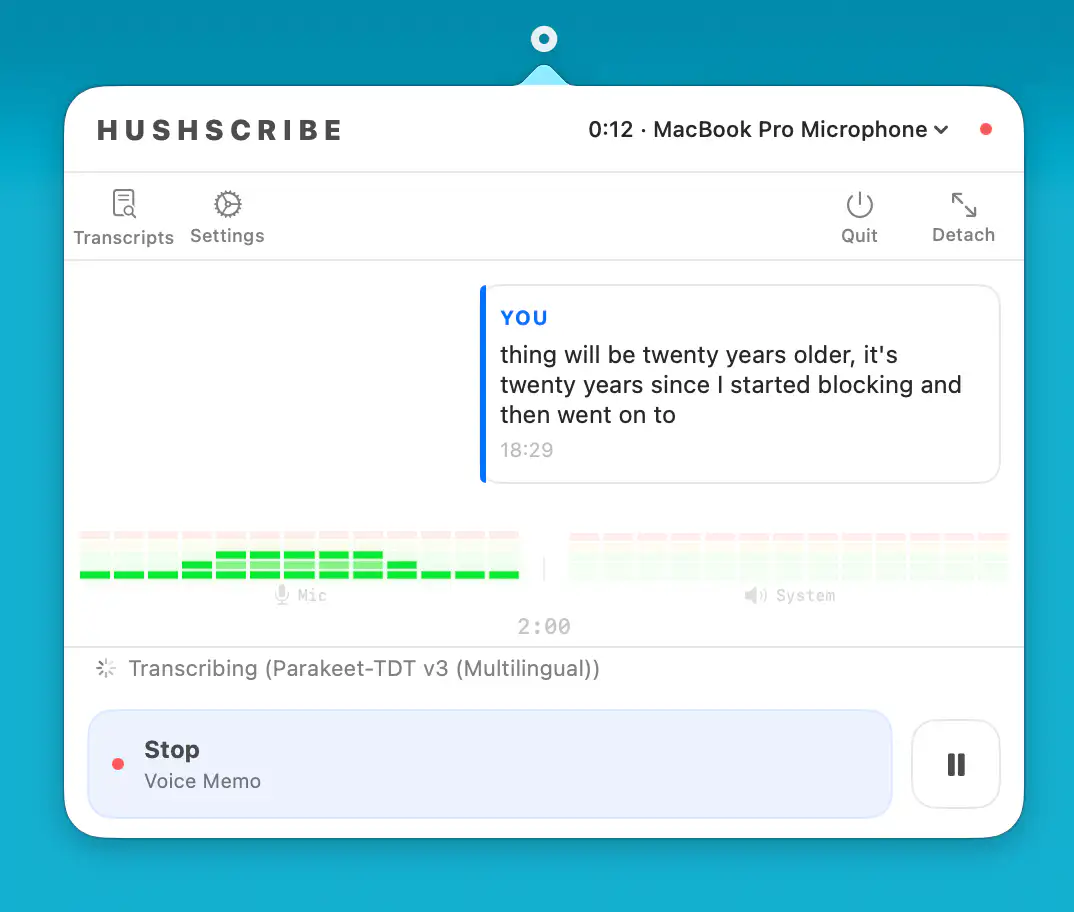
This menu bar app records and transcribes meetings entirely on your Mac, keeping everything local. It offers fast multilingual transcription, on-device summaries, and clean Markdown output without accounts, cloud services, or intrusive tracking.
Visit
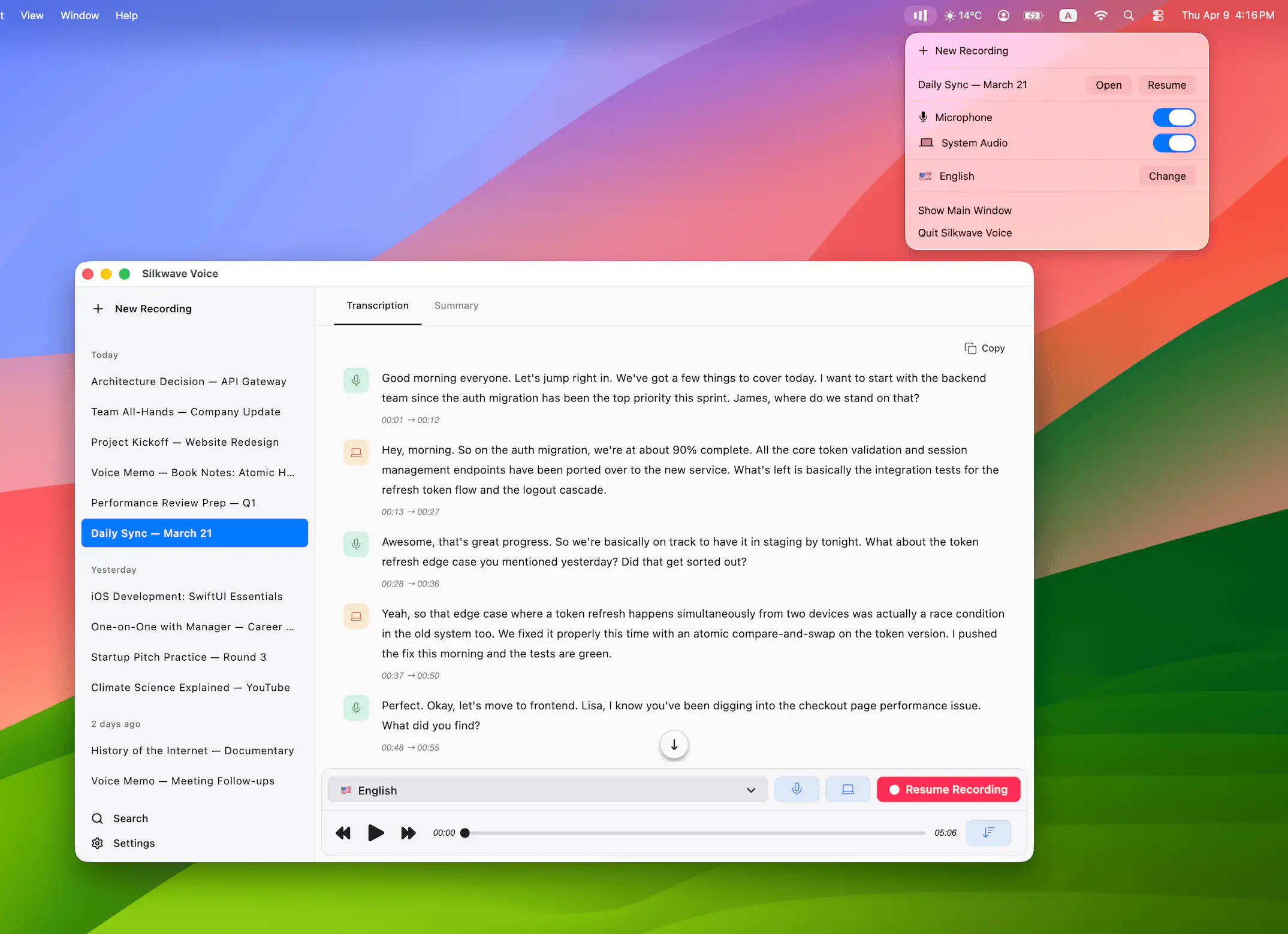
Silkwave Voice records microphone and system audio simultaneously, transcribing everything in real time using Apple’s on-device models. No internet required, no API costs, no subscriptions. Summaries via Apple Intelligence. Completely private.
Visit
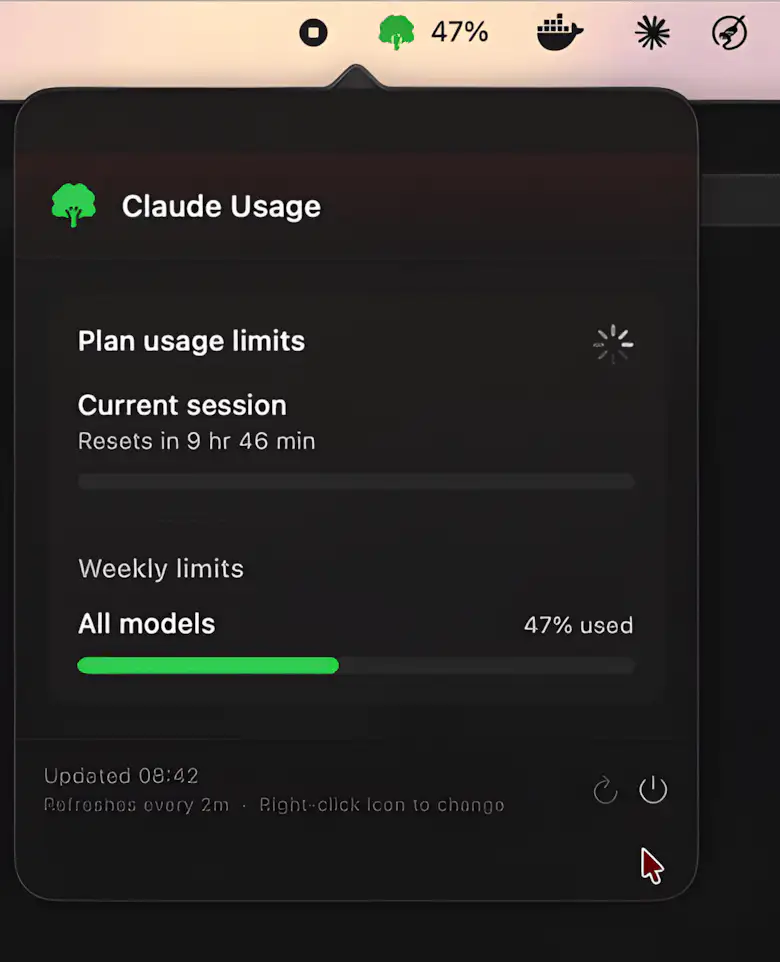
This menu bar app tracks your Claude.ai usage with a clean, color-coded icon, live counters, and smart alerts. It estimates remaining time, shows session and weekly limits, and keeps everything updated automatically.
Visit
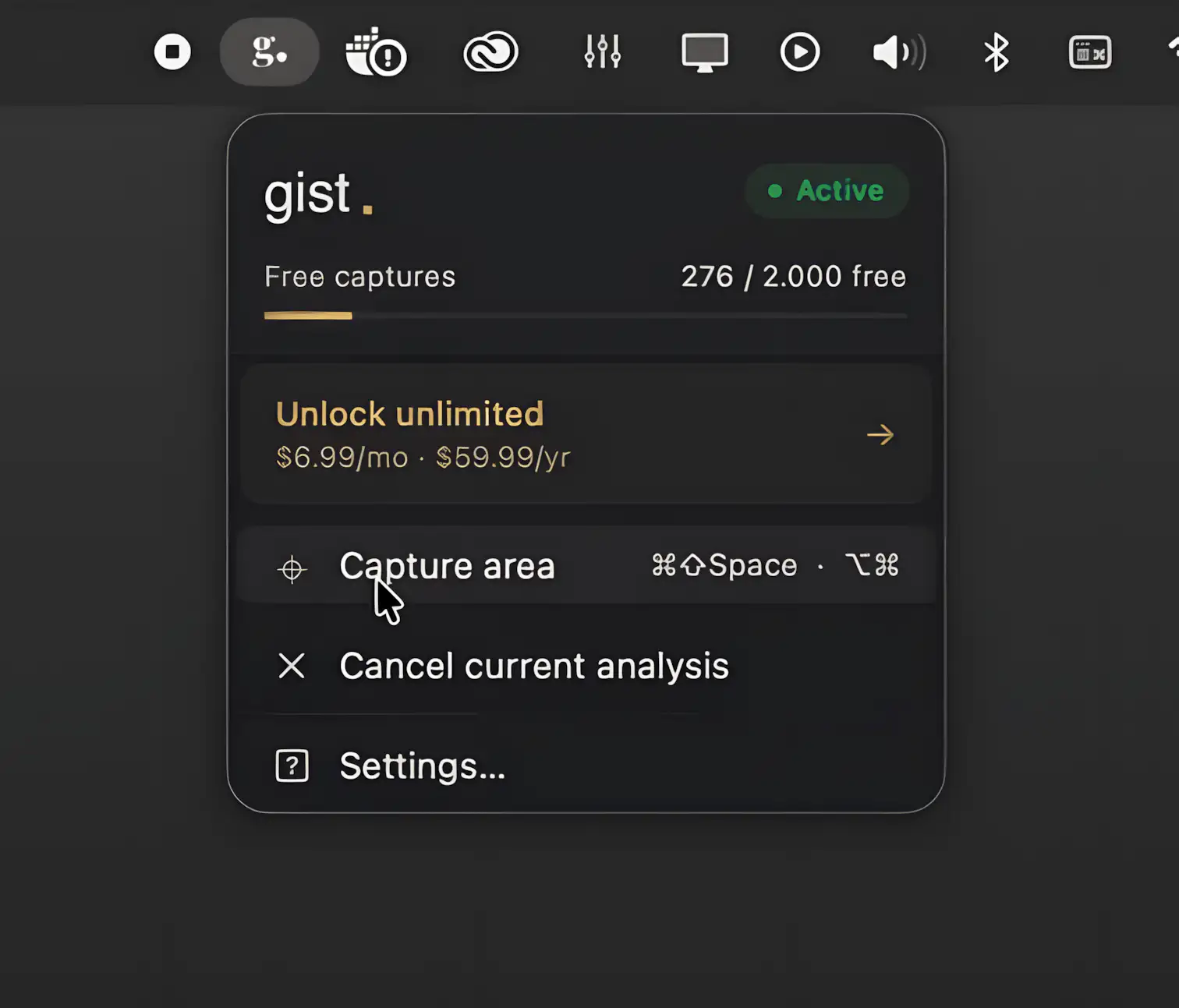
Gist lives one shortcut away, letting you select anything on your screen and turn it into clear, useful action. No prompts, no tab-hopping, just fast, intelligent results that keep you moving.
Visit Watch
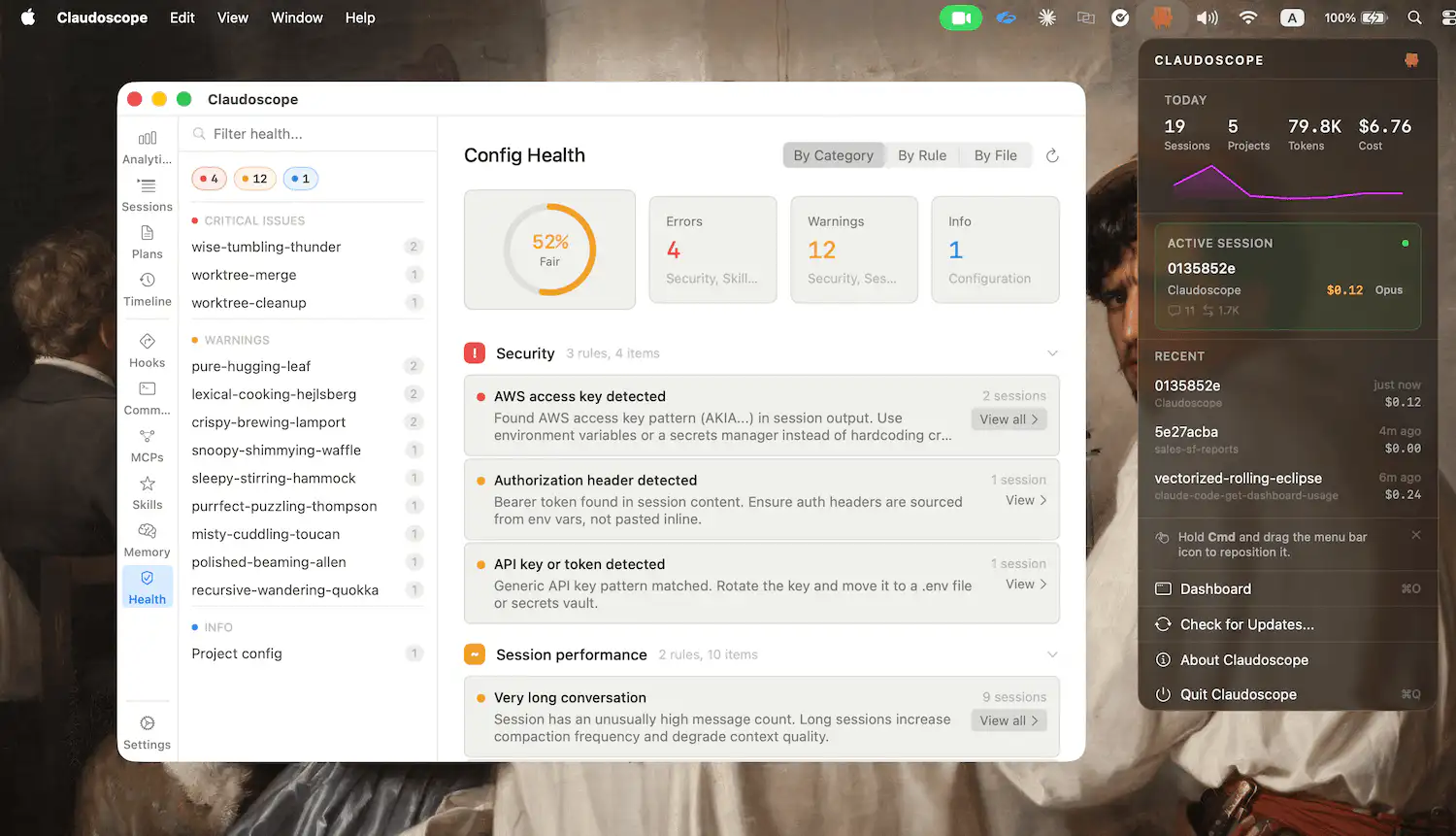
Claudoscope gives developers a clear, real-time view of their Claude Code sessions, tracking usage, costs, and history while scanning for leaked credentials, all locally and privately with zero telemetry.
Visit
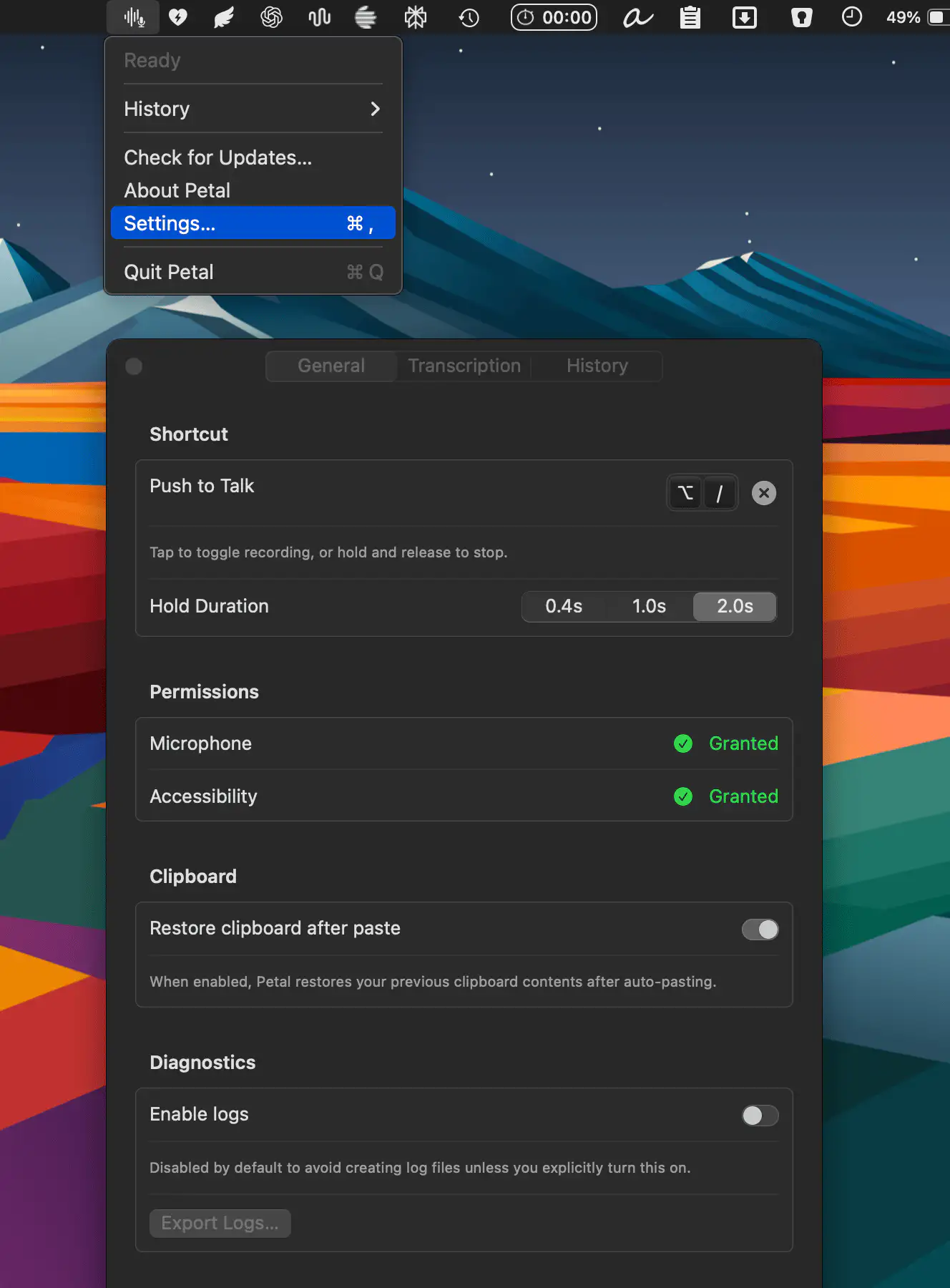
Petal is a dictation app that runs entirely on-device, supporting Qwen3 ASR and Voxtral alongside Whisper. With a simple push-to-talk workflow and optional Smart Mode that cleans up filler words into polished prose, it keeps everything local, transparent, and subscription-free.
Visit
