Bring AI directly into your workflow. From instant chat access and smart writing assistance to local LLMs, voice transcription, usage tracking, and developer monitoring, these menu bar apps keep powerful AI tools always within reach.
Show me the free apps only

WhisperShortcut is a macOS menu bar app that turns speech into text or AI prompts, combining Gemini intelligence with offline Whisper dictation and custom shortcuts for faster everyday workflows.
Visit Watch
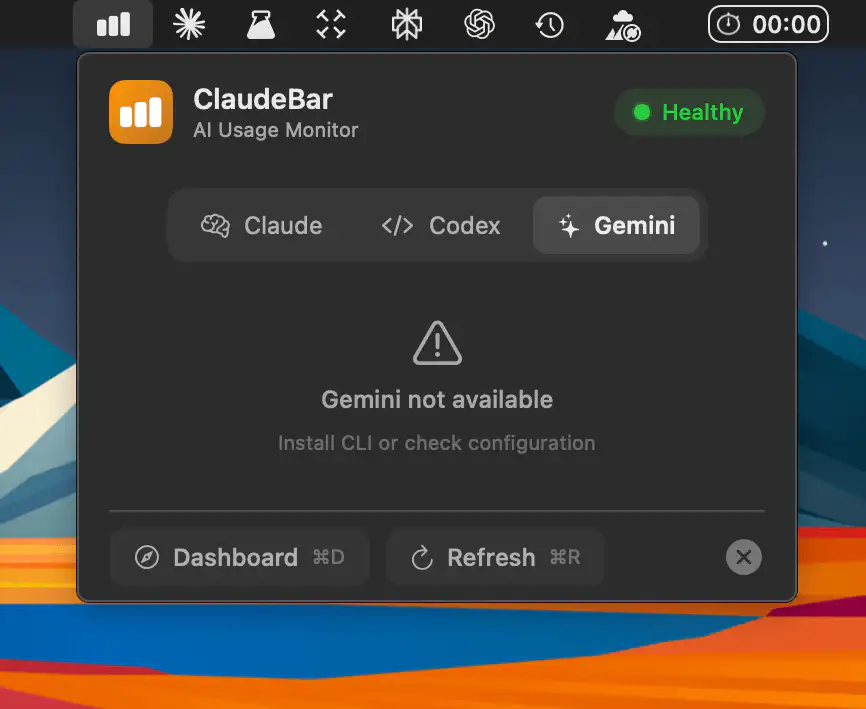
A macOS menu bar app that quietly tracks your AI coding quotas across Claude, Codex, Gemini, Copilot, Cursor and many more, showing what’s left at a glance with reset countdowns and subtle alerts.
Visit
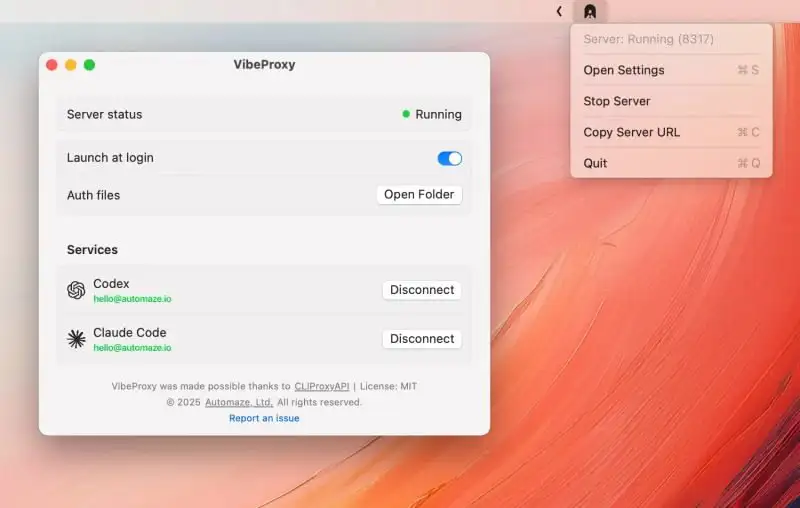
VibeProxy is a native macOS menu bar app that lets you use your existing Claude Code, ChatGPT, Gemini, and other AI subscriptions with AI coding tools, offering seamless access without API keys.
Visit Watch
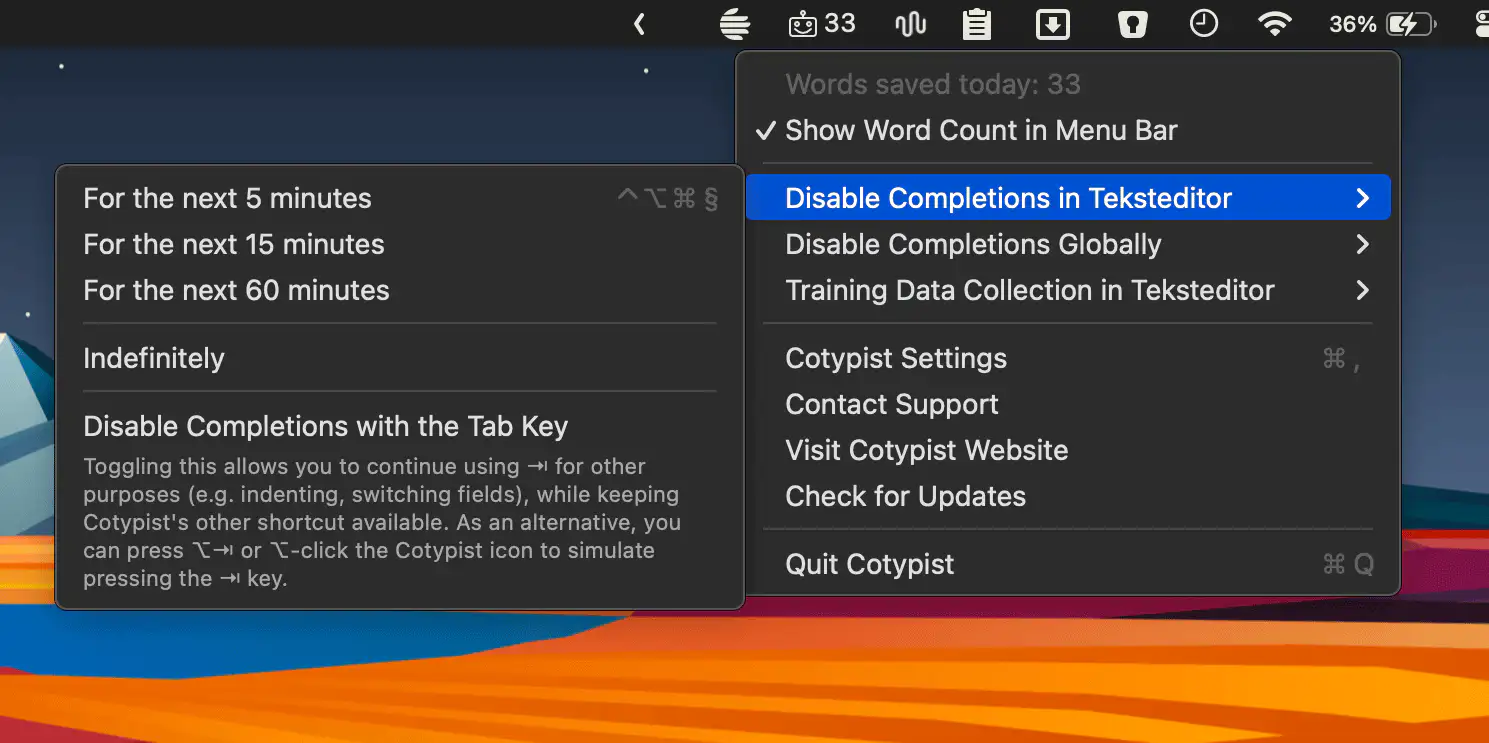
Cotypist predicts your next words as you type, working inline across your Mac to speed up writing, reduce errors, and keep you in control with fast, natural-feeling completions.
Visit Watch

Kerlig is a macOS menu bar assistant that brings fast, AI-powered writing help to any app, letting you draft, fix, summarize, translate, and refine text without breaking your workflow.
Visit Watch

Usage4Claude lets you monitor your Claude usage limits in real time, and optionally your Codex usage too, with clear visuals, smart refresh behavior, and a clean, native feel.
Visit

LlamaBarn lets you run local LLMs effortlessly from your menu bar, offering quick model launches, smooth chatting, and hardware-aware performance so everything runs fast and reliably on your Mac.
Visit
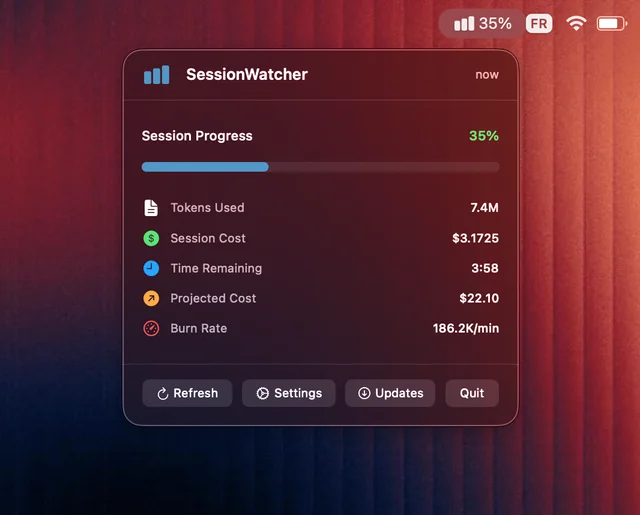
Session Watcher brings Claude Code monitoring to your Mac menu bar, giving developers real-time insights into usage, costs, and sessions with a clean, zero-configuration interface.
Visit

Osaurus is an AI server built natively for Apple Silicon Macs, combining speed, privacy, and simplicity in a sleek app that makes running local AI faster, smarter, and future-proof.
Visit

Run custom AI prompts on any copied text — right from your Mac’s menu bar. For anyone who rewrites, summarizes, translates or edits on repeat, Snippetbar turns a clumsy ritual into a single, satisfying keystroke.
Visit